> ## Documentation Index
> Fetch the complete documentation index at: https://notes.kodekloud.com/llms.txt
> Use this file to discover all available pages before exploring further.
# Configuring Repositories
> Explains DNF repository management on RHEL 10 including system registration, viewing and configuring .repo files, enabling or disabling repos, creating custom repositories, and installing packages.
In this lesson you will learn how DNF uses repositories on Red Hat Enterprise Linux 10 (RHEL 10), how to view and manage repository configuration, and how to create and use a custom repository. Most software on RHEL 10 is distributed as RPM packages and managed with DNF.
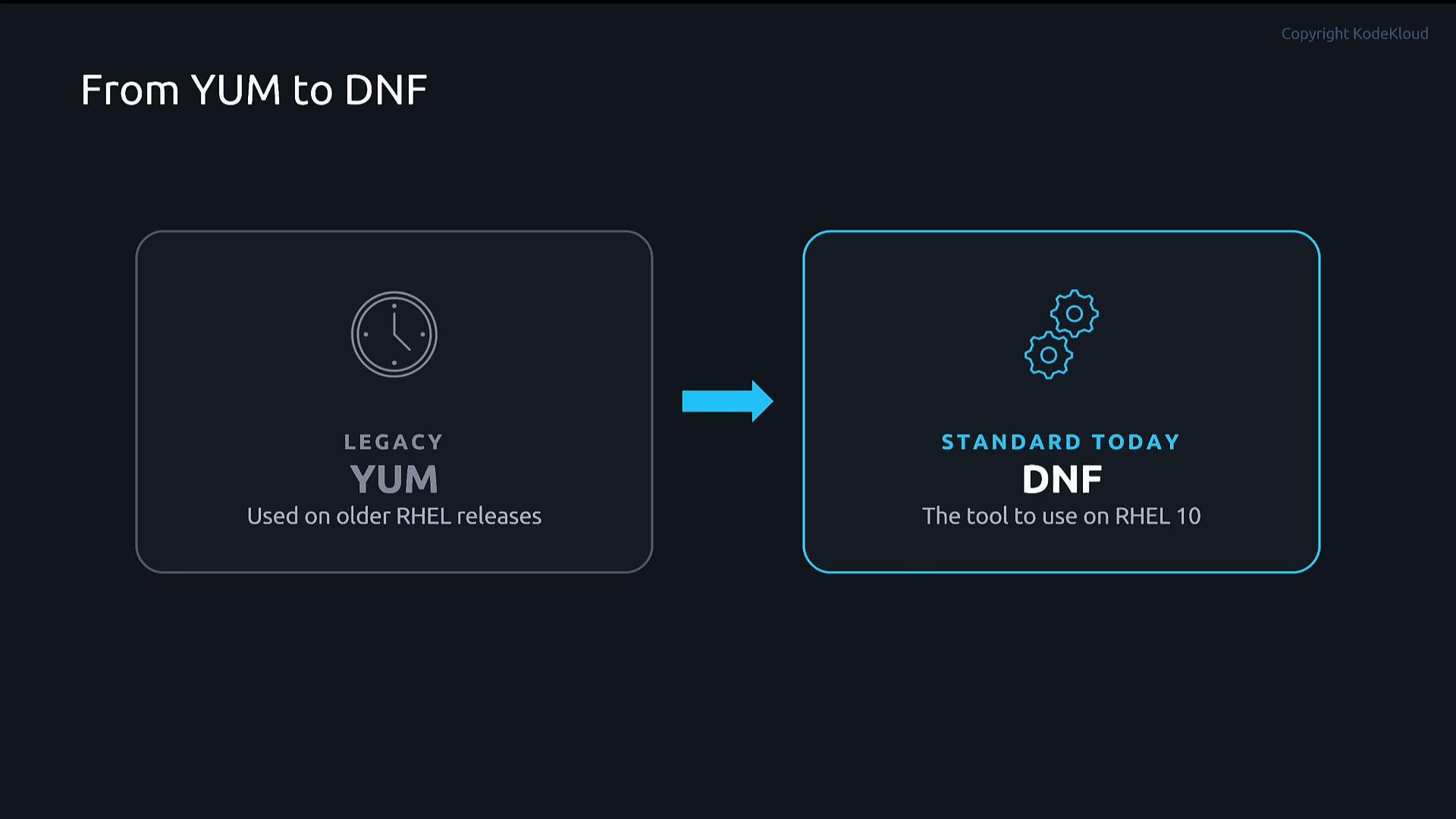
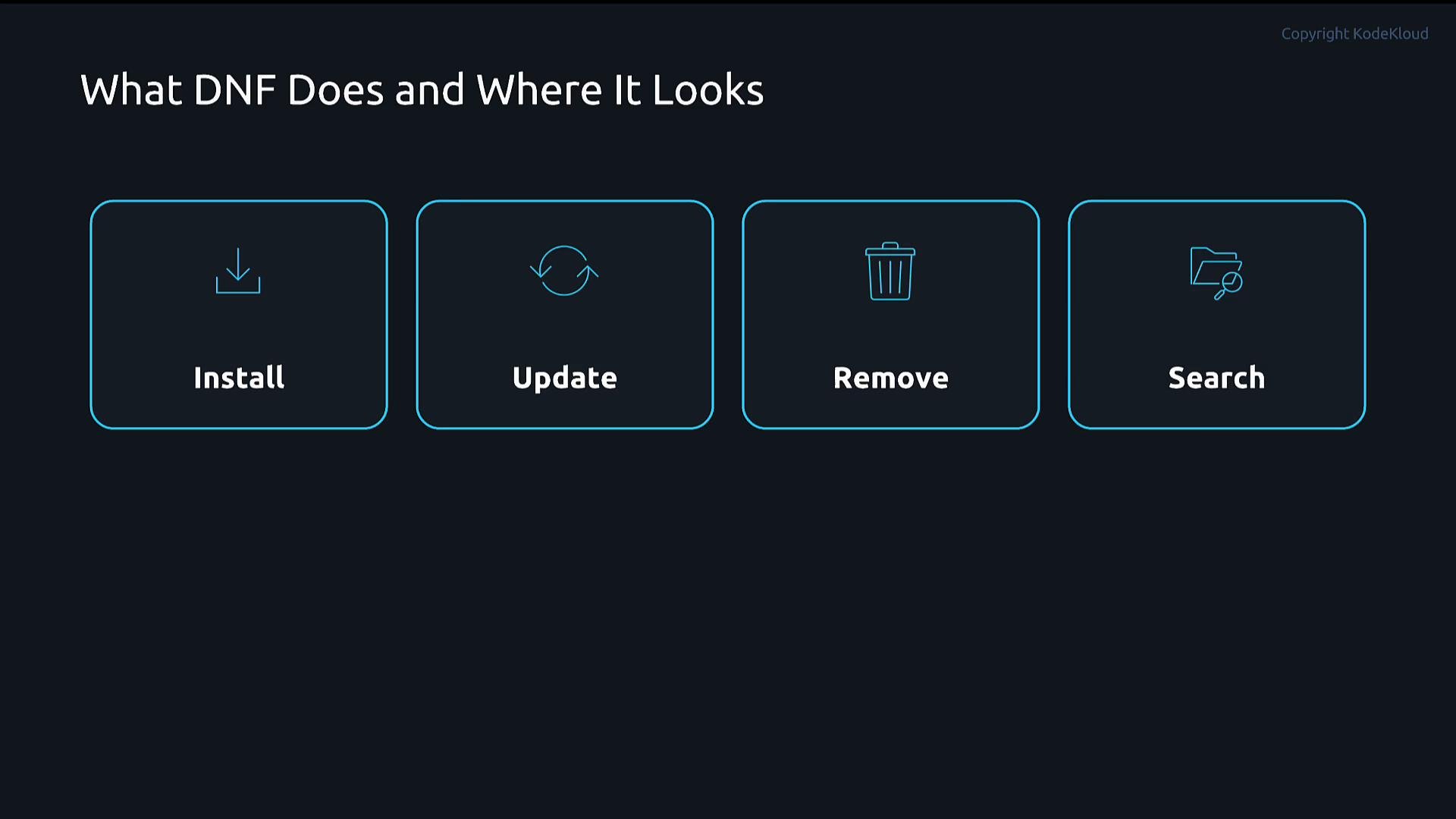
 Historically administrators used YUM on older Red Hat releases; on modern systems like RHEL 10, DNF is the standard package manager. DNF installs, updates, removes, and searches packages — but it relies on repositories to locate those packages.
 What DNF does:
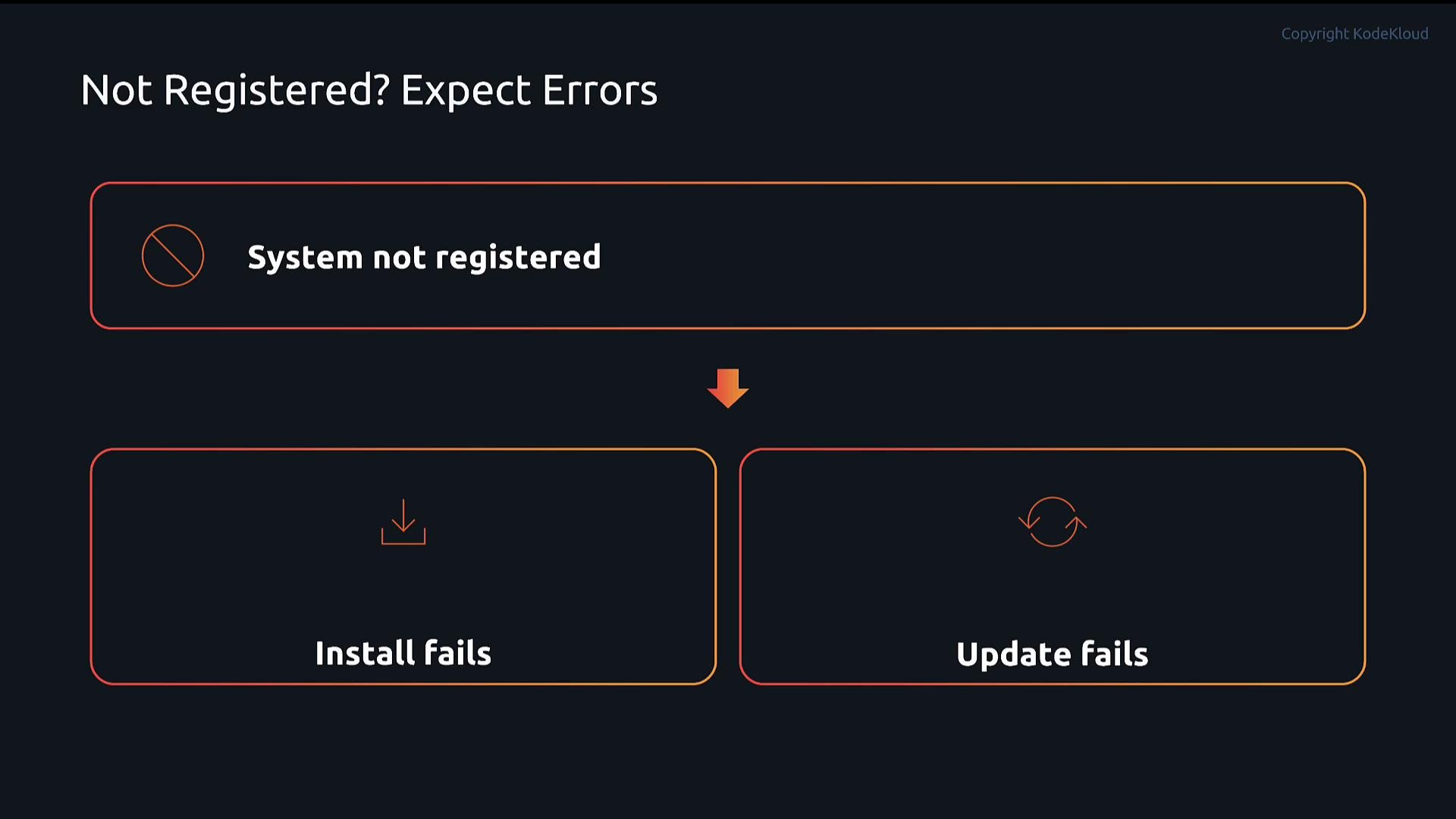
 Because RHEL is subscription-based, systems must be registered with Red Hat to access the official Red Hat repositories. If a system is not registered, package operations such as install or update can fail.
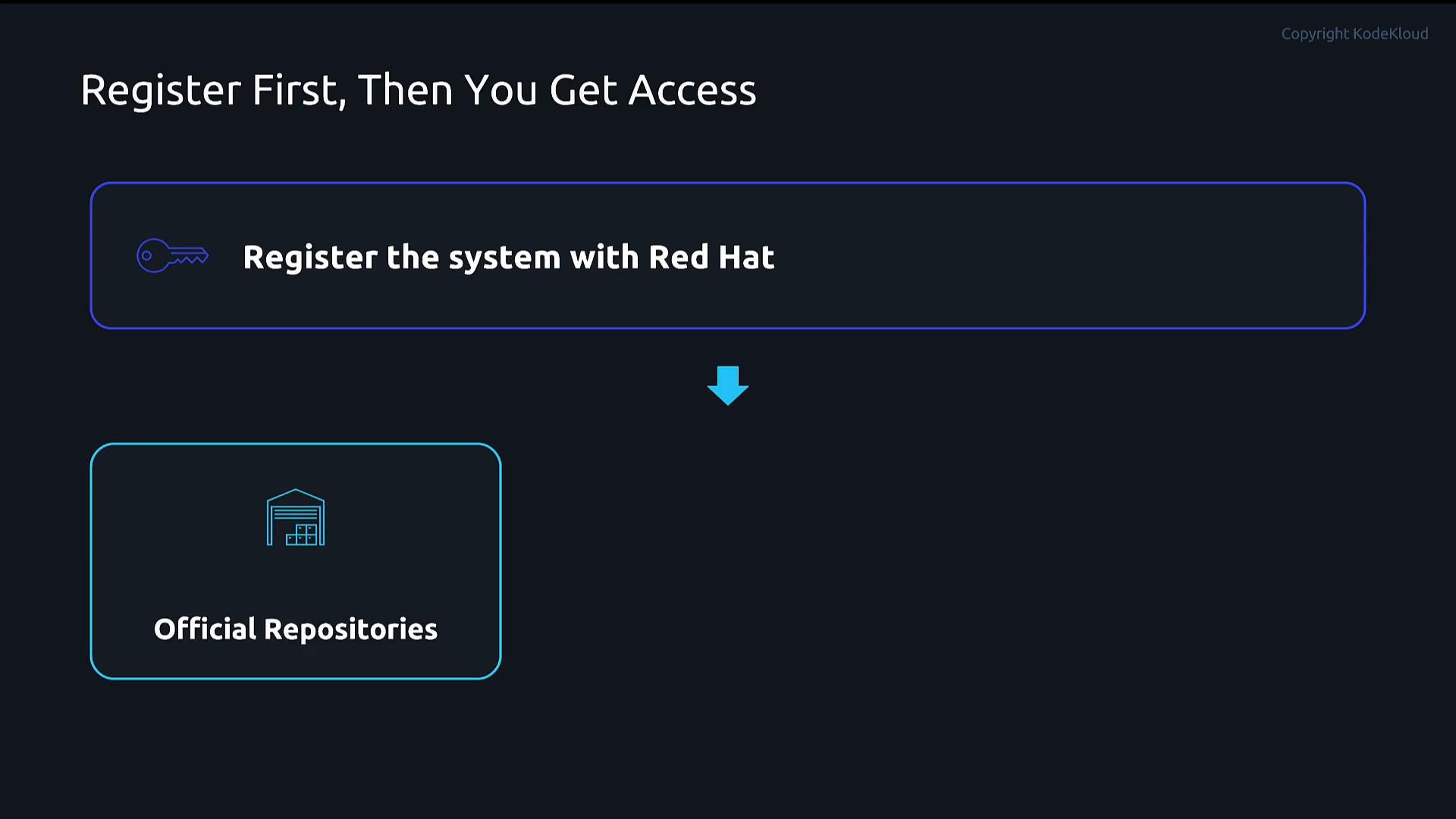
 Register your system with subscription-manager and attach an appropriate subscription using your Red Hat account credentials:
```bash theme={null}
sudo subscription-manager register --username your-redhat-username --password your-redhat-password
sudo subscription-manager attach --auto
```
Registering is required to access Red Hat's official repositories. Without it, DNF cannot retrieve packages from those repositories.
## Repository basics
A repository (repo) is a location that stores RPM packages and metadata. Repositories can be:
* Official Red Hat repositories (requires subscription/registration).
* Third-party repositories (e.g., Docker, vendor repos).
* Internal/private repositories hosted inside your organization.
DNF reads repository definitions from files in `/etc/yum.repos.d/` (files ending in `.repo`) or from files managed by `subscription-manager` (e.g. `/etc/yum.repos.d/redhat.repo`).
## Common repository commands
* List enabled repositories:
```bash theme={null}
sudo dnf repolist
```
* List enabled repositories with detailed info including base URL:
```bash theme={null}
sudo dnf repolist -v
```
* List all repositories, including disabled ones:
```bash theme={null}
sudo dnf repolist --all
```
* Enable/disable repositories with subscription-manager:
```bash theme={null}
sudo subscription-manager repos --enable=
sudo subscription-manager repos --disable=
```
* Toggle repositories without editing files using dnf config-manager (provided by `dnf-plugins-core`):
```bash theme={null}
sudo dnf install -y dnf-plugins-core
sudo dnf config-manager --set-enabled
sudo dnf config-manager --set-disabled
```
## Understanding `.repo` files
Repo definitions use a simple INI-style format. Files belong in `/etc/yum.repos.d/` and must end with `.repo`. A repository stanza looks like:
* `[repo-id]` — short identifier (required)
* `name` — human-friendly name (recommended)
* `baseurl` — URL or local path where packages/metadata are stored
* `enabled` — `1` (enabled) or `0` (disabled)
* `gpgcheck` — `1` to verify package signatures (recommended)
* `gpgkey` — URL or file path to the signing key
Use the table below for a quick reference:
| Field | Description | Example |
| - | - | - |
| `repo id` / `[repo-id]` | Repository short identifier (used when enabling/disabling) | `[docker-ce-stable]` |
| `name` | Human readable repository name | `Docker CE Stable - $basearch` |
| `baseurl` | Where to find packages and metadata | `https://download.docker.com/linux/rhel/$releasever/$basearch/stable` |
| `enabled` | Enable (1) or disable (0) the repo | `enabled=1` |
| `gpgcheck` | Verify GPG signatures (1 = enabled) | `gpgcheck=1` |
| `gpgkey` | Location of GPG public key | `gpgkey=https://download.docker.com/linux/rhel/gpg` |
Example `.repo` file (Docker CE):
```ini theme={null}
# /etc/yum.repos.d/docker-ce.repo
[docker-ce-stable]
name=Docker CE Stable - $basearch
baseurl=https://download.docker.com/linux/rhel/$releasever/$basearch/stable
enabled=1
gpgcheck=1
gpgkey=https://download.docker.com/linux/rhel/gpg
```
Knowing how `.repo` files work is useful even if you primarily use `subscription-manager` or `dnf config-manager`.
## Demo: create and use a custom repository
The following demo shows how to add a custom repo file, refresh metadata, inspect available packages, and install a package from that repository. Use caution when mixing repositories from different distributions or major releases.
Mixing repositories from a different distribution or a different major release (for example, adding Rocky Linux 9 repositories to a RHEL 10 system) can cause dependency conflicts and break package resolution. Use such cross-distro repositories only for isolated testing. Also, setting gpgcheck=0 disables package signature verification and is insecure for production; prefer gpgcheck=1 with a valid gpgkey.
1. Create a new repo file:
```bash theme={null}
sudo vim /etc/yum.repos.d/rocky.repo
```
Add the following contents (example pointing to Rocky Linux 9 BaseOS):
```ini theme={null}
[rocky-baseos]
name=Rocky Linux BaseOS
baseurl=https://download.rockylinux.org/pub/rocky/9/BaseOS/x86_64/os/
enabled=1
gpgcheck=0
```
2. Refresh DNF metadata and cache:
```bash theme={null}
sudo dnf clean all
sudo dnf makecache
```
During `makecache` DNF downloads repository metadata for enabled repositories — you should see the metadata for `rocky-baseos` if the `baseurl` is reachable.
3. Verify the repository is active:
```bash theme={null}
sudo dnf repolist
```
Example truncated output might include:
```text theme={null}
repo id repo name
rhel-10-for-x86_64-appstream-rpms Red Hat Enterprise Linux 10 for x86_64 - AppStream (RPMs)
rhel-10-for-x86_64-baseos-rpms Red Hat Enterprise Linux 10 for x86_64 - BaseOS (RPMs)
rocky-baseos Rocky Linux BaseOS
```
4. List available packages from the new repository:
```bash theme={null}
sudo dnf list --repo rocky-baseos
```
Sample package list (truncated):
```text theme={null}
tmux.x86_64 3.2a-5.el9 rocky-baseos
tuned-profiles-cpu-partitioning.noarch 2.26.0-1.el9 rocky-baseos
tzdata.noarch 2026a-1.el9_7 rocky-baseos
zsh.x86_64 5.8-9.el9 rocky-baseos
zstd.x86_64 1.5.5-1.el9 rocky-baseos
```
5. Install a package from the repository:
```bash theme={null}
sudo dnf install zsh
```
You should see a transaction summary and download progress. Example (truncated):
```text theme={null}
Transaction Summary
=========================================================================================================
Install 1 Package
Total download size: 3.4 M
Installed size: 7.9 M
Is this ok [y/N]: y
Downloading Packages:
zsh-5.9-15.el10.x86_64.rpm 2.7 MB/s | 3.4 MB 00:01
...
Installed:
zsh-5.9-15.el10.x86_64
Complete!
```
## Notes on repository versions and priorities
* Package versions and release tags (e.g., `.el9`, `.el10`) will vary depending on repository origin. Mixing repos from different major releases can introduce incompatible packages.
* Consider repository priorities or modular filtering if you need to control which repo provides a package on systems with many enabled repositories. RHEL provides tooling and best practices to manage this in production.
## Toggling a repository quickly
You can enable or disable repositories without editing files using `dnf config-manager`:
```bash theme={null}
sudo dnf config-manager --disable rocky-baseos
sudo dnf repolist # verify it's disabled
sudo dnf config-manager --enable rocky-baseos
sudo dnf repolist # verify it's enabled
```
## Summary
After this lesson you should be able to:
* Register a system to access Red Hat repositories.
* List repositories and inspect repository metadata.
* Enable or disable repositories via `subscription-manager` or `dnf config-manager`.
* Create a `.repo` file manually and refresh repository metadata.
* List packages in a specific repository and install packages from it.
## Links and references
* Red Hat Subscription Manager: [https://access.redhat.com/documentation/en-us/red\_hat\_subscription\_management/](https://access.redhat.com/documentation/en-us/red_hat_subscription_management/)
* DNF documentation: [https://dnf.readthedocs.io/](https://dnf.readthedocs.io/)
* RHEL package and repository concepts: [https://access.redhat.com/documentation/en-us/red\_hat\_enterprise\_linux/](https://access.redhat.com/documentation/en-us/red_hat_enterprise_linux/)
* dnf-plugins-core (provides `config-manager`): install via `sudo dnf install -y dnf-plugins-core`
This documentation is built and hosted on [Mintlify](https://mintlify.com), a developer documentation platform.
Register your system with subscription-manager and attach an appropriate subscription using your Red Hat account credentials:
```bash theme={null}
sudo subscription-manager register --username your-redhat-username --password your-redhat-password
sudo subscription-manager attach --auto
```
Registering is required to access Red Hat's official repositories. Without it, DNF cannot retrieve packages from those repositories.
## Repository basics
A repository (repo) is a location that stores RPM packages and metadata. Repositories can be:
* Official Red Hat repositories (requires subscription/registration).
* Third-party repositories (e.g., Docker, vendor repos).
* Internal/private repositories hosted inside your organization.
DNF reads repository definitions from files in `/etc/yum.repos.d/` (files ending in `.repo`) or from files managed by `subscription-manager` (e.g. `/etc/yum.repos.d/redhat.repo`).
## Common repository commands
* List enabled repositories:
```bash theme={null}
sudo dnf repolist
```
* List enabled repositories with detailed info including base URL:
```bash theme={null}
sudo dnf repolist -v
```
* List all repositories, including disabled ones:
```bash theme={null}
sudo dnf repolist --all
```
* Enable/disable repositories with subscription-manager:
```bash theme={null}
sudo subscription-manager repos --enable=
sudo subscription-manager repos --disable=
```
* Toggle repositories without editing files using dnf config-manager (provided by `dnf-plugins-core`):
```bash theme={null}
sudo dnf install -y dnf-plugins-core
sudo dnf config-manager --set-enabled
sudo dnf config-manager --set-disabled
```
## Understanding `.repo` files
Repo definitions use a simple INI-style format. Files belong in `/etc/yum.repos.d/` and must end with `.repo`. A repository stanza looks like:
* `[repo-id]` — short identifier (required)
* `name` — human-friendly name (recommended)
* `baseurl` — URL or local path where packages/metadata are stored
* `enabled` — `1` (enabled) or `0` (disabled)
* `gpgcheck` — `1` to verify package signatures (recommended)
* `gpgkey` — URL or file path to the signing key
Use the table below for a quick reference:
| Field | Description | Example |
| - | - | - |
| `repo id` / `[repo-id]` | Repository short identifier (used when enabling/disabling) | `[docker-ce-stable]` |
| `name` | Human readable repository name | `Docker CE Stable - $basearch` |
| `baseurl` | Where to find packages and metadata | `https://download.docker.com/linux/rhel/$releasever/$basearch/stable` |
| `enabled` | Enable (1) or disable (0) the repo | `enabled=1` |
| `gpgcheck` | Verify GPG signatures (1 = enabled) | `gpgcheck=1` |
| `gpgkey` | Location of GPG public key | `gpgkey=https://download.docker.com/linux/rhel/gpg` |
Example `.repo` file (Docker CE):
```ini theme={null}
# /etc/yum.repos.d/docker-ce.repo
[docker-ce-stable]
name=Docker CE Stable - $basearch
baseurl=https://download.docker.com/linux/rhel/$releasever/$basearch/stable
enabled=1
gpgcheck=1
gpgkey=https://download.docker.com/linux/rhel/gpg
```
Knowing how `.repo` files work is useful even if you primarily use `subscription-manager` or `dnf config-manager`.
## Demo: create and use a custom repository
The following demo shows how to add a custom repo file, refresh metadata, inspect available packages, and install a package from that repository. Use caution when mixing repositories from different distributions or major releases.
Mixing repositories from a different distribution or a different major release (for example, adding Rocky Linux 9 repositories to a RHEL 10 system) can cause dependency conflicts and break package resolution. Use such cross-distro repositories only for isolated testing. Also, setting gpgcheck=0 disables package signature verification and is insecure for production; prefer gpgcheck=1 with a valid gpgkey.
1. Create a new repo file:
```bash theme={null}
sudo vim /etc/yum.repos.d/rocky.repo
```
Add the following contents (example pointing to Rocky Linux 9 BaseOS):
```ini theme={null}
[rocky-baseos]
name=Rocky Linux BaseOS
baseurl=https://download.rockylinux.org/pub/rocky/9/BaseOS/x86_64/os/
enabled=1
gpgcheck=0
```
2. Refresh DNF metadata and cache:
```bash theme={null}
sudo dnf clean all
sudo dnf makecache
```
During `makecache` DNF downloads repository metadata for enabled repositories — you should see the metadata for `rocky-baseos` if the `baseurl` is reachable.
3. Verify the repository is active:
```bash theme={null}
sudo dnf repolist
```
Example truncated output might include:
```text theme={null}
repo id repo name
rhel-10-for-x86_64-appstream-rpms Red Hat Enterprise Linux 10 for x86_64 - AppStream (RPMs)
rhel-10-for-x86_64-baseos-rpms Red Hat Enterprise Linux 10 for x86_64 - BaseOS (RPMs)
rocky-baseos Rocky Linux BaseOS
```
4. List available packages from the new repository:
```bash theme={null}
sudo dnf list --repo rocky-baseos
```
Sample package list (truncated):
```text theme={null}
tmux.x86_64 3.2a-5.el9 rocky-baseos
tuned-profiles-cpu-partitioning.noarch 2.26.0-1.el9 rocky-baseos
tzdata.noarch 2026a-1.el9_7 rocky-baseos
zsh.x86_64 5.8-9.el9 rocky-baseos
zstd.x86_64 1.5.5-1.el9 rocky-baseos
```
5. Install a package from the repository:
```bash theme={null}
sudo dnf install zsh
```
You should see a transaction summary and download progress. Example (truncated):
```text theme={null}
Transaction Summary
=========================================================================================================
Install 1 Package
Total download size: 3.4 M
Installed size: 7.9 M
Is this ok [y/N]: y
Downloading Packages:
zsh-5.9-15.el10.x86_64.rpm 2.7 MB/s | 3.4 MB 00:01
...
Installed:
zsh-5.9-15.el10.x86_64
Complete!
```
## Notes on repository versions and priorities
* Package versions and release tags (e.g., `.el9`, `.el10`) will vary depending on repository origin. Mixing repos from different major releases can introduce incompatible packages.
* Consider repository priorities or modular filtering if you need to control which repo provides a package on systems with many enabled repositories. RHEL provides tooling and best practices to manage this in production.
## Toggling a repository quickly
You can enable or disable repositories without editing files using `dnf config-manager`:
```bash theme={null}
sudo dnf config-manager --disable rocky-baseos
sudo dnf repolist # verify it's disabled
sudo dnf config-manager --enable rocky-baseos
sudo dnf repolist # verify it's enabled
```
## Summary
After this lesson you should be able to:
* Register a system to access Red Hat repositories.
* List repositories and inspect repository metadata.
* Enable or disable repositories via `subscription-manager` or `dnf config-manager`.
* Create a `.repo` file manually and refresh repository metadata.
* List packages in a specific repository and install packages from it.
## Links and references
* Red Hat Subscription Manager: [https://access.redhat.com/documentation/en-us/red\_hat\_subscription\_management/](https://access.redhat.com/documentation/en-us/red_hat_subscription_management/)
* DNF documentation: [https://dnf.readthedocs.io/](https://dnf.readthedocs.io/)
* RHEL package and repository concepts: [https://access.redhat.com/documentation/en-us/red\_hat\_enterprise\_linux/](https://access.redhat.com/documentation/en-us/red_hat_enterprise_linux/)
* dnf-plugins-core (provides `config-manager`): install via `sudo dnf install -y dnf-plugins-core`
This documentation is built and hosted on [Mintlify](https://mintlify.com), a developer documentation platform.