

- RPM: the low-level package format and tooling used by Red Hat–style distributions
- Common RPM commands for inspecting and manipulating package files
- A concise demo showing typical RPM workflows
- When to use a higher-level package manager such as DNF for dependency resolution and repository handling
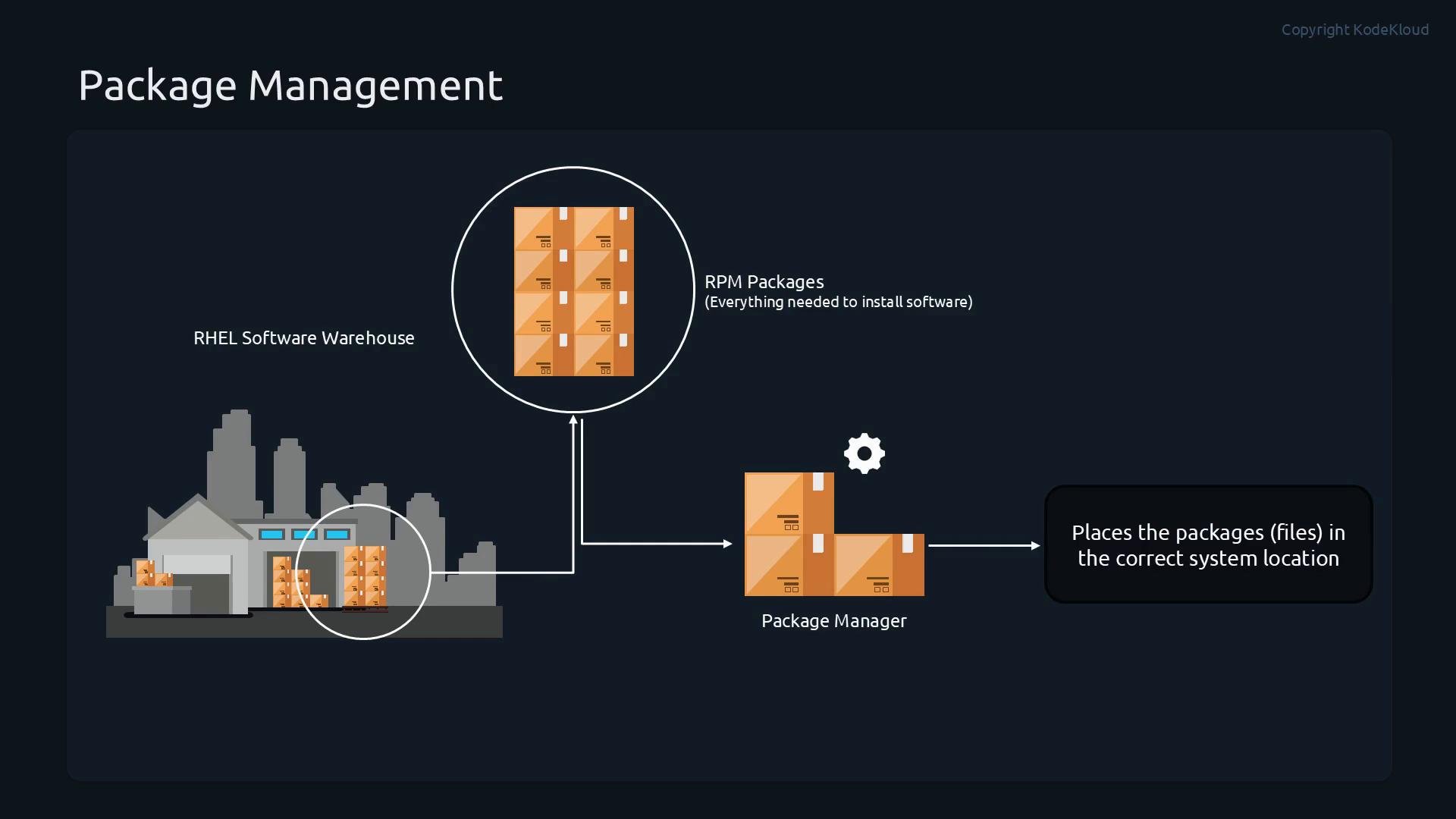
- Installs, removes, queries, and verifies individual RPM package files
- Tracks package metadata (version, vendor, files list, checksums)
- Does not automatically resolve or fetch dependencies from repositories
- Install a local RPM file
- Query package metadata and contents
- List installed packages
- Verify package integrity
- Remove packages
RPM performs package installation and management but does not resolve dependencies. For typical system administration tasks use DNF, which handles dependency resolution and works with repositories while relying on RPM for the low-level package operations.
root@control), so sudo is not used.
- Confirm the RPM file exists in the current directory:
- Inspect package file metadata (query a package file):
- List the files that would be installed by the package:
- Install the package (if not already installed):
- Verify the package is installed and display short and detailed info:
- Find which installed package owns a specific file:
- Remove the package:
- Confirm the package was removed:
- Verify an installed package’s integrity and detect changed files:
rpm -V package_name - List all installed packages:
rpm -qa - Operate directly on package files with
-pvariants (e.g.,rpm -qpi package.rpm,rpm -qpl package.rpm)
- Use RPM for low-level inspection, verification, and manual installs from
.rpmfiles. - For routine software installation, updates, and repository management use DNF (it resolves dependencies, fetches packages from configured repositories, and signs metadata).
- Always prefer signed repository sources and verify package signatures when available.
- RPM manual: https://rpm.org/
- DNF documentation: https://dnf.readthedocs.io/
- Red Hat Package Management concepts: https://access.redhat.com/documentation/en-us/red_hat_enterprise_linux/ (search “rpm” or “dnf”)