

nmcli for managed connections, configure hostnames and DNS resolution, and introduce firewalld to control access.
- Inspect and change network interfaces and addresses.
- Test reachability and trace packet paths.
- Configure hostnames and resolver behavior.
- Make temporary and persistent network changes with
ipand NetworkManager (nmcli). - Apply basic
firewalldrules to secure services.
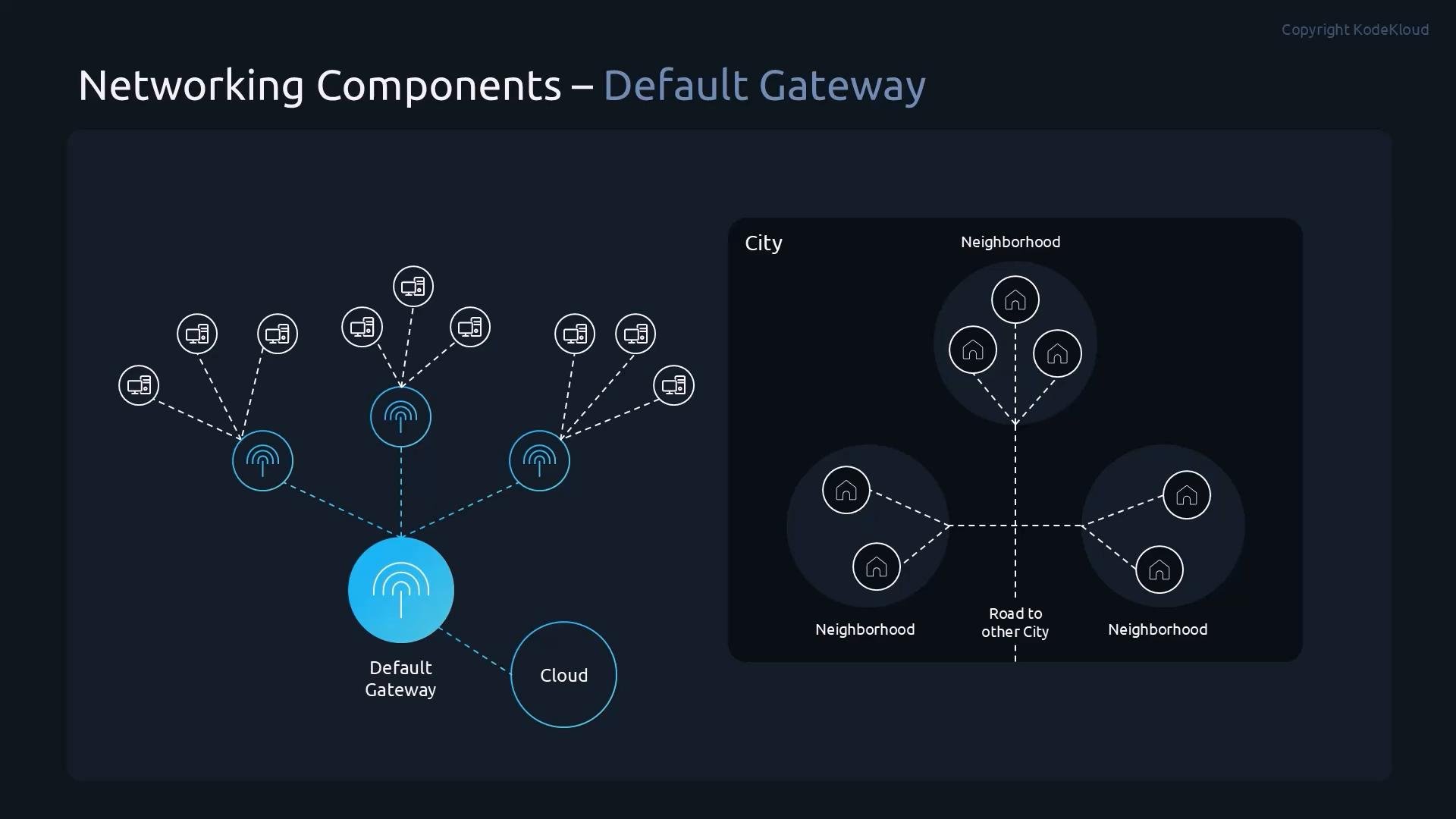
- Roads = network links
- Houses = computers
- Mail/packages = network packets
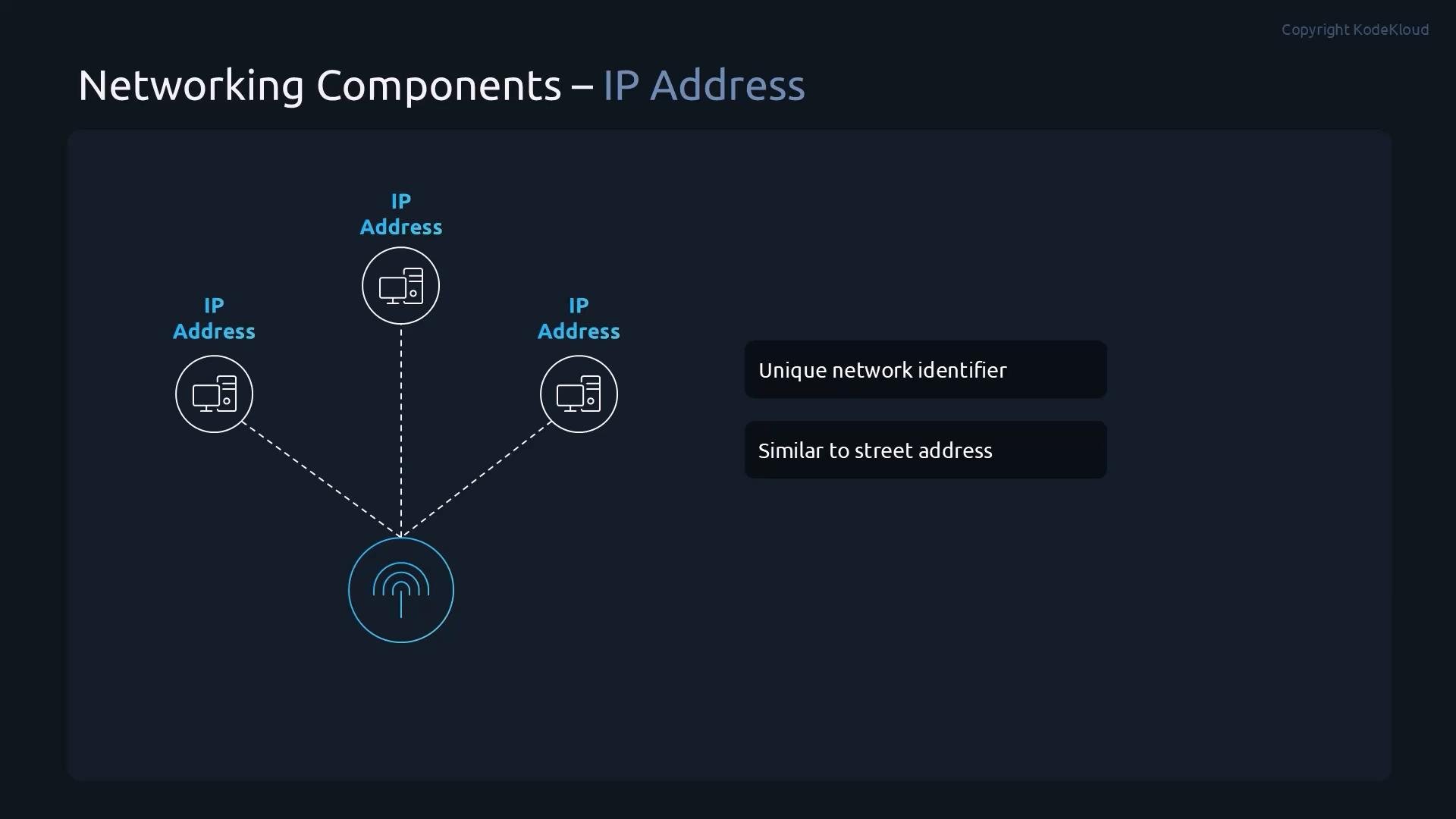
- Network interface: The hardware/software endpoint that connects a system to a network (like a doorway).
- Subnet: A portion of a larger network that groups nearby hosts (like a neighborhood).
- Default gateway: The router that forwards traffic to other subnets or the internet (like the main road out of the neighborhood).
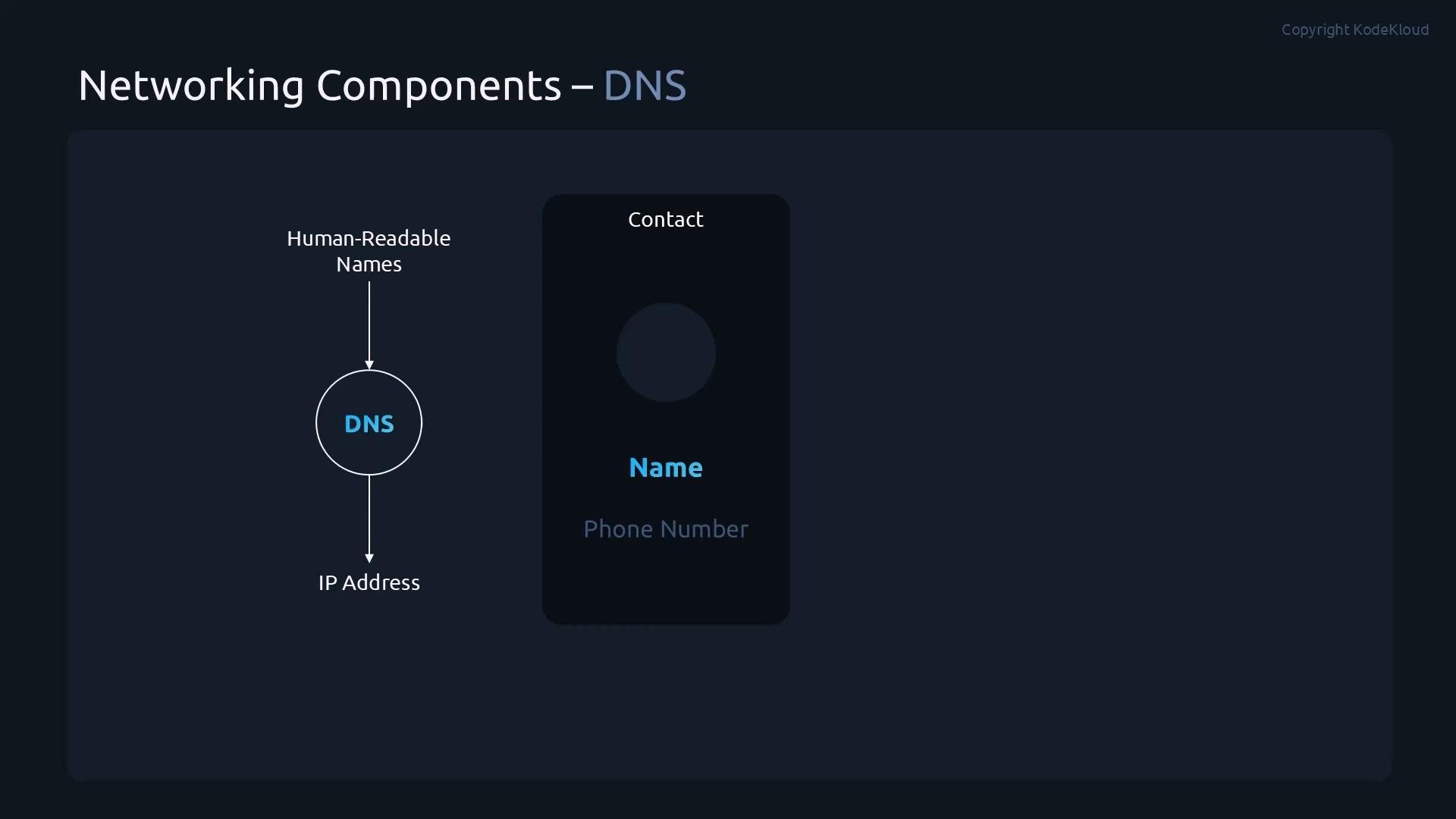
Quick reference: view or change hostname persistently with:
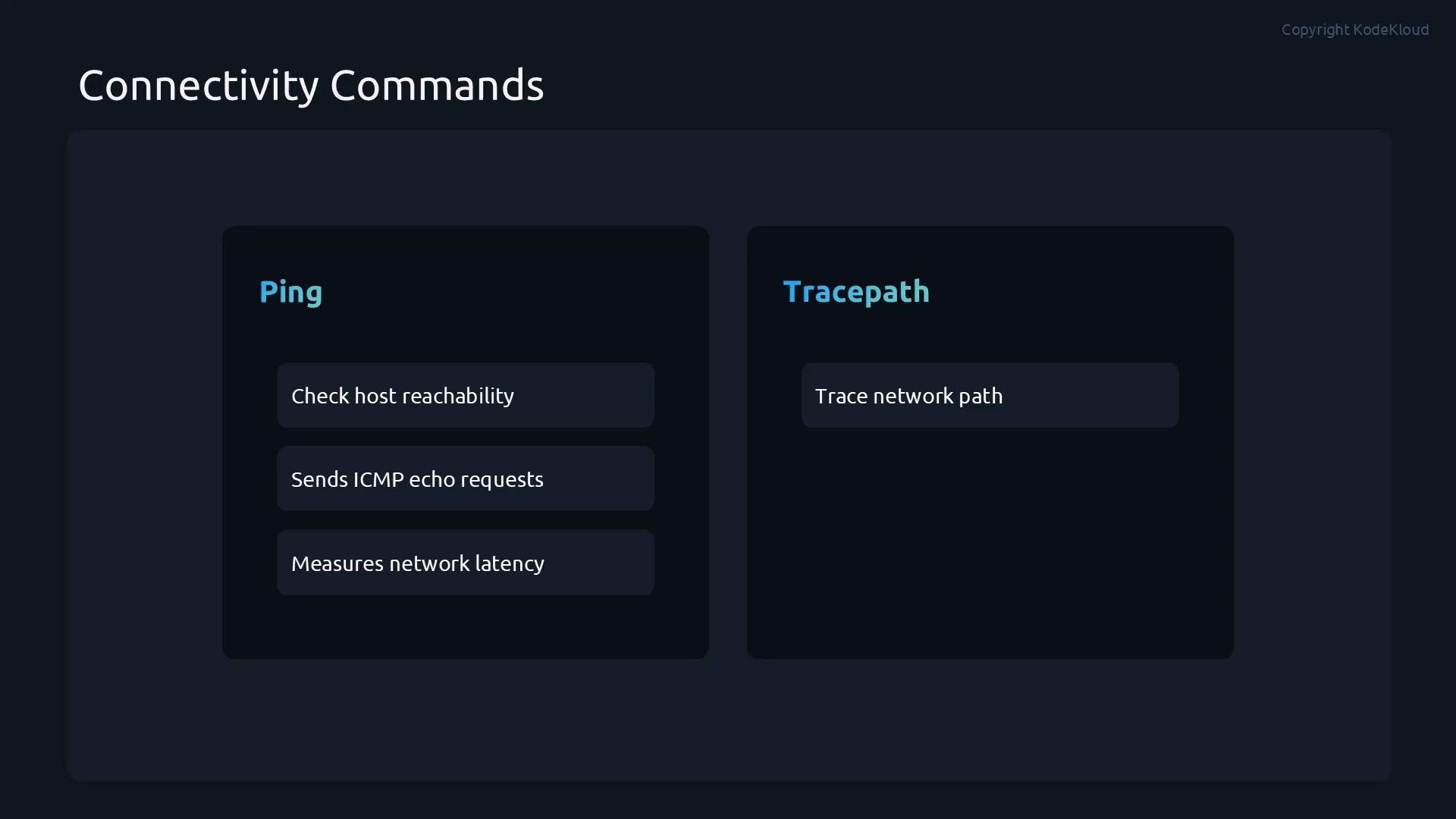
ping: Send ICMP echo requests to check reachability and measure latency. Some networks block ICMP—pingcan fail even when TCP/UDP traffic is allowed.tracepath(ortraceroute): Display each hop along the path to a destination to help identify where packets are dropped or delayed.
ip (from the iproute2 package) is the primary tool for inspecting and managing interfaces, addresses, and routes.
Address-related commands:
ip addr show— display IP addresses on all interfacesip addr add 192.168.1.10/24 dev eth0— add an addressip addr del 192.168.1.10/24 dev eth0— remove an address
ip link show— show interface state and metadataip link set dev eth0 up— bring interface upip link set dev eth0 down— bring interface downip link set dev eth0 address aa:bb:cc:dd:ee:ff— change MAC address
sudo):
Many
ip operations require root privileges. Prepend sudo or run as root. Changes made with ip are temporary and will be lost on reboot—use NetworkManager (nmcli) or distribute-specific network configuration files to make persistent changes.ip vs nmcli:
- Use
ipfor quick, ad-hoc changes and diagnostics. - Use NetworkManager (
nmcli) to create, edit, and persist connections on systems that run NetworkManager.
- Inspect interfaces and addresses:
ip addr show,ip link show. - Test reachability:
pingandtracepathto verify connectivity and routing. - Edit
/etc/hosts,/etc/hostname, and resolver configuration as needed; usehostnamectlfor persistent hostnames. - Use
nmclifor managed, persistent network settings andipfor temporary configuration. - Learn
firewalldbasics to open/close ports and restrict service access.
- NetworkManager documentation: https://networkmanager.dev/
- iproute2 (
ip) reference: https://man7.org/linux/man-pages/man8/ip.8.html - systemd
hostnamectl: https://www.freedesktop.org/software/systemd/man/hostnamectl.html - firewalld: https://firewalld.org/
- DNS and name resolution concepts: https://www.cloudflare.com/learning/dns/what-is-dns/