

at. It then covers recurring jobs with cron, explores systemd timers as a modern integration option, and finishes with managing temporary files on Red Hat Enterprise Linux 10.
By the end, you’ll know how to make maintenance and cleanup tasks run reliably, on schedule, and with predictable environment settings.
When you need one-time scheduled execution
Sometimes you need to run one or more commands at a specific point in time. Examples:- A user schedules a long-running maintenance task to run overnight.
- An administrator queues a safety job to reset firewall settings in ten minutes.
- You want a one-off backup or data migration to run at a future date.
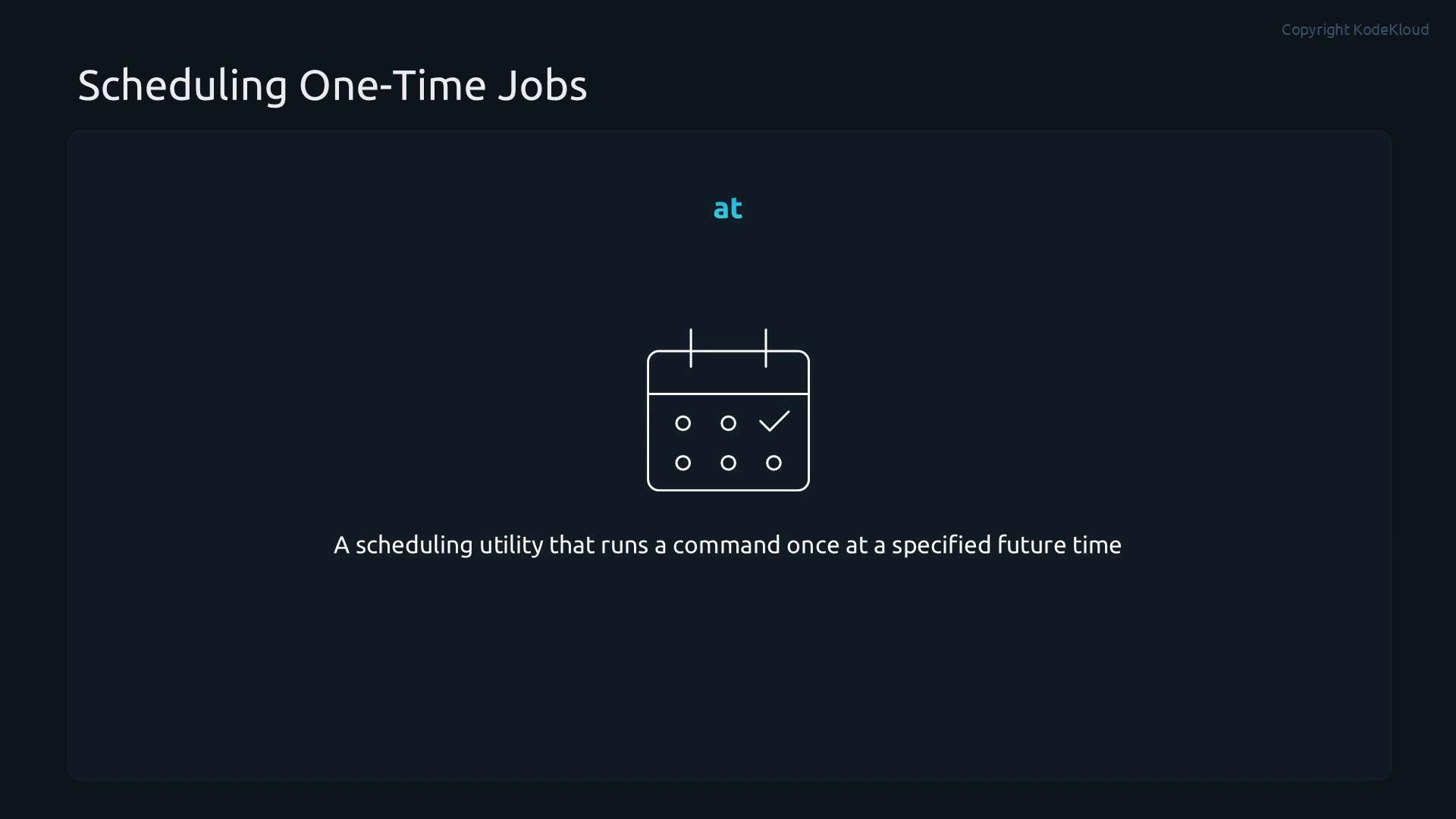
at is a simple and widely available utility. It accepts commands or scripts and runs them once at a specified future time.
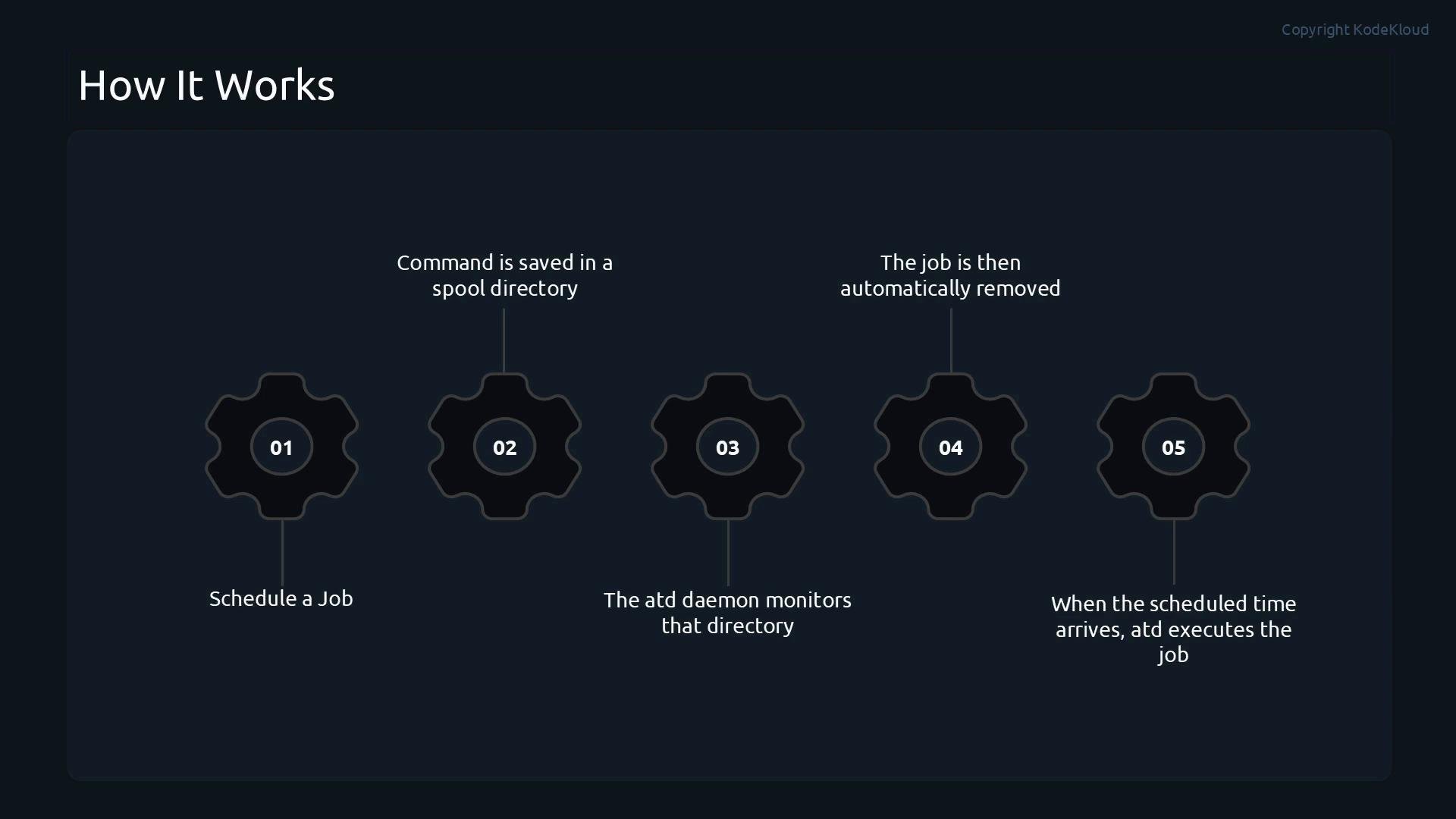
atqueues the job: the provided commands are saved into a spool directory.atd(the at daemon) monitors that spool directory. When the scheduled time arrives,atdexecutes the job and then removes it from the queue.- Important:
atcreates the job entry;atdperforms the execution.
How at jobs run and common pitfalls
- at jobs execute in a non-interactive shell (usually
/bin/sh), not your interactivebashsession. - Profiles and interactive shell configuration files (for example
.bashrcor.profile) are not sourced. - Environment variables, aliases, and PATH modifications from your interactive session are not available to
atjobs unless you explicitly provide them.
When creating
at jobs, always use absolute paths for executables and file locations (for example, /usr/bin/rsync or /home/student/myjob). If your job depends on environment variables, set them explicitly in the job’s text.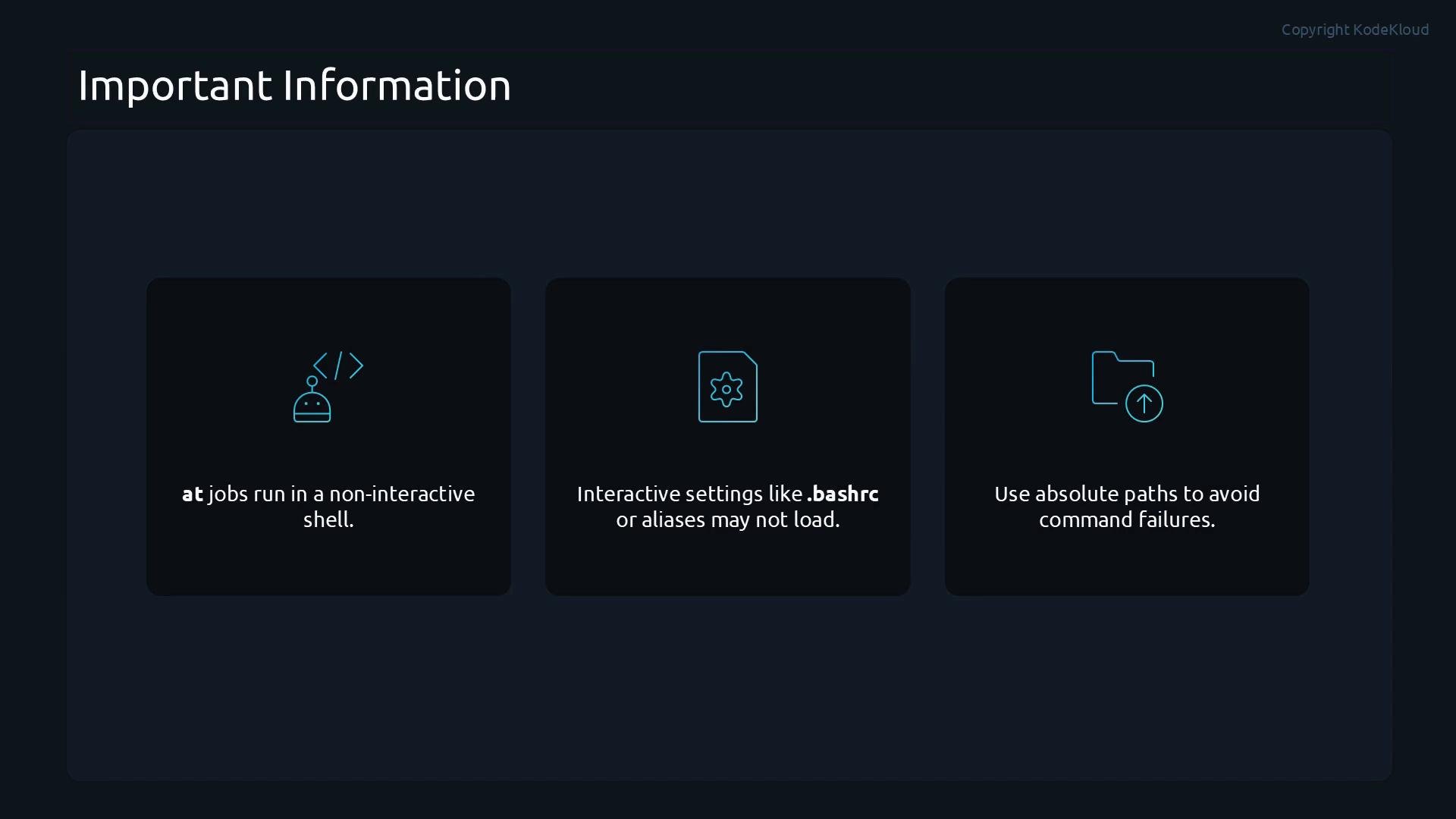
Practical demo — scheduling one-time jobs with at
Follow these steps to schedule and manage one-timeat jobs:
- Verify the
atdservice is running:systemctl status atd
- Queue a job using
atwith a time specification:- Examples:
16:30,10:00 tomorrow,14:00 2026-05-01,8:00 May 2
- Examples:
- List pending jobs:
atq - View a job’s contents:
at -c <jobid> - Remove a queued job:
atrm <jobid>
Example interactive session (the
at prompt requires entering the job content and finishing with Ctrl-D):
at lets you schedule precise, one-time command execution. To ensure reliable runs:
- Use absolute paths for binaries and target files.
- Export or set any required environment variables inside the job text.
- Test the commands in a non-interactive shell if possible (for example,
sh -c '...command...') to verify behavior matches whatatdwill run.
Because
at jobs run in a non-interactive shell, commands that rely on environment settings, interactive prompts, or unlocked credentials may fail. Always test jobs and provide explicit environment configuration.Links and references
- Linux man page: at(1)
- Linux man page: atd(8)
- systemd.timer — systemd documentation
- Red Hat Enterprise Linux documentation
cron, and using systemd timers for tighter integration with services.