> ## Documentation Index
> Fetch the complete documentation index at: https://notes.kodekloud.com/llms.txt
> Use this file to discover all available pages before exploring further.
# Configuring autofs for NFS Automounting
> Guide to configuring autofs for on demand NFS mounts to improve boot reliability by using direct and indirect map files on RHEL-like systems
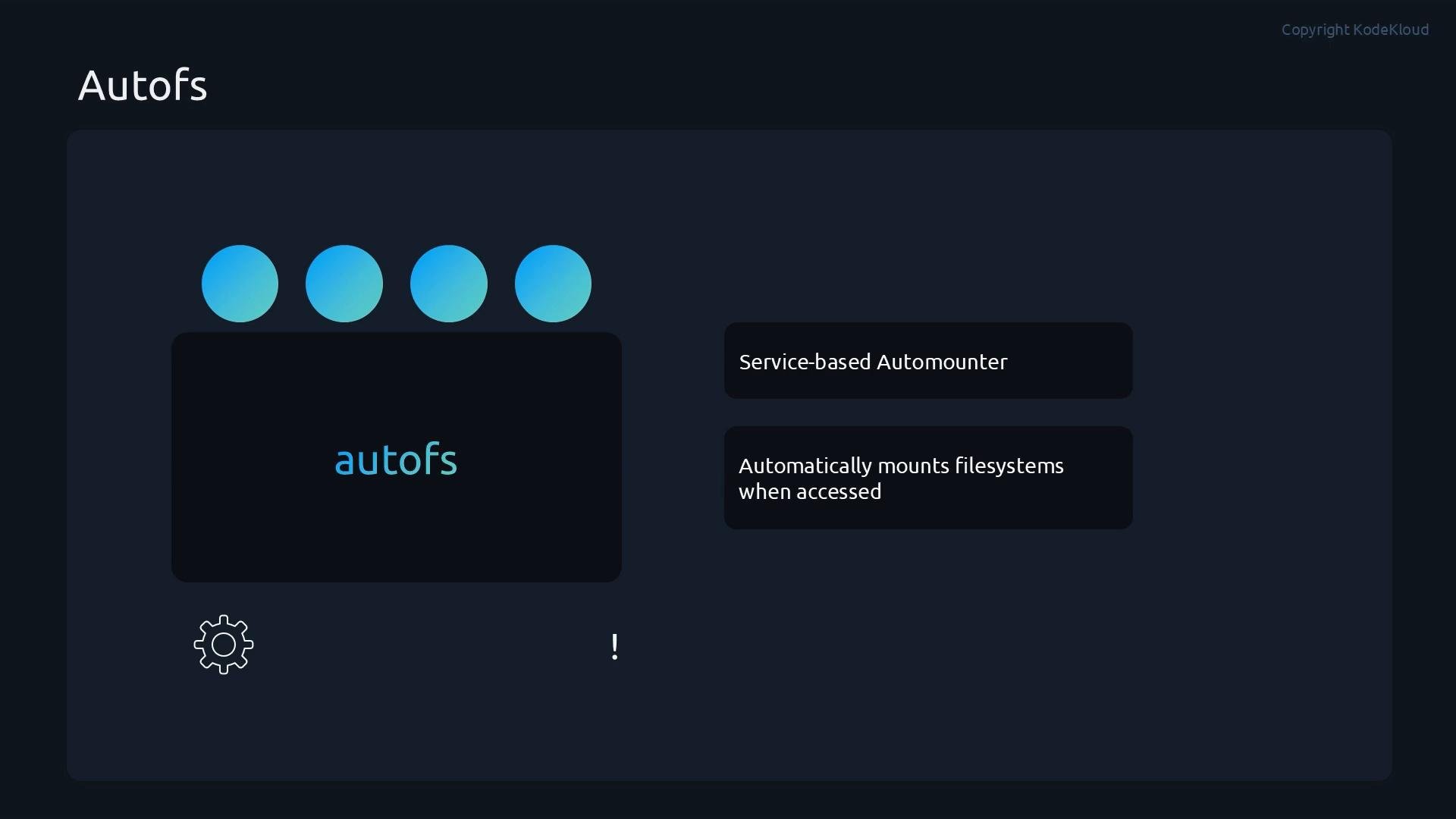
Instead of mounting NFS shares permanently at boot — which can slow startup or cause the system to hang if the NFS server is unavailable — use autofs for service-based, on-demand mounts.
autofs is an automounter daemon that mounts filesystems only when they are accessed (on-demand), rather than at boot. This makes NFS mounts more reliable and fault-tolerant: a down NFS server will not block or delay system startup because autofs attempts mounts only when a user or process accesses the mount point.
 This guide uses the example NFS server `10.0.2.15` exporting under `/srv/nfs/`. Replace the IP and export paths to match your environment. These examples assume a RHEL-like system (CentOS, Fedora, Rocky, Alma).
## What you'll configure
* Install and enable the `autofs` service.
* Create a master map file (`/etc/auto.master.d/master.autofs`) that references:
* a direct map (`/etc/auto.direct`), and
* an indirect map (`/etc/auto.indirect`).
* Test that NFS exports are mounted on-demand when accessed.
## Installation and enabling the autofs service
Install autofs:
```bash theme={null}
sudo dnf install -y autofs
```
Enable and start autofs (use `--now` to enable and start in one step):
```bash theme={null}
sudo systemctl enable --now autofs
sudo systemctl status autofs --no-pager
```
Sample status output:
```text theme={null}
● autofs.service - Automounts filesystems on demand
Loaded: loaded (/usr/lib/systemd/system/autofs.service; enabled)
Active: active (running) since ...
```
## Configuring the autofs master file and maps
autofs uses a master map that points to one or more map files. Modern RHEL-like distributions allow dropping files with the `.autofs` suffix into `/etc/auto.master.d/`. Create a file `/etc/auto.master.d/master.autofs` that tells autofs where to find the direct and indirect maps.
Create `/etc/auto.master.d/master.autofs`:
```bash theme={null}
# /etc/auto.master.d/master.autofs
/- /etc/auto.direct
/indirect /etc/auto.indirect
```
* `/-` (direct map) means each key in `/etc/auto.direct` is a full absolute path to be mounted.
* `/indirect` (indirect map) means subdirectories under `/indirect` are created on-demand according to keys found in `/etc/auto.indirect`.
### Direct map: absolute mount points
Create `/etc/auto.direct`. Direct maps use absolute mount points. Example: mount the export `10.0.2.15:/srv/nfs/share` at `/auto-direct`:
```bash theme={null}
# /etc/auto.direct
/auto-direct -rw,sync 10.0.2.15:/srv/nfs/share
```
* The left column is the absolute mount point.
* The middle field lists mount options (`-rw,sync`).
* The right side is the NFS server export.
### Indirect map: keyed subdirectories under a parent
Create `/etc/auto.indirect`. Indirect maps use keys that become subdirectories under the parent (`/indirect` in the master file). Using a wildcard allows matching multiple keys:
```bash theme={null}
# /etc/auto.indirect
* -rw,sync 10.0.2.15:/srv/nfs/share/autofs-indirect/&
```
* `*` matches any subdirectory name under `/indirect`.
* `&` expands to the matched key, so accessing `/indirect/central` mounts `10.0.2.15:/srv/nfs/share/autofs-indirect/central`.
Restart autofs to apply configuration:
```bash theme={null}
sudo systemctl restart autofs
sudo systemctl status autofs --no-pager
```
## Quick reference: map files
| File | Purpose | Example |
| - | - | - |
| `/etc/auto.master.d/master.autofs` | Master map that points autofs to map files | `/ - /etc/auto.direct` and `/indirect /etc/auto.indirect` |
| `/etc/auto.direct` | Direct map — keys are absolute mount points | `/auto-direct -rw,sync 10.0.2.15:/srv/nfs/share` |
| `/etc/auto.indirect` | Indirect map — keys are subdirs under parent | `* -rw,sync 10.0.2.15:/srv/nfs/share/autofs-indirect/&` |
## Testing the automounts
After restarting autofs, autofs creates the mount-point directories even before the NFS mounts occur. Verify the directories exist:
```bash theme={null}
ls -d /auto-direct /indirect
# Output:
# /auto-direct
# /indirect
```
Direct map behavior: accessing the absolute mount point triggers a mount:
```bash theme={null}
ls /auto-direct
cat /auto-direct/Welcome.txt
# Success direct
```
Indirect map behavior: the parent directory may appear empty until a keyed subdirectory is accessed. Accessing a keyed subdirectory triggers autofs to mount only that export:
```bash theme={null}
ls /indirect
ls /indirect/central
cat /indirect/central/Welcome.txt
ls /indirect
# central
```
Each subdirectory under `/indirect` is mounted individually and on-demand when first accessed. For example, accessing `/indirect/east` will mount `10.0.2.15:/srv/nfs/share/autofs-indirect/east`.
This on-demand mount behavior avoids slow or stalled boots caused by unreachable network shares.
If the NFS server is unreachable, autofs will not block boot; however, processes that try to access a missing mount point will hang until the mount times out or the server becomes available. Ensure NFS server accessibility, firewall rules, and SELinux contexts are correct for your environment.
## Troubleshooting tips
* Confirm the NFS server and exported paths are reachable: `showmount -e 10.0.2.15`.
* Check `journalctl -u autofs` for autofs-specific logs and errors.
* If mounts fail, verify NFS client packages (`nfs-utils`) are installed and that the firewall allows NFS traffic.
* For SELinux-denied mounts, inspect `ausearch` or `audit.log` and apply required boolean / context fixes.
## Summary
You have configured autofs to manage both direct and indirect NFS automounts:
* Installed and enabled the `autofs` service.
* Created a master map file (`/etc/auto.master.d/master.autofs`) referencing a direct map (`/etc/auto.direct`) and an indirect map (`/etc/auto.indirect`).
* Used direct maps for absolute mount points and indirect maps for keyed on-demand subdirectories with wildcard matching and `&` substitution.
* Verified that NFS exports are mounted only when accessed, improving boot reliability and reducing dependency on network availability.
By using autofs, systems relying on network-attached storage can avoid slow or stalled boot behavior caused by static NFS mounts.
This guide uses the example NFS server `10.0.2.15` exporting under `/srv/nfs/`. Replace the IP and export paths to match your environment. These examples assume a RHEL-like system (CentOS, Fedora, Rocky, Alma).
## What you'll configure
* Install and enable the `autofs` service.
* Create a master map file (`/etc/auto.master.d/master.autofs`) that references:
* a direct map (`/etc/auto.direct`), and
* an indirect map (`/etc/auto.indirect`).
* Test that NFS exports are mounted on-demand when accessed.
## Installation and enabling the autofs service
Install autofs:
```bash theme={null}
sudo dnf install -y autofs
```
Enable and start autofs (use `--now` to enable and start in one step):
```bash theme={null}
sudo systemctl enable --now autofs
sudo systemctl status autofs --no-pager
```
Sample status output:
```text theme={null}
● autofs.service - Automounts filesystems on demand
Loaded: loaded (/usr/lib/systemd/system/autofs.service; enabled)
Active: active (running) since ...
```
## Configuring the autofs master file and maps
autofs uses a master map that points to one or more map files. Modern RHEL-like distributions allow dropping files with the `.autofs` suffix into `/etc/auto.master.d/`. Create a file `/etc/auto.master.d/master.autofs` that tells autofs where to find the direct and indirect maps.
Create `/etc/auto.master.d/master.autofs`:
```bash theme={null}
# /etc/auto.master.d/master.autofs
/- /etc/auto.direct
/indirect /etc/auto.indirect
```
* `/-` (direct map) means each key in `/etc/auto.direct` is a full absolute path to be mounted.
* `/indirect` (indirect map) means subdirectories under `/indirect` are created on-demand according to keys found in `/etc/auto.indirect`.
### Direct map: absolute mount points
Create `/etc/auto.direct`. Direct maps use absolute mount points. Example: mount the export `10.0.2.15:/srv/nfs/share` at `/auto-direct`:
```bash theme={null}
# /etc/auto.direct
/auto-direct -rw,sync 10.0.2.15:/srv/nfs/share
```
* The left column is the absolute mount point.
* The middle field lists mount options (`-rw,sync`).
* The right side is the NFS server export.
### Indirect map: keyed subdirectories under a parent
Create `/etc/auto.indirect`. Indirect maps use keys that become subdirectories under the parent (`/indirect` in the master file). Using a wildcard allows matching multiple keys:
```bash theme={null}
# /etc/auto.indirect
* -rw,sync 10.0.2.15:/srv/nfs/share/autofs-indirect/&
```
* `*` matches any subdirectory name under `/indirect`.
* `&` expands to the matched key, so accessing `/indirect/central` mounts `10.0.2.15:/srv/nfs/share/autofs-indirect/central`.
Restart autofs to apply configuration:
```bash theme={null}
sudo systemctl restart autofs
sudo systemctl status autofs --no-pager
```
## Quick reference: map files
| File | Purpose | Example |
| - | - | - |
| `/etc/auto.master.d/master.autofs` | Master map that points autofs to map files | `/ - /etc/auto.direct` and `/indirect /etc/auto.indirect` |
| `/etc/auto.direct` | Direct map — keys are absolute mount points | `/auto-direct -rw,sync 10.0.2.15:/srv/nfs/share` |
| `/etc/auto.indirect` | Indirect map — keys are subdirs under parent | `* -rw,sync 10.0.2.15:/srv/nfs/share/autofs-indirect/&` |
## Testing the automounts
After restarting autofs, autofs creates the mount-point directories even before the NFS mounts occur. Verify the directories exist:
```bash theme={null}
ls -d /auto-direct /indirect
# Output:
# /auto-direct
# /indirect
```
Direct map behavior: accessing the absolute mount point triggers a mount:
```bash theme={null}
ls /auto-direct
cat /auto-direct/Welcome.txt
# Success direct
```
Indirect map behavior: the parent directory may appear empty until a keyed subdirectory is accessed. Accessing a keyed subdirectory triggers autofs to mount only that export:
```bash theme={null}
ls /indirect
ls /indirect/central
cat /indirect/central/Welcome.txt
ls /indirect
# central
```
Each subdirectory under `/indirect` is mounted individually and on-demand when first accessed. For example, accessing `/indirect/east` will mount `10.0.2.15:/srv/nfs/share/autofs-indirect/east`.
This on-demand mount behavior avoids slow or stalled boots caused by unreachable network shares.
If the NFS server is unreachable, autofs will not block boot; however, processes that try to access a missing mount point will hang until the mount times out or the server becomes available. Ensure NFS server accessibility, firewall rules, and SELinux contexts are correct for your environment.
## Troubleshooting tips
* Confirm the NFS server and exported paths are reachable: `showmount -e 10.0.2.15`.
* Check `journalctl -u autofs` for autofs-specific logs and errors.
* If mounts fail, verify NFS client packages (`nfs-utils`) are installed and that the firewall allows NFS traffic.
* For SELinux-denied mounts, inspect `ausearch` or `audit.log` and apply required boolean / context fixes.
## Summary
You have configured autofs to manage both direct and indirect NFS automounts:
* Installed and enabled the `autofs` service.
* Created a master map file (`/etc/auto.master.d/master.autofs`) referencing a direct map (`/etc/auto.direct`) and an indirect map (`/etc/auto.indirect`).
* Used direct maps for absolute mount points and indirect maps for keyed on-demand subdirectories with wildcard matching and `&` substitution.
* Verified that NFS exports are mounted only when accessed, improving boot reliability and reducing dependency on network availability.
By using autofs, systems relying on network-attached storage can avoid slow or stalled boot behavior caused by static NFS mounts.
 ## Links and references
* autofs manual: [https://linux.die.net/man/5/auto.master](https://linux.die.net/man/5/auto.master)
* NFS basics: [https://nfs.sourceforge.net/](https://nfs.sourceforge.net/)
* RHEL autofs documentation: [https://access.redhat.com/documentation/en-us/red\_hat\_enterprise\_linux/](https://access.redhat.com/documentation/en-us/red_hat_enterprise_linux/) (search for "autofs")
This documentation is built and hosted on [Mintlify](https://mintlify.com), a developer documentation platform.
## Links and references
* autofs manual: [https://linux.die.net/man/5/auto.master](https://linux.die.net/man/5/auto.master)
* NFS basics: [https://nfs.sourceforge.net/](https://nfs.sourceforge.net/)
* RHEL autofs documentation: [https://access.redhat.com/documentation/en-us/red\_hat\_enterprise\_linux/](https://access.redhat.com/documentation/en-us/red_hat_enterprise_linux/) (search for "autofs")
This documentation is built and hosted on [Mintlify](https://mintlify.com), a developer documentation platform.