> ## Documentation Index
> Fetch the complete documentation index at: https://notes.kodekloud.com/llms.txt
> Use this file to discover all available pages before exploring further.
# Logical Volumes
> Overview of Logical Volume Management, covering PV VG LV architecture, common commands, benefits, and a basic workflow for creating and resizing flexible storage volumes.
A common limitation of traditional disk partitioning is fixed-size partitions: you allocate space once, and changing that allocation later is often disruptive. Logical Volume Management (LVM) removes that rigidity by pooling physical storage and letting you create, grow, shrink, and snapshot volumes with minimal downtime.
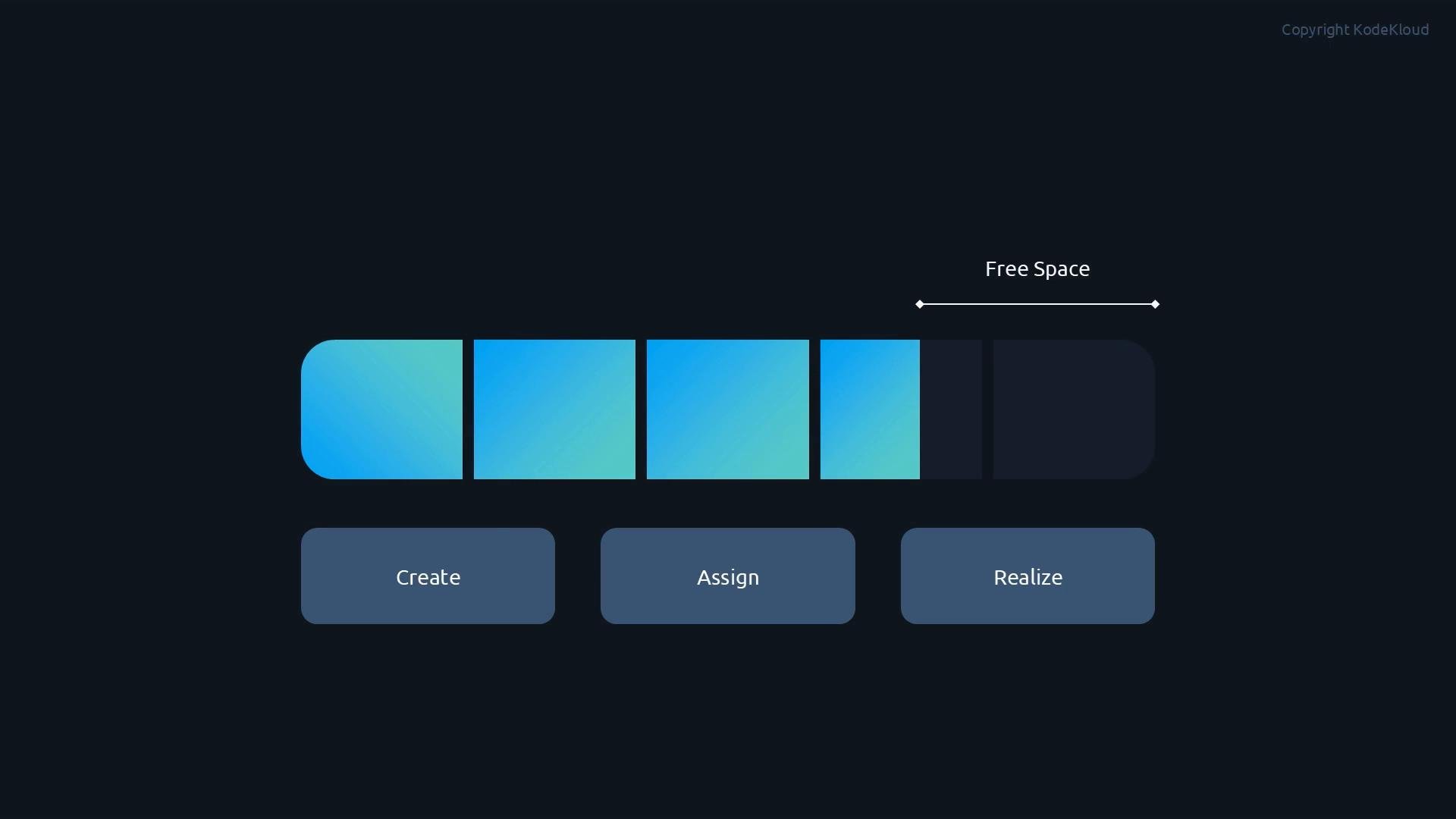 Instead of many separate, fixed buckets of space,
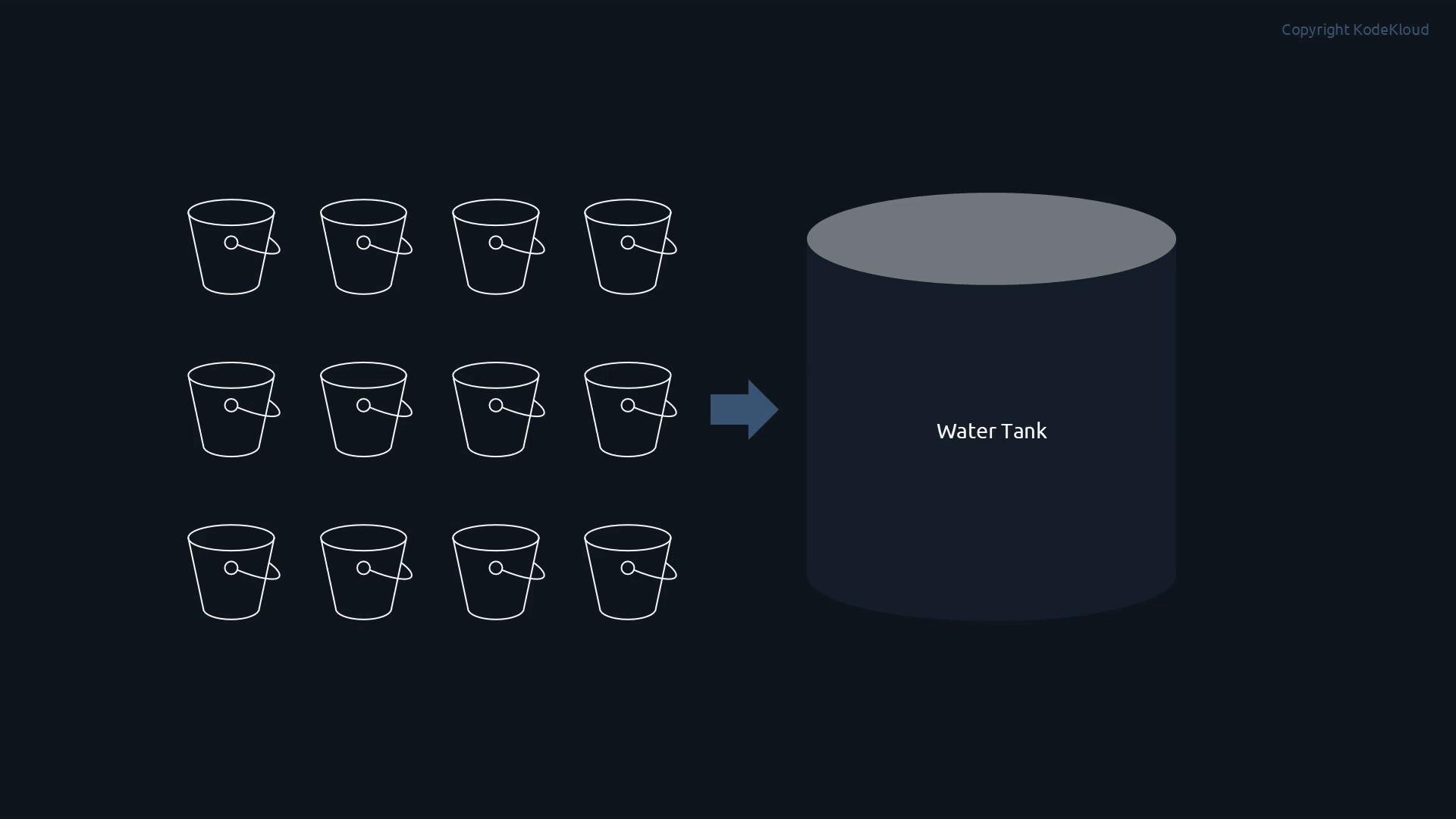 you aggregate devices into one large pool — the volume group — and carve out flexible, resizable logical volumes from that pool. If one logical volume needs additional space, you can increase its allocation without rebuilding partitions or moving data manually.
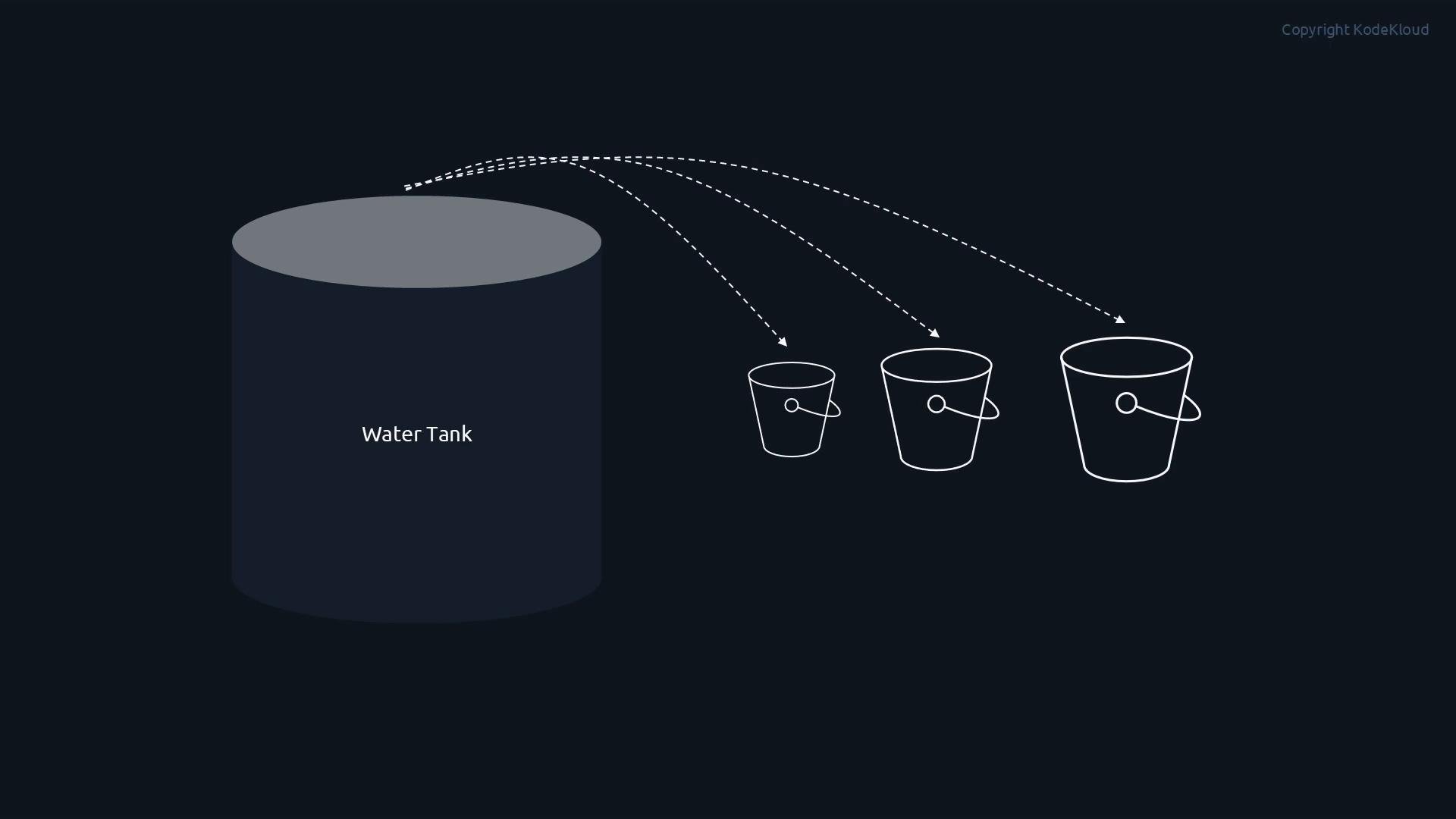 One pool, many adjustable volumes.
## LVM architecture (three layers)
Think of LVM in three simple layers:
* Physical Volumes (PV): the real disks or partitions you initialize for LVM.
* Volume Group (VG): a combined storage pool built from one or more PVs.
* Logical Volumes (LV): the usable block devices you create from the VG; they can be formatted, mounted, and resized.
One pool, many adjustable volumes.
## LVM architecture (three layers)
Think of LVM in three simple layers:
* Physical Volumes (PV): the real disks or partitions you initialize for LVM.
* Volume Group (VG): a combined storage pool built from one or more PVs.
* Logical Volumes (LV): the usable block devices you create from the VG; they can be formatted, mounted, and resized.
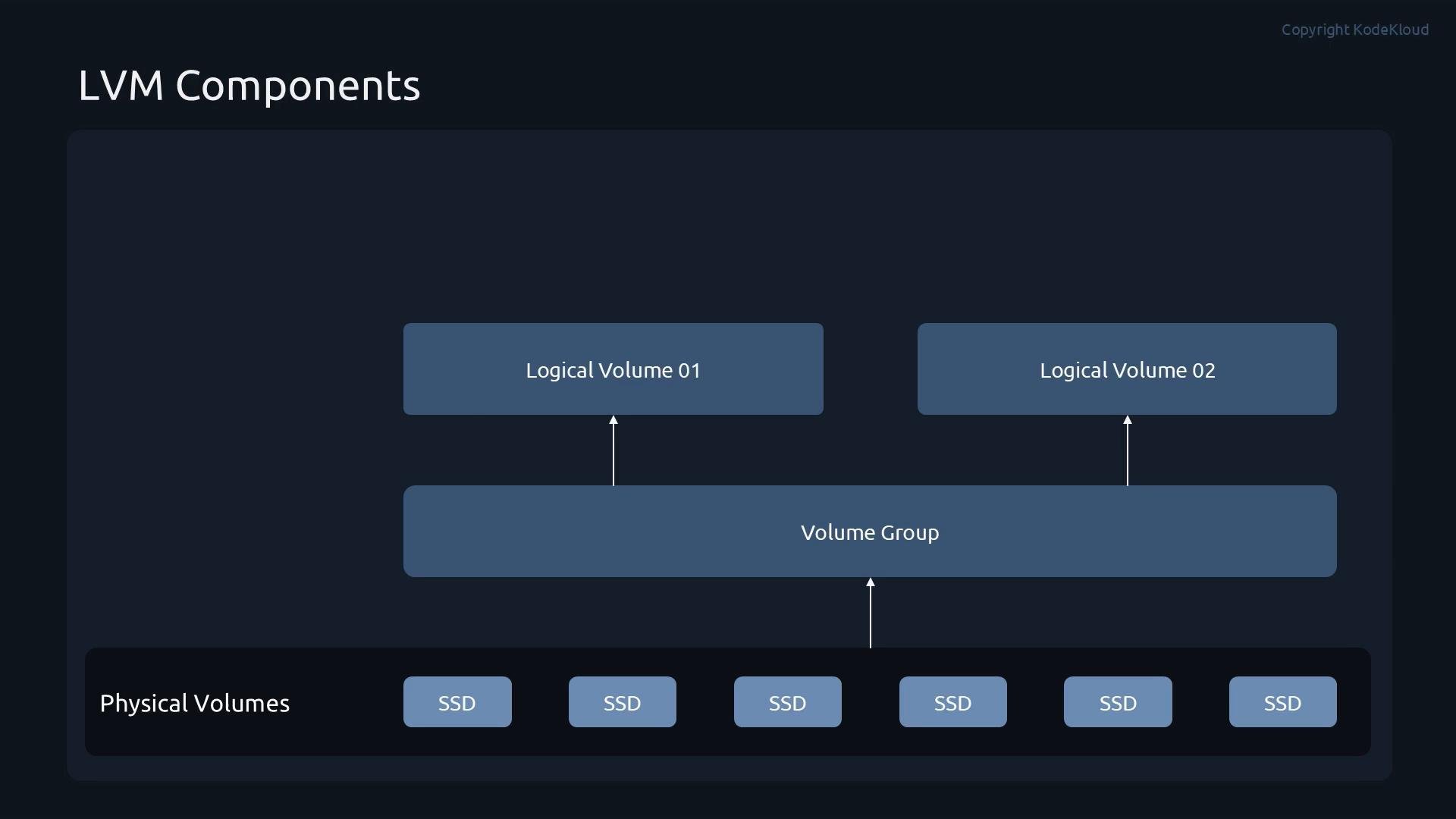 This layered model is what provides LVM's flexibility and makes commands predictable.
## Common LVM commands
Below is a compact reference of the primary LVM commands organized by layer. Use these commands to initialize devices, build pools, and manage logical volumes.
| Layer | Purpose | Common commands |
| - | - | - |
| Physical Volume (PV) | Prepare disks/partitions for LVM and inspect or move extents | `pvcreate`, `pvdisplay`, `pvmove`, `pvremove` |
| Volume Group (VG) | Create and manage the storage pool that backs LVs | `vgcreate`, `vgdisplay`, `vgextend`, `vgremove` |
| Logical Volume (LV) | Create, inspect, resize, or remove the volumes you use | `lvcreate`, `lvdisplay`, `lvextend`, `lvremove` |
You can think of the command flow as PV → VG → LV; the naming conventions make the workflow intuitive.
Example listing of the commands:
```bash theme={null}
pvcreate
pvdisplay
pvremove
pvmove
vgcreate
vgdisplay
vgremove
vgextend
lvcreate
lvdisplay
lvremove
lvextend
```
## Benefits of LVM
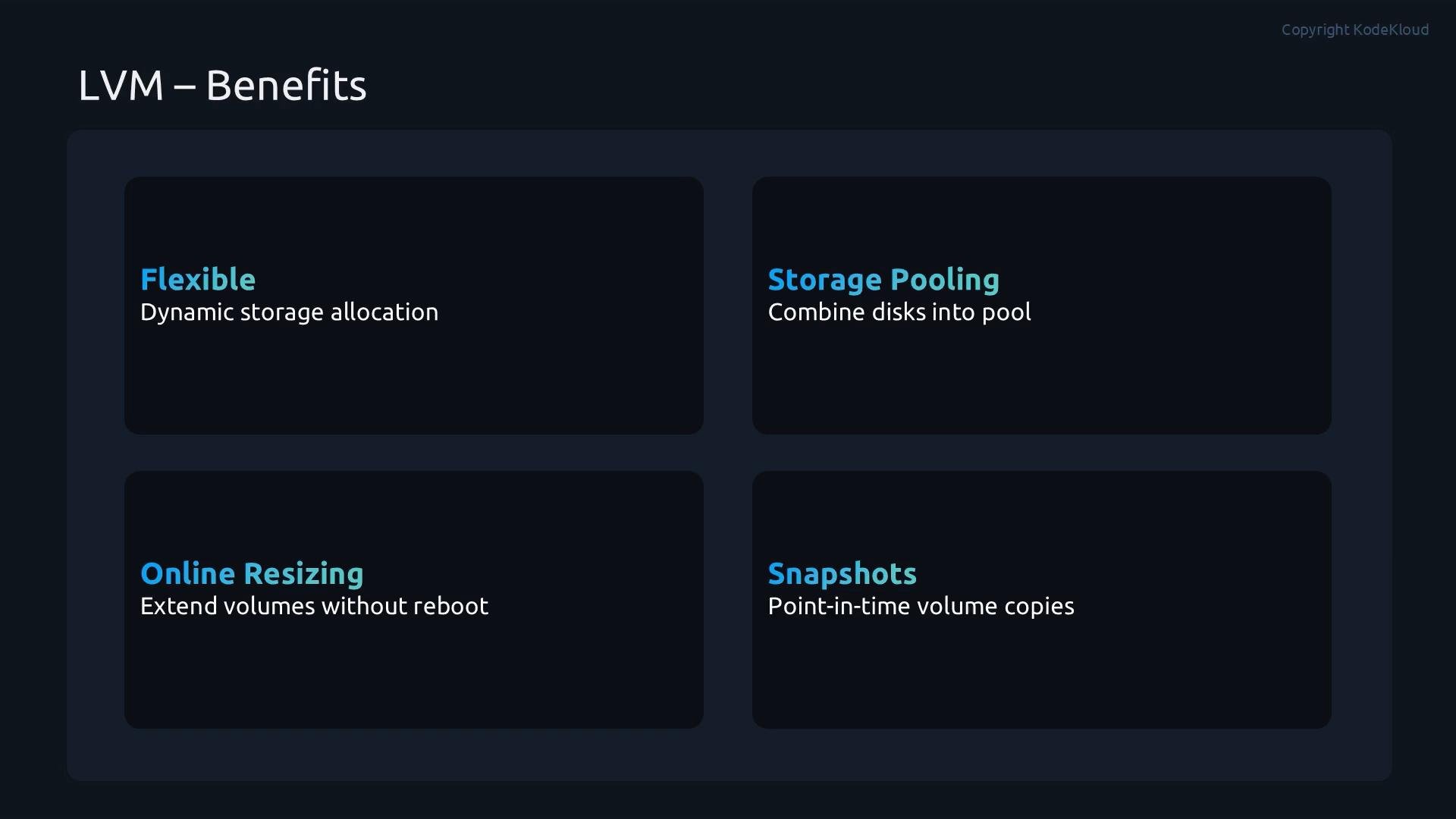
* Flexible allocations: grow or shrink volumes (within filesystem limits) as needs change.
* Storage pooling: combine multiple disks into a single administration unit to simplify capacity management.
* Online resizing: extend logical volumes (and typically their filesystems) without rebooting.
* Snapshots: capture point-in-time volume states for backups, testing, or safe upgrades.
This layered model is what provides LVM's flexibility and makes commands predictable.
## Common LVM commands
Below is a compact reference of the primary LVM commands organized by layer. Use these commands to initialize devices, build pools, and manage logical volumes.
| Layer | Purpose | Common commands |
| - | - | - |
| Physical Volume (PV) | Prepare disks/partitions for LVM and inspect or move extents | `pvcreate`, `pvdisplay`, `pvmove`, `pvremove` |
| Volume Group (VG) | Create and manage the storage pool that backs LVs | `vgcreate`, `vgdisplay`, `vgextend`, `vgremove` |
| Logical Volume (LV) | Create, inspect, resize, or remove the volumes you use | `lvcreate`, `lvdisplay`, `lvextend`, `lvremove` |
You can think of the command flow as PV → VG → LV; the naming conventions make the workflow intuitive.
Example listing of the commands:
```bash theme={null}
pvcreate
pvdisplay
pvremove
pvmove
vgcreate
vgdisplay
vgremove
vgextend
lvcreate
lvdisplay
lvremove
lvextend
```
## Benefits of LVM
* Flexible allocations: grow or shrink volumes (within filesystem limits) as needs change.
* Storage pooling: combine multiple disks into a single administration unit to simplify capacity management.
* Online resizing: extend logical volumes (and typically their filesystems) without rebooting.
* Snapshots: capture point-in-time volume states for backups, testing, or safe upgrades.
 Online resizing often works without downtime, but it depends on the filesystem. For example, [XFS](https://en.wikipedia.org/wiki/XFS_filesystem) supports online growth with [xfs\_growfs](https://man7.org/linux/man-pages/man8/xfs_growfs.8.html) but cannot be shrunk; `ext4` can typically be grown online with `resize2fs` and usually requires unmounting to shrink. Always check filesystem capabilities before resizing. Also consider using [thin provisioning](https://en.wikipedia.org/wiki/Thin_provisioning) or modern snapshot approaches for better snapshot performance.
## Quick workflow example (high level)
1. Prepare devices as PVs: `pvcreate /dev/sdb /dev/sdc`
2. Create a VG from those PVs: `vgcreate vg_data /dev/sdb /dev/sdc`
3. Create an LV from the VG: `lvcreate -n lv_backup -L 100G vg_data`
4. Format and mount the LV: `mkfs.ext4 /dev/vg_data/lv_backup` → `mount /dev/vg_data/lv_backup /mnt/backup`
5. Increase an LV when needed: `lvextend -L +50G /dev/vg_data/lv_backup` then grow the filesystem (e.g., `resize2fs` or `xfs_growfs` as appropriate)
## Links and references
* LVM man pages and documentation: [https://man7.org/linux/man-pages/man8/lvm.8.html](https://man7.org/linux/man-pages/man8/lvm.8.html)
* XFS filesystem: [https://en.wikipedia.org/wiki/XFS\_filesystem](https://en.wikipedia.org/wiki/XFS_filesystem)
* ext4 filesystem: [https://en.wikipedia.org/wiki/Ext4](https://en.wikipedia.org/wiki/Ext4)
* Thin provisioning overview: [https://en.wikipedia.org/wiki/Thin\_provisioning](https://en.wikipedia.org/wiki/Thin_provisioning)
* Kubernetes and LVM (storage planning): [https://kubernetes.io/docs/concepts/storage/volume-pvc-datasource/](https://kubernetes.io/docs/concepts/storage/volume-pvc-datasource/)
This documentation is built and hosted on [Mintlify](https://mintlify.com), a developer documentation platform.
Online resizing often works without downtime, but it depends on the filesystem. For example, [XFS](https://en.wikipedia.org/wiki/XFS_filesystem) supports online growth with [xfs\_growfs](https://man7.org/linux/man-pages/man8/xfs_growfs.8.html) but cannot be shrunk; `ext4` can typically be grown online with `resize2fs` and usually requires unmounting to shrink. Always check filesystem capabilities before resizing. Also consider using [thin provisioning](https://en.wikipedia.org/wiki/Thin_provisioning) or modern snapshot approaches for better snapshot performance.
## Quick workflow example (high level)
1. Prepare devices as PVs: `pvcreate /dev/sdb /dev/sdc`
2. Create a VG from those PVs: `vgcreate vg_data /dev/sdb /dev/sdc`
3. Create an LV from the VG: `lvcreate -n lv_backup -L 100G vg_data`
4. Format and mount the LV: `mkfs.ext4 /dev/vg_data/lv_backup` → `mount /dev/vg_data/lv_backup /mnt/backup`
5. Increase an LV when needed: `lvextend -L +50G /dev/vg_data/lv_backup` then grow the filesystem (e.g., `resize2fs` or `xfs_growfs` as appropriate)
## Links and references
* LVM man pages and documentation: [https://man7.org/linux/man-pages/man8/lvm.8.html](https://man7.org/linux/man-pages/man8/lvm.8.html)
* XFS filesystem: [https://en.wikipedia.org/wiki/XFS\_filesystem](https://en.wikipedia.org/wiki/XFS_filesystem)
* ext4 filesystem: [https://en.wikipedia.org/wiki/Ext4](https://en.wikipedia.org/wiki/Ext4)
* Thin provisioning overview: [https://en.wikipedia.org/wiki/Thin\_provisioning](https://en.wikipedia.org/wiki/Thin_provisioning)
* Kubernetes and LVM (storage planning): [https://kubernetes.io/docs/concepts/storage/volume-pvc-datasource/](https://kubernetes.io/docs/concepts/storage/volume-pvc-datasource/)
This documentation is built and hosted on [Mintlify](https://mintlify.com), a developer documentation platform.