> ## Documentation Index
> Fetch the complete documentation index at: https://notes.kodekloud.com/llms.txt
> Use this file to discover all available pages before exploring further.
# Functions Organizing Code
> Explains Python functions, how to define call and reuse them, manage scope and return values, and organize a simple dashboard using small single purpose functions.
Welcome back.
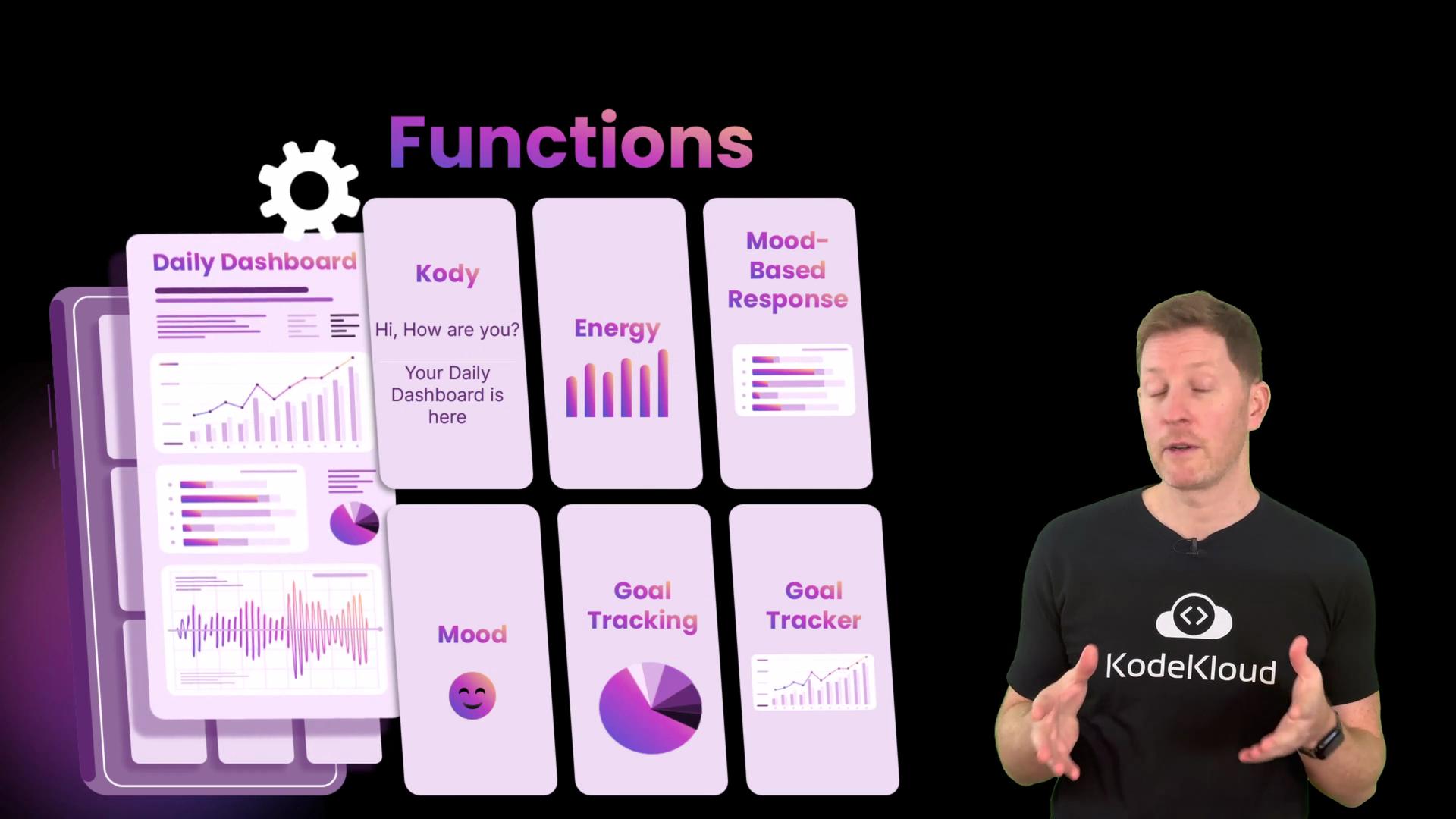
Your dashboard works, but it's getting messy. Everything's lumped together, and when you want to reuse functionality you end up copying and pasting. Functions solve this problem.
Think of a function like a button: whenever you need a piece of behaviour, press the button (call the function). Functions keep code tidy, reusable, and easier to grow and maintain. In this article we'll learn how to define and call functions in Python and then apply them to clean up a simple dashboard. By the end you'll be able to break large programs into small, reusable parts.
 ## What is a function?
A function is a named block of code that does one job. Python includes many built-in functions such as `print()`, `len()`, and `input()`. In this lesson you will create your own functions to encapsulate behaviour and return values.
Why use functions?
* Remove repetition (Don't Repeat Yourself — DRY).
* Make intent explicit with descriptive names.
* Make code easier to test and maintain.
* Improve readability by expressing program flow at a high level.
For reference, see the official Python docs on functions: [https://docs.python.org/3/tutorial/controlflow.html#defining-functions](https://docs.python.org/3/tutorial/controlflow.html#defining-functions)
## Example: repeated code vs. a function
Imagine you prompt the user for a rating in many places:
```python theme={null}
score = input("⭐ How many stars? ")
print("You gave", score, "stars out of 10")
score = input("⭐ How many stars? ")
print("You gave", score, "stars out of 10")
score = input("⭐ How many stars? ")
print("You gave", score, "stars out of 10")
```
Running this script might produce:
```bash theme={null}
root@host01 ~/code via 🐍 v3.12.3 ➜ python functions.py
⭐ How many stars? 6
You gave 6 stars out of 10
⭐ How many stars? 7
You gave 7 stars out of 10
⭐ How many stars? 8
You gave 8 stars out of 10
```
Instead of repeating that block, define the behaviour once and call it multiple times:
```python theme={null}
def get_score():
score = input("⭐ How many stars? ")
print("You gave", score, "stars out of 10")
# call the function multiple times
get_score()
get_score()
get_score()
get_score()
```
When the interpreter reaches each `get_score()` call it runs the code inside the function. This is the essence of reuse.
## Important rule: define before you call
You must define a function before you call it in top-level script execution. Calling a function before it exists raises a `NameError`.
```python theme={null}
# Attempt to call before definition — this will fail
get_score()
def get_score():
score = input("⭐ How many stars? ")
print("You gave", score, "stars out of 10")
```
```bash theme={null}
root@host01 ~/code via 🐍 v3.12.3 * python functions.py
Traceback (most recent call last):
File "/root/code/functions.py", line 1, in
get_score()
NameError: name 'get_score' is not defined
```
Always define your functions before you call them in a script.
## Applying functions to the dashboard
A good pattern is to separate data (user variables) from behaviour (functions). Start by keeping user information at the top, then implement small functions that operate on that data.
Example: define the user:
```python theme={null}
# user data
first_name = "Ada"
last_name = "Lovelace"
name = first_name + " " + last_name
```
Create a function that collects the user's mood. Note this function loops until it receives valid input and returns the value it collected:
```python theme={null}
def get_mood():
while True:
mood = input("How do you feel today (happy/sad)? ")
if mood == "happy":
print("Wonderful, keep smiling!")
return mood
elif mood == "sad":
print("Oh dear, chin up!")
return mood
else:
print("Enter happy/sad only.")
```
Returning values is the typical way to pass data from a function back to the caller instead of relying on global variables. This makes the function easier to reuse and test.
Prefer returning values and passing them as parameters rather than relying on global variables — this avoids scope issues.
## Sketching additional dashboard functions
A function should do one thing and do it well. Use action verbs for names so intent is clear:
* `get_energy()`
* `show_wellbeing()`
* `get_goals()`
* `get_completions()`
* `show_results()`
* `show_final_message()`
Here are simple example implementations for a few of those functions:
```python theme={null}
goals = []
def get_goals():
goal = input("Enter a goal: ")
goals.append(goal)
print("Total goals:", len(goals))
def get_completions():
completed = 0
print("Mark completed goals:")
for goal in goals:
status = input(goal + " - done? (yes/no): ")
if status.lower() in ("yes", "y"):
completed += 1
return completed
def show_results(name, mood, energy, completed):
print('===================================================')
print("DAILY DASHBOARD")
print('===================================================')
print()
print("Welcome back,", name)
print()
print("WELLBEING SUMMARY")
print("Mood:", mood)
print("Energy:", energy)
print()
print("GOALS COMPLETED:", completed)
```
Note how each function has a single job: collect a value, compute a count, or display results.
## Assembling the dashboard
Compose your program by calling functions in a clear, descriptive sequence. The main script reads like a flowchart:
```python theme={null}
def show_final_message():
print("Keep going - you're making progress!")
# Dashboard flow
print("================================")
print("DAILY DASHBOARD")
print("================================")
print()
print("Welcome back,", name)
print()
print("WELLBEING")
mood = get_mood()
energy = int(input("Enter your energy (0-100): "))
print()
# show_wellbeing() would typically accept mood and energy as parameters
print()
print("GOALS")
get_goals()
completed = get_completions()
print()
print("RESULTS")
show_results(name, mood, energy, completed)
show_final_message()
```
Because functions encapsulate behaviour, the top-level script becomes easy to scan: each call is descriptive and documents the program flow.
## Scope and NameError: why parameters matter
If a function expects to use values such as `mood` or `energy`, those values must be passed in as parameters or accessed via return values. Variables local to one function (or defined only in the main script scope) are not automatically visible inside other functions. Consider a buggy `show_wellbeing()` that tries to use `mood` without receiving it:
```bash theme={null}
root@host01 ~/code via 🐍 v3.12.3 ➔ python dash.py
================================
DAILY DASHBOARD
================================
Welcome back, Ada Lovelace
WELLBEING
How do you feel today (happy/sad)? happy
Wonderful, keep smiling!
Enter your energy (0-100): 80
Good energy.
Traceback (most recent call last):
File "/root/code/dash.py", line 78, in
show_wellbeing()
File "/root/code/dash.py", line 30, in show_wellbeing
if mood == "happy" and energy > 70:
NameError: name 'mood' is not defined
root@host01 ~/code via 🐍 v3.12.3 ✗
```
This runtime error shows variable scope problems. The fix is to either pass `mood` and `energy` as parameters to `show_wellbeing(mood, energy)` or have `show_wellbeing()` return values it needs, then use them in the caller.
## Quick reference and best practices
| Topic | Recommendation | Example |
| - | - | - |
| Function naming | Use action verbs and descriptive names | `get_goals()`, `show_results()` |
| Return values | Return results instead of mutating globals when possible | `mood = get_mood()` |
| Definition order | Define functions before calling them at top level | `def foo(): ...` then `foo()` |
| Single responsibility | One function = one task | Split collecting input and printing results |
| Scope | Pass values as parameters to avoid `NameError` | `show_wellbeing(mood, energy)` |
## Recap
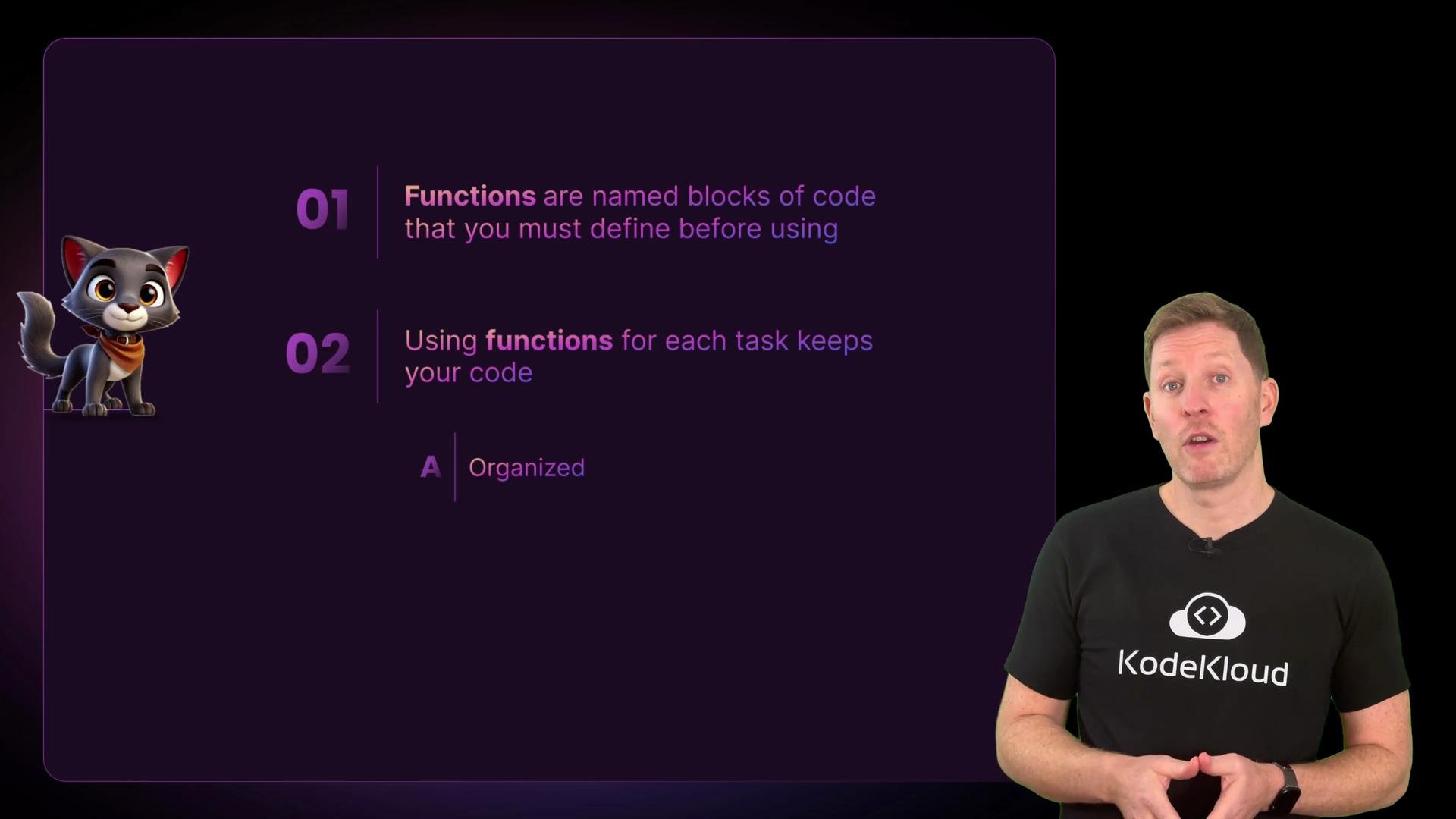
* Functions are named blocks of code that perform one task.
* Define functions before calling them.
* Use functions to remove repetition and clarify your program flow.
* Prefer returning values and passing them as parameters to avoid scope issues and make functions reusable and testable.
## What is a function?
A function is a named block of code that does one job. Python includes many built-in functions such as `print()`, `len()`, and `input()`. In this lesson you will create your own functions to encapsulate behaviour and return values.
Why use functions?
* Remove repetition (Don't Repeat Yourself — DRY).
* Make intent explicit with descriptive names.
* Make code easier to test and maintain.
* Improve readability by expressing program flow at a high level.
For reference, see the official Python docs on functions: [https://docs.python.org/3/tutorial/controlflow.html#defining-functions](https://docs.python.org/3/tutorial/controlflow.html#defining-functions)
## Example: repeated code vs. a function
Imagine you prompt the user for a rating in many places:
```python theme={null}
score = input("⭐ How many stars? ")
print("You gave", score, "stars out of 10")
score = input("⭐ How many stars? ")
print("You gave", score, "stars out of 10")
score = input("⭐ How many stars? ")
print("You gave", score, "stars out of 10")
```
Running this script might produce:
```bash theme={null}
root@host01 ~/code via 🐍 v3.12.3 ➜ python functions.py
⭐ How many stars? 6
You gave 6 stars out of 10
⭐ How many stars? 7
You gave 7 stars out of 10
⭐ How many stars? 8
You gave 8 stars out of 10
```
Instead of repeating that block, define the behaviour once and call it multiple times:
```python theme={null}
def get_score():
score = input("⭐ How many stars? ")
print("You gave", score, "stars out of 10")
# call the function multiple times
get_score()
get_score()
get_score()
get_score()
```
When the interpreter reaches each `get_score()` call it runs the code inside the function. This is the essence of reuse.
## Important rule: define before you call
You must define a function before you call it in top-level script execution. Calling a function before it exists raises a `NameError`.
```python theme={null}
# Attempt to call before definition — this will fail
get_score()
def get_score():
score = input("⭐ How many stars? ")
print("You gave", score, "stars out of 10")
```
```bash theme={null}
root@host01 ~/code via 🐍 v3.12.3 * python functions.py
Traceback (most recent call last):
File "/root/code/functions.py", line 1, in
get_score()
NameError: name 'get_score' is not defined
```
Always define your functions before you call them in a script.
## Applying functions to the dashboard
A good pattern is to separate data (user variables) from behaviour (functions). Start by keeping user information at the top, then implement small functions that operate on that data.
Example: define the user:
```python theme={null}
# user data
first_name = "Ada"
last_name = "Lovelace"
name = first_name + " " + last_name
```
Create a function that collects the user's mood. Note this function loops until it receives valid input and returns the value it collected:
```python theme={null}
def get_mood():
while True:
mood = input("How do you feel today (happy/sad)? ")
if mood == "happy":
print("Wonderful, keep smiling!")
return mood
elif mood == "sad":
print("Oh dear, chin up!")
return mood
else:
print("Enter happy/sad only.")
```
Returning values is the typical way to pass data from a function back to the caller instead of relying on global variables. This makes the function easier to reuse and test.
Prefer returning values and passing them as parameters rather than relying on global variables — this avoids scope issues.
## Sketching additional dashboard functions
A function should do one thing and do it well. Use action verbs for names so intent is clear:
* `get_energy()`
* `show_wellbeing()`
* `get_goals()`
* `get_completions()`
* `show_results()`
* `show_final_message()`
Here are simple example implementations for a few of those functions:
```python theme={null}
goals = []
def get_goals():
goal = input("Enter a goal: ")
goals.append(goal)
print("Total goals:", len(goals))
def get_completions():
completed = 0
print("Mark completed goals:")
for goal in goals:
status = input(goal + " - done? (yes/no): ")
if status.lower() in ("yes", "y"):
completed += 1
return completed
def show_results(name, mood, energy, completed):
print('===================================================')
print("DAILY DASHBOARD")
print('===================================================')
print()
print("Welcome back,", name)
print()
print("WELLBEING SUMMARY")
print("Mood:", mood)
print("Energy:", energy)
print()
print("GOALS COMPLETED:", completed)
```
Note how each function has a single job: collect a value, compute a count, or display results.
## Assembling the dashboard
Compose your program by calling functions in a clear, descriptive sequence. The main script reads like a flowchart:
```python theme={null}
def show_final_message():
print("Keep going - you're making progress!")
# Dashboard flow
print("================================")
print("DAILY DASHBOARD")
print("================================")
print()
print("Welcome back,", name)
print()
print("WELLBEING")
mood = get_mood()
energy = int(input("Enter your energy (0-100): "))
print()
# show_wellbeing() would typically accept mood and energy as parameters
print()
print("GOALS")
get_goals()
completed = get_completions()
print()
print("RESULTS")
show_results(name, mood, energy, completed)
show_final_message()
```
Because functions encapsulate behaviour, the top-level script becomes easy to scan: each call is descriptive and documents the program flow.
## Scope and NameError: why parameters matter
If a function expects to use values such as `mood` or `energy`, those values must be passed in as parameters or accessed via return values. Variables local to one function (or defined only in the main script scope) are not automatically visible inside other functions. Consider a buggy `show_wellbeing()` that tries to use `mood` without receiving it:
```bash theme={null}
root@host01 ~/code via 🐍 v3.12.3 ➔ python dash.py
================================
DAILY DASHBOARD
================================
Welcome back, Ada Lovelace
WELLBEING
How do you feel today (happy/sad)? happy
Wonderful, keep smiling!
Enter your energy (0-100): 80
Good energy.
Traceback (most recent call last):
File "/root/code/dash.py", line 78, in
show_wellbeing()
File "/root/code/dash.py", line 30, in show_wellbeing
if mood == "happy" and energy > 70:
NameError: name 'mood' is not defined
root@host01 ~/code via 🐍 v3.12.3 ✗
```
This runtime error shows variable scope problems. The fix is to either pass `mood` and `energy` as parameters to `show_wellbeing(mood, energy)` or have `show_wellbeing()` return values it needs, then use them in the caller.
## Quick reference and best practices
| Topic | Recommendation | Example |
| - | - | - |
| Function naming | Use action verbs and descriptive names | `get_goals()`, `show_results()` |
| Return values | Return results instead of mutating globals when possible | `mood = get_mood()` |
| Definition order | Define functions before calling them at top level | `def foo(): ...` then `foo()` |
| Single responsibility | One function = one task | Split collecting input and printing results |
| Scope | Pass values as parameters to avoid `NameError` | `show_wellbeing(mood, energy)` |
## Recap
* Functions are named blocks of code that perform one task.
* Define functions before calling them.
* Use functions to remove repetition and clarify your program flow.
* Prefer returning values and passing them as parameters to avoid scope issues and make functions reusable and testable.
 This documentation is built and hosted on [Mintlify](https://mintlify.com), a developer documentation platform.