> ## Documentation Index
> Fetch the complete documentation index at: https://notes.kodekloud.com/llms.txt
> Use this file to discover all available pages before exploring further.
# Lists Collections
> Introductory guide to Python lists covering creation, indexing, modification, common methods, iteration, membership tests, and a simple goals tracker example.
Welcome back.
You probably know how to repeat actions with loops (for example, prompting for a password until it's correct). But when you have a collection of items — daily goals, shopping items, or any group of values — lists let you walk through those items one at a time and perform operations on each. This article teaches Python lists: how to create them, access and modify items, loop through them, and use common list methods.
By the end of this lesson you'll be able to:
* create lists and access items by index,
* add and remove items,
* loop through lists with `for` loops,
* and use lists to store and process collections of data.
Create a new script called `lists.py` and follow along.
## What is a list?
A list is a mutable sequence that can store multiple items. Use square brackets to define a list:
```python theme={null}
numbers = [1, 2, 3, 4, 5]
```
Lists can hold mixed types:
```python theme={null}
mixed = ["Hello", 42, True, 3.14]
```
This flexibility (storing different types together) distinguishes Python lists from lower-level arrays in some other languages. Lists are general-purpose, can be changed in-place, and are easy to iterate over.
## Accessing items by index
Consider a shopping list:
```python theme={null}
shopping = ["Eggs", "Bread", "Milk", "Butter"]
```
Each item has an index (position). Indexes start at 0:
* `shopping[0]` -> `"Eggs"`
* `shopping[1]` -> `"Bread"`
* `shopping[2]` -> `"Milk"`
* `shopping[3]` -> `"Butter"`
Example:
```python theme={null}
shopping = ["Eggs", "Bread", "Milk", "Butter"]
print(shopping[0])
print(shopping[1])
print(shopping[3])
```
Expected output:
```text theme={null}
Eggs
Bread
Butter
```
### Negative indexing
You can count from the end using negative indexes. `-1` is the last item, `-2` the second-to-last, and so on:
```python theme={null}
print(shopping[-1]) # Butter
print(shopping[-2]) # Milk
```
To print `"Milk"` you can use either:
```python theme={null}
print(shopping[2])
# or
print(shopping[-2])
```
## Modifying items
Assign a new value to an index to overwrite an item:
```python theme={null}
shopping = ["Eggs", "Bread", "Milk", "Butter"]
print(shopping) # ['Eggs', 'Bread', 'Milk', 'Butter']
shopping[1] = "Naan" # replace "Bread"
print(shopping) # ['Eggs', 'Naan', 'Milk', 'Butter']
shopping[-1] = "Ghee" # replace "Butter" using negative index
print(shopping) # ['Eggs', 'Naan', 'Milk', 'Ghee']
```
## Adding and removing items
Use `append()` to add to the end, `remove()` to delete by value, and `pop()` to remove by index and return the removed item.
```python theme={null}
shopping = ['Eggs', 'Naan', 'Milk', 'Ghee']
print(shopping)
shopping.append("Mango")
print(shopping) # ['Eggs', 'Naan', 'Milk', 'Ghee', 'Mango']
# Remove by value (deletes the first occurrence)
shopping.remove("Milk")
print(shopping) # ['Eggs', 'Naan', 'Ghee', 'Mango']
# Or pop by index and capture the removed item
shopping = ['Eggs', 'Naan', 'Milk', 'Ghee', 'Mango']
item = shopping.pop(2) # removes index 2 ("Milk")
print("You removed:", item)
print(shopping) # ['Eggs', 'Naan', 'Ghee', 'Mango']
```
Note: `remove()` takes a value and deletes the first matching element; `pop()` takes an index and returns the removed element.
## Common list operations
* `len(my_list)` — number of items in the list.
* `item in my_list` — membership test (case-sensitive for strings).
* Loop with `for item in my_list:` to process each element.
Example:
```python theme={null}
shopping = ['Eggs', 'Naan', 'Ghee', 'Mango']
total = len(shopping)
print("Your basket has", total, "items")
if "Ghee" in shopping:
print("Ghee is in the basket")
else:
print("Ghee is not in the basket")
```
Be aware that membership checks are case-sensitive:
```python theme={null}
# This will be False because "ghee" (lowercase) != "Ghee"
"ghee" in shopping # False
```
To perform a case-insensitive membership test, normalize strings first:
```python theme={null}
"ghee".lower() in [item.lower() for item in shopping]
```
 ## Quick reference — list methods and operations
| Operation | Description | Example |
| - | - | - |
| Create | Define a new list | `items = [1, 2, 3]` |
| Access | Get item by index | `items[0]` |
| Negative index | Access from end | `items[-1]` |
| Replace | Assign to an index | `items[1] = 42` |
| Append | Add to end | `items.append("x")` |
| Remove by value | Delete first matching value | `items.remove("x")` |
| Pop by index | Remove & return element | `removed = items.pop(0)` |
| Length | Number of elements | `len(items)` |
| Membership | Check if present | `"x" in items` |
| Iterate | Loop over items | `for item in items:` |
For full details, see the official Python lists documentation: [https://docs.python.org/3/tutorial/datastructures.html](https://docs.python.org/3/tutorial/datastructures.html)
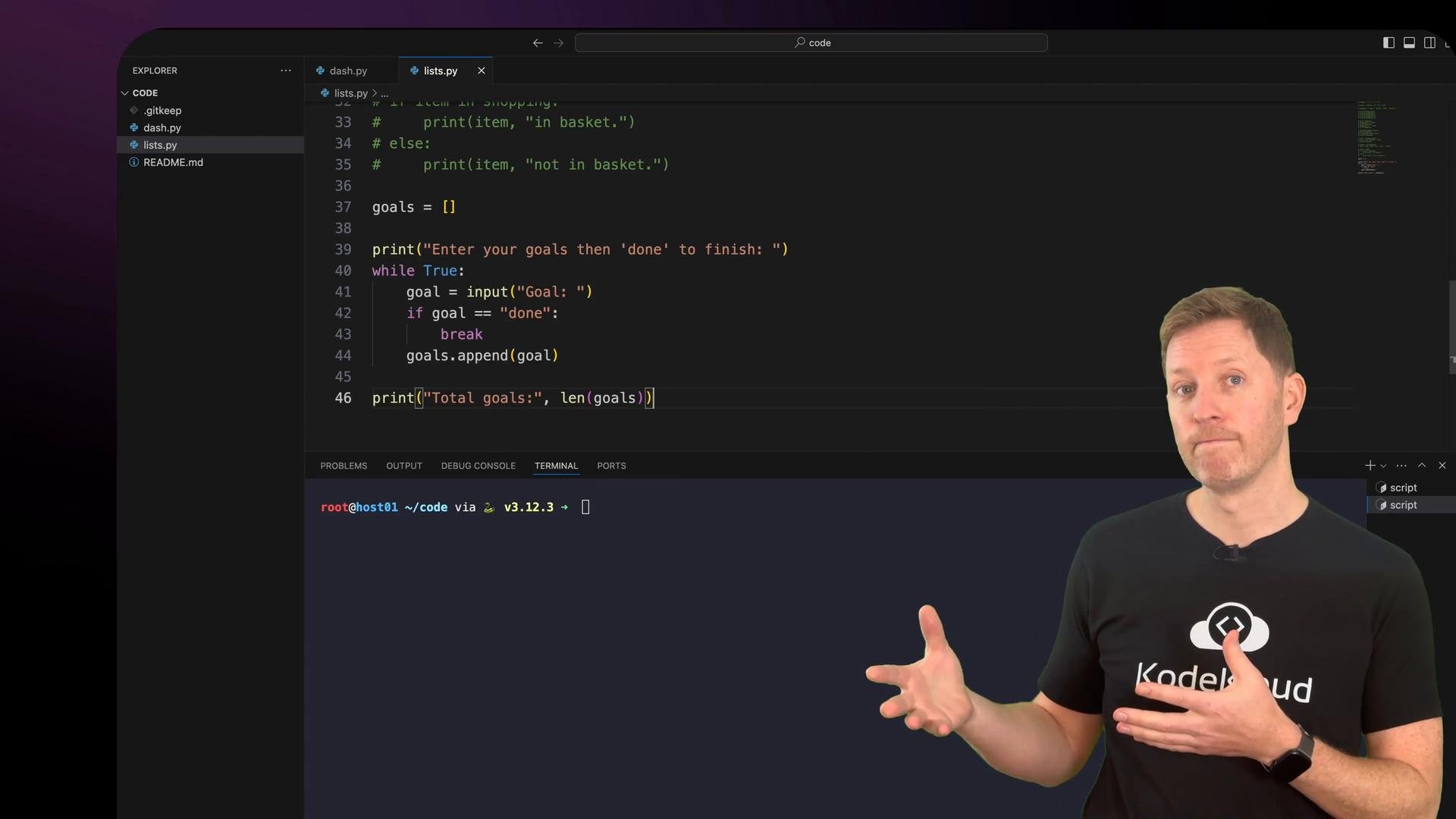
## Putting it together: a simple goals tracker
Let's build a small program that:
* collects goals from the user until they type `done`,
* shows the total number of goals,
* prompts the user to mark which goals are complete,
* displays completed and remaining counts and a final message.
Save this as `lists.py`:
```python theme={null}
goals = []
print("Enter your goals then 'done' to finish:")
while True:
goal = input("Goal: ")
if goal.lower() == "done":
break
goals.append(goal)
print("\nTotal goals:", len(goals))
print("Mark completed goals:")
completed = 0
for goal in goals:
status = input(goal + " - done? (y/n): ")
if status.lower().startswith("y"):
completed += 1
print("\nTotal goals:", len(goals))
print("Completed:", completed)
print("Remaining:", len(goals) - completed)
if completed == len(goals):
print("You nailed all your goals today.")
else:
print("Keep going - you're making progress!")
```
Example run (user input shown after prompts):
```text theme={null}
Enter your goals then 'done' to finish:
Goal: start
Goal: finish
Goal: done
Total goals: 2
Mark completed goals:
start - done? (y/n): y
finish - done? (y/n): n
Total goals: 2
Completed: 1
Remaining: 1
Keep going - you're making progress!
```
## Recap
* Lists are defined with square brackets and can store multiple items, including mixed types.
* Access list items by zero-based index or by negative index to count from the right.
* Modify lists with index assignment, `append()`, `remove()`, and `pop()`.
* Use `len()` for the count and `in` for membership tests.
* Iterate with `for item in my_list:` to process each element.
* Normalize strings (for example, with `.lower()`) when checking user input or doing case-insensitive comparisons.
For further reading:
* Python official tutorial — Data Structures: [https://docs.python.org/3/tutorial/datastructures.html](https://docs.python.org/3/tutorial/datastructures.html)
* Practical Python examples and exercises — search for "Python list examples"
Tip: When checking user input (like `y`/`n`) or looking for items in a list, normalize strings with `.lower()` to avoid case-sensitivity issues.
This documentation is built and hosted on [Mintlify](https://mintlify.com), a developer documentation platform.
## Quick reference — list methods and operations
| Operation | Description | Example |
| - | - | - |
| Create | Define a new list | `items = [1, 2, 3]` |
| Access | Get item by index | `items[0]` |
| Negative index | Access from end | `items[-1]` |
| Replace | Assign to an index | `items[1] = 42` |
| Append | Add to end | `items.append("x")` |
| Remove by value | Delete first matching value | `items.remove("x")` |
| Pop by index | Remove & return element | `removed = items.pop(0)` |
| Length | Number of elements | `len(items)` |
| Membership | Check if present | `"x" in items` |
| Iterate | Loop over items | `for item in items:` |
For full details, see the official Python lists documentation: [https://docs.python.org/3/tutorial/datastructures.html](https://docs.python.org/3/tutorial/datastructures.html)
## Putting it together: a simple goals tracker
Let's build a small program that:
* collects goals from the user until they type `done`,
* shows the total number of goals,
* prompts the user to mark which goals are complete,
* displays completed and remaining counts and a final message.
Save this as `lists.py`:
```python theme={null}
goals = []
print("Enter your goals then 'done' to finish:")
while True:
goal = input("Goal: ")
if goal.lower() == "done":
break
goals.append(goal)
print("\nTotal goals:", len(goals))
print("Mark completed goals:")
completed = 0
for goal in goals:
status = input(goal + " - done? (y/n): ")
if status.lower().startswith("y"):
completed += 1
print("\nTotal goals:", len(goals))
print("Completed:", completed)
print("Remaining:", len(goals) - completed)
if completed == len(goals):
print("You nailed all your goals today.")
else:
print("Keep going - you're making progress!")
```
Example run (user input shown after prompts):
```text theme={null}
Enter your goals then 'done' to finish:
Goal: start
Goal: finish
Goal: done
Total goals: 2
Mark completed goals:
start - done? (y/n): y
finish - done? (y/n): n
Total goals: 2
Completed: 1
Remaining: 1
Keep going - you're making progress!
```
## Recap
* Lists are defined with square brackets and can store multiple items, including mixed types.
* Access list items by zero-based index or by negative index to count from the right.
* Modify lists with index assignment, `append()`, `remove()`, and `pop()`.
* Use `len()` for the count and `in` for membership tests.
* Iterate with `for item in my_list:` to process each element.
* Normalize strings (for example, with `.lower()`) when checking user input or doing case-insensitive comparisons.
For further reading:
* Python official tutorial — Data Structures: [https://docs.python.org/3/tutorial/datastructures.html](https://docs.python.org/3/tutorial/datastructures.html)
* Practical Python examples and exercises — search for "Python list examples"
Tip: When checking user input (like `y`/`n`) or looking for items in a list, normalize strings with `.lower()` to avoid case-sensitivity issues.
This documentation is built and hosted on [Mintlify](https://mintlify.com), a developer documentation platform.