> ## Documentation Index
> Fetch the complete documentation index at: https://notes.kodekloud.com/llms.txt
> Use this file to discover all available pages before exploring further.
# Youll Build This in 90 Minutes
> Tutorial to build a 90-minute interactive text dashboard teaching programming fundamentals like variables, conditionals, loops, lists, and functions.
Welcome — this tutorial guides you through core programming fundamentals by building a small, interactive daily dashboard. In about 90 minutes you'll write a complete, working program that greets you, checks in on your well‑being, records your goals, and summarizes your progress at the end of the day.
## What the finished app does
When you run the program you'll see a clean, text-based dashboard:
* Today's date and a friendly greeting that uses your name.
* A brief well-being check: whether you feel happy or sad, and an energy rating from 0–100.
* A set of personalized messages based on your mood and energy.
* A goal-entry loop where you add as many goals as you want, entering `done` when finished.
* A review loop that asks whether you completed each recorded goal.
* A final summary: total goals, completed goals, remaining goals, and an encouraging message tailored to your results.
Here’s an example of how part of the interaction might look:
```text theme={null}
Welcome, Alex — today is 2026-10-06.
How are you feeling today? (happy/sad): happy
On a scale of 0-100, how's your energy? 75
Enter a goal (or type `done` to finish): Walk the dog
Enter a goal (or type `done` to finish): Finish lesson 3
Enter a goal (or type `done` to finish): done
Did you complete "Walk the dog"? (yes/no): yes
Did you complete "Finish lesson 3"? (yes/no): no
Summary:
- Total goals: 2
- Completed: 1
- Remaining: 1
Great work — keep going!
```
## How the app is structured (high level)
The dashboard demonstrates several fundamental programming concepts:
* Variables to store the user's name, mood, energy, and counters.
* Conditional statements (if/else) to branch behavior and generate personalized messages.
* Loops to collect and then re-check goals.
* Lists (arrays) to store multiple goals and their completion state.
* Functions to organize and reuse code for greeting, input handling, and summaries.
It remembers your information using variables. It makes decisions based on your input using if statements.
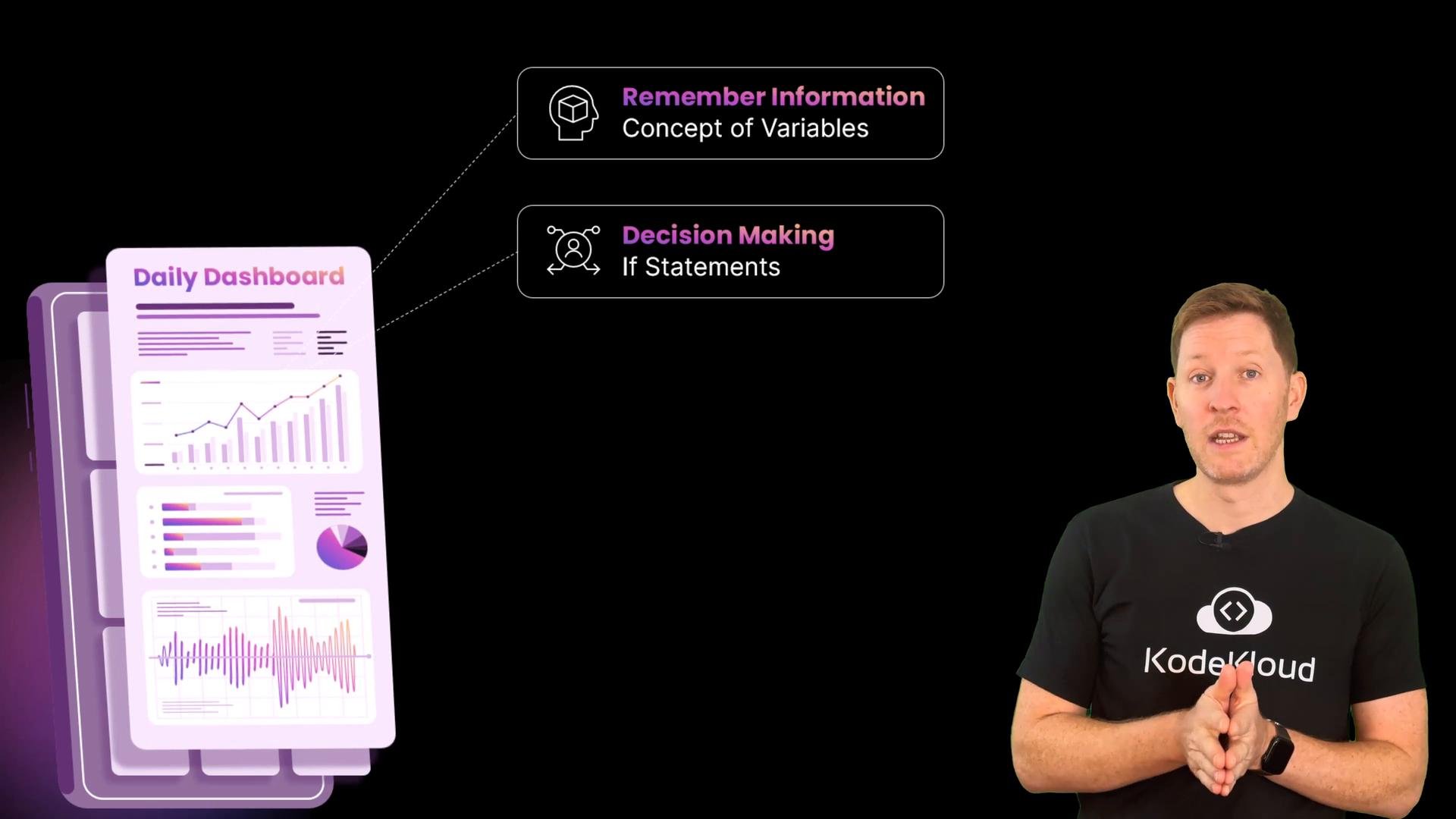 You will learn to store and update data with variables, make decisions with conditional statements, repeat actions with loops, manage collections with lists, and encapsulate behavior with functions. Each of these building blocks will be used to assemble the interactive dashboard step by step.
## Step-by-step flow you’ll implement
1. Greet the user and get basic info (name and today's date).
2. Ask mood and energy level; use conditionals to print a personalized message.
3. Collect goals in a loop:
* Prompt: "Enter a goal (or type `done` to finish):"
* Append each goal to a list until the user types `done`.
4. Iterate over the list of goals to ask whether each one was completed:
* Collect yes/no responses and count completed items.
5. Print a final summary and a motivational message based on progress.
## Key concepts at a glance
| Concept | Why it matters | Short example |
| - | - | - |
| Variables | Store user input and state | `name = "Alex"` |
| Conditionals | Change behavior based on input | `if mood == "happy": print("Nice!")` |
| Loops | Repeat input collection and review | `while entry != "done":` |
| Lists | Hold multiple goals | `goals = ["Walk dog", "Finish lesson"]` |
| Functions | Group behavior for reusability | `def summarize(goals, completed):` |
## Tips before you start
* Use clear, descriptive variable names (e.g., `goals`, `completed_count`).
* Validate user input where helpful (e.g., ensure energy is a number between 0 and 100).
* Keep input and output separate from processing logic by using functions for each responsibility.
You might be thinking: can't ChatGPT just build this for me? Is programming still worth learning? Those are great questions. While AI can generate code, learning these fundamentals helps you understand, debug, and adapt programs to real needs — and that understanding is what makes you a capable developer rather than a passive consumer of generated code.
## Links and further reading
* [Python official tutorial](https://docs.python.org/3/tutorial/) — great for beginner-friendly examples.
* [Learn JavaScript](https://developer.mozilla.org/en-US/docs/Web/JavaScript/Guide) — if you prefer a browser-based language.
* [Programming fundamentals overview](https://en.wikipedia.org/wiki/Computer_programming) — high-level context and related topics.
This documentation is built and hosted on [Mintlify](https://mintlify.com), a developer documentation platform.
You will learn to store and update data with variables, make decisions with conditional statements, repeat actions with loops, manage collections with lists, and encapsulate behavior with functions. Each of these building blocks will be used to assemble the interactive dashboard step by step.
## Step-by-step flow you’ll implement
1. Greet the user and get basic info (name and today's date).
2. Ask mood and energy level; use conditionals to print a personalized message.
3. Collect goals in a loop:
* Prompt: "Enter a goal (or type `done` to finish):"
* Append each goal to a list until the user types `done`.
4. Iterate over the list of goals to ask whether each one was completed:
* Collect yes/no responses and count completed items.
5. Print a final summary and a motivational message based on progress.
## Key concepts at a glance
| Concept | Why it matters | Short example |
| - | - | - |
| Variables | Store user input and state | `name = "Alex"` |
| Conditionals | Change behavior based on input | `if mood == "happy": print("Nice!")` |
| Loops | Repeat input collection and review | `while entry != "done":` |
| Lists | Hold multiple goals | `goals = ["Walk dog", "Finish lesson"]` |
| Functions | Group behavior for reusability | `def summarize(goals, completed):` |
## Tips before you start
* Use clear, descriptive variable names (e.g., `goals`, `completed_count`).
* Validate user input where helpful (e.g., ensure energy is a number between 0 and 100).
* Keep input and output separate from processing logic by using functions for each responsibility.
You might be thinking: can't ChatGPT just build this for me? Is programming still worth learning? Those are great questions. While AI can generate code, learning these fundamentals helps you understand, debug, and adapt programs to real needs — and that understanding is what makes you a capable developer rather than a passive consumer of generated code.
## Links and further reading
* [Python official tutorial](https://docs.python.org/3/tutorial/) — great for beginner-friendly examples.
* [Learn JavaScript](https://developer.mozilla.org/en-US/docs/Web/JavaScript/Guide) — if you prefer a browser-based language.
* [Programming fundamentals overview](https://en.wikipedia.org/wiki/Computer_programming) — high-level context and related topics.
This documentation is built and hosted on [Mintlify](https://mintlify.com), a developer documentation platform.