> ## Documentation Index
> Fetch the complete documentation index at: https://notes.kodekloud.com/llms.txt
> Use this file to discover all available pages before exploring further.
# Saving and loading models
> This article covers saving and loading models in PyTorch, including core functions, techniques for model management, and handling device differences.
As you build and refine models, it's essential to understand how to save and reload them. Whether you want to preserve a model for future use, transfer it between devices, or resume training later, PyTorch provides flexible tools to accomplish these tasks. In this guide, we cover core functions available in PyTorch—saving models, loading saved parameters, and running inference—so you walk away with practical techniques for effective model management.
Let's dive into the details.
## Why Save Your Models?
Training a model can take hours or even days. Saving your model allows you to:
* Reuse it without retraining
* Share your work with collaborators
* Deploy it immediately for inference
* Resume training at a later time
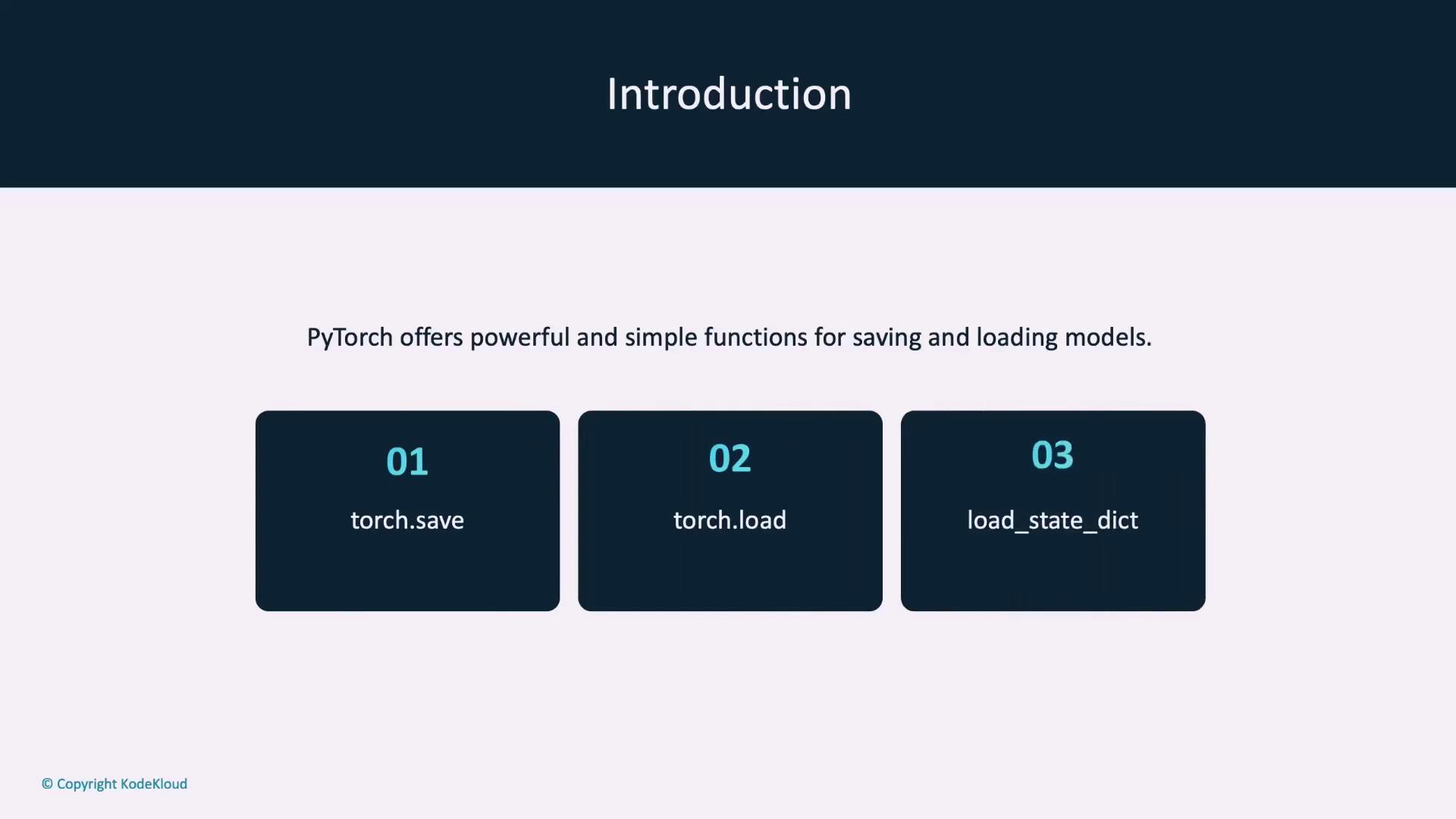
PyTorch offers three main functions for model serialization:
* `torch.save`
* `torch.load`
* `load_state_dict`
## Core Saving and Loading Functions
### 1. Saving and Loading with torch.save and torch.load
• **torch.save**: Serialize various PyTorch objects (e.g., models, tensors, dictionaries) to a file using Python's pickle module.
```python theme={null}
torch.save(x, "model.pt")
```
For example, use this function to save a model's parameters.
• **torch.load**: The inverse of `torch.save`, this function deserializes the saved data back into memory.
```python theme={null}
torch.load("model.pt")
```
### 2. Using load\_state\_dict
The `load_state_dict` function is used to load a model's learnable parameters (weights and biases) from a previously saved state dictionary. Typically, you initialize a new model with the same architecture and then load the saved parameters into it.
```python theme={null}
model.load_state_dict(torch.load("model.pt"))
```
## Understanding state\_dict
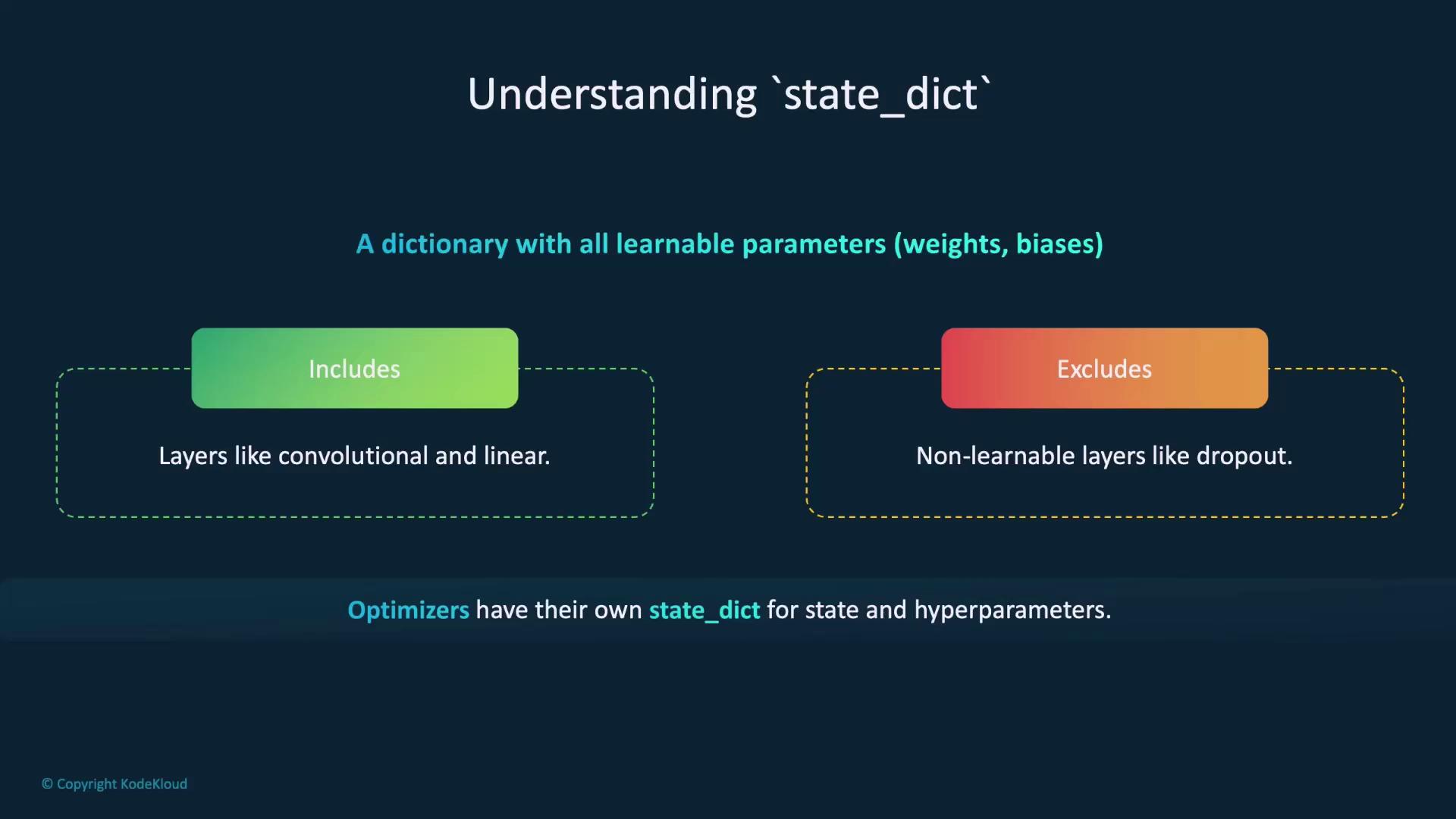
A `state_dict` in PyTorch is a dictionary that holds all learnable parameters of a model, such as weights and biases. When saving a model, you usually serialize its `state_dict` because it contains the key information needed to restore the model later. Note that only layers with learnable parameters (like convolutional or linear layers) are included; non-learnable layers such as dropout are omitted.
Optimizers in PyTorch also maintain a `state_dict` that includes both their state and hyperparameters. The following image illustrates how state dictionaries capture essential parameters:
## Saving Models for Inference
Inference involves using a trained model to make predictions on new, unseen data. The recommended approach in PyTorch is to save the model’s `state_dict`, then load it and switch the model to evaluation mode.
```python theme={null}
# Save using state_dict
torch.save(model.state_dict(), PATH)
# Load for inference
model.load_state_dict(torch.load(PATH, map_location='cpu'))
model.eval()
```
## Saving and Loading the Entire Model
You also have the option to save the entire model, which includes both its architecture and parameters. This method is convenient because you can reload the model without redefining its structure. However, one drawback is that the saved model is coupled with its original code and file paths, potentially causing issues when those change. This method is best suited for personal projects or stable codebases.
```python theme={null}
# Save the entire model
torch.save(model, PATH + "/model.pt")
# Load the entire model
model = torch.load(PATH + "/model.pt")
model.eval()
```
## Exporting Models with TorchScript
TorchScript allows you to export PyTorch models for high-performance deployment across various environments, including C++ or mobile devices. First, create a scripted version of your model using `torch.jit.script`, then export it with the `save` function. Later, you can load it with `torch.jit.load` and switch it to evaluation mode.
```python theme={null}
# Export to TorchScript
model_scripted = torch.jit.script(model)
model_scripted.save('model_scripted.pt')
# Load the scripted model
model = torch.jit.load('model_scripted.pt')
model.eval()
```
## Checkpoints During Training
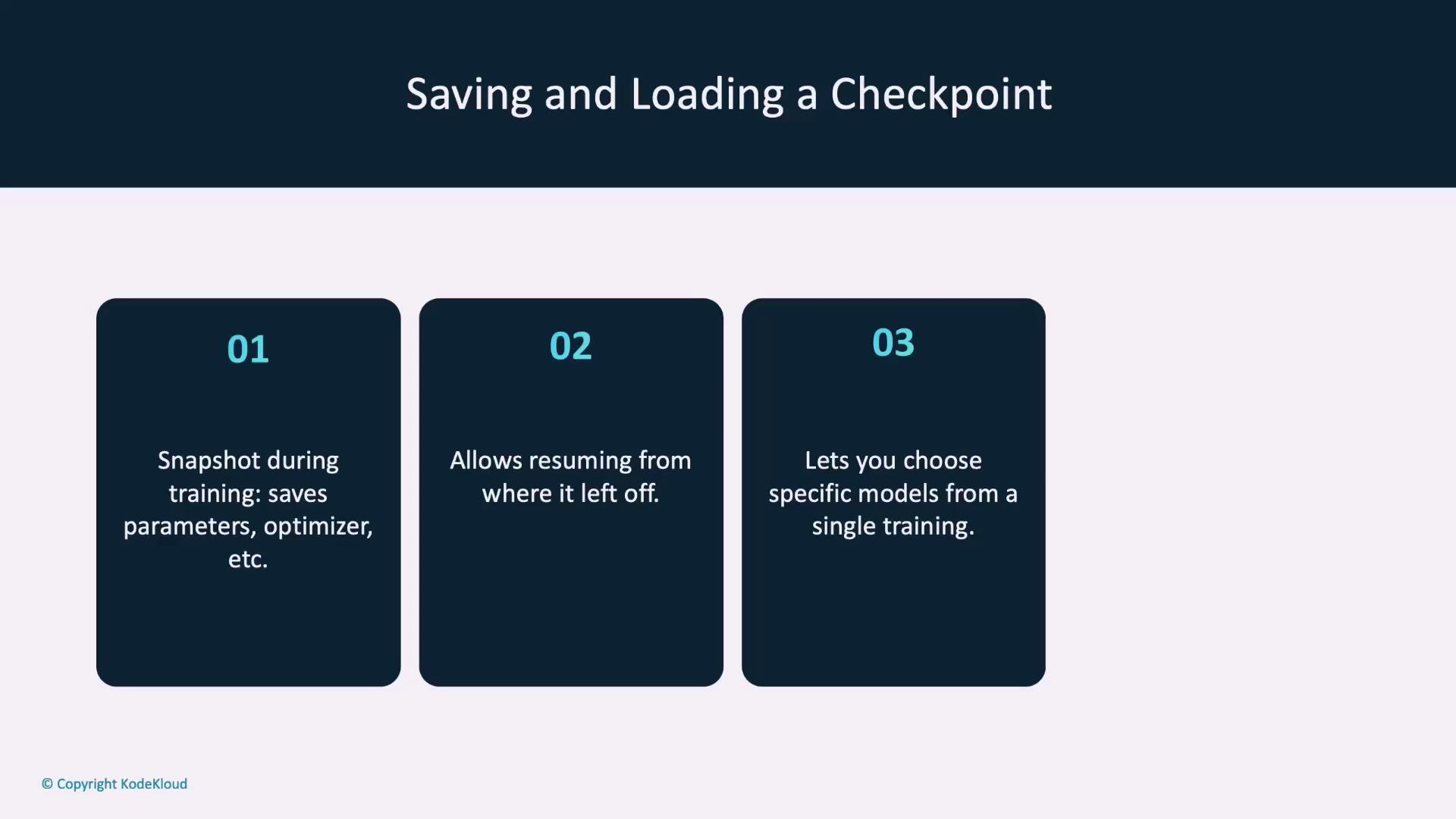
A checkpoint is a snapshot of your training state at a given time. It typically includes:
* The model’s `state_dict`
* The optimizer’s `state_dict`
* Additional details like the current epoch and loss
Checkpoints allow you to resume training exactly where it left off.
### Saving a Checkpoint
Organize the necessary components into a dictionary and save it with the `.tar` extension:
```python theme={null}
# Save Checkpoint
torch.save({
'epoch': epoch,
'model_state_dict': model.state_dict(),
'optimizer_state_dict': optimizer.state_dict(),
'loss': loss,
}, PATH + "/checkpoint.tar")
```
### Reloading a Checkpoint
Initialize your model and optimizer first, then load their state dictionaries along with any additional saved components:
```python theme={null}
# Initialize Model and Optimizer
model = ModelClass()
optimizer = OptimizerClass()
# Load from Checkpoint
checkpoint = torch.load(PATH + "/checkpoint.tar", map_location='cpu')
model.load_state_dict(checkpoint['model_state_dict'])
optimizer.load_state_dict(checkpoint['optimizer_state_dict'])
epoch = checkpoint['epoch']
loss = checkpoint['loss']
```
You might also choose to save a checkpoint at regular intervals—say, every five epochs—to balance reliability with storage demands.
```python theme={null}
# Training loop example
for epoch in range(N_EPOCHS):
...
if epoch % 5 == 0:
torch.save({
'epoch': epoch,
'model_state_dict': model.state_dict(),
'optimizer_state_dict': optimizer.state_dict(),
'loss': loss,
}, PATH + f"/checkpoint_{epoch}.tar")
```
## Warm Starting Models
Warm starting means initializing a new model with parameters from a previously trained one rather than starting from scratch. This is particularly useful in transfer learning scenarios where a pre-trained model is adapted to a related task, leading to faster convergence and improved performance.
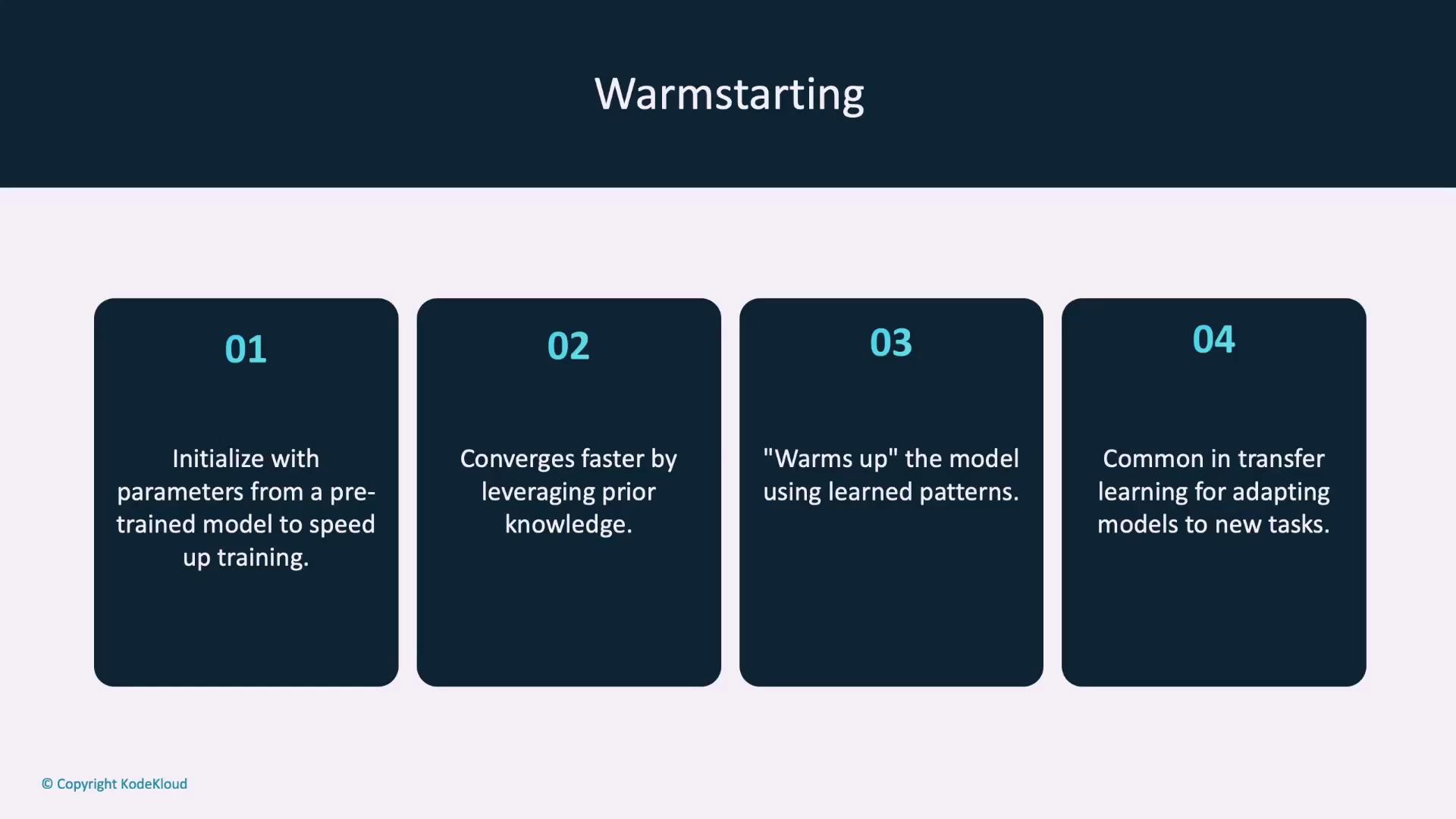
To warm start a model, load its state dictionary. If there are discrepancies between the keys (due to missing or extra parameters), you can set the `strict` flag to `False`.
```python theme={null}
# Load a model with non-matching keys
model = ModelClass()
model.load_state_dict(torch.load(PATH, map_location='cpu'), strict=False)
# Optionally, modify parameter key names if needed
new_state_dict = {}
for key, value in model.state_dict().items():
if key == "old_layer_name":
new_state_dict["new_layer_name"] = value
```
## Moving Models Between Devices
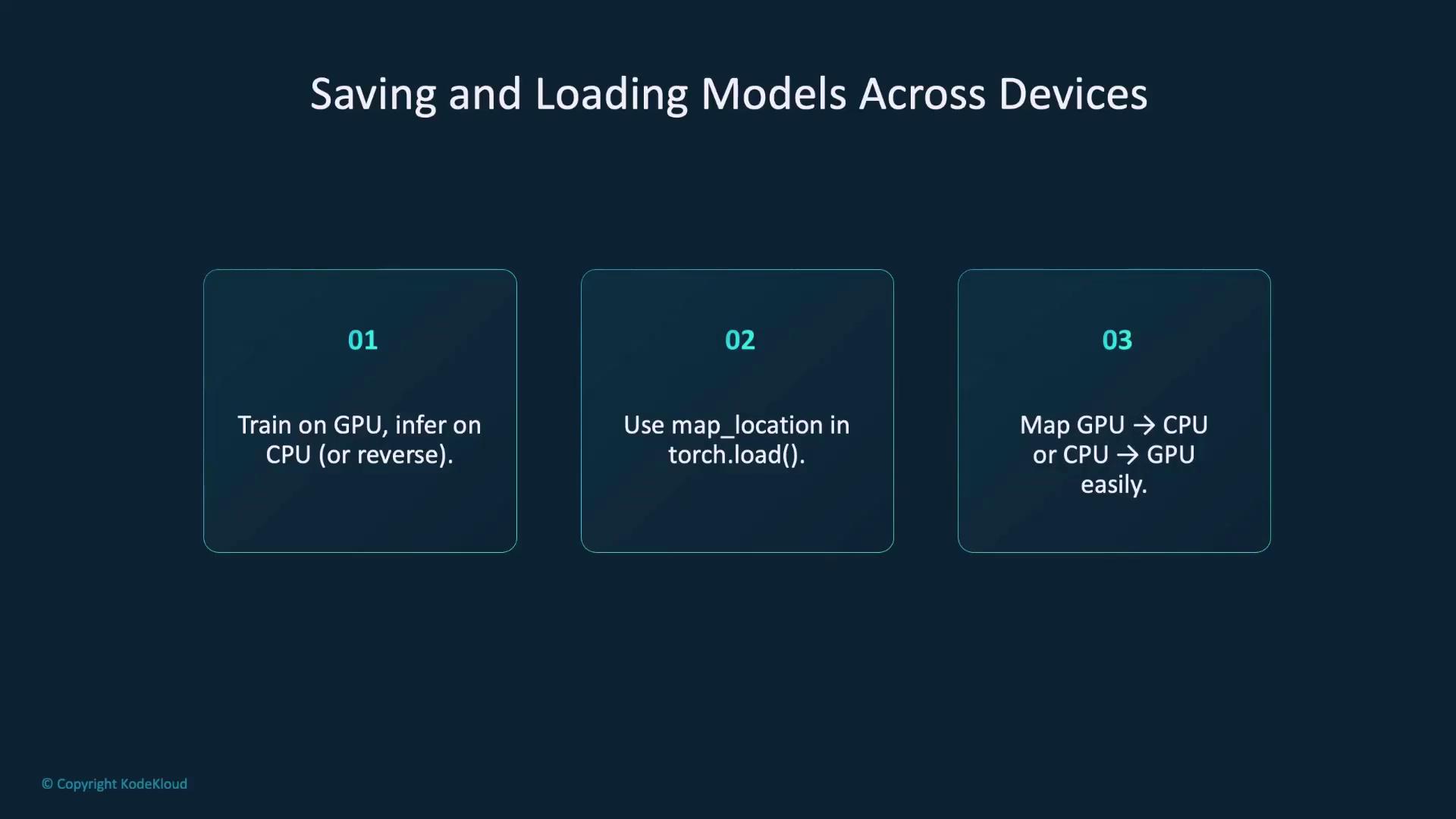
Models are often trained on GPUs and then deployed on CPUs or vice versa. PyTorch makes it easy to handle device differences through the `map_location` parameter in `torch.load`.
• **Loading a GPU-Saved Model on a CPU:**
```python theme={null}
model = ModelClass()
model.load_state_dict(torch.load(PATH, map_location='cpu'))
```
• **Loading a CPU-Saved Model on a GPU:**
```python theme={null}
model = ModelClass()
model.load_state_dict(torch.load(PATH, map_location='cuda:0'))
model.to(torch.device('cuda'))
```
Always ensure that both your model and input data are on the same device for optimal performance.
## Model Registries
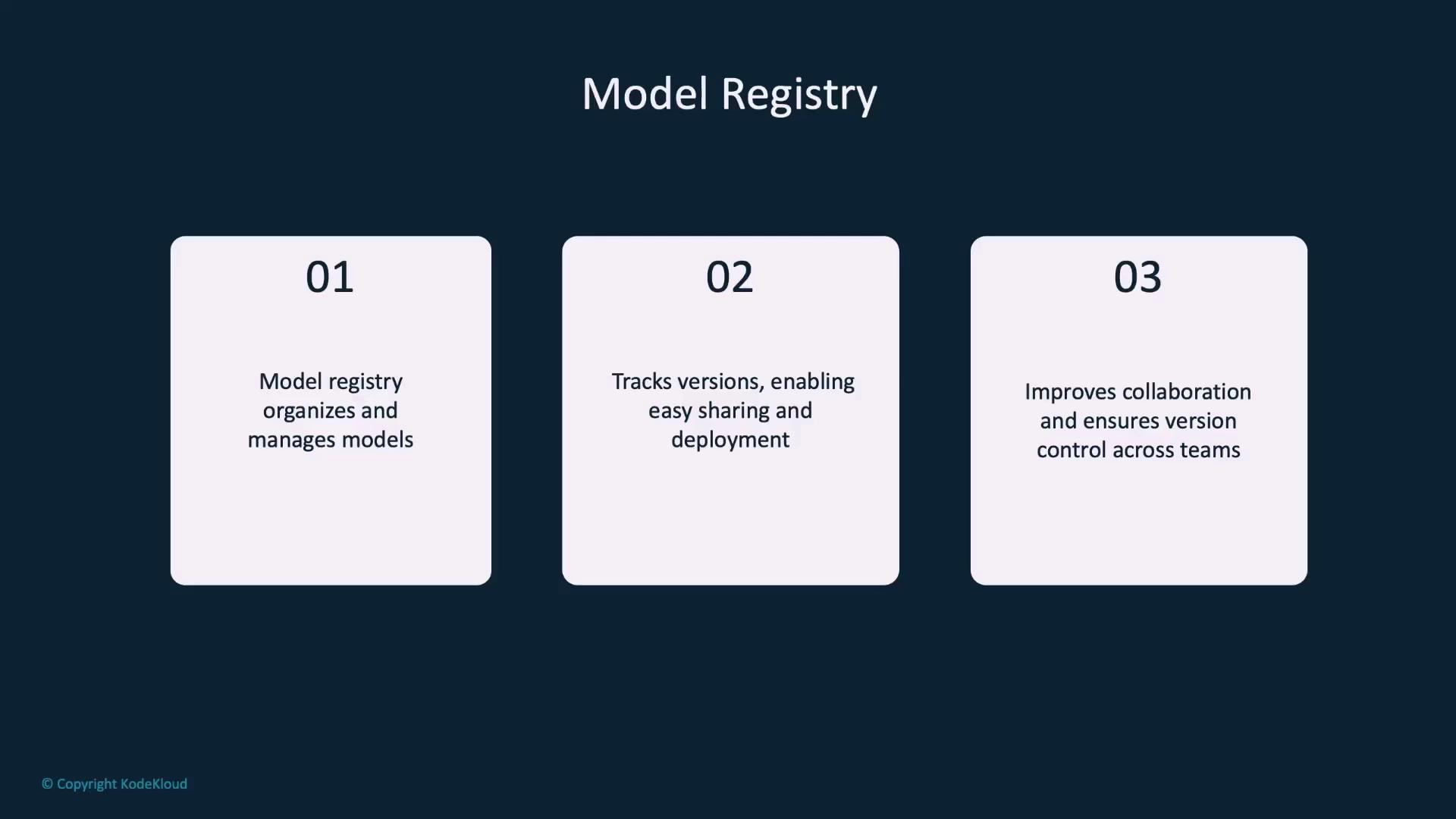
A model registry is a centralized system to organize, store, and manage models. It simplifies tracking model versions, sharing across teams, and managing deployments. Popular solutions like MLflow, AWS SageMaker Model Registry, and Azure Machine Learning Model Registry integrate seamlessly with PyTorch. Although this guide doesn't delve deeply into model registries, they are invaluable for efficient production workflows.
## Summary
We've explored several methods for saving and loading models in PyTorch:
* Using `torch.save`/`torch.load` and `load_state_dict` to preserve and restore model parameters.
* Leveraging TorchScript to export models for deployment in non-Python environments.
* Creating checkpoints during training to resume work seamlessly.
* Employing warm starting to take advantage of pre-trained models in transfer learning.
* Handling device differences by using the `map_location` parameter.
* Managing model versions through a centralized model registry.
Ensure that you save and load your models consistently with the same configuration and device mappings to avoid runtime errors.
This comprehensive walkthrough of saving and loading models in PyTorch should provide you with the tools you need to manage your models effectively. Now, try out these techniques in your demo and optimize your workflow!