> ## Documentation Index
> Fetch the complete documentation index at: https://notes.kodekloud.com/llms.txt
> Use this file to discover all available pages before exploring further.
# Print Function
> This article provides an overview of Pythons print function, its syntax, usage, and how to control output formatting.
Now that our Python environment is set up, let's run our very first program and observe its output.
When you execute the following line of code:
```python theme={null}
>>> print("Hello future Python programmer!")
Hello future Python programmer!
```
Python displays exactly the text found between the parentheses. This simple example introduces the built-in print function, which is used to display information to the terminal.
Let's break down the anatomy of the code:
```python theme={null}
print("Hello future Python programmer!")
```
The code consists of:\
• The function name: print\
• An opening parenthesis: (\
• A text string delimited by double quotes: "Hello future Python programmer!"\
• A closing parenthesis: )
By combining these elements, Python understands that it should display the provided string on the terminal.
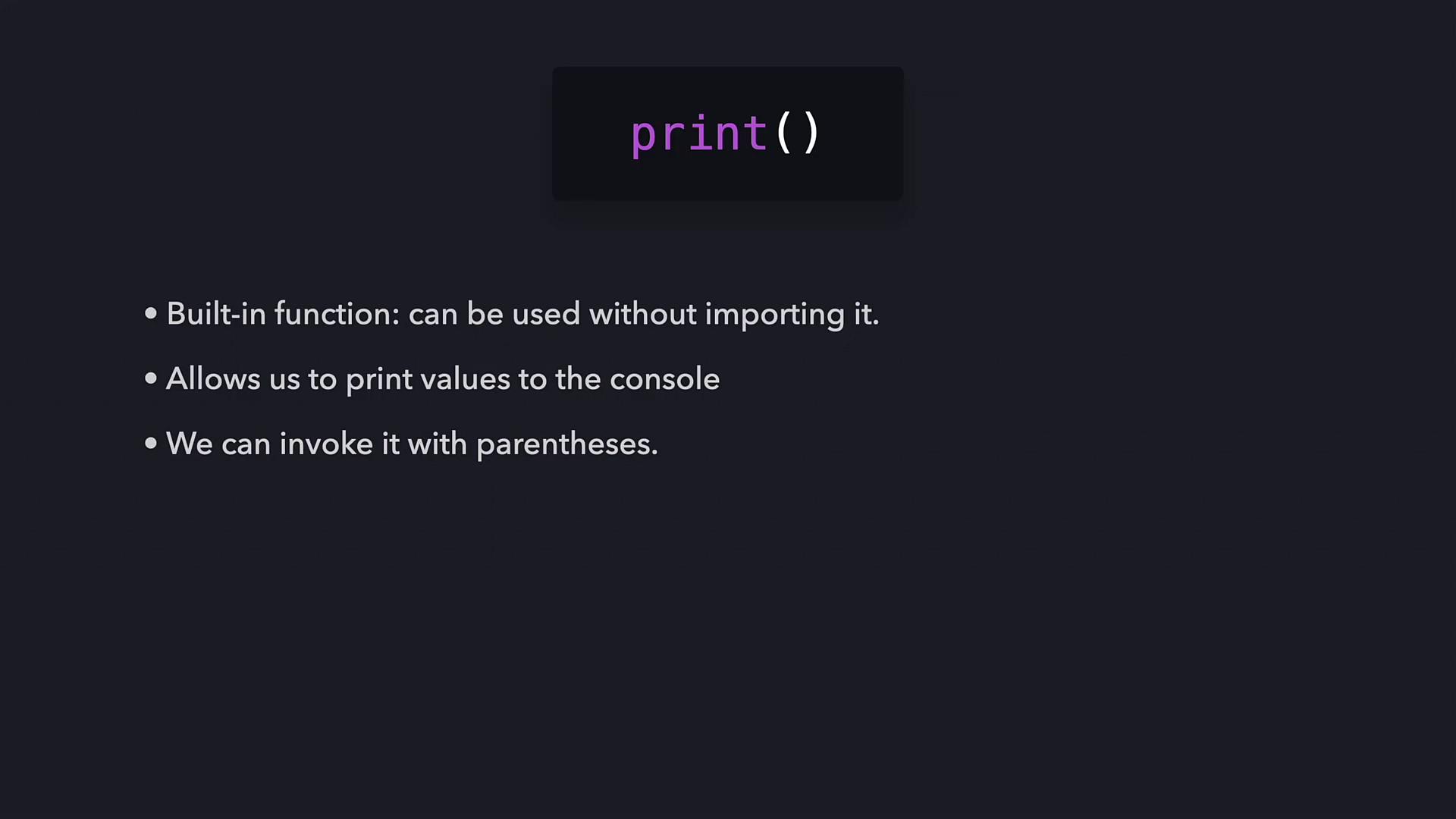
The print function is built into Python and requires no additional imports. Beyond printing text, functions in Python can process values, produce side effects, and even return data, allowing you to design your own functions for more complex tasks.
Let's revisit the function’s structure with another example:
```python theme={null}
print("Hello future Python programmer!")
```
In this example, a single string argument is passed to the print function. In Python, any text enclosed in quotes is treated as a string, ensuring that the text is interpreted as data rather than code.
If you pass another string, Python will print that string as well. For example:
```python theme={null}
>>> print("Hello future Python programmer!")
Hello future Python programmer!
>>> print("Python is a great language")
Python is a great language
```
## How Python Executes a Function
When Python executes a function, it follows these steps:
1. It verifies that the function name is valid. If the function is built-in, Python retrieves its internal implementation.
2. It checks that the number and format of the arguments match what the function expects.
3. After validation, Python transfers control temporarily from your program to the function's code.
4. The function executes its operations (in this case, printing the provided string).
5. Finally, Python returns to your code and resumes execution.
For our print example:
```python theme={null}
>>> print("Hello future Python programmer!")
Hello future Python programmer!
```
Python verifies the print function, confirms that a valid string argument has been provided, executes the internal code, and then returns control to your program.
## Printing Multiple Lines
To print multiple lines, you can either call the print function several times—each on its own line—or include the newline character (\n) within your string. For example:
```python theme={null}
>>> print("Hello, \nfuture Python programmer!")
Hello,
future Python programmer!
```
You can also print multiple arguments on the same line. When several arguments are passed (separated by commas), Python concatenates them with a space by default:
```python theme={null}
>>> print("Hello", "future", "Python", "programmer!")
Hello future Python programmer!
```
## Controlling Output with Keyword Arguments
Python’s print function supports keyword arguments that let you fine-tune its output. Two common keyword arguments are:
• end – Specifies what to print at the end of the output. The default is a newline character.\
• sep – Specifies the separator between multiple arguments. The default is a space.
For example, to override the default newline behavior:
```python theme={null}
>>> print("Hello!", end="")
... print("Python is a great language")
Hello!Python is a great language
```
You can also use different values for the end parameter:
```python theme={null}
>>> print("Hello!", end="!")
... print("Python is a great language")
Hello!!Python is a great language
>>> print("Hello!", end="❤️")
... print("Python is a great language")
Hello!❤️Python is a great language
```
The sep keyword can be used to change the default spacing between arguments:
```python theme={null}
>>> print("Hello", "future", "Python", "programmer!", sep="-")
Hello-future-Python-programmer!
>>> print("Hello", "future", "Python", "programmer!", sep="❤️")
Hello❤️future❤️Python❤️programmer!
```
Combining sep and end gives you greater control over the output format:
```python theme={null}
print("Hi", "Hello", sep="! ", end="❤️\n")
print("So", "enjoying Python?", sep=", ", end="😊")
```
The result will be:
Hi! Hello❤️\
So, enjoying Python?😊
## Summary
The print function is an essential built-in Python tool for displaying output on the console. By calling this function with parentheses and providing values—commonly strings enclosed in quotes—Python knows to output that content. In this article, we learned:
• The basics of the print function and its syntax.\
• How arguments (such as strings) are passed to the function.\
• The role of special characters like the newline (\n).\
• How keyword arguments like end and sep allow for versatile output control.
This article has provided a comprehensive overview of the print function. Practice what you've learned by experimenting with these examples in your own Python environment!