> ## Documentation Index
> Fetch the complete documentation index at: https://notes.kodekloud.com/llms.txt
> Use this file to discover all available pages before exploring further.
# Variables
> This lesson explores the importance of variables in Python, their naming conventions, and how they enhance code readability and maintainability.
In this lesson, we explore the importance of variables in Python and how they give context to arithmetic operations. Variables serve as containers for values, enabling us to write more meaningful and maintainable code.
## Introducing Variables with a Real-World Example
Previously, we saw an arithmetic operation without context:
```python theme={null}
print(2 * 5)
# Output: 10
```
In this snippet, the numbers 2 and 5 lack explanation. Suppose 2 represents the number of apples you wish to buy, and 5 is the cost per apple. We can introduce variables to clarify these values.
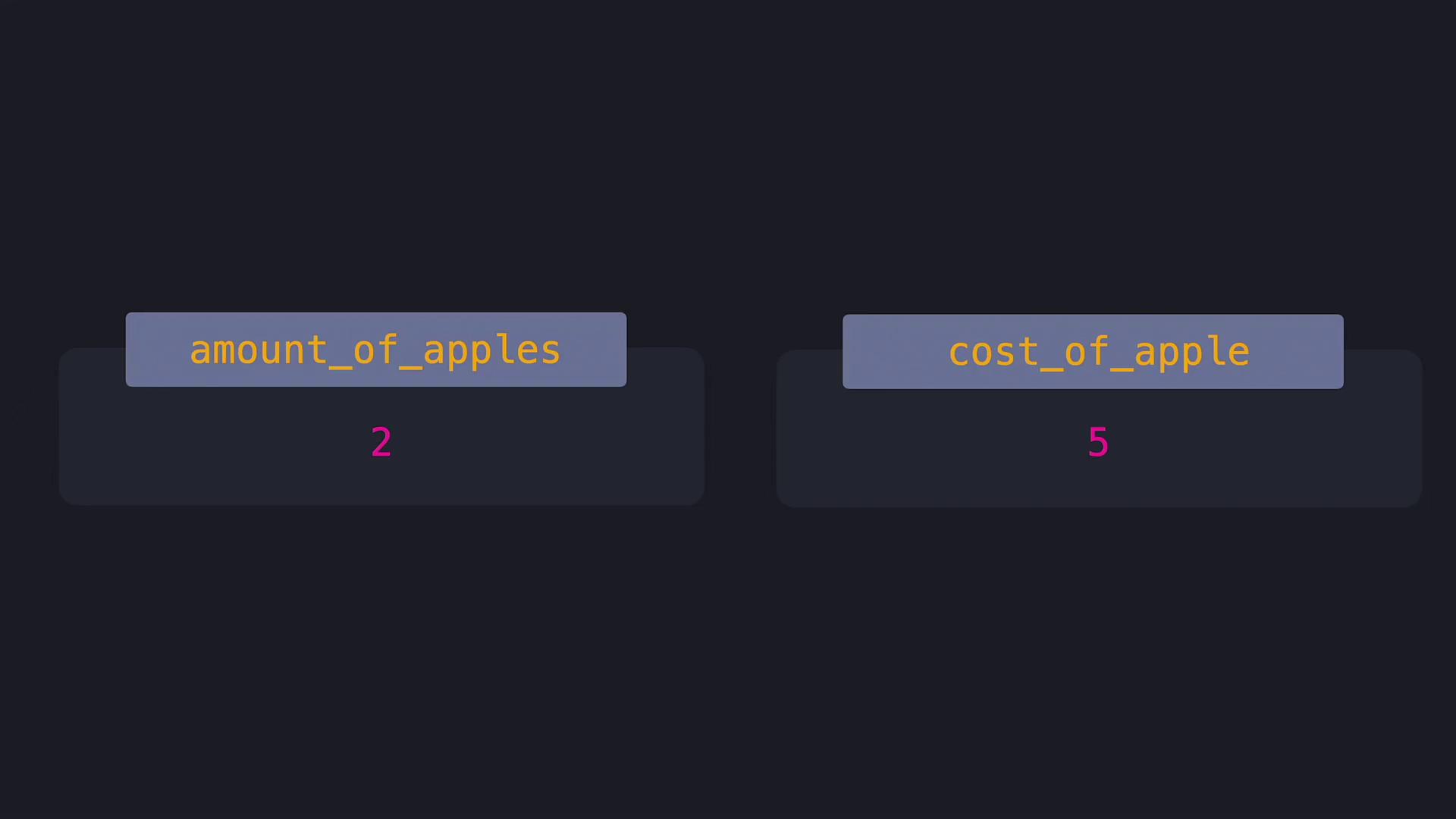
Let's define two variables: `amount_of_apples` for the quantity of apples, and `cost_of_apple` for the price of one apple. Using these variables makes our code self-explanatory:
```python theme={null}
# Defining the variables with contextual names
amount_of_apples = 2
cost_of_apple = 5
# Calculating the total cost using the defined variables
print(amount_of_apples * cost_of_apple)
# Output: 10
```
In this example, each variable has a clear role. The variable names `amount_of_apples` and `cost_of_apple` store the values 2 and 5, respectively.
## Python Variable Naming Conventions
When naming variables in Python, there are specific rules to follow:
* A variable name can include uppercase and lowercase letters, digits, and an underscore.
* It must begin with a letter or an underscore.
* Python is case-sensitive; for instance, `costOfApple` and `CostOfApple` represent two different variables.
Below are examples of valid and invalid variable names.
**Valid Variable Names:**
* amount\_of\_apples
* cost\_of\_apple
* \_total\_cost
* COST\_OF\_APPLE
**Invalid Variable Names:**
* am\*unt\_0%\_ap|les
* c\*st\_0%\_app|e
* 5apples\_cost
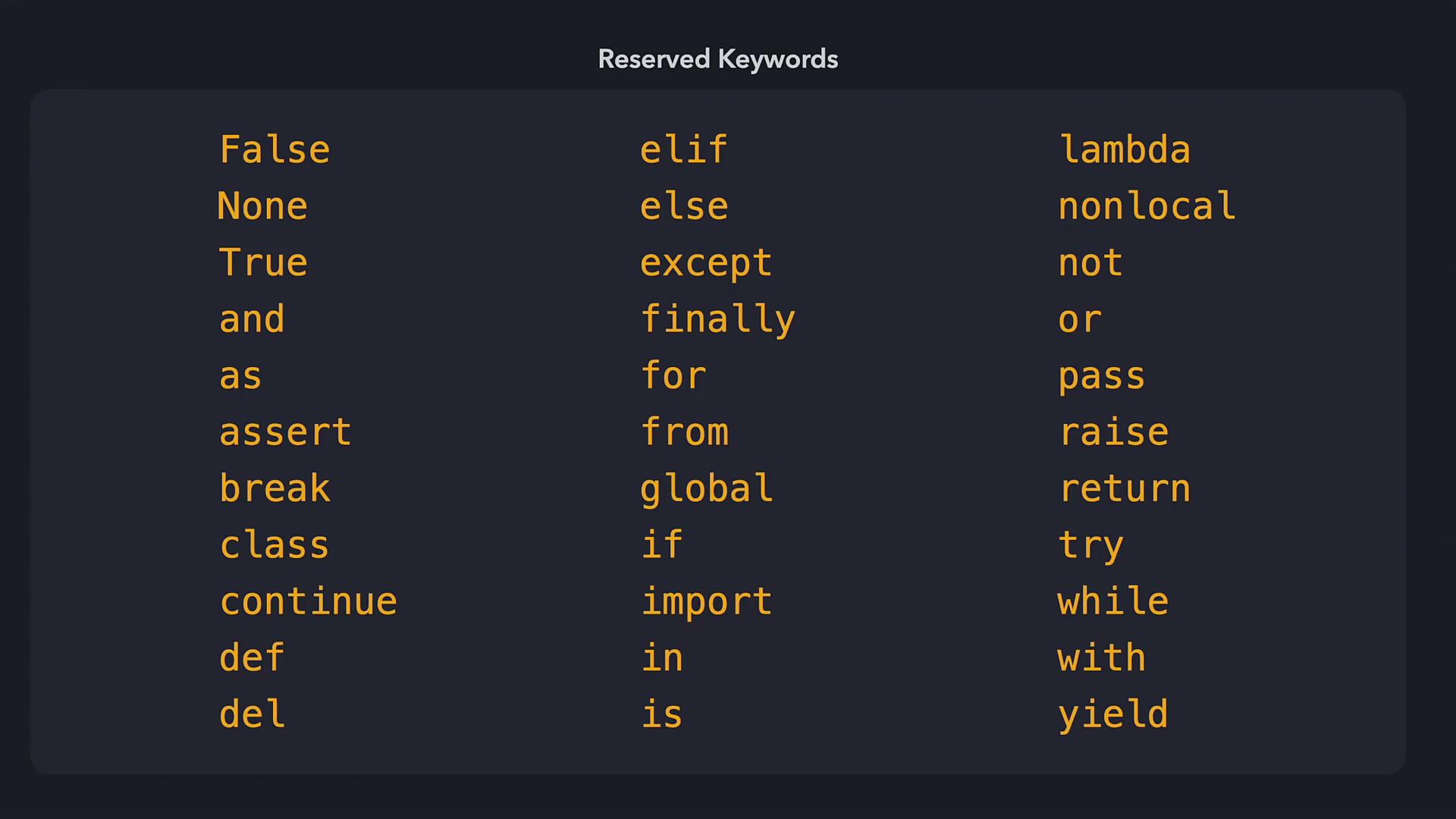
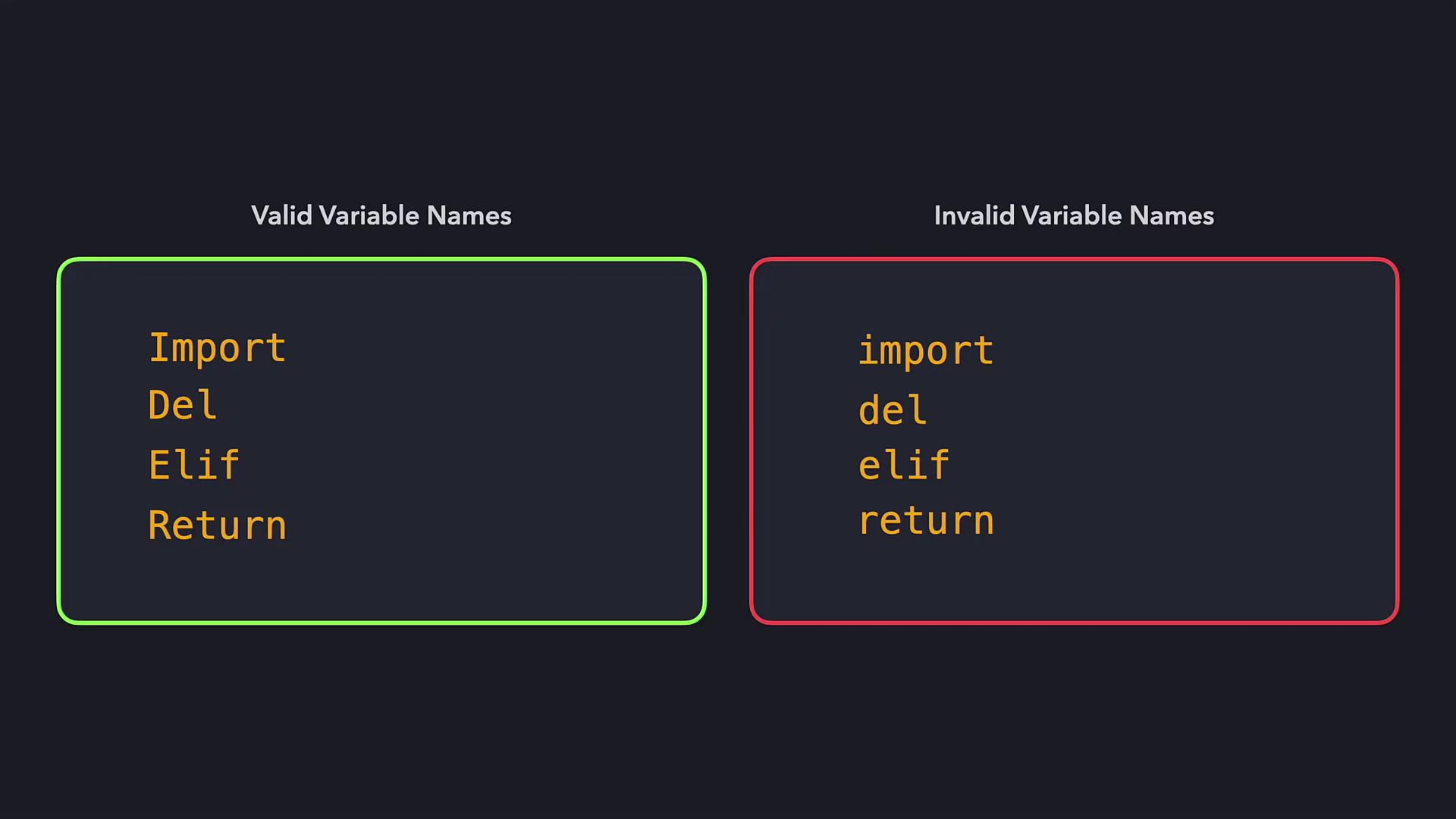
Also, remember that variable names cannot be reserved keywords in Python. If you need a similar name, consider modifying its case.
## Updating Variable Values
Variables are mutable, meaning their stored values can change over time. For example, if the price of an apple increases by \$2, you can update the `cost_of_apple` variable accordingly:
```python theme={null}
# Updating the variable to reflect a price increase
cost_of_apple = cost_of_apple + 2
print(amount_of_apples * cost_of_apple)
# With updated cost_of_apple = 7, the output is: 14
```
Python offers a shorthand operator to update variables more concisely. The "+=" operator adds a specified value to the current value of the variable:
```python theme={null}
# Using the '+=' operator for a more concise update
cost_of_apple += 2
print(amount_of_apples * cost_of_apple)
# Output: 14
```
## Shortcut Operators for Efficient Coding
Shortcut operators are available for most arithmetic operations. They help keep your code clean and reduce redundancy. For example, here is a comparison:
| Operation Type | Without Shortcut | With Shortcut |
| -------------- | ---------------------------------------- | ----------------------- |
| Addition | cost\_of\_apple = cost\_of\_apple + 2 | cost\_of\_apple += 2 |
| Subtraction | cost\_of\_apple = cost\_of\_apple - 2 | cost\_of\_apple -= 2 |
| Multiplication | cost\_of\_apple = cost\_of\_apple \* 2 | cost\_of\_apple \*= 2 |
| Exponentiation | cost\_of\_apple = cost\_of\_apple \*\* 2 | cost\_of\_apple \*\*= 2 |
| Division | cost\_of\_apple = cost\_of\_apple / 2 | cost\_of\_apple /= 2 |
| Floor Division | cost\_of\_apple = cost\_of\_apple // 2 | cost\_of\_apple //= 2 |
| Modulus | cost\_of\_apple = cost\_of\_apple % 2 | cost\_of\_apple %= 2 |
## Summary of Key Points
* Variables store values under a specific name, making code more readable.
* Valid variable names must start with a letter or underscore and include only letters, digits, or underscores.
* Variable names should not overlap with Python's reserved keywords.
* Variables can be reassigned, and shortcut operators simplify the code.
That's it for this lesson on variables. Now, try the exercises to reinforce your understanding and elevate your Python programming skills.