> ## Documentation Index
> Fetch the complete documentation index at: https://notes.kodekloud.com/llms.txt
> Use this file to discover all available pages before exploring further.
# Bitwise Operators
> Explains Python bitwise operators, their behavior, examples, shifting, compound assignments, and two's complement implications for flags, masks, and low-level integer manipulation.
Bitwise operators let you manipulate individual bits of integer values by operating on their binary representations. These operators are commonly used for flags, masks, low-level data manipulation, and performance-sensitive code.
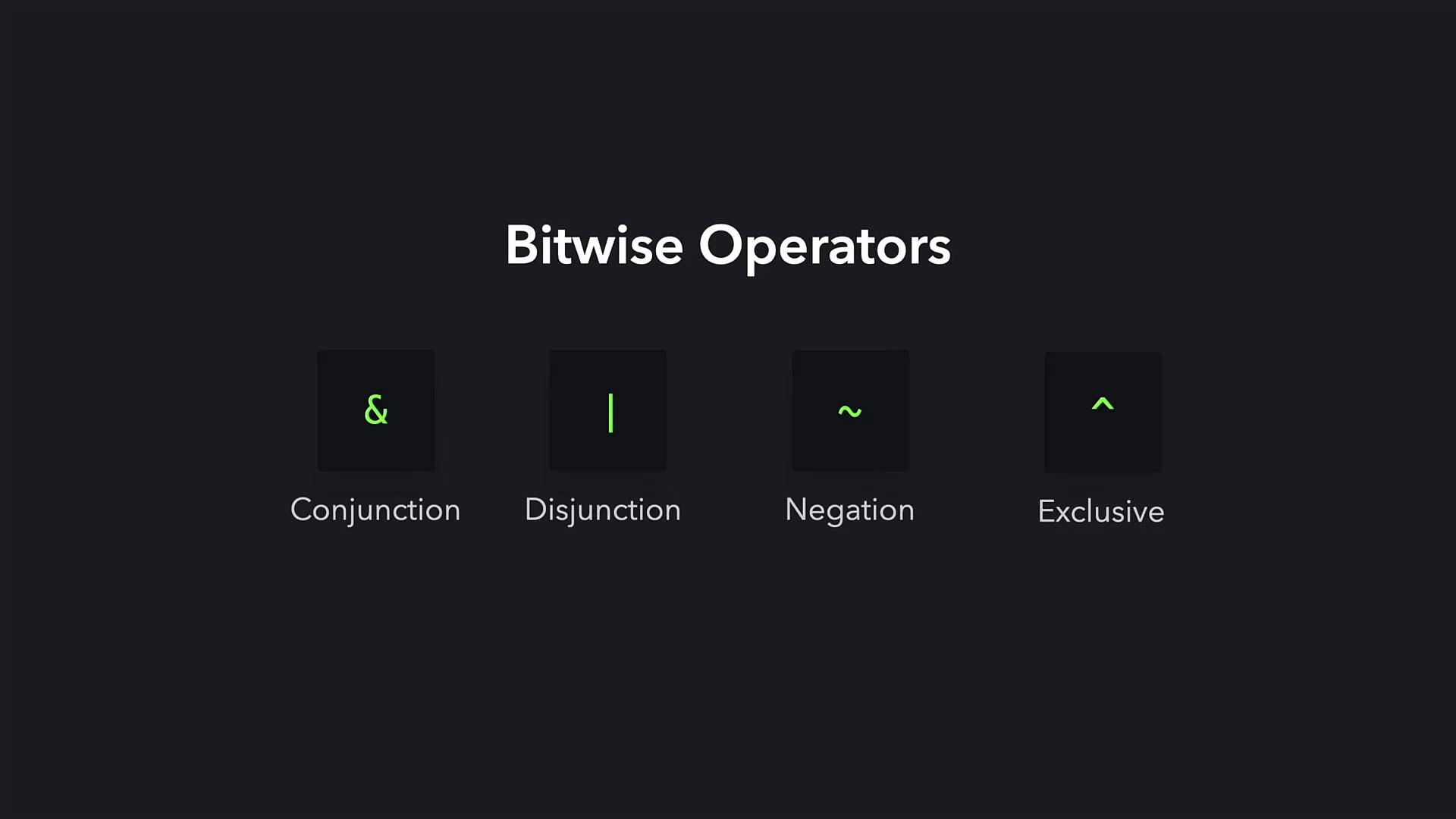 How each operator works:
| Operator | Symbol | Description | Example | | |
| ----------- | ------ | --------------------------------------------------------------------------------------- | ------------------------------------------ | ---- | --------- |
| Bitwise AND | `&` | Returns 1 for each bit position where both operands have 1 | `15 & 22` → `6` | | |
| Bitwise OR | \` | \` | Returns 1 where at least one operand has 1 | \`15 | 22`→`31\` |
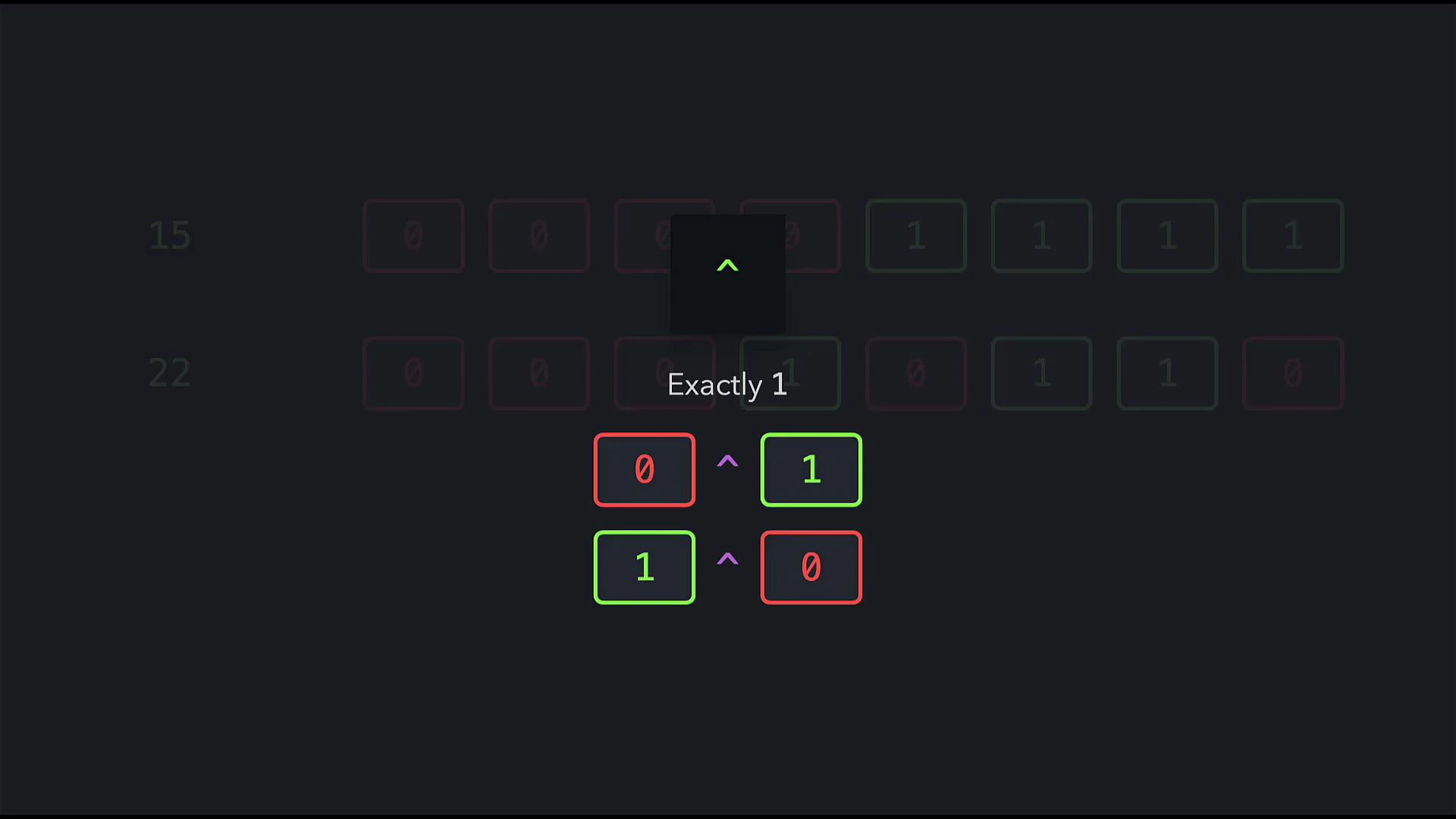
| Bitwise XOR | `^` | Returns 1 where exactly one operand has 1 (exclusive OR) | `15 ^ 22` → `25` | | |
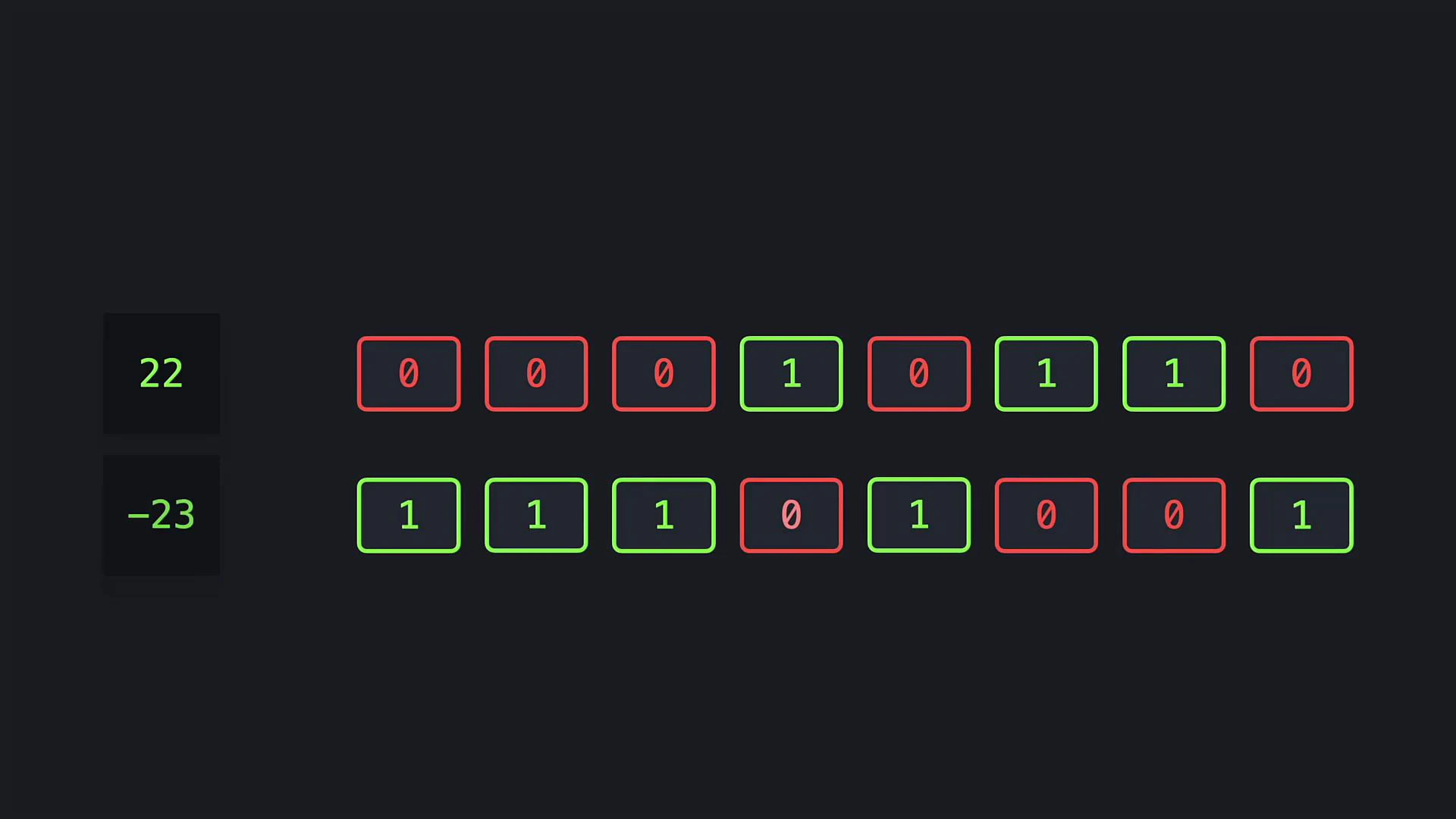
| Bitwise NOT | `~` | Flips every bit. In Python this produces the two's‑complement negative: `~n == -n - 1` | `~22` → `-23` | | |
| Left shift | `<<` | Moves bits left (multiplying non-negative integers by powers of two) | `22 << 1` → `44` | | |
| Right shift | `>>` | Moves bits right (dividing non-negative integers by powers of two using floor division) | `22 >> 1` → `11` | | |
Note: Bitwise operators operate on integers only; they are not defined for floating-point numbers in Python. For official behavior and details, see the Python documentation on numeric types and bitwise operations.
Bitwise AND example (15 & 22)
15 in binary: 00001111\
22 in binary: 00010110
Bitwise AND compares each corresponding bit and returns 1 only where both bits are 1:
```python theme={null}
print(15 & 22) # 6
```
The result 6 corresponds to binary 00000110.
Bitwise OR example (15 | 22)
Bitwise OR returns 1 for a bit position if either (or both) input bits are 1:
```python theme={null}
print(15 | 22) # 31
```
The result 31 corresponds to binary 00011111.
Bitwise XOR example (15 ^ 22)
Bitwise XOR returns 1 only when exactly one of the bits is 1.
How each operator works:
| Operator | Symbol | Description | Example | | |
| ----------- | ------ | --------------------------------------------------------------------------------------- | ------------------------------------------ | ---- | --------- |
| Bitwise AND | `&` | Returns 1 for each bit position where both operands have 1 | `15 & 22` → `6` | | |
| Bitwise OR | \` | \` | Returns 1 where at least one operand has 1 | \`15 | 22`→`31\` |
| Bitwise XOR | `^` | Returns 1 where exactly one operand has 1 (exclusive OR) | `15 ^ 22` → `25` | | |
| Bitwise NOT | `~` | Flips every bit. In Python this produces the two's‑complement negative: `~n == -n - 1` | `~22` → `-23` | | |
| Left shift | `<<` | Moves bits left (multiplying non-negative integers by powers of two) | `22 << 1` → `44` | | |
| Right shift | `>>` | Moves bits right (dividing non-negative integers by powers of two using floor division) | `22 >> 1` → `11` | | |
Note: Bitwise operators operate on integers only; they are not defined for floating-point numbers in Python. For official behavior and details, see the Python documentation on numeric types and bitwise operations.
Bitwise AND example (15 & 22)
15 in binary: 00001111\
22 in binary: 00010110
Bitwise AND compares each corresponding bit and returns 1 only where both bits are 1:
```python theme={null}
print(15 & 22) # 6
```
The result 6 corresponds to binary 00000110.
Bitwise OR example (15 | 22)
Bitwise OR returns 1 for a bit position if either (or both) input bits are 1:
```python theme={null}
print(15 | 22) # 31
```
The result 31 corresponds to binary 00011111.
Bitwise XOR example (15 ^ 22)
Bitwise XOR returns 1 only when exactly one of the bits is 1.
 ```python theme={null}
print(15 ^ 22) # 25
```
The result 25 corresponds to binary 00011001.
Bitwise NOT example (\~22)
Bitwise NOT flips every bit. In Python this yields the two's‑complement negative value; the identity \~n == -n - 1 holds for integers:
```python theme={null}
print(15 ^ 22) # 25
```
The result 25 corresponds to binary 00011001.
Bitwise NOT example (\~22)
Bitwise NOT flips every bit. In Python this yields the two's‑complement negative value; the identity \~n == -n - 1 holds for integers:
 ```python theme={null}
print(~22) # -23
```
Compound assignment forms
You can combine bitwise operations with assignment to update a variable in place. The long and abbreviated forms are equivalent:
```python theme={null}
# Long form
bit1 = bit1 & 22
bit1 = bit1 | 22
bit1 = bit1 ^ 22
# Abbreviated form
bit1 &= 22
bit1 |= 22
bit1 ^= 22
```
Bit shifting
Bit shifting moves bits left or right by a specified number of positions and is equivalent to multiplication or integer division by powers of two for non-negative integers.
* Right shift (`>>`): shifts bits to the right. Each shift right by 1 divides the integer by 2 using floor division for non-negative values.
* Left shift (`<<`): shifts bits to the left. Each shift left by 1 multiplies the integer by 2.
Examples with 22 (binary 10110):
```python theme={null}
print(22 >> 1) # 11 (10110 >> 1 -> 1011)
print(22 >> 2) # 5 (10110 >> 2 -> 101)
print(22 << 1) # 44 (10110 << 1 -> 101100)
```
Equivalent arithmetic:
```python theme={null}
print(22 // 2) # 11
print(22 >> 1) # 11
print(22 // 4) # 5
print(22 >> 2) # 5
print(22 * 2) # 44
print(22 << 1) # 44
print(22 * 4) # 88
print(22 << 2) # 88
```
```python theme={null}
print(~22) # -23
```
Compound assignment forms
You can combine bitwise operations with assignment to update a variable in place. The long and abbreviated forms are equivalent:
```python theme={null}
# Long form
bit1 = bit1 & 22
bit1 = bit1 | 22
bit1 = bit1 ^ 22
# Abbreviated form
bit1 &= 22
bit1 |= 22
bit1 ^= 22
```
Bit shifting
Bit shifting moves bits left or right by a specified number of positions and is equivalent to multiplication or integer division by powers of two for non-negative integers.
* Right shift (`>>`): shifts bits to the right. Each shift right by 1 divides the integer by 2 using floor division for non-negative values.
* Left shift (`<<`): shifts bits to the left. Each shift left by 1 multiplies the integer by 2.
Examples with 22 (binary 10110):
```python theme={null}
print(22 >> 1) # 11 (10110 >> 1 -> 1011)
print(22 >> 2) # 5 (10110 >> 2 -> 101)
print(22 << 1) # 44 (10110 << 1 -> 101100)
```
Equivalent arithmetic:
```python theme={null}
print(22 // 2) # 11
print(22 >> 1) # 11
print(22 // 4) # 5
print(22 >> 2) # 5
print(22 * 2) # 44
print(22 << 1) # 44
print(22 * 4) # 88
print(22 << 2) # 88
```
 Bitwise operators are useful for flags, masks, and efficient low-level manipulations. Remember that Python integers are unbounded and bitwise operations follow two's‑complement logic, so \~n equals -n - 1.
Recap
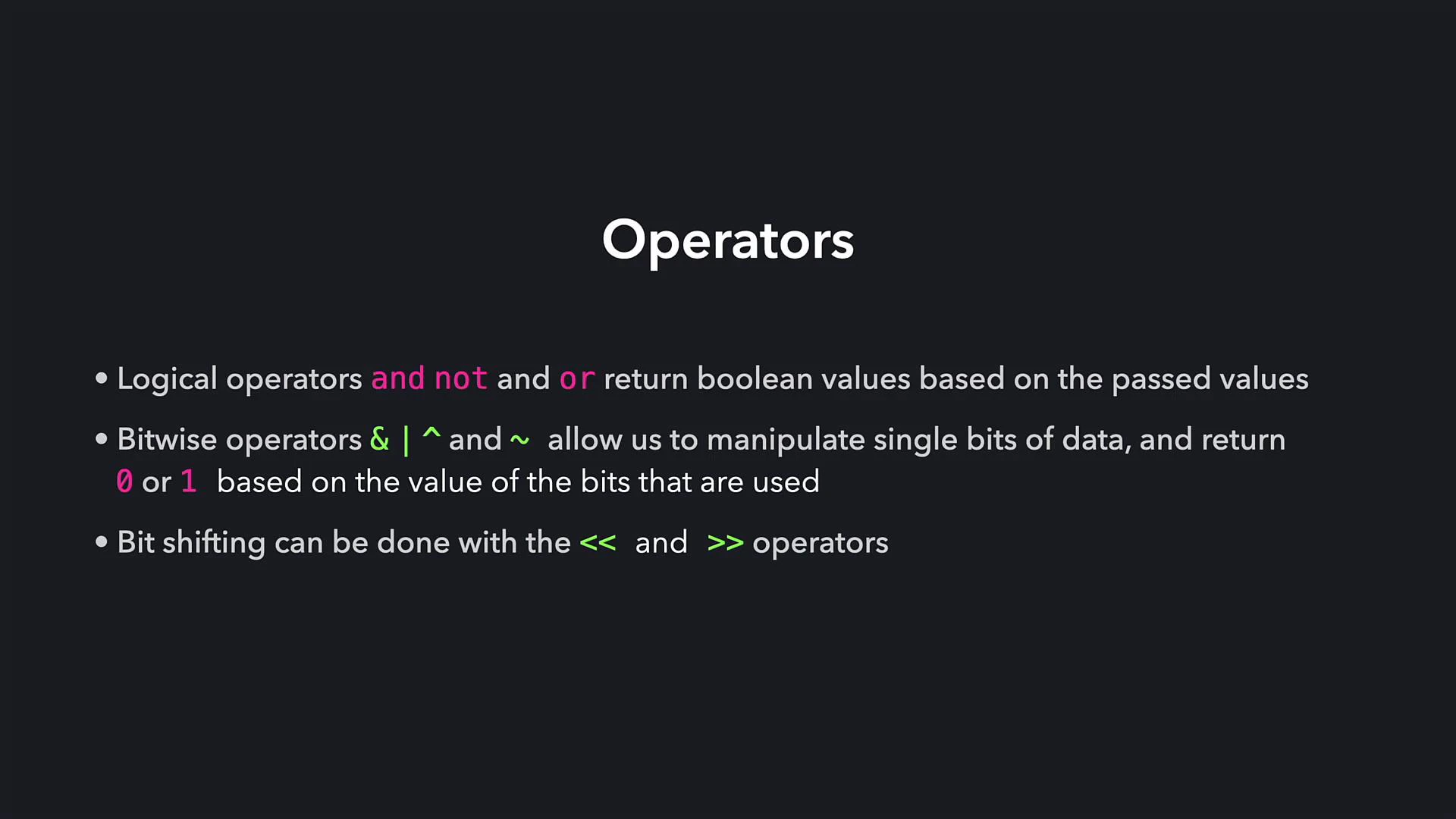
* Logical operators (`and`, `or`, `not`) operate on boolean expressions and return boolean results — useful for control flow and conditions.
* Bitwise operators (`&`, `|`, `^`, `~`) operate at the bit level on integers and return integer results reflecting bitwise changes.
* Bit shifts (`<<`, `>>`) move bits left or right and correspond to multiplication or integer division by powers of two for non-negative integers.
Links and references
* [Python Numeric Types — bitwise operations](https://docs.python.org/3/library/stdtypes.html#bitwise-operations-on-integer-types)
* [Two's complement explanation (Wikipedia)](https://en.wikipedia.org/wiki/Two%27s_complement)
Bitwise operators are useful for flags, masks, and efficient low-level manipulations. Remember that Python integers are unbounded and bitwise operations follow two's‑complement logic, so \~n equals -n - 1.
Recap
* Logical operators (`and`, `or`, `not`) operate on boolean expressions and return boolean results — useful for control flow and conditions.
* Bitwise operators (`&`, `|`, `^`, `~`) operate at the bit level on integers and return integer results reflecting bitwise changes.
* Bit shifts (`<<`, `>>`) move bits left or right and correspond to multiplication or integer division by powers of two for non-negative integers.
Links and references
* [Python Numeric Types — bitwise operations](https://docs.python.org/3/library/stdtypes.html#bitwise-operations-on-integer-types)
* [Two's complement explanation (Wikipedia)](https://en.wikipedia.org/wiki/Two%27s_complement)