> ## Documentation Index
> Fetch the complete documentation index at: https://notes.kodekloud.com/llms.txt
> Use this file to discover all available pages before exploring further.
# Ollama REST API Endpoints
> Integrate large language models into applications using the Ollama REST API for text generation, chat, and model management over HTTP.
Leverage the Ollama REST API to integrate large language models (LLMs) into your applications over HTTP. Skip the CLI or chatbot UI—simply send requests to interact with models for text generation, conversational chat, and model management.
***
## Generate Endpoint
The **POST** `/api/generate` endpoint returns a model’s completion for your prompt.
```bash theme={null}
curl http://localhost:11434/api/generate -d '{
"model": "llama3.2",
"prompt": "Compose a poem on LLMs",
"stream": false
}'
```
By default, `"stream": false` delivers the full response at once. Set `"stream": true` to receive incrementally streamed data (word or phrase by phrase), emulating the gradual output of web chat interfaces.
Streaming responses can improve perceived latency for long completions. Be sure your client can handle partial chunks.
### Formatting the JSON Output
You can instruct Ollama to structure its response using a `format` schema:
```bash theme={null}
curl http://localhost:11434/api/generate -d '{
"model": "llama3.2",
"prompt": "Compose a poem on LLMs",
"stream": false,
"format": {
"title": "string",
"theme": "string",
"lines": ["string"]
}
}'
```
#### Sample Response
```json theme={null}
{
"model": "llama3.2",
"created_at": "2025-01-09T06:31:38.309573Z",
"response": {
"title": "Cosmic Odyssey",
"theme": "Self-discovery in Language",
"lines": [
"In digital realms, I found my home",
"A tapestry woven from words and codes",
"Where meaning flows like starlight to the sea",
"I danced with syntax, a cosmic rhyme"
]
},
"done": true,
"done_reason": "stop",
"context": [123, 232, 123],
"total_duration": 18387332083,
"load_duration": 20368125,
"prompt_eval_count": 44,
"prompt_eval_duration": 501000000,
"eval_count": 68,
"eval_duration": 13140000000
}
```
* `title` and `theme` are strings.
* `lines` is an array of strings—ideal for rendering multiline content.
***
## Chat Endpoint
Use **POST** `/api/chat` to maintain conversational context. Provide an array of `messages` with roles (`user` or `assistant`).
```bash theme={null}
curl http://localhost:11434/api/chat -d '{
"model": "llama3.2",
"messages": [
{
"role": "user",
"content": "Compose a short poem about LLMs."
},
{
"role": "assistant",
"content": "In circuits vast, they find their spark,\nLanguage learned in the digital dark.\nTransforming text with neural art,\nLLMs ignite a brand-new start."
},
{
"role": "user",
"content": "Add alliteration to the poem for more impact."
}
],
"stream": false
}'
```
### Example Response
```json theme={null}
{
"model": "llama3.2",
"created_at": "2025-01-09T06:47:26.589285Z",
"message": {
"role": "assistant",
"content": "Here's an updated version of the poem:\n\nIn silicon sanctums,\nsparks take flight,\nLanguage learning lattices shine so bright.\nNeural networks navigate nuanced space,\nTransforming text with sophisticated pace.\n\nLet me know if you'd like any further adjustments!"
},
"done": true,
"done_reason": "stop",
"total_duration": 3393490083,
"load_duration": 807877958,
"prompt_eval_count": 88,
"prompt_eval_duration": 1319000000,
"eval_count": 53,
"eval_duration": 954000000
}
```
Here, repeated initial sounds like **s** in “silicon sanctums, sparks” and **l** in “Language learning lattices” provide alliteration.
***
## Model Management Endpoints
Ollama’s REST API also lets you list, inspect, copy, delete, and pull models without switching to the CLI.

### Endpoint Summary
| Endpoint | Method | Description |
| ------------- | ------ | ------------------------------------- |
| `/api/list` | GET | List all available local models |
| `/api/copy` | POST | Duplicate a model under a new name |
| `/api/delete` | DELETE | Remove a specified local model |
| `/api/pull` | POST | Download a model from the Ollama repo |
### Usage Examples
```bash theme={null}
# Copy a model locally
curl http://localhost:11434/api/copy -d '{
"source": "llama3.2",
"destination": "llama3-copy"
}'
# Delete a model (use with caution)
curl -X DELETE http://localhost:11434/api/delete -d '{
"model": "llama3:13b"
}'
# Pull a model from the Ollama library
curl http://localhost:11434/api/pull -d '{
"model": "llama3.2"
}'
```
Deleting a model is irreversible. Ensure you specify the correct model name to avoid accidental data loss.
***
## Full API Reference
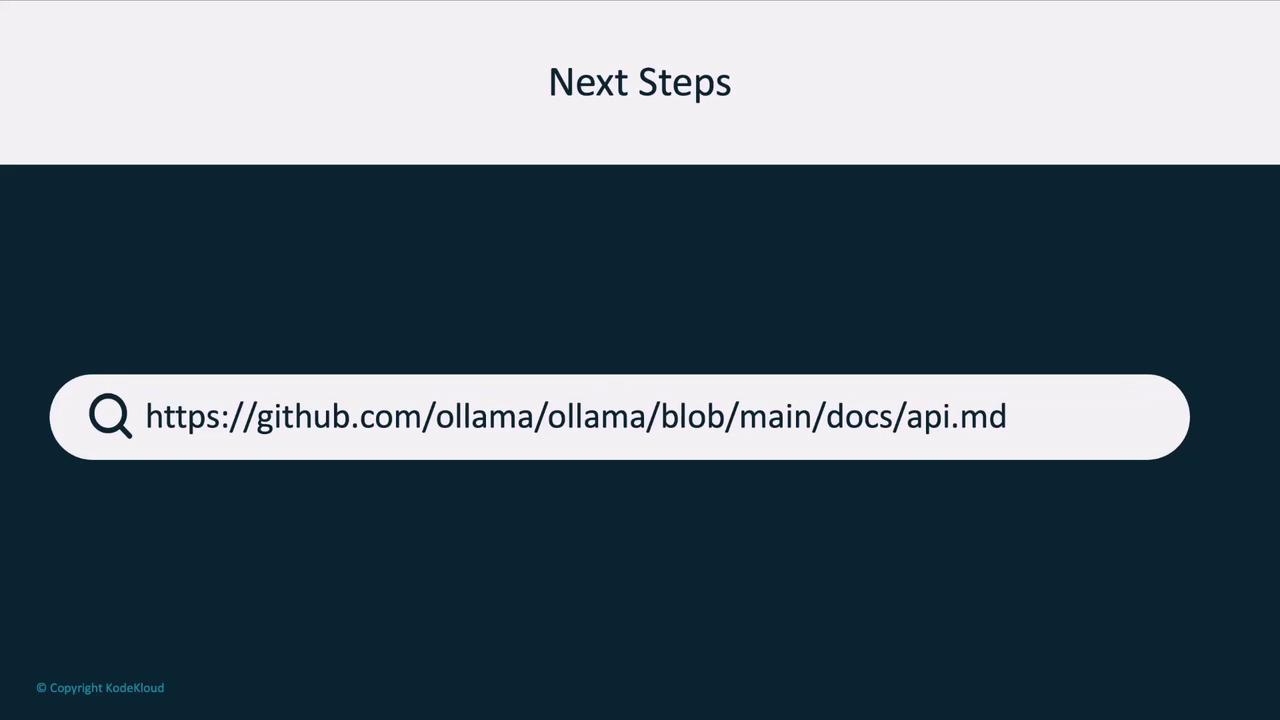
For a complete list of endpoints and detailed parameters, see the [official API documentation][api-docs].
***
Next, we'll demonstrate how to call these endpoints programmatically using an OpenAI-compatible client library. Stay tuned!
## Links and References
* [Official Ollama API Docs][api-docs]
* [GitHub Repository](https://github.com/jmorganca/ollama)
[api-docs]: https://github.com/jmorganca/ollama/blob/main/docs/api.md