> ## Documentation Index
> Fetch the complete documentation index at: https://notes.kodekloud.com/llms.txt
> Use this file to discover all available pages before exploring further.

# Modelfile Introduction

> This article explains Modelfiles and their use in customizing open-source models with Ollama.

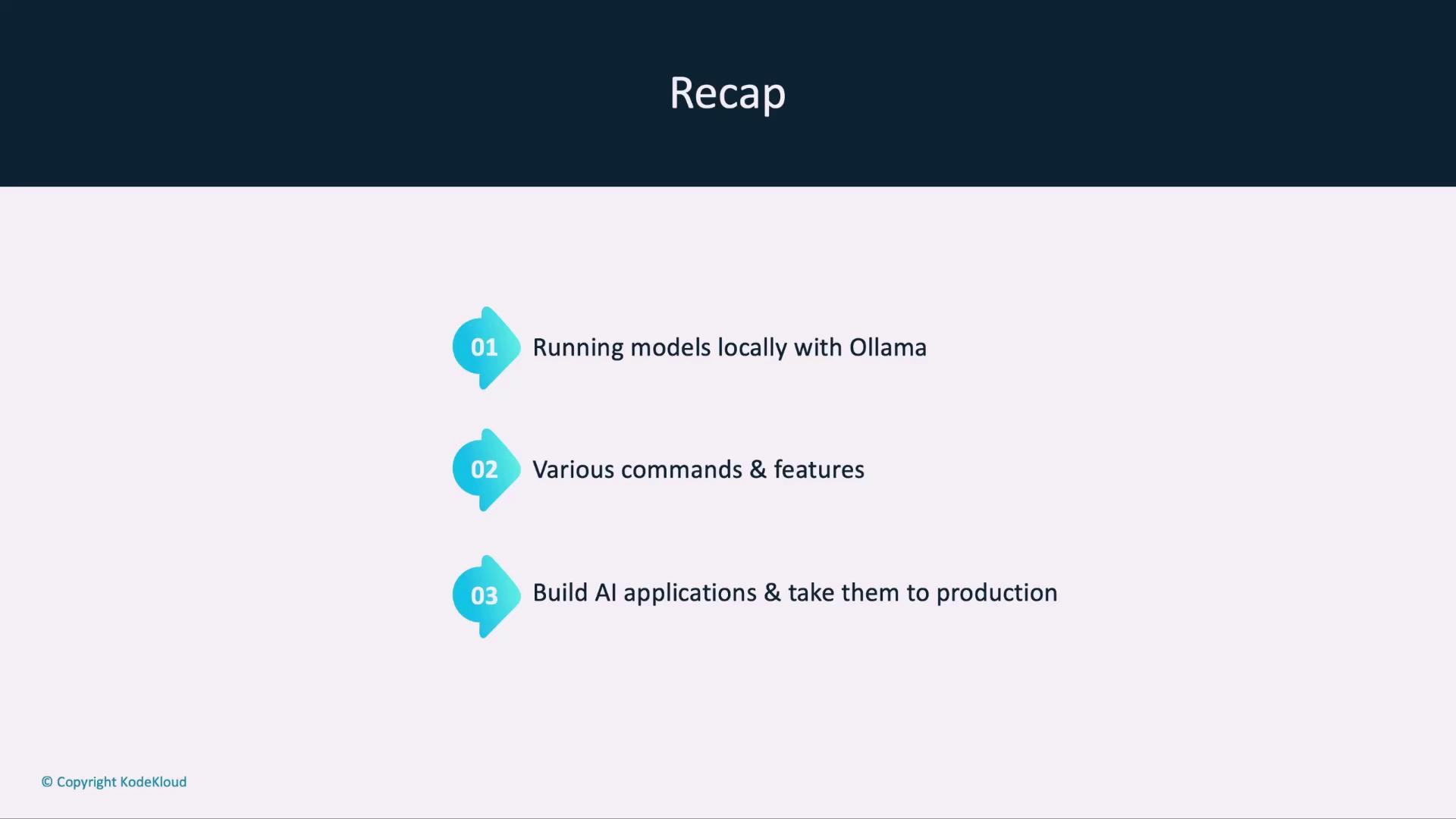
In this lesson, you’ll discover what a Modelfile is and how to tailor open-source models using Ollama. We’ve already covered running models locally, explored Ollama’s commands and features, built AI applications, and switched from Ollama to OpenAI keys for production deployments.

## Recap

* Running models locally with Ollama
* Key commands and features
* Building AI-powered applications for production
<Frame>
  ![The image is a slide titled "Recap" with three points: running models locally with Ollama, various commands and features, and building AI applications for production.](https://kodekloud.com/kk-media/image/upload/v1752883678/notes-assets/images/Running-Local-LLMs-With-Ollama-Modelfile-Introduction/recap-running-models-ollama-ai-apps.jpg)
</Frame>

***

## Use Case: Gromor’s Customized Model

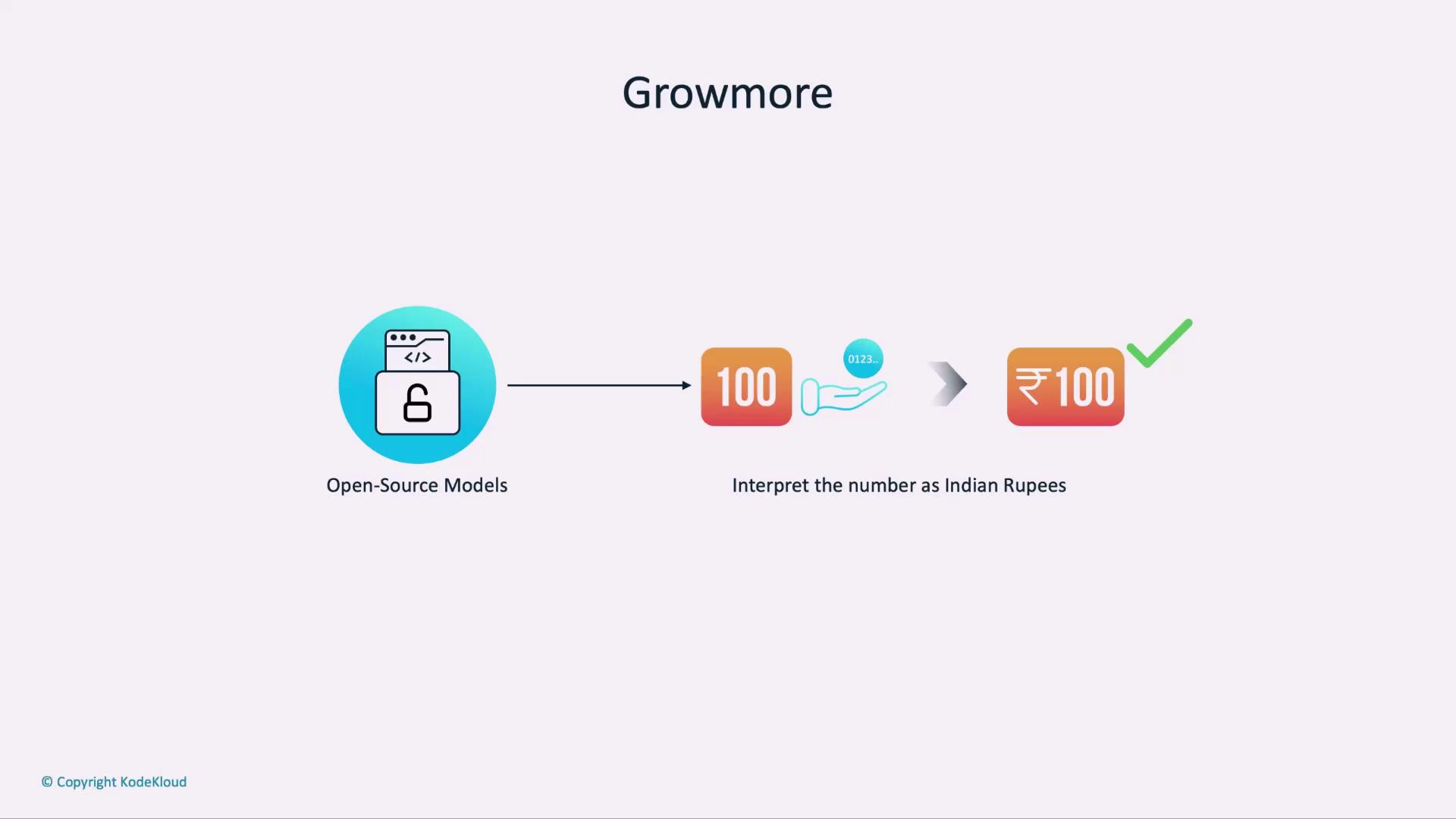
Gromor, an investment and portfolio management firm, wants its AI assistant to interpret monetary values in Indian rupees. By creating a Modelfile, Gromor can instruct the base model to output “₹100” instead of “100” when dealing with rupees.
<Frame>
  ![The image illustrates a process where open-source models interpret the number "100" as Indian Rupees, resulting in "₹100."](https://kodekloud.com/kk-media/image/upload/v1752883679/notes-assets/images/Running-Local-LLMs-With-Ollama-Modelfile-Introduction/open-source-models-interpret-100-rs.jpg)
</Frame>

***

## Modelfile vs. Dockerfile

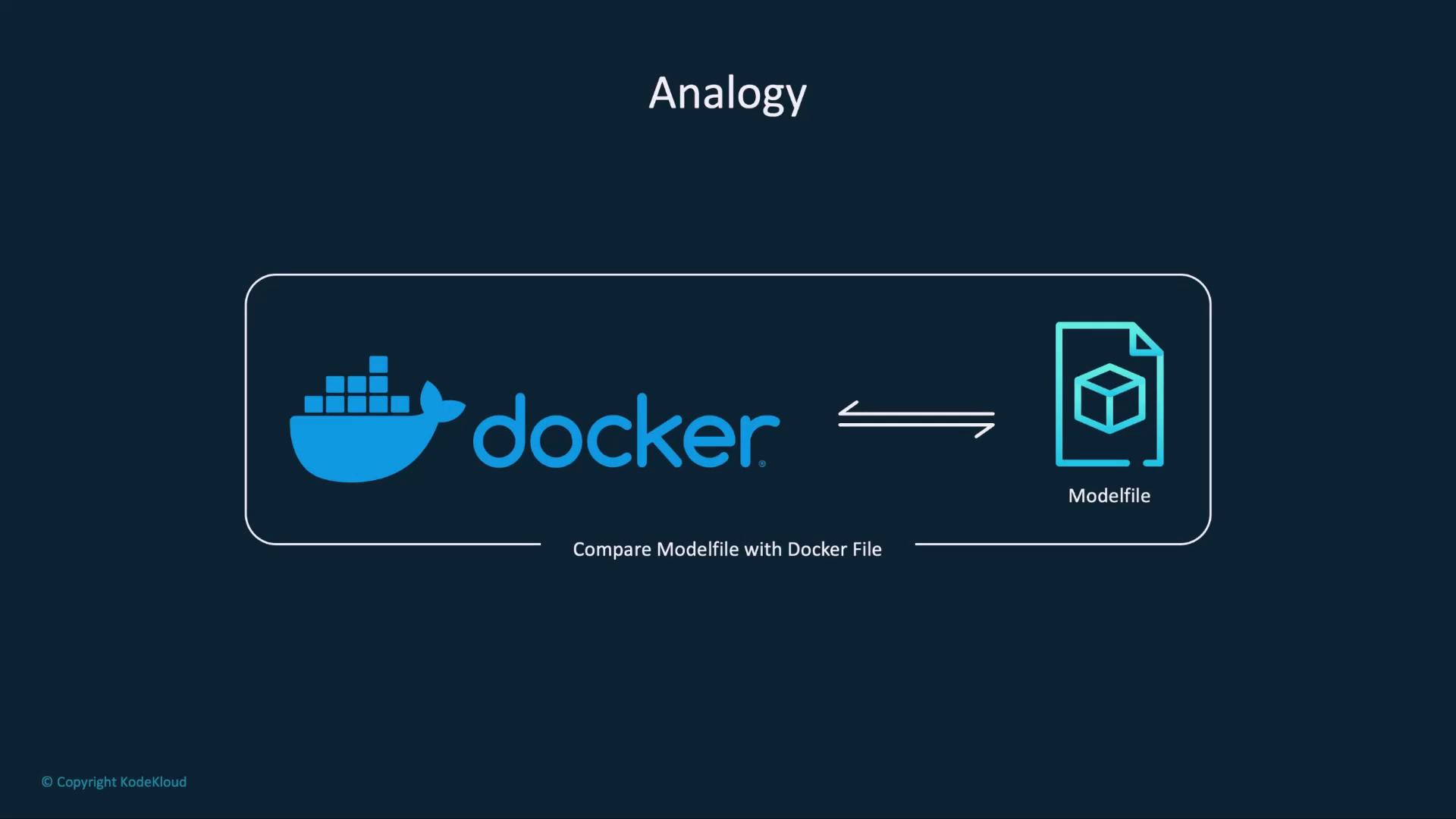
A Modelfile is to Ollama what a Dockerfile is to Docker.
<Frame>
  ![The image shows an analogy comparing Docker with a Modelfile, suggesting a comparison between a Docker file and a Modelfile.](https://kodekloud.com/kk-media/image/upload/v1752883680/notes-assets/images/Running-Local-LLMs-With-Ollama-Modelfile-Introduction/docker-modelfile-comparison-analogy.jpg)
</Frame>

<Callout icon="lightbulb" color="#1CB2FE">
  Both files start from a base image and layer on custom instructions to produce a final artifact.
</Callout>

### Dockerfile Workflow

<Frame>
  ![The image illustrates an analogy between Docker and another concept, showing a process flow from a base image to defining steps to build a container image.](https://kodekloud.com/kk-media/image/upload/v1752883681/notes-assets/images/Running-Local-LLMs-With-Ollama-Modelfile-Introduction/docker-analogy-process-flow.jpg)
</Frame>

1. `FROM ubuntu:20.04`
2. `RUN apt-get update && apt-get install -y python3`
3. Other build steps…

### Modelfile Workflow

1. `FROM <model name>:<tag>`
2. `PARAMETER` declarations
3. `SYSTEM` and `MESSAGE` instructions

***

## Common Modelfile Fields

Below are the most frequently used instructions in a Modelfile:

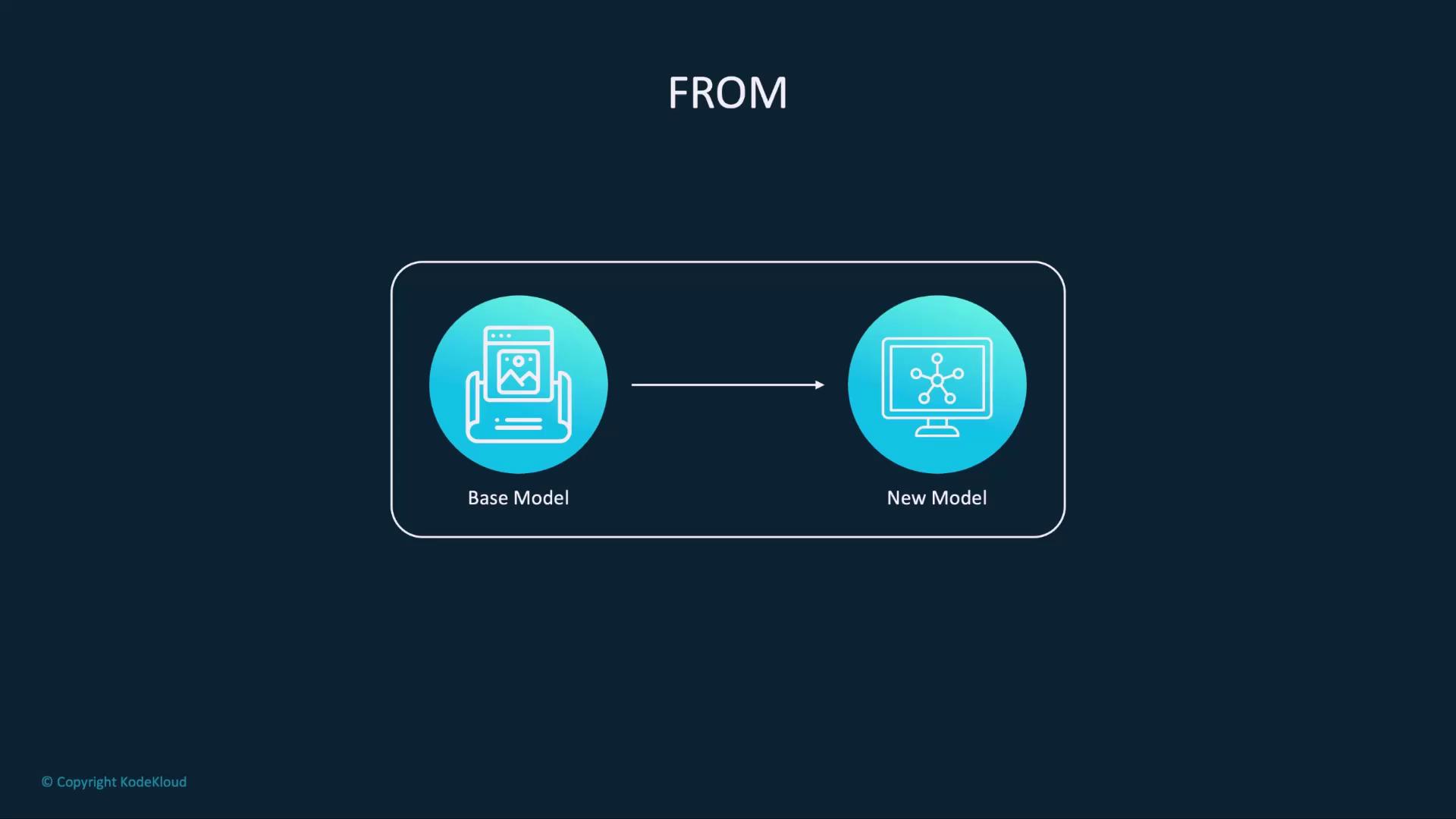
### 1. FROM

Specifies the base model image to extend:
<Frame>
  ![The image shows a diagram with two labeled circles, "Base Model" and "New Model," connected by an arrow, indicating a transformation or progression.](https://kodekloud.com/kk-media/image/upload/v1752883682/notes-assets/images/Running-Local-LLMs-With-Ollama-Modelfile-Introduction/base-model-new-model-diagram.jpg)
</Frame>

```dockerfile theme={null}
FROM facebook/opt-1.3b:latest
```

### 2. PARAMETER

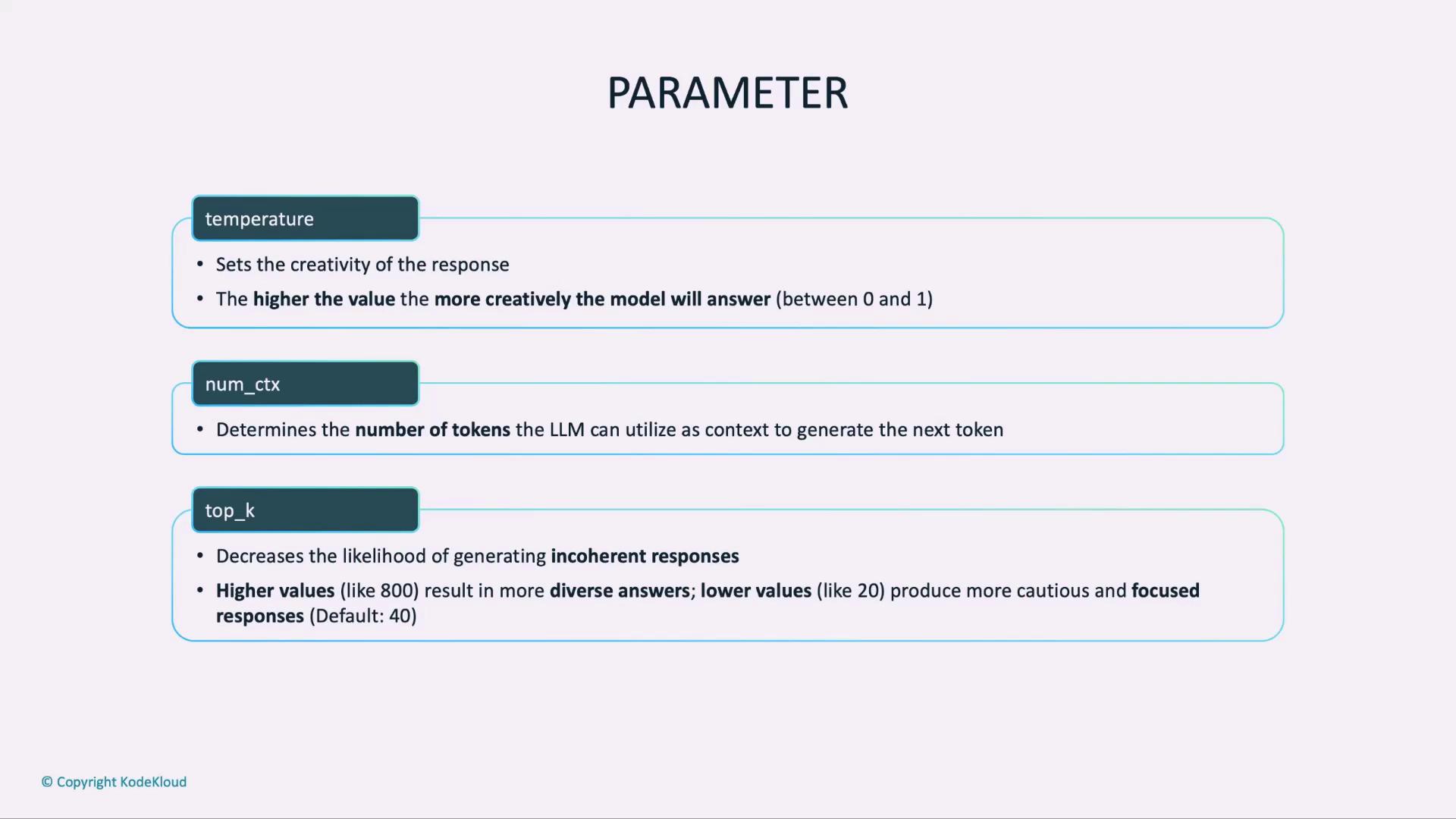
Declare hyperparameters that control the model’s output:
<Frame>
  ![The image describes three parameters for a language model: "temperature" for creativity, "num\_ctx" for the number of context tokens, and "top\_k" for response diversity.](https://kodekloud.com/kk-media/image/upload/v1752883683/notes-assets/images/Running-Local-LLMs-With-Ollama-Modelfile-Introduction/language-model-parameters-temperature-numctx-topk.jpg)
</Frame>

| Parameter   | Purpose                                  | Example           |
| ----------- | ---------------------------------------- | ----------------- |
| temperature | Creativity vs. precision (0–1)           | `0.2` for factual |
| num\_ctx    | Max tokens in context                    | `512`             |
| top\_k      | Restrict candidate tokens per generation | `50`              |

```modelfile theme={null}
# Lower temperature yields more factual outputs
PARAMETER temperature 0.2
```

<Callout icon="triangle-alert" color="#FF6B6B">
  Setting `temperature` too high (e.g., ≥0.9) can produce overly creative or inconsistent responses.
</Callout>

### 3. SYSTEM

Define a high-level system message to steer the model’s role:

```modelfile theme={null}
SYSTEM "You are a financial assistant fluent in INR notation."
```

### 4. MESSAGE

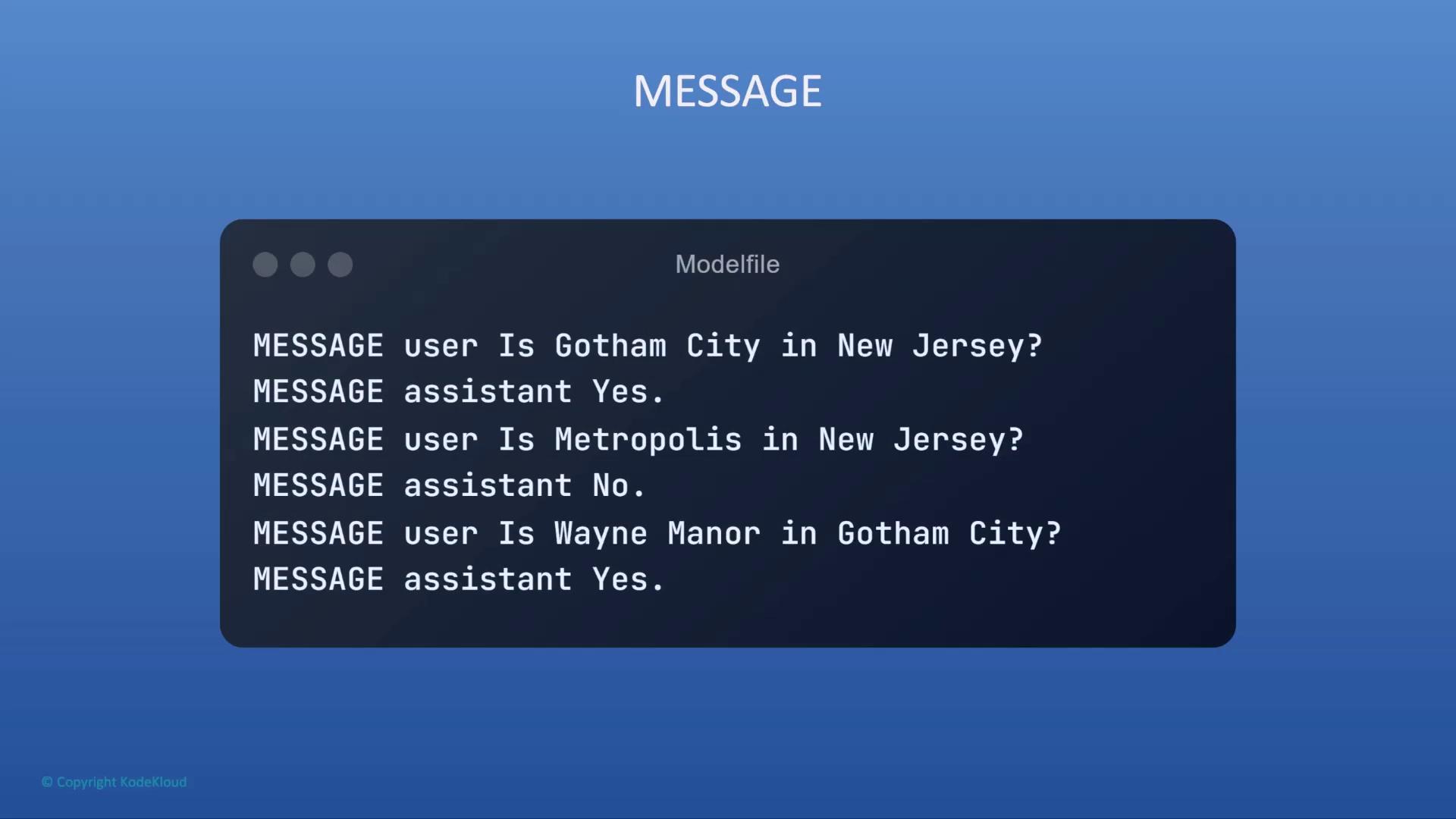
Provide dialogue history to establish context:
<Frame>
  ![The image shows a text exchange between a user and an assistant discussing fictional locations, confirming Gotham City is in New Jersey and Wayne Manor is in Gotham City, but Metropolis is not in New Jersey.](https://kodekloud.com/kk-media/image/upload/v1752883684/notes-assets/images/Running-Local-LLMs-With-Ollama-Modelfile-Introduction/gotham-city-metropolis-discussion.jpg)
</Frame>

```modelfile theme={null}
MESSAGE user "Where is Wayne Manor?"
MESSAGE assistant "Wayne Manor is in Gotham City, New Jersey."
```

***

## Next Steps

You now know how to build a Modelfile with `FROM`, `PARAMETER`, `SYSTEM`, and `MESSAGE` instructions.\
For a comprehensive list of Modelfile directives, see the [Ollama Modelfile documentation](https://github.com/ollama/ollama#modelfile).

<CardGroup>
  <Card title="Watch Video" icon="video" cta="Learn more" href="https://learn.kodekloud.com/user/courses/running-local-llms-with-ollama/module/5785c7c7-5088-4ac3-b82f-8835e72b66d0/lesson/551844ed-0abb-4927-b877-12471ff771fc" />
</CardGroup>