> ## Documentation Index
> Fetch the complete documentation index at: https://notes.kodekloud.com/llms.txt
> Use this file to discover all available pages before exploring further.
# Community Integrations for Ollama
> This guide explores community integrations for Ollama, focusing on setting up Open Web UI, a ChatGPT-like interface for local language models.
Ollama is an open-source platform ([Ollama GitHub]) for running local large language models (LLMs) such as Llama. Thanks to a thriving community, you can extend Ollama with interfaces like Chatbot UIs, RAG chatbots, and Kubernetes Helm charts. This guide explores these community integrations and walks through setting up **Open Web UI**, a ChatGPT-like interface for your local models.
## Community Integration Categories
The Ollama community maintains several integration types to enhance your local LLM workflow:
| Integration Category | Purpose | Example Project |
| -------------------- | --------------------------------------------------- | ----------------- |
| Chatbot UI | Web-based chat interface for local models | Open Web UI |
| RAG Chatbot | Retrieval-Augmented Generation with PDF/file upload | ollama-rag-ui |
| Helm Package | Deploy Ollama and models via Kubernetes Helm charts | ollama-helm-chart |
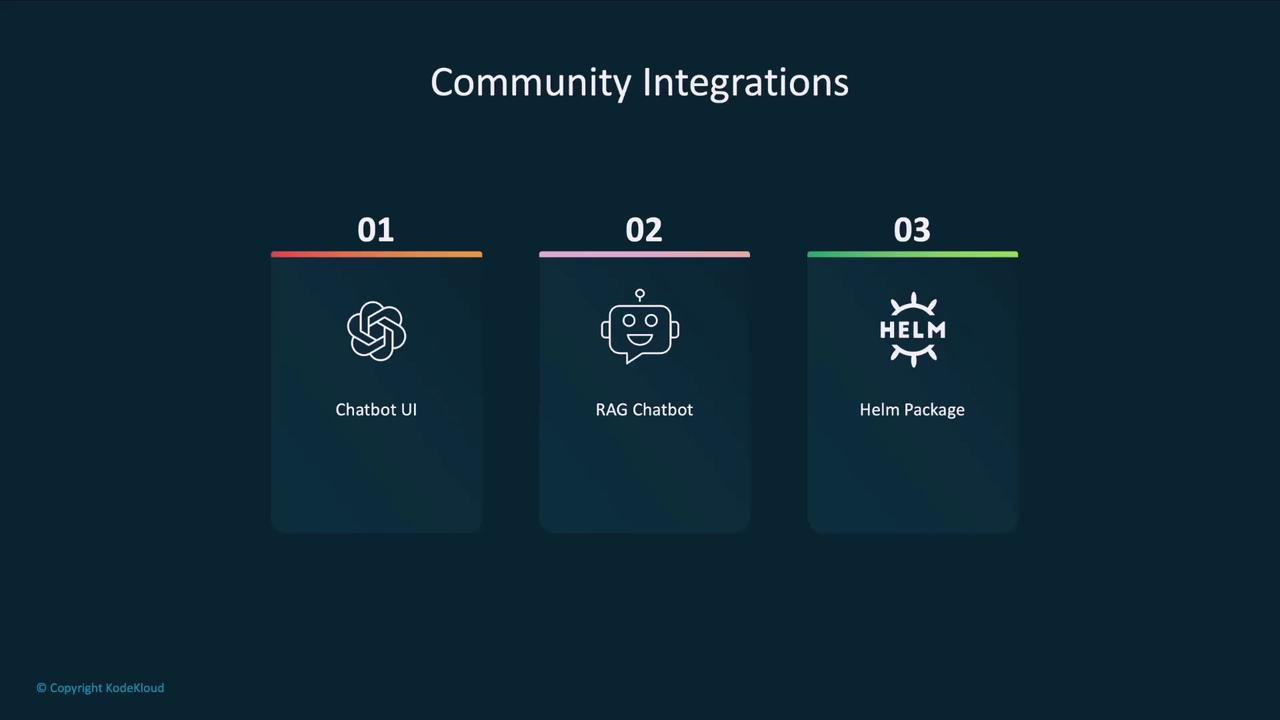
Later in this article, we’ll link to each project. First, let’s focus on **Open Web UI**, a widely adopted ChatGPT-like interface for any local model managed by Ollama.
## Installing and Running Open Web UI
Open Web UI runs inside a Docker container and auto-detects your Ollama agent and locally downloaded models. By default, it listens on port 3000, but you can adjust it as needed.
* Docker installed on your machine
* Ollama set up with at least one local model
* Port **3000** available (or choose another port)
### Launching with Docker
Run the following command to start Open Web UI:
```bash theme={null}
docker run -d \
-p 3000:8080 \
--add-host=host.docker.internal:host-gateway \
-v open-webui:/app/backend/data \
--name open-webui \
--restart always \
ghcr.io/open-webui/open-webui:main
```
If the image isn’t present locally, Docker will pull it automatically:
```bash theme={null}
Unable to find image 'ghcr.io/open-webui/open-webui:main' locally
main: Pulling from open-webui/open-webui
...
Status: Downloaded newer image for ghcr.io/open-webui/open-webui:main
```
You can now access the UI at `http://localhost:3000`.
## Use Case: Growmore Investment Firm
Consider **Growmore**, an investment firm that values AI productivity without risking sensitive client data to the cloud. Their non-developer staff prefer a familiar chat interface over a terminal.
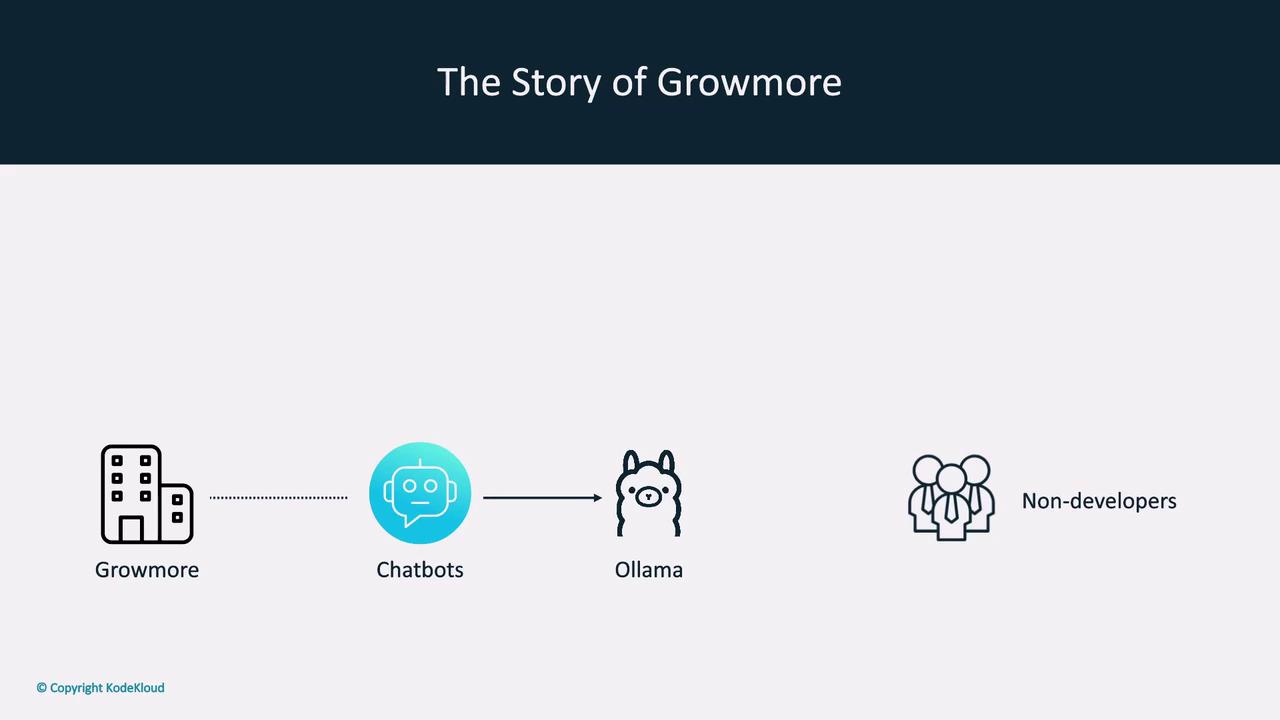
Running models locally with Ollama ensures that sensitive data never leaves your network. Combine this with community UIs for a secure and user-friendly experience.
By pairing Ollama’s local execution with Open Web UI, Growmore achieves both **data privacy** and a **cloud-like interface** similar to [ChatGPT] or [Claude].
## Exploring Local Models
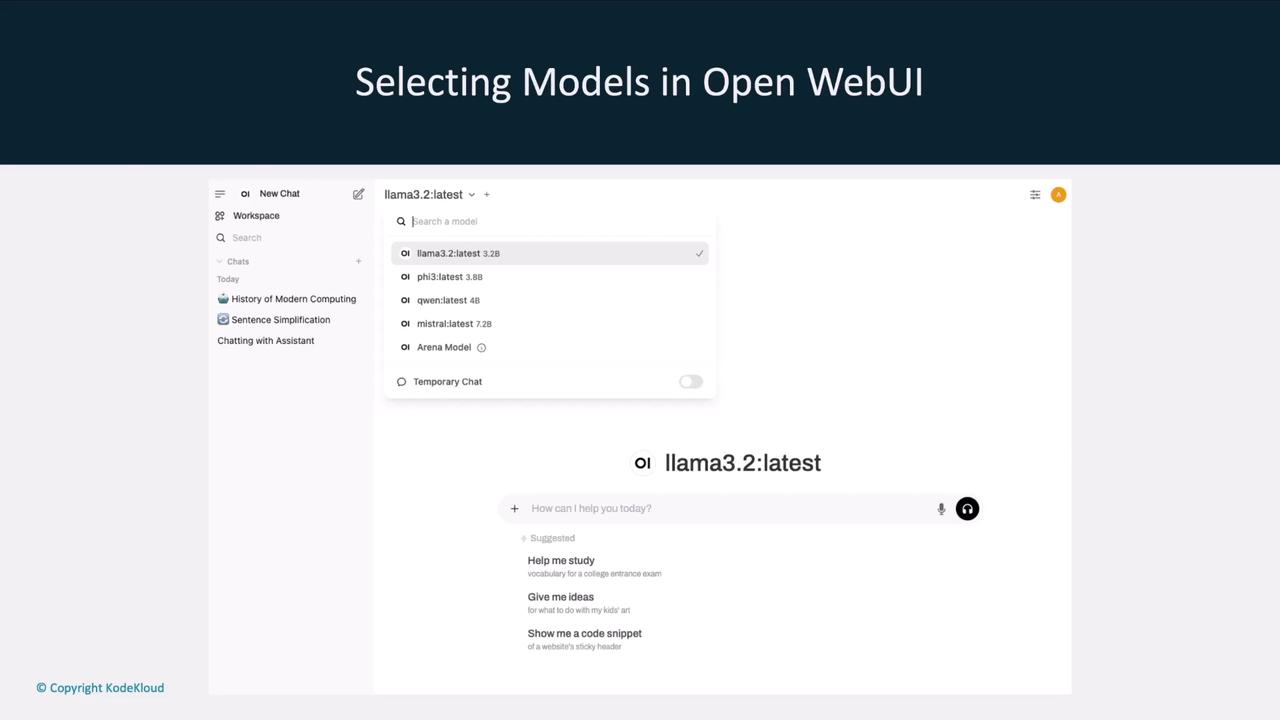
Once Open Web UI is live, it lists all models available to your Ollama agent. You can effortlessly switch between models like `llama3.2`, `llama2-5.3`, `Qwen`, and `Mistral`.
## Interactive Chat Interface
The chat window allows you to converse with any selected model and even change the model mid-conversation. For example, ask **llama3.2** one question, then switch to **llama2-5.3** for a follow-up.
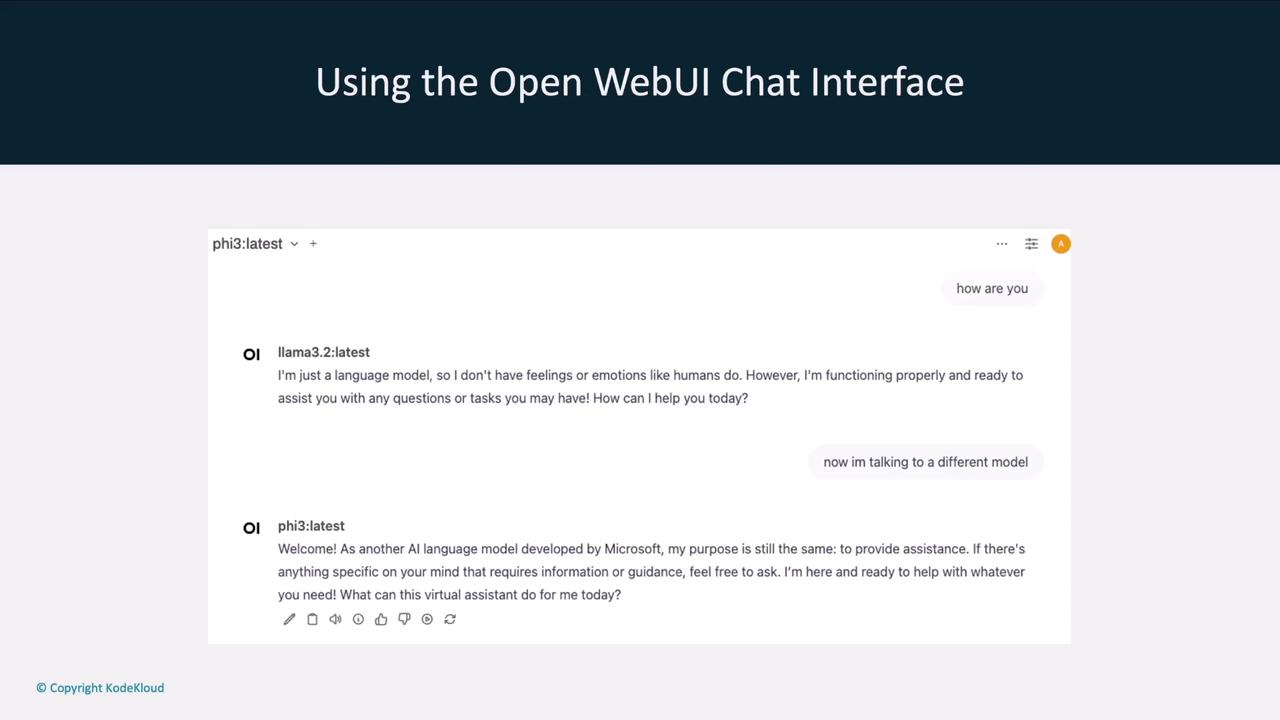
This flexibility streamlines your local LLM workflow, letting you compare responses and choose the best model for each task.
## Next Steps and References
In upcoming sections, we’ll dive into other community integrations—such as RAG chatbots and Helm charts—and provide step-by-step setup guides.
## Links and References
* [Ollama GitHub]
* [Open Web UI]
* [ChatGPT]
* [Claude]
[Ollama GitHub]: https://github.com/ollama/ollama
[Open Web UI]: https://github.com/open-webui/open-webui
[ChatGPT]: https://chat.openai.com
[Claude]: https://www.anthropic.com