> ## Documentation Index
> Fetch the complete documentation index at: https://notes.kodekloud.com/llms.txt
> Use this file to discover all available pages before exploring further.
# Running Your First Model
> This guide helps you set up and run your first Large Language Model on your local machine using Ollama, covering prerequisites and setup processes.
In this guide, you'll set up and run your first Large Language Model (LLM) on your local machine using Ollama. We’ll cover prerequisites, compare local versus cloud deployments, walk through Ollama’s setup process, and demonstrate how to chat with a model—all offline and without usage fees.
## Prerequisites
Before you begin, make sure you have:
* The Ollama app installed on your computer
* Access to the Ollama CLI (`ollama` command)
Ensure your machine meets the [Ollama system requirements](https://ollama.com/docs/installation) for smooth performance.
## Local vs. Cloud Deployment
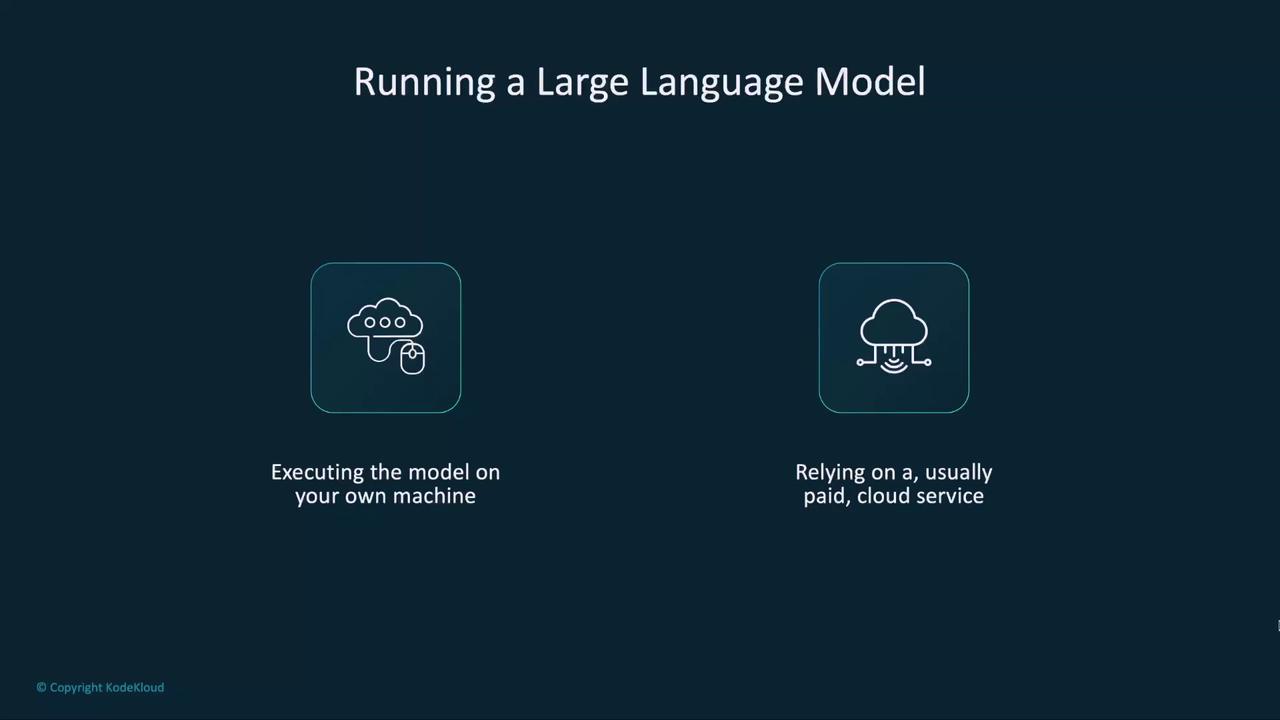
You have two options for running LLMs:
| Deployment Type | Pros | Cons |
| --------------- | -------------------------------- | ----------------------------------- |
| Local | No usage fees, full data control | Requires disk space, RAM |
| Cloud Service | Instant scale, managed infra | Ongoing costs, data sent externally |
## Ollama Setup Process
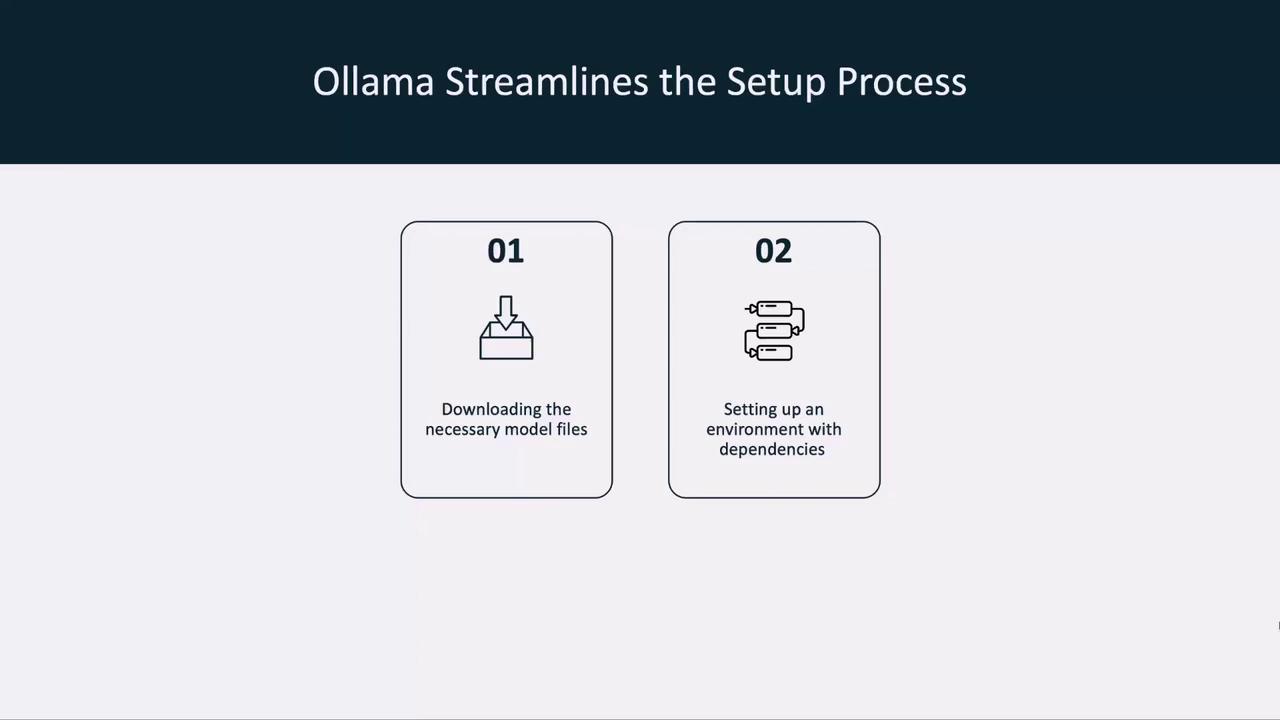
Ollama automates:
1. Downloading the model files
2. Installing dependencies and preparing the environment
## Running a Model with Ollama
We’ll start with **LLaMA 3.2**, Meta’s open-source LLM. To launch:
```bash theme={null}
ollama run llama3.2
```
If the model isn’t already on your system, Ollama will:
1. Pull the manifest and layers
2. Verify the SHA-256 digest
3. Cache metadata for faster future starts
4. Launch the model
Example output:
```bash theme={null}
$ ollama run llama3.2
pulling manifest
pulling 633fc5be925f... 100% 2.2 GB
pulling fa8235e5b48f... 100% 1.1 KB
pulling 542b217f179c... 100%
verifying digest
writing manifest
✔ model llama3.2 ready
```
The first download can take several minutes depending on your internet speed and disk performance.
## Chatting with Your Model
Once loaded, Ollama drops you into an interactive chat:
```bash theme={null}
$ ollama run llama3.2
>>> hey! how are you?
I'm just a language model, so I don't have emotions or feelings like humans do, but thank you for asking! How can I help you today? Is there something on your mind that you'd like to chat about or ask for assistance with? I'm all ears (or rather, all text).
>>> /bye
```
Type `/bye` to close the session. You now have a fully offline LLM chat interface.
## Next Steps
In the next lesson, we’ll:
* Explore other models supported by Ollama
* Read model descriptions and metadata
* Run additional LLMs locally
***
## Links and References
* [Ollama Documentation](https://ollama.com/docs)
* [Meta LLaMA 3 Release Notes](https://ai.meta.com/)
* [Local LLM Best Practices](https://ollama.com/blog/local-llm-guide)