> ## Documentation Index
> Fetch the complete documentation index at: https://notes.kodekloud.com/llms.txt
> Use this file to discover all available pages before exploring further.
# Section Introduction
> Learn how Ollama enables running large language models locally, ensuring privacy, low latency, and offline capability while building AI-powered chatbots.
Welcome to the first major section of this course! Here, you’ll discover how Ollama simplifies running large language models (LLMs) on your local machine. By the end of this lesson, you’ll be ready to build your own AI-powered chatbot—all without sending data to the cloud.
## What You’ll Learn
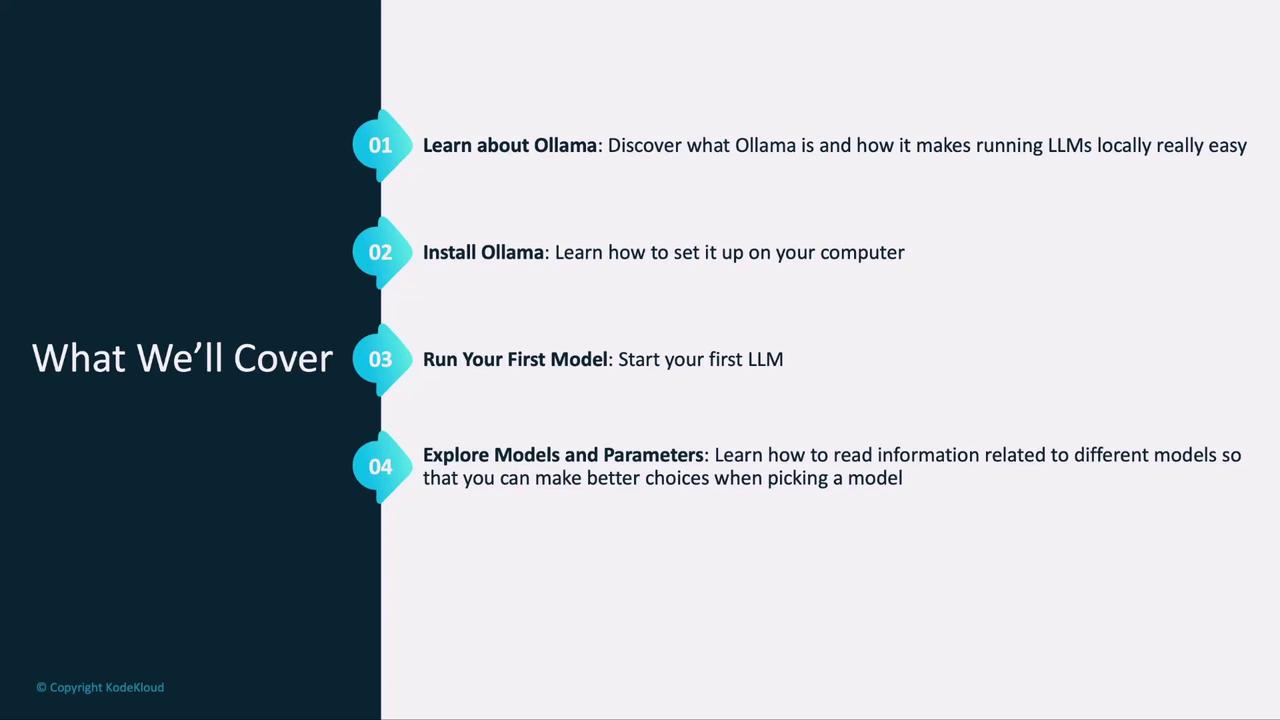
1. **Introduction to Ollama:** Explore core use cases and real-world applications.
2. **Installation & Setup:** Get Ollama up and running on macOS, Linux, or Windows.
3. **First Text Model:** Run your first text-based LLM locally and interact via prompts.
4. **Key Concepts:** Understand quantization, tokens, and parameters to choose the right model.
5. **Image-Based Models:** Load and query models that process images.
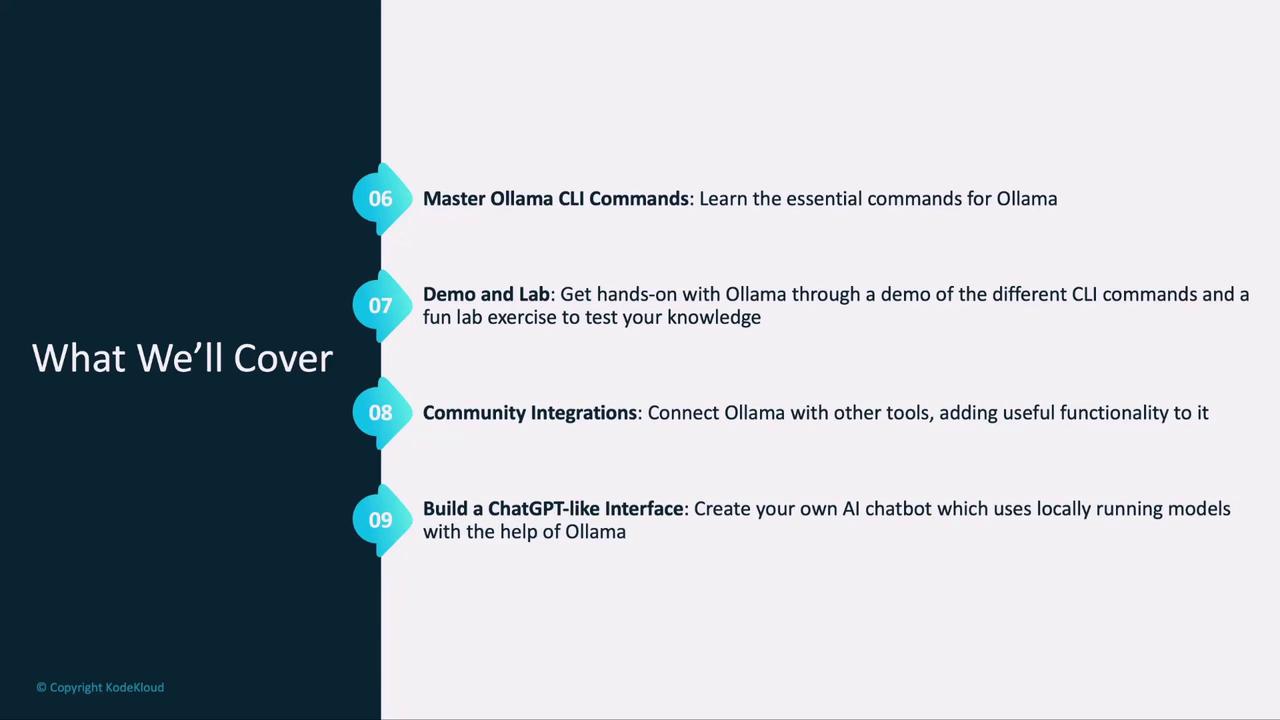
6. **Ollama CLI Mastery:** Learn essential commands, complete live demos, and tackle hands-on labs.
7. **Community Integrations:** Discover how extensions like prompt templating and logging enhance Ollama.
8. **ChatGPT-Style Interface:** Build a simple chat UI with a community integration.
***
## Why Run LLMs Locally with Ollama?
Running models on your own machine offers:
* **Privacy & Security:** Your data never leaves your hardware.
* **Low Latency:** Instant responses without network delays.
* **Offline Capability:** Develop and test even when disconnected.
* **Cost Control:** No per-API-call fees or usage limits.
Ollama provides a consistent CLI and API for all major open-source models. Whether you need text generation, summarization, or image inference, Ollama handles the heavy lifting—model downloads, quantization, and optimized local execution.
***
## Core Concepts
Understanding these terms will help you pick—and tune—the right model:
| Concept | Description | Benefit |
| ------------ | ------------------------------------------------------ | --------------------------------- |
| Quantization | Reduces model size by compressing weights | Faster inference, lower RAM |
| Tokens | Individual text units (words, subwords, or characters) | Controls prompt length & cost |
| Parameters | Numerical weights that define model behavior | Dictate accuracy and capabilities |
***
## Getting Started: Install & Setup
Ollama supports macOS, Linux, and Windows. Ensure you have at least 8 GB of RAM for basic models, and more for large-scale LLMs.
Follow the official [Ollama installation guide](/docs/installation) for step-by-step instructions. Once installed, verify with:
```bash theme={null}
ollama version
```
***
## Run Your First Text Model
With Ollama installed:
1. **List available models:**
```bash theme={null}
ollama list
```
2. **Pull a model (e.g., Llama 2):**
```bash theme={null}
ollama pull llama2
```
3. **Start an interactive session:**
```bash theme={null}
ollama run llama2
```
Type your prompt and watch the model respond instantly.
***
## Load an Image-Based Model
Ollama isn’t limited to text. You can load vision models the same way:
```bash theme={null}
ollama pull stable-diffusion
ollama run stable-diffusion --image ./input.jpg
```
Feed an image, and the model will generate captions, classifications, or new visuals—demonstrating Ollama’s versatility.
***
## Mastering the Ollama CLI
The CLI is your control center. Key commands include:
| Command | Description | Example |
| ----------------------- | ------------------------- | ---------------------- |
| `ollama list` | Show installed models | `ollama list` |
| `ollama pull ` | Download a new model | `ollama pull llama2` |
| `ollama run ` | Run a model interactively | `ollama run llama2` |
| `ollama remove ` | Uninstall a local model | `ollama remove llama2` |
We’ll reinforce these commands through live demos and a hands-on lab so you can practice in real time.
***
## Community Integrations & Building Your Chatbot
Ollama is fully open-source, with a vibrant ecosystem of plugins and integrations. You’ll explore top community projects—prompt templating libraries, advanced logging tools, and UI wrappers. Finally, you’ll combine Ollama with one of these integrations to build a ChatGPT-style interface, complete with conversational history and custom prompts.
By the end of this section, you’ll have a solid foundation in Ollama—from installation to building production-ready chat applications. Let’s dive in!