> ## Documentation Index
> Fetch the complete documentation index at: https://notes.kodekloud.com/llms.txt
> Use this file to discover all available pages before exploring further.
# Course Introduction
> This course teaches how to run, experiment, and fine-tune large language models locally using Ollama.
Generative AI is revolutionizing industries, and at the heart of this transformation are powerful large language models—whether it’s [ChatGPT](https://chat.openai.com), [Claude](https://www.anthropic.com/product/claude), or the next breakthrough. But what if you could run and manage these models on your own hardware? That’s where **Ollama** comes in.
Ollama provides a seamless, end-to-end interface for running, experimenting, and fine-tuning LLMs locally. Developers, data scientists, and AI enthusiasts can integrate these models into custom applications without relying on external APIs.
Welcome to **Running Local LLMs with Ollama**. I’m Arsh Sharma, and in this course you’ll progress from the fundamentals of local LLM deployment to building real-world AI applications and customizing your own models for peak performance.
Let’s take a look at what’s ahead:
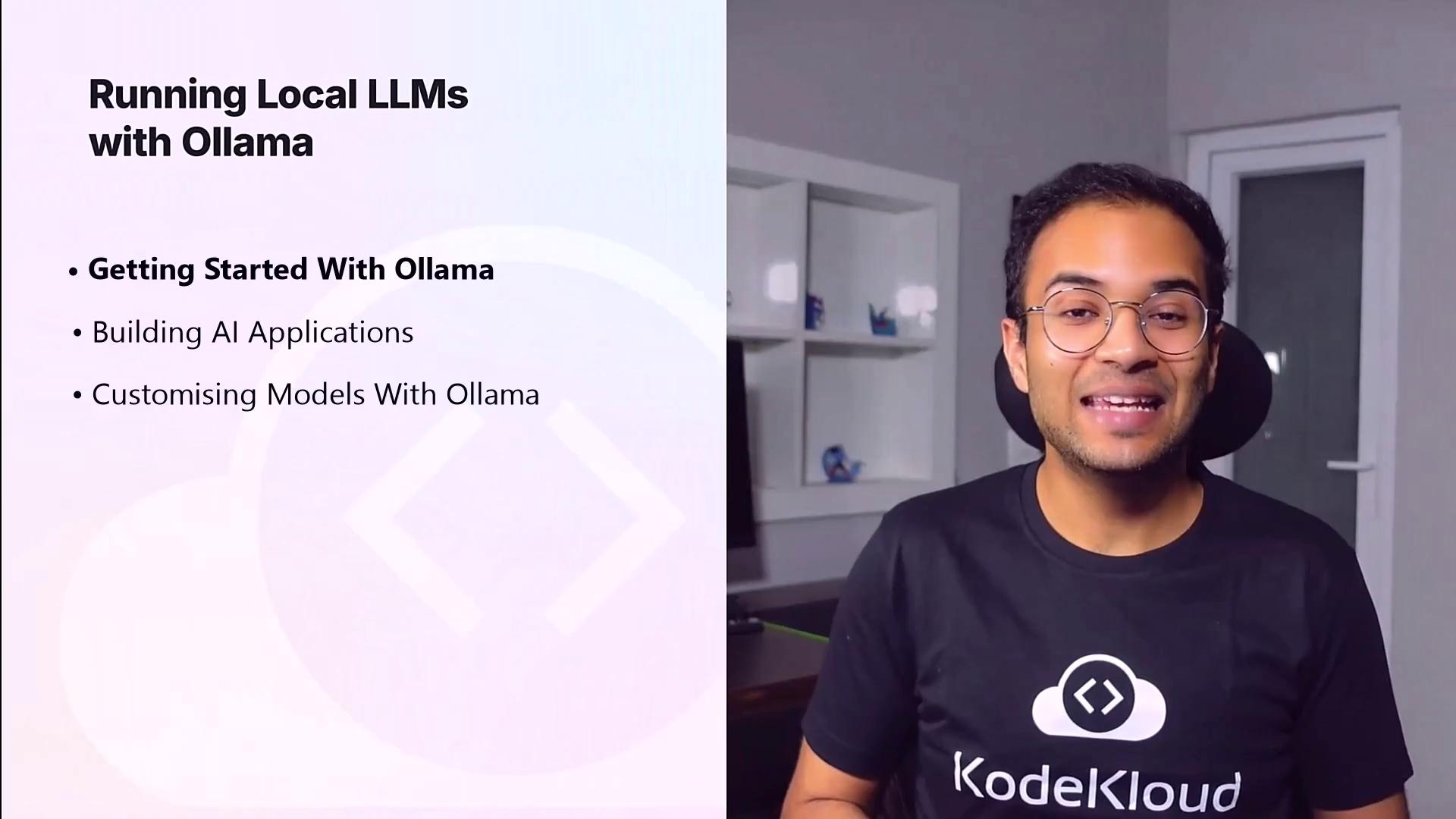
| Section | Topics Covered |
| ------------------------------------- | -------------------------------------------------------------------------------------------------- |
| **1. Getting Started with Ollama** | Installation, CLI basics, first inference, model catalog, community tools for ChatGPT-style UI |
| **2. Building AI Applications** | Ollama REST API integration, development patterns, interoperability with OpenAI API |
| **3. Customizing Models with Ollama** | Modelfile configuration, parameter tuning, context window settings, registry upload and management |
***
## 1. Getting Started with Ollama
In this module, you will:
* Understand the key benefits of running LLMs locally
* Install Ollama on macOS, Linux, or Windows Subsystem for Linux
* Launch your first model inference via the CLI
* Explore essential commands to list, pull, and inspect models
* Leverage community-driven templates to spin up a ChatGPT-style front end
Ensure you have at least 8 GB of RAM, 20 GB of free disk space, and a modern x86\_64 or ARM64 processor. Familiarity with the command line is recommended.
***
## 2. Building AI Applications
Once Ollama is up and running, you’ll learn how to integrate it into your applications:
* Explore key API endpoints for model metadata and text generation
* Integrate with popular languages and frameworks (Node.js, Python, Go)
* Compare Ollama’s request/response patterns with the OpenAI API
* Complete hands-on exercises to build a simple chat interface
***
## 3. Customizing Models with Ollama
Tailor your language models to specific tasks by adjusting parameters and training data:
* Define custom settings in a Modelfile
* Tune performance options like temperature and context length
* Use your own dataset to fine-tune or prompt-tune models
* Manage model versions in the Ollama registry for team collaboration
***
## Links and References
* [Ollama CLI Documentation](https://ollama.com/docs/cli)
* [Ollama REST API Guide](https://ollama.com/docs/api)
* [OpenAI API Reference](https://platform.openai.com/docs/api-reference)
* [KodeKloud Community Forum](/community)
Let’s dive in and unlock the full potential of AI with Ollama!