> ## Documentation Index
> Fetch the complete documentation index at: https://notes.kodekloud.com/llms.txt
> Use this file to discover all available pages before exploring further.
# Fully qualified syntax
> This article explains fully-qualified syntax in Rust to resolve ambiguity when multiple functions share the same name across different contexts.
In this lesson, we explore a crucial feature in Rust: fully-qualified syntax. This concept becomes especially important when functions or methods share the same name but perform different actions based on their context. Fully-qualified syntax provides a clear way to specify which function implementation to invoke.
## Understanding Methods in Rust
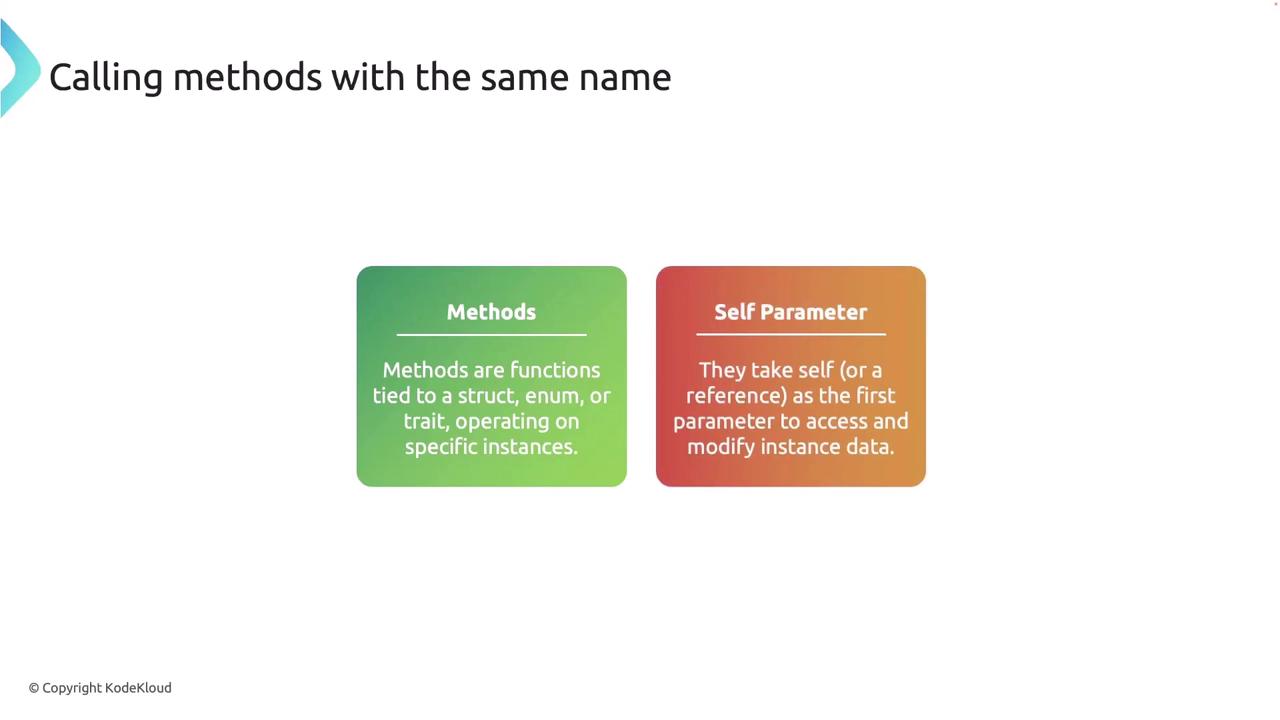
Methods in Rust are functions defined within the context of a struct, enum, or trait. They are associated with a particular instance of a type and typically take `self` (or a reference to it) as their first parameter, allowing the method to access or modify instance data.
Because Rust allows multiple traits—or even a trait and a struct—to define methods with identical names, ambiguity may arise. For instance, if two traits and a struct each implement a method called `move_forward`, it becomes necessary to clarify which version of `move_forward` should be executed.
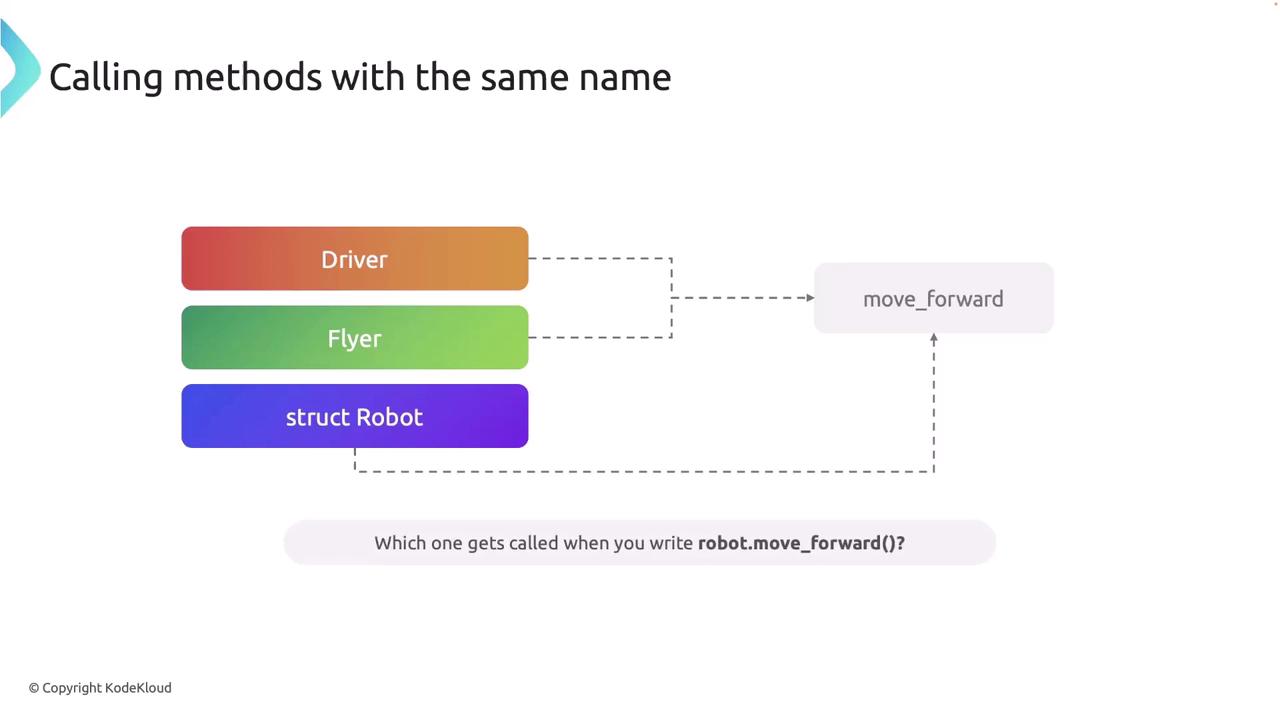
Fully-qualified syntax is essential in Rust to ensure that the correct method is called, preventing ambiguity when multiple implementations exist.
## A Practical Example with Methods
Consider a scenario where we have two traits, `Driver` and `Flyer`, each defining a `move_forward` method. Additionally, the `Robot` struct provides its own implementation of `move_forward`. Here is how the implementations are structured:
```rust theme={null}
trait Driver {
fn move_forward(&self);
}
trait Flyer {
fn move_forward(&self);
}
struct Robot;
impl Driver for Robot {
fn move_forward(&self) {
println!("Driving forward on wheels.");
}
}
impl Flyer for Robot {
fn move_forward(&self) {
println!("Flying forward with wings.");
}
}
impl Robot {
fn move_forward(&self) {
println!("Walking forward on legs.");
}
}
```
When calling `move_forward` directly on a `Robot` instance like this:
```rust theme={null}
fn main() {
let robby = Robot;
robby.move_forward(); // Calls the method defined directly on Robot.
}
```
Rust defaults to the implementation provided directly on the `Robot` struct, and thus prints:
```text theme={null}
Walking forward on legs.
```
To invoke the `move_forward` methods from the `Driver` or `Flyer` traits, you must use fully-qualified syntax. Here’s how:
```rust theme={null}
fn main() {
let robby = Robot;
// Call the method from the Driver trait.
Driver::move_forward(&robby);
// Call the method from the Flyer trait.
Flyer::move_forward(&robby);
// Call the method directly on Robot.
robby.move_forward();
}
```
The expected output of the above code is:
```text theme={null}
Driving forward on wheels.
Flying forward with wings.
Walking forward on legs.
```
By clearly specifying the trait name using the double colon (`::`), fully-qualified syntax ensures that Rust calls the intended version of the method.
## Fully-qualified Syntax with Associated Functions
Fully-qualified syntax is equally important for associated functions—those functions that do not require a `self` parameter. Consider the following scenario where we want to assign different names to a `Robot` based on its capabilities. We define a trait named `GroundRobot` with an associated function `robot_name`, and we also implement a function with the same name directly on the `Robot` struct.
```rust theme={null}
trait GroundRobot {
fn robot_name() -> String;
}
struct Robot;
impl Robot {
fn robot_name() -> String {
String::from("WalkerBot")
}
}
impl GroundRobot for Robot {
fn robot_name() -> String {
String::from("GroundMaster")
}
}
```
When calling the associated function directly on the `Robot` struct like this:
```rust theme={null}
fn main() {
println!("Robot is called: {}", Robot::robot_name());
}
```
Rust invokes the implementation defined on the `Robot` struct, producing the following output:
```text theme={null}
Robot is called: WalkerBot
```
To specifically call the `robot_name` function from the `GroundRobot` trait, you must use fully-qualified syntax as shown below:
```rust theme={null}
fn main() {
println!("Robot is called: {}", ::robot_name());
}
```
This call will output:
```text theme={null}
Robot is called: GroundMaster
```
The general pattern for using fully-qualified syntax is:
```text theme={null}
::function_name(arguments);
```
For methods that take `self`, you include the instance as an argument. For associated functions, simply supply the necessary parameters after the function name.
Be cautious when using the same function name across multiple traits and structs. Without fully-qualified syntax, Rust may not know which function version to execute, leading to bugs or unexpected behavior.
Fully-qualified syntax is vital in Rust to disambiguate between different implementations and ensure that the correct function is called, thereby enhancing code clarity and maintainability.