> ## Documentation Index
> Fetch the complete documentation index at: https://notes.kodekloud.com/llms.txt
> Use this file to discover all available pages before exploring further.
# Building a Concurrent URL Pinger
> Learn to build a concurrent URL pinger in Rust using asynchronous programming to ping multiple URLs and display their HTTP status codes.
In this lesson, you'll learn how to build a concurrent URL pinger in Rust. This project showcases asynchronous programming by concurrently pinging multiple URLs and displaying their HTTP status codes using Rust's async features.
## Project Goals
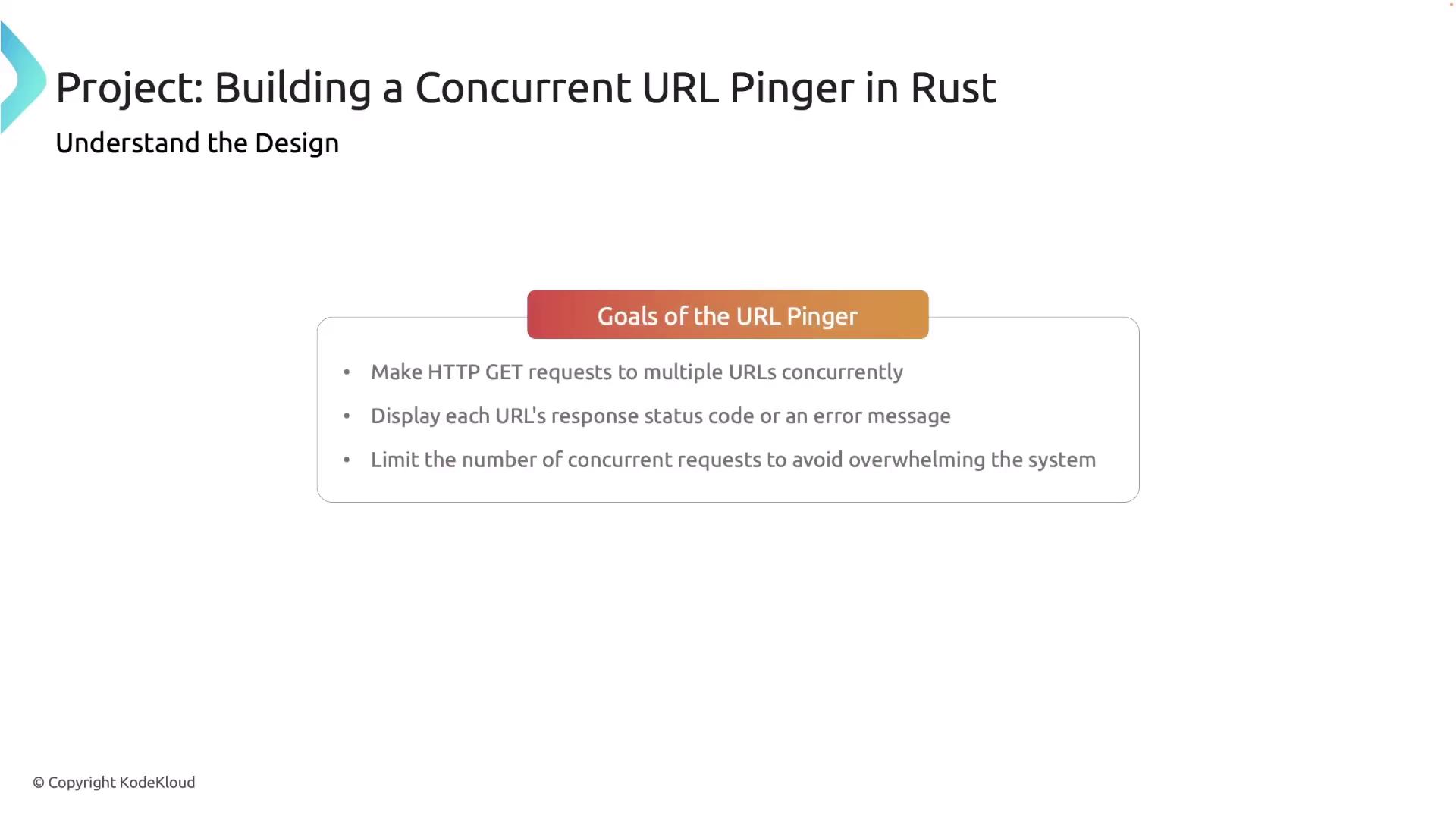
The primary objectives for this project are:
* Make HTTP GET requests to several URLs concurrently.
* Display each URL’s response status code or provide an error message if the request fails.
* Limit the number of concurrent requests to prevent overloading the system.
## Components Overview
This project leverages the following components:
* **HTTP Client:** The `reqwest` library is used for making HTTP GET requests.
* **Concurrency:** The Tokio runtime's `tokio::spawn` function enables asynchronous task management.
* **Error Handling:** Errors during HTTP requests are managed gracefully with informative error messages.

## Setting Up the Project
Start by creating a new Rust project. Open your project in your favorite editor (e.g., VS Code) and update your `Cargo.toml` file to include the dependencies for Tokio and reqwest:
```toml theme={null}
[package]
name = "concurrent_url_pinger"
version = "0.1.0"
edition = "2021"
[dependencies]
tokio = { version = "1", features = ["full"] }
reqwest = "0.11"
```
## Implementing the URL Pinger
Below is the full implementation of our URL pinger. This code demonstrates how to perform asynchronous HTTP requests, spawn tasks for each URL, and use a semaphore to limit the number of concurrent requests.
```rust theme={null}
use reqwest::StatusCode;
use reqwest;
use tokio::task;
use tokio::task::JoinHandle;
use std::sync::Arc;
use tokio::sync::{Semaphore, OwnedSemaphorePermit};
async fn ping_url(url: &str) -> Result {
let response = reqwest::get(url).await?;
Ok(response.status())
}
async fn ping_urls(urls: Vec<&str>, max_concurrent: usize) {
let semaphore = Arc::new(Semaphore::new(max_concurrent));
let mut handles: Vec> = Vec::new();
for &url in &urls {
// Acquire a permit to limit concurrent tasks.
let permit: OwnedSemaphorePermit = semaphore.clone().acquire_owned().await.unwrap();
let url_str = url.to_string();
let handle = task::spawn(async move {
// The permit is automatically released at the end of this async block.
match ping_url(&url_str).await {
Ok(status) => println!("{} -> {}", url_str, status),
Err(err) => println!("{} -> Error: {}", url_str, err),
}
drop(permit); // Explicitly drop the permit when done.
});
handles.push(handle);
}
// Await completion for all spawned tasks.
for handle in handles {
let _ = handle.await;
}
}
#[tokio::main]
async fn main() {
let urls = vec![
"https://www.rust-lang.org",
"https://www.google.com",
"https://www.github.com",
"https://thisurldoesnotexist.xyz",
];
println!("Pinging URLs...");
// Limit the number of concurrent tasks to 5.
ping_urls(urls, 5).await;
println!("Done!");
}
```
1. **Dependencies and Imports**\
The necessary modules are imported to manage HTTP requests using `reqwest` and handle asynchronous tasks using `tokio`. Concurrency is controlled with a semaphore wrapped in an Arc.
2. **`ping_url` Function**\
This async function sends an HTTP GET request to the given URL and returns its status code. Errors during the request are propagated using the `?` operator.
3. **`ping_urls` Function**\
This function accepts a list of URLs and a concurrency limit. It creates a semaphore to restrict the number of simultaneous HTTP requests. Each URL is processed within an asynchronous task that waits for a permit before proceeding. Once the request is finished, the permit is released.
4. **`main` Function**\
The entry point of the application, which initializes the Tokio runtime, defines the target URLs (including one invalid URL for error demonstration), and calls `ping_urls` with a limit of 5 concurrent tasks.
## Running the Program
After building the project, run it from the terminal with the following command:
```bash theme={null}
cargo run --quiet
```
You should see output similar to the following:
```plaintext theme={null}
Pinging URLs...
https://thisurldoesnotexist.xyz -> Error: error sending request for url (https://thisurldoesnotexist.xyz): error trying to connect: dns error: failed to lookup address information: nodename nor servname provided, or not known
https://www.google.com -> 200 OK
https://www.rust-lang.org -> 200 OK
https://www.github.com -> 200 OK
Done!
```
This output shows that valid URLs returned HTTP status code 200, while the invalid URL resulted in an appropriate error message.
## Ideas for Extending the Project
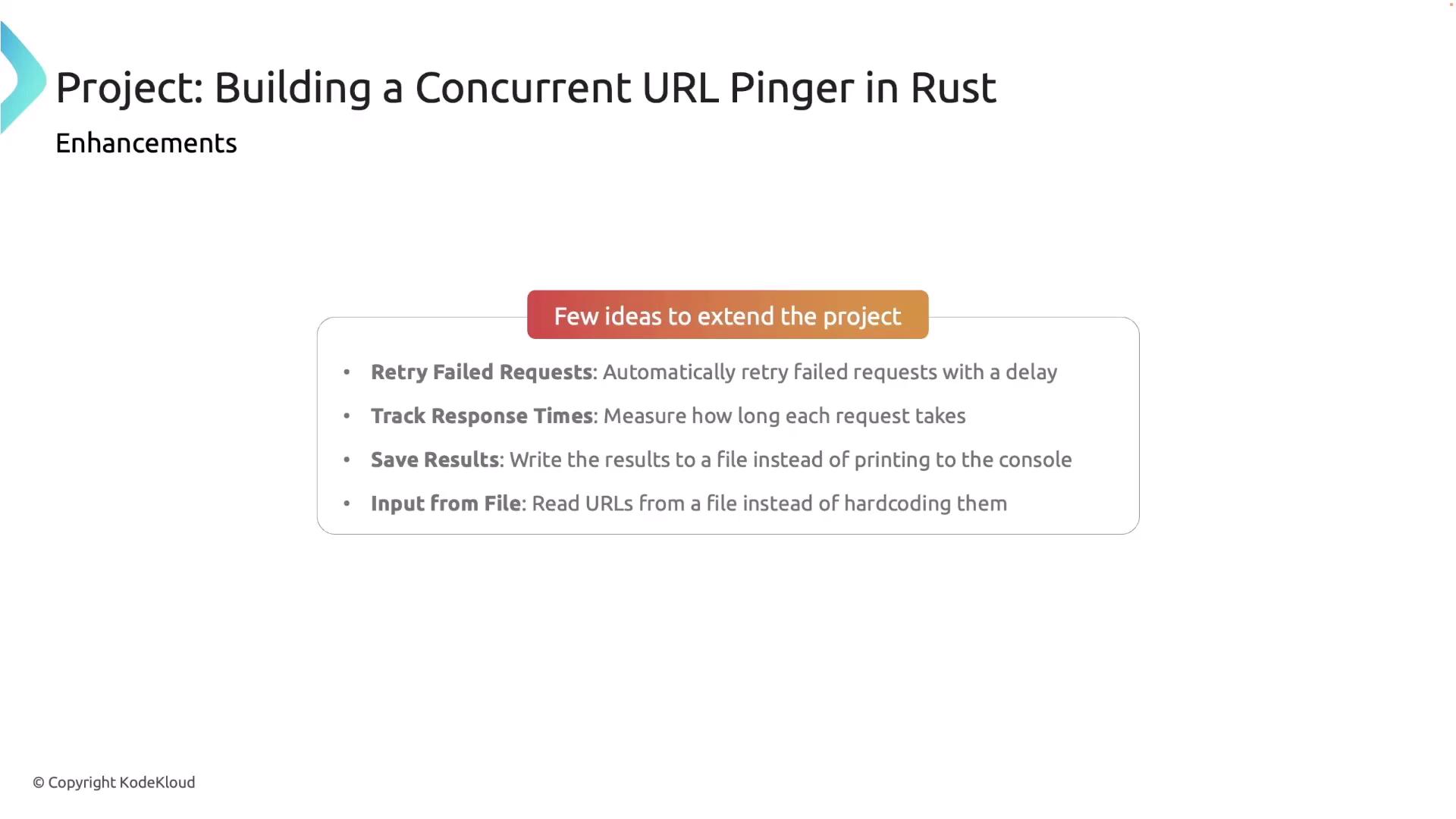
There are several ways to enhance your concurrent URL pinger project:
* **Retry Failed Requests:** Implement a mechanism to retry URLs that initially fail.
* **Timeouts and Delays:** Add configurable timeouts or delays to handle slow responses.
* **Response Time Tracking:** Measure and log how long each request takes.
* **Saving Results:** Write the output to a file for later analysis.
* **Dynamic URL Input:** Allow URLs to be read from an external file or user input instead of being hardcoded.
## Conclusion
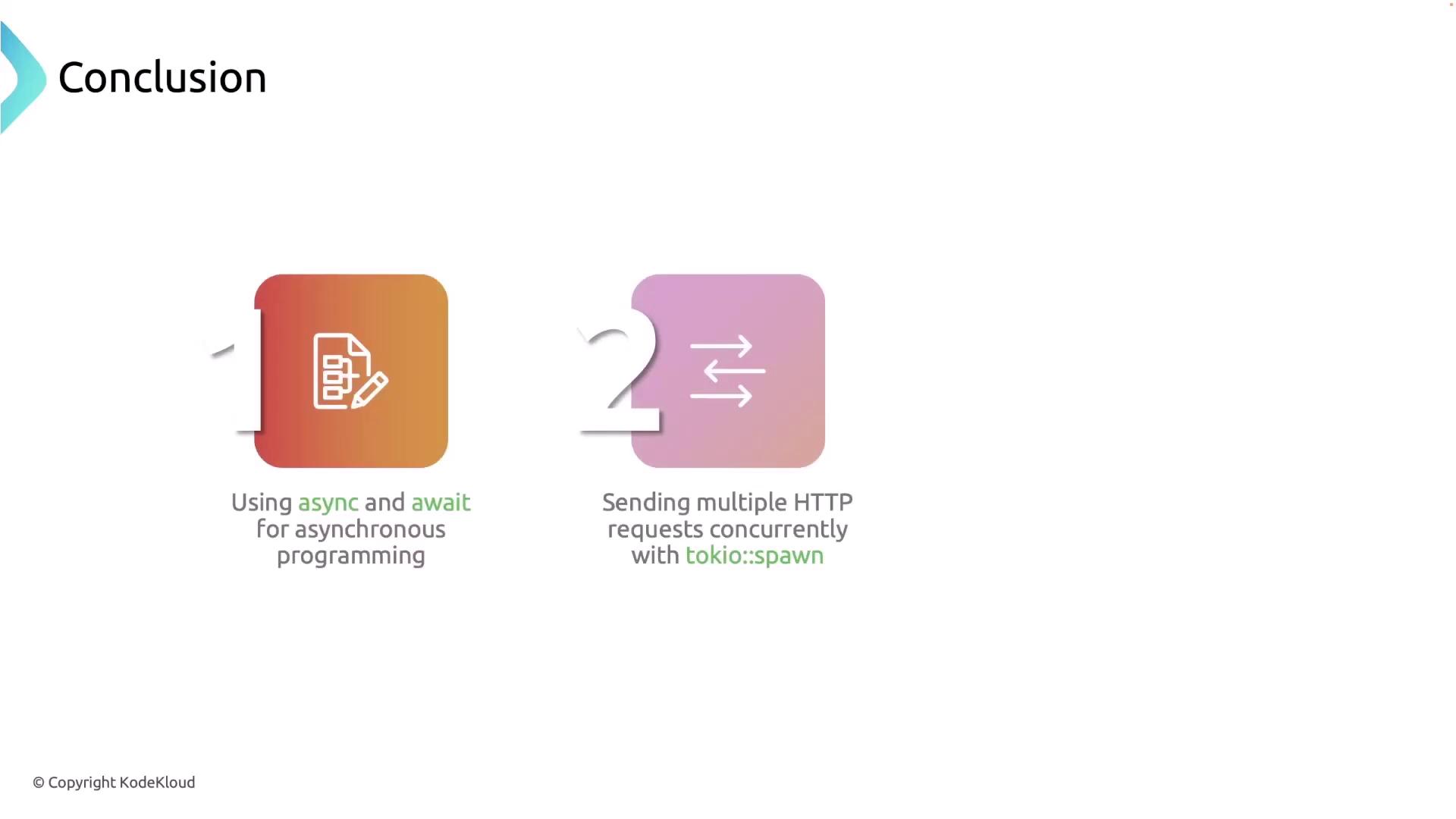
In this lesson, we covered:
* How to perform asynchronous operations in Rust using `async` and `await`.
* How to spawn multiple concurrent tasks with `tokio::spawn`.
* How to control the level of concurrency with a semaphore to manage simultaneous HTTP requests.
Congratulations on creating a fast and efficient concurrent URL pinger in Rust!