> ## Documentation Index
> Fetch the complete documentation index at: https://notes.kodekloud.com/llms.txt
> Use this file to discover all available pages before exploring further.
# Hashmaps
> This lesson explores Hashmaps in Rust, covering their creation, manipulation, and performance considerations.
In this lesson, we explore Hashmaps in Rust. A Hashmap is a collection of key-value pairs where each key is unique. It provides fast lookups, insertions, and deletions by employing a hashing algorithm that maps keys to specific memory locations. For example, in a student record system, a student ID can be the key, while the student’s name or grade becomes the value.
You can create a Hashmap using the `HashMap::new()` function or by collecting key-value pairs from an iterator. Below is an example demonstrating how to create an empty Hashmap and insert data into it:
```rust theme={null}
use std::collections::HashMap;
fn main() {
// Creating a new empty HashMap
let mut student_grades = HashMap::new();
// Inserting data: keys are student names, values are grades
student_grades.insert("Alice", 85);
student_grades.insert("Bob", 78);
// Printing the HashMap
println!("{:?}", student_grades);
}
```
In this example, an empty Hashmap is created to hold student names as keys and their grades as values. Data is inserted using the `insert()` method, and the complete map is printed to the console.
## Creating a HashMap from an Iterator
You can also build a HashMap directly from an iterator. In the example below, we define two vectors—one for student names and one for their respective grades. The vectors are converted into iterators using the `into_iter()` method, paired using `zip()`, and finally collected into a Hashmap with `collect()`.
```rust theme={null}
use std::collections::HashMap;
fn main() {
// Vectors of names and grades
let names = vec!["Alice", "Bob", "Charlie"];
let grades = vec![85, 78, 92];
// Creating a HashMap using the collect() method
let student_grades: HashMap<_, _> = names.into_iter().zip(grades.into_iter()).collect();
println!("{:?}", student_grades);
}
```
Output:
```JSON theme={null}
{"Alice": 85, "Bob": 78, "Charlie": 92}
```
Here, the keys "Alice", "Bob", and "Charlie" are associated with the grades 85, 78, and 92, respectively.
## Inserting and Updating Elements
Elements can be added to a HashMap using the `insert()` method. If the key already exists, the new value will overwrite the existing one. Consider the following example that updates Alice’s grade:
```rust theme={null}
use std::collections::HashMap;
fn main() {
let mut student_grades = HashMap::new();
student_grades.insert("Alice", 85);
student_grades.insert("Alice", 90); // Overwrites the previous value
println!("{:?}", student_grades);
}
```
Output:
```JSON theme={null}
{"Alice": 90}
```
Alternatively, you can use the `entry()` method, which inserts a value only if the key is not already present:
```rust theme={null}
use std::collections::HashMap;
fn main() {
let mut student_grades = HashMap::new();
student_grades.entry("Alice").or_insert(85);
student_grades.entry("Alice").or_insert(90); // Does not overwrite
println!("{:?}", student_grades);
}
```
Output:
```json theme={null}
{"Alice": 85}
```
## Accessing Values
There are two common methods to access values in a HashMap: using the `get()` method or indexing.
### Using the get() Method
The `get()` method returns an `Option` (either `Some(value)` if the key exists or `None` if it does not). This allows you to handle both cases using pattern matching:
```rust theme={null}
use std::collections::HashMap;
fn main() {
let mut student_grades = HashMap::new();
student_grades.insert("Alice", 85);
// Accessing the value using get()
let grade = student_grades.get("Alice");
match grade {
Some(g) => println!("Alice's grade is {}", g),
None => println!("No grade found for Alice"),
}
}
```
Output:
```JSON theme={null}
Alice's grade is 85
```
### Using Indexing
Indexing provides a more concise way to access values, but it will panic if the key does not exist. Ensure that the key is present before using this method:
```rust theme={null}
use std::collections::HashMap;
fn main() {
let mut student_grades = HashMap::new();
student_grades.insert("Alice", 85);
// Accessing the value using indexing
println!("Alice's grade is {}", student_grades["Alice"]);
}
```
Output:
```JSON theme={null}
Alice's grade is 85
```
## Updating Values with Ownership Considerations
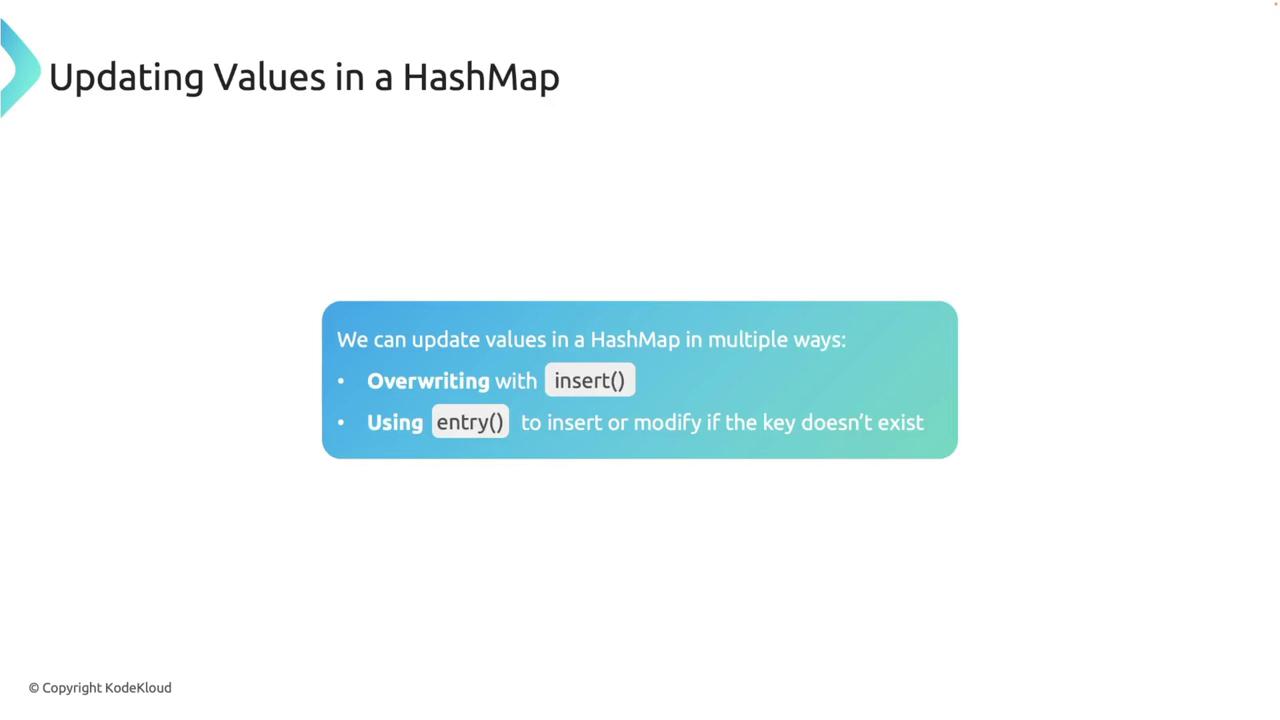
### Overwriting with insert()
When you insert a key that already exists, its associated value is replaced by the new one:
```rust theme={null}
use std::collections::HashMap;
fn main() {
let mut student_grades = HashMap::new();
student_grades.insert("Alice", 85);
student_grades.insert("Alice", 90); // Overwrites the previous value
println!("{:?}", student_grades);
}
```
Output:
```JSON theme={null}
{"Alice": 90}
```
### Using entry()
The `entry()` method checks if the key exists. It inserts the provided value only if the key is missing; otherwise, the existing value remains unchanged:
```rust theme={null}
use std::collections::HashMap;
fn main() {
let mut student_grades = HashMap::new();
student_grades.entry("Alice").or_insert(85);
student_grades.entry("Alice").or_insert(90); // Does not overwrite
println!("{:?}", student_grades);
}
```
Output:
```json theme={null}
{"Alice": 85}
```
## Removing Elements and Iterating
To remove an element from a HashMap, use the `remove()` method with the key as its argument:
```rust theme={null}
use std::collections::HashMap;
fn main() {
let mut student_grades = HashMap::new();
student_grades.insert("Alice", 85);
student_grades.remove("Alice");
println!("{:?}", student_grades); // Should print an empty HashMap
}
```
Output:
```JSON theme={null}
{}
```
You can also iterate over a HashMap using a foreach loop to access both keys and values, which is useful for processing or displaying all elements in the map.
## Common HashMap Methods
Several methods are frequently used with Hashmaps:
* `len()` – Returns the number of elements.
* `is_empty()` – Checks if the map is empty.
* `remove()` – Removes a key-value pair.
* `contains_key()` – Checks if a specific key exists.
For example, to check the length of a HashMap:
```rust theme={null}
use std::collections::HashMap;
fn main() {
let mut student_grades = HashMap::new();
student_grades.insert("Alice", 85);
student_grades.insert("Bob", 78);
println!("Number of students: {}", student_grades.len());
}
```
Output:
```JSON theme={null}
Number of students: 2
```
To check if a HashMap is empty:
```rust theme={null}
use std::collections::HashMap;
fn main() {
let student_grades: HashMap<&str, i32> = HashMap::new();
println!("Is the map empty? {}", student_grades.is_empty());
}
```
Output:
```JSON theme={null}
Is the map empty? true
```
And to check for a specific key:
```rust theme={null}
use std::collections::HashMap;
fn main() {
let mut student_grades = HashMap::new();
student_grades.insert("Alice", 85);
student_grades.insert("Bob", 78);
student_grades.insert("Max", 98);
println!("Contains Max: {}", student_grades.contains_key("Max"));
}
```
Output:
```JSON theme={null}
Contains Max: true
```
## Ownership and Borrowing with HashMaps
### Moving Ownership
HashMaps in Rust do not implement the `Copy` trait, so moving a HashMap transfers ownership. In the following example, ownership of `student_grades` is transferred to `new_student_grades`, making the original variable inaccessible:
```rust theme={null}
use std::collections::HashMap;
fn main() {
// Create a HashMap and insert an element
let mut student_grades: HashMap = HashMap::new();
student_grades.insert(String::from("Alice"), 85);
// Move ownership to new_student_grades
let new_student_grades: HashMap = student_grades;
println!("{:?}", new_student_grades);
}
```
Attempting to use `student_grades` after this move results in a compile-time error.
### Borrowing an Immutable Reference
You can borrow an immutable reference to a HashMap, allowing data access without transferring ownership. Both the original variable and its borrowed reference can be used concurrently:
```rust theme={null}
use std::collections::HashMap;
fn main() {
// Create a HashMap and insert an element
let mut student_grades: HashMap = HashMap::new();
student_grades.insert(String::from("Alice"), 85);
// Borrow an immutable reference to the HashMap
let borrowed_grades: &HashMap = &student_grades;
println!("Borrowed grades: {:?}", borrowed_grades.get("Alice"));
println!("Original grades: {:?}", student_grades.get("Alice"));
}
```
Output:
```JSON theme={null}
Borrowed grades: Some(85)
Original grades: Some(85)
```
While borrowing immutably, the HashMap cannot be modified. Any attempt to mutate it through an immutable reference will trigger a compile-time error.
### Borrowing a Mutable Reference
To modify a HashMap while referencing it, borrow a mutable reference. The following example demonstrates how to insert a new element through a mutable reference:
```rust theme={null}
use std::collections::HashMap;
fn main() {
// Create a HashMap and insert an element
let mut student_grades: HashMap = HashMap::new();
student_grades.insert(String::from("Alice"), 85);
// Borrow a mutable reference to modify the HashMap
let borrowed_grades: &mut HashMap = &mut student_grades;
// Insert a new entry using the mutable reference
borrowed_grades.insert(String::from("Bob"), 90);
// Both borrowed_grades and student_grades now reflect the change
println!("Modified grades: {:?}", borrowed_grades);
println!("Original grades: {:?}", student_grades);
}
```
Output:
```JSON theme={null}
Modified grades: {"Alice": 85, "Bob": 90}
Original grades: {"Alice": 85, "Bob": 90}
```
Using a mutable reference allows modifications to the HashMap, and both the original and borrowed references reflect these changes.
## Performance Considerations
Hashmaps are generally efficient, but several factors can affect their performance:
* **Hash Collisions:** Multiple keys may hash to the same value, causing collisions. Rust uses a collision resolution strategy to manage these scenarios.
* **Rehashing:** When a HashMap becomes overly full, it may rehash its entries into a larger array. Although rehashing is computationally expensive, Rust handles it automatically.
* **Hash Function:** Rust's default HashMap employs a cryptographically secure hashing algorithm. While this enhances security, it might be slower compared to non-secure alternatives. In performance-critical applications where security is less of a concern, you can opt for a different hashing function.
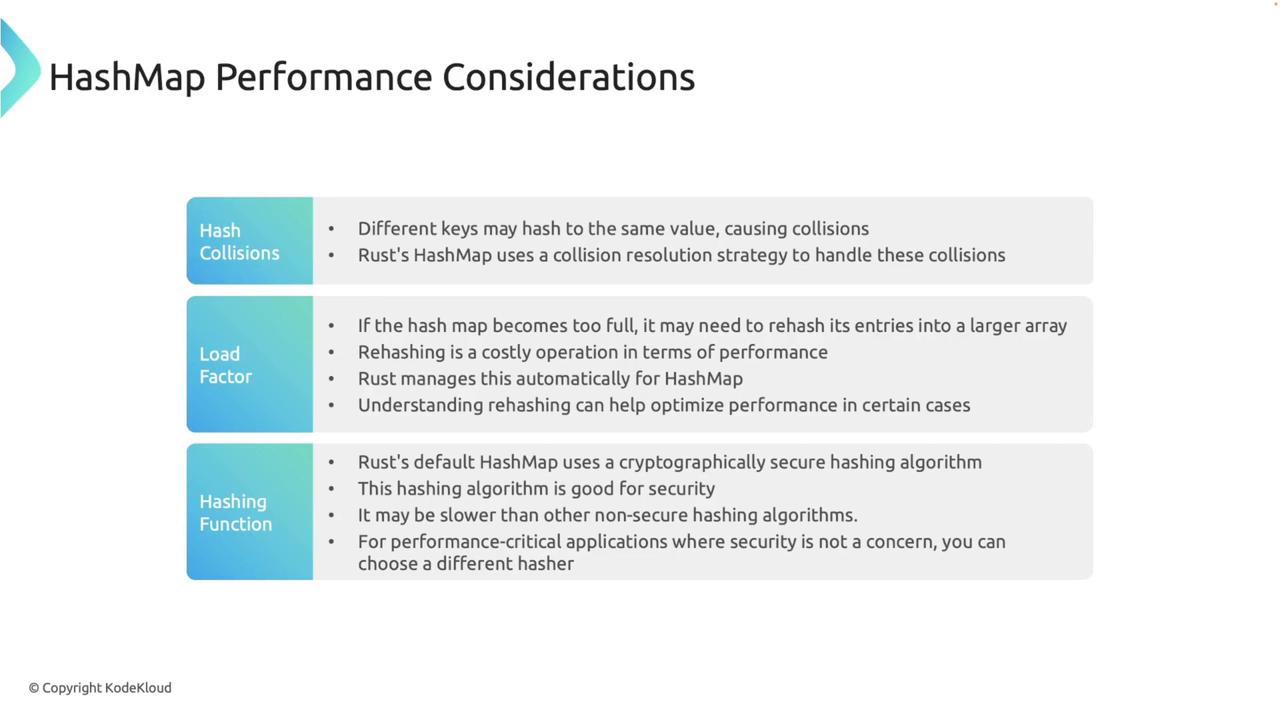
Understanding rehashing, load factors, and the underlying hash functions can help optimize the performance of your application when working with Hashmaps.