> ## Documentation Index
> Fetch the complete documentation index at: https://notes.kodekloud.com/llms.txt
> Use this file to discover all available pages before exploring further.
# Parameters
> Parameters enhance code flexibility and reusability by allowing functions to accept dynamic input values, influencing their behavior based on provided arguments.
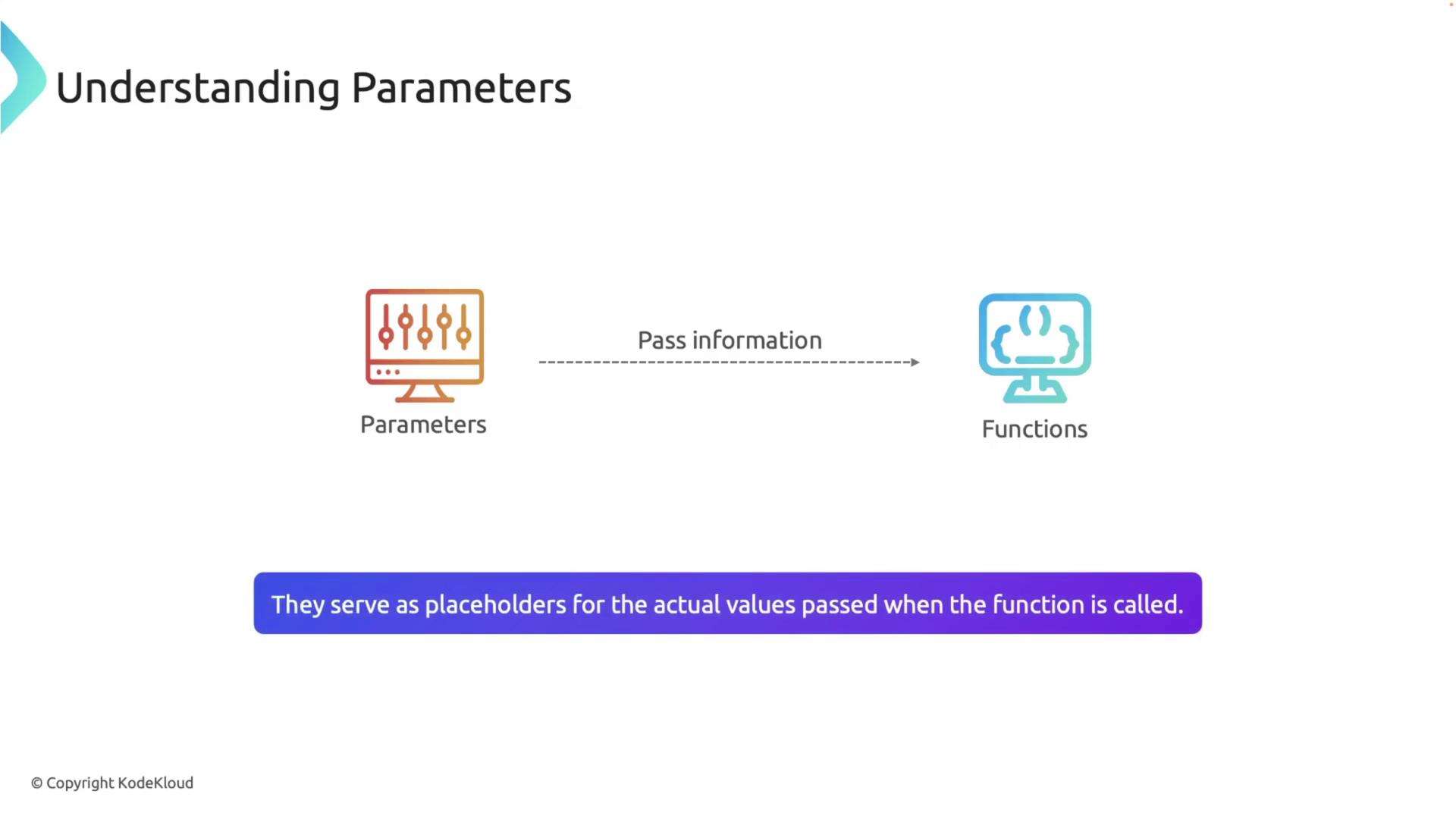
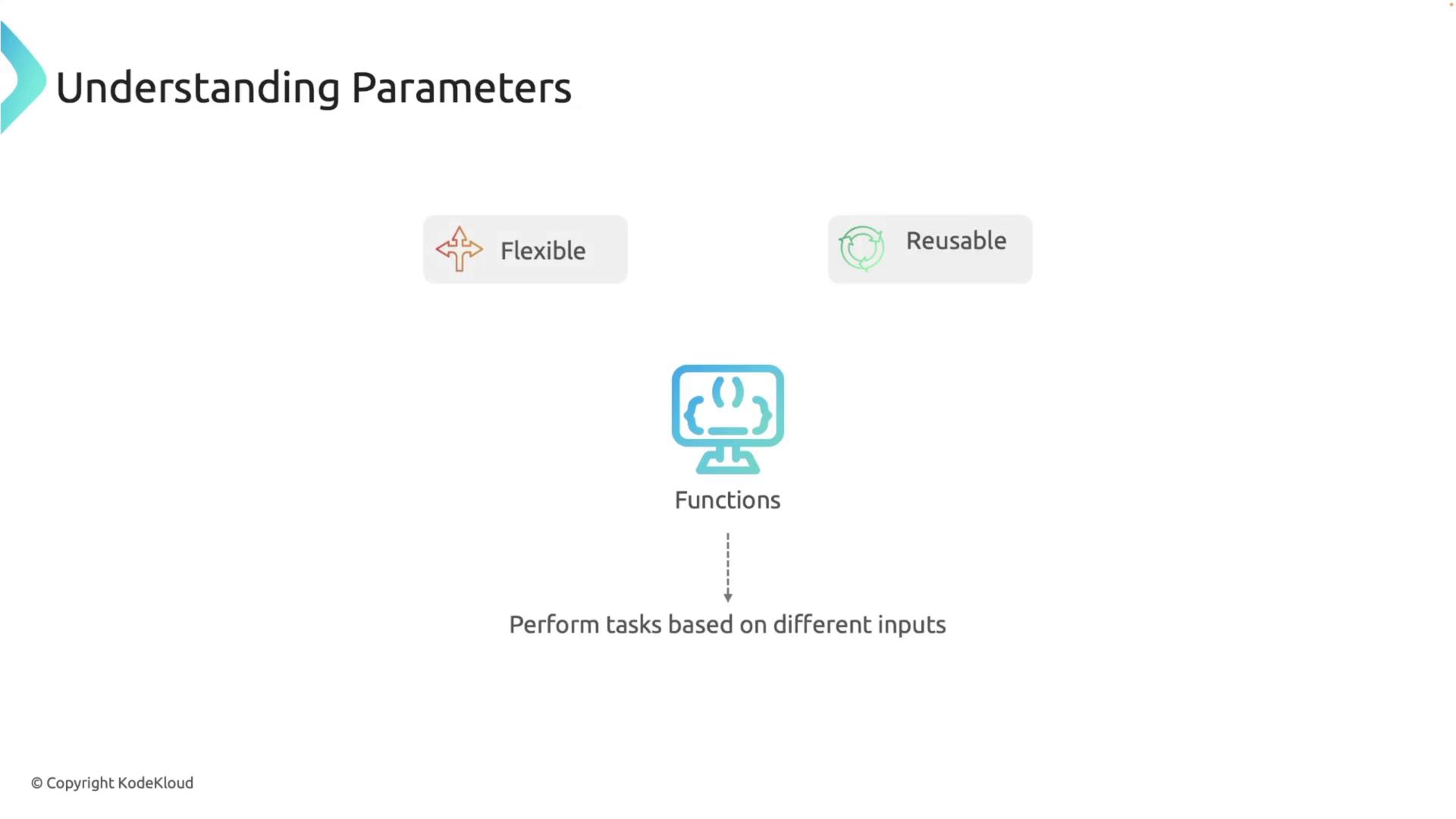
Parameters allow you to pass dynamic information into functions by serving as placeholders for the actual values. They enhance the flexibility and reusability of your code by determining the function's behavior based on the input provided.
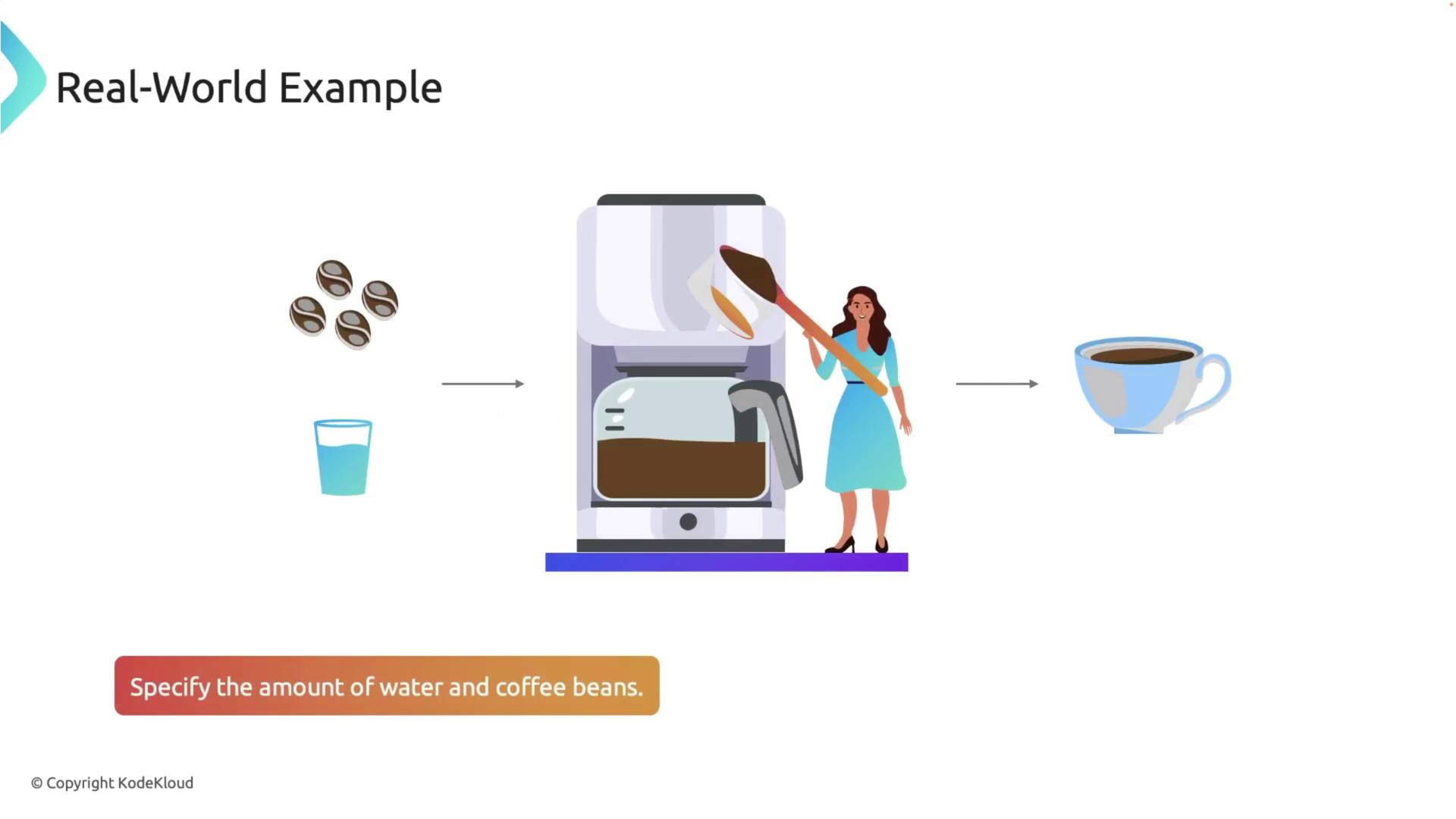
Consider a coffee machine analogy: just as you specify the amount of water and coffee beans to brew your favorite cup of coffee, parameters allow functions to process diverse data inputs. This analogy highlights how providing different values can alter the outcome, much like different recipes yield unique beverages.
## Defining Functions with Parameters in Rust
In Rust, defining a function that accepts parameters is straightforward. When you declare a function, include parameters within parentheses right after the function name, ensuring you specify both the parameter name and its data type. For example:
```rust theme={null}
fn function_name(parameter1: Type, parameter2: Type) {
// code to run
}
```
Defining parameters with explicit types not only enhances code readability but also leverages Rust’s strong type system to prevent many common programming errors.
### Example: Greeting with a Parameter
The following example demonstrates a simple function that accepts a person's name as a parameter and prints a personalized greeting. In the `main` function, the `greet` function is called with different arguments to generate greetings dynamically.
```rust theme={null}
fn main() {
greet("Alice");
greet("Bob");
}
fn greet(name: &str) {
println!("Hello, {}!", name);
}
```
In this example, the `greet` function takes a `&str` parameter called `name` and uses it within the `println!` macro to display a custom greeting. When you run the program, you will see the following output:
```text theme={null}
Hello, Alice!
Hello, Bob!
```
### Example: Calculating the Area of a Rectangle
Functions can handle multiple parameters. The example below uses the `calculate_area` function to compute the area of a rectangle using its width and height.
```rust theme={null}
fn main() {
let area = calculate_area(5, 10);
println!("The area is: {}", area);
}
fn calculate_area(width: i32, height: i32) -> i32 {
width * height
}
```
Here, the `calculate_area` function multiplies two `i32` parameters and returns the resulting product. The result is then stored in the `area` variable and printed.
### Example: Adding a Prefix to a Message
Another common scenario is formatting a message by adding a prefix. The `add_prefix` function combines a prefix with a message to create a formatted string. See the example below:
```rust theme={null}
fn main() {
let message1 = add_prefix("Error", "File not found");
let message2 = add_prefix("Warning", "Low disk space");
println!("{}", message1);
println!("{}", message2);
}
fn add_prefix(prefix: &str, message: &str) -> String {
format!("[{}] {}", prefix, message)
}
```
This example demonstrates how the `add_prefix` function uses two `&str` parameters along with the `format!` macro to produce dynamic, formatted output based on the provided inputs.
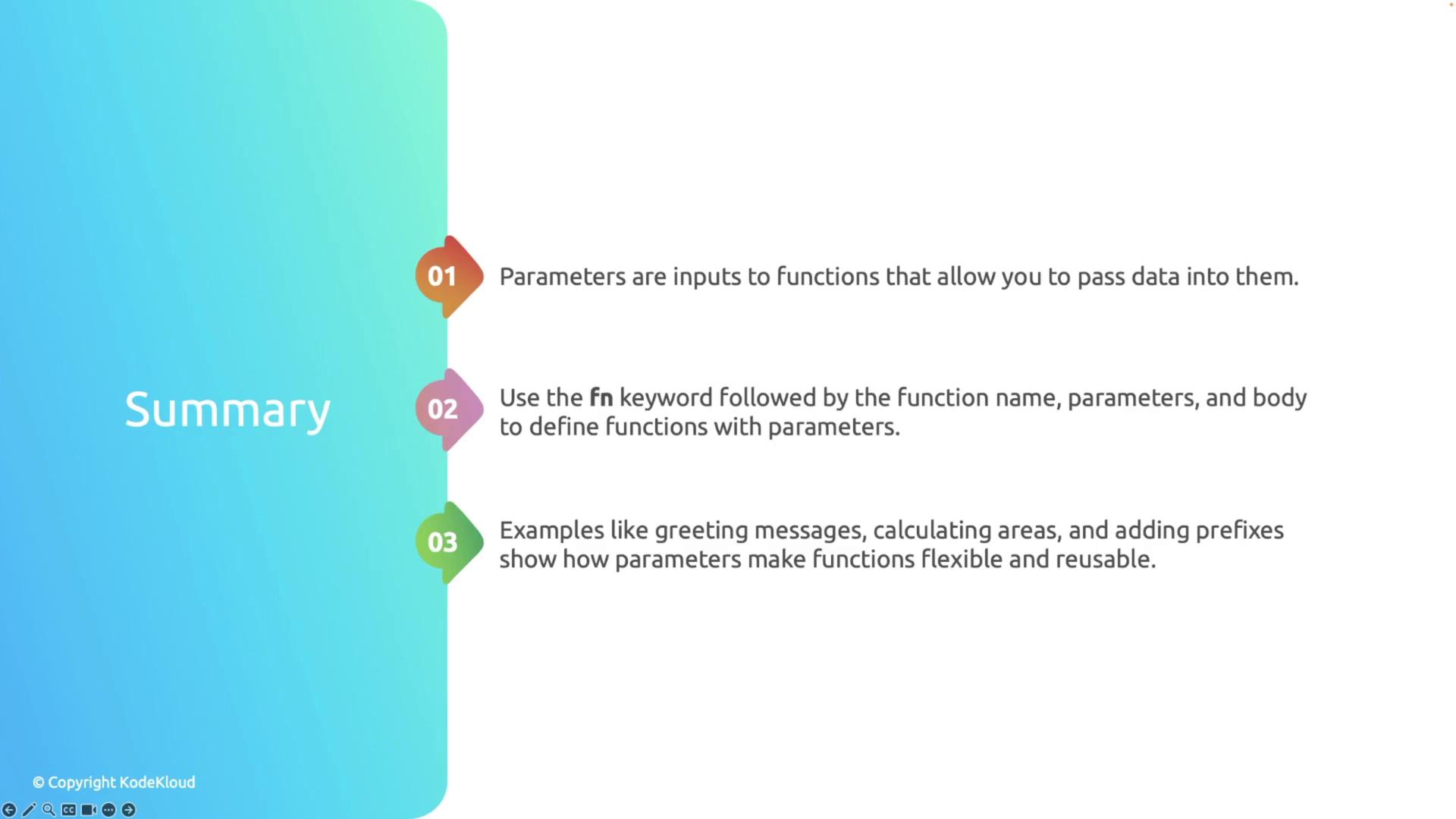
## Summary
Parameters are a critical concept in programming that enable functions to be modular, dynamic, and reusable. In Rust, you define functions with parameters by using the `fn` keyword, which is followed by the function name, a list of parameters with their types, and the function's code block. Real-world examples, such as generating personalized greetings, calculating areas, and adding prefixes to messages, illustrate how parameters empower developers to write clean, maintainable, and efficient code.