> ## Documentation Index
> Fetch the complete documentation index at: https://notes.kodekloud.com/llms.txt
> Use this file to discover all available pages before exploring further.
# Performing Common Filesystem Operations
> This guide covers essential file and directory manipulation techniques in Rust, including copying, moving, renaming, and deleting operations.
In this guide, we explore advanced file operations and common filesystem tasks in Rust. By the end of this tutorial, you'll have a solid understanding of how to copy, move, rename, and delete both files and directories efficiently using Rust's standard library.
***
## Copying Files
Copying files is a frequent requirement for tasks such as backups or duplicating data. Rust's [`fs::copy`](https://doc.rust-lang.org/std/fs/fn.copy.html) function makes this process straightforward.
The example below copies the contents of "example.txt" to "example\_copy.txt" and prints a confirmation message upon success:
```rust theme={null}
use std::fs;
use std::io;
fn main() -> io::Result<()> {
fs::copy("example.txt", "example_copy.txt")?;
println!("File copied successfully.");
Ok(())
}
```
Running this code produces the following output:
```bash theme={null}
cargo run --quiet
File copied successfully.
```
***
## Moving and Renaming Files
Renaming or relocating files is another common operation. Rust’s [`fs::rename`](https://doc.rust-lang.org/std/fs/fn.rename.html) function serves both purposes, whether you need to rename a file or move it to a different directory.
For example, to rename "example\_copy.txt" to "renamed\_example.txt":
```rust theme={null}
use std::fs;
use std::io;
fn main() -> io::Result<()> {
fs::rename("example_copy.txt", "renamed_example.txt")?;
println!("File renamed successfully.");
Ok(())
}
```
To move the renamed file into the "src" directory, adjust the path accordingly:
```rust theme={null}
use std::fs;
use std::io;
fn main() -> io::Result<()> {
fs::rename("renamed_example.txt", "src/renamed_example.txt")?;
println!("File moved successfully.");
Ok(())
}
```
When executed, the output will be:
```bash theme={null}
cargo run --quiet
File moved successfully.
```
***
## Deleting Files
For removing files that are no longer necessary, Rust provides the [`fs::remove_file`](https://doc.rust-lang.org/std/fs/fn.remove_file.html) function.
The following example demonstrates how to delete a file:
```rust theme={null}
use std::fs;
use std::io;
fn main() -> io::Result<()> {
fs::remove_file("renamed_example.txt")?;
println!("File deleted successfully.");
Ok(())
}
```
If the file is located within the "src" directory, modify the file path as shown:
```rust theme={null}
use std::fs;
use std::io;
fn main() -> io::Result<()> {
fs::remove_file("src/renamed_example.txt")?;
println!("File deleted successfully.");
Ok(())
}
```
Expected output when running the deletion code:
```bash theme={null}
cargo run --quiet
File deleted successfully.
```
Be cautious when deleting files since removed files cannot be recovered using the Rust standard library.
***
## Directory Operations
Rust offers comprehensive support for working with directories, including operations to create, read, and remove directories.
### Creating a Directory
You can create a new directory using the [`fs::create_dir`](https://doc.rust-lang.org/std/fs/fn.create_dir.html) function:
```rust theme={null}
use std::fs;
use std::io;
fn main() -> io::Result<()> {
fs::create_dir("example_dir")?;
println!("Directory created successfully.");
Ok(())
}
```
This code creates a new directory named "example\_dir".
### Reading Directory Contents
To list the contents of a directory, use the [`fs::read_dir`](https://doc.rust-lang.org/std/fs/fn.read_dir.html) function. This function returns an iterator over directory entries. The example below prints the names of all entries in the current directory:
```rust theme={null}
use std::fs;
use std::io;
use std::fs::{DirEntry, ReadDir};
fn main() -> io::Result<()> {
let entries: ReadDir = fs::read_dir(".")?;
for entry in entries {
let entry: DirEntry = entry?;
println!("Name: {:?}", entry.file_name());
}
Ok(())
}
```
An example output might be:
```bash theme={null}
cargo run --quiet
"Cargo.toml"
"new_file.txt"
"target"
"Cargo.lock"
".gitignore"
".git"
"example.txt"
"example_dir"
"output.txt"
"src"
```
This output reflects the files and directories in your current working directory.
### Removing Directories
Rust provides two distinct functions for directory removal:
* [`fs::remove_dir`](https://doc.rust-lang.org/std/fs/fn.remove_dir.html) to remove empty directories.
* [`fs::remove_dir_all`](https://doc.rust-lang.org/std/fs/fn.remove_dir_all.html) to remove directories along with all their contents.
To delete a directory and its contents, use this example:
```rust theme={null}
use std::fs;
use std::io;
fn main() -> io::Result<()> {
fs::remove_dir_all("example_dir")?;
println!("Directory and all contents removed.");
Ok(())
}
```
When executed, the code will remove "example\_dir" and its contents, then display:
```bash theme={null}
cargo run --quiet
Directory and all contents removed.
```
***
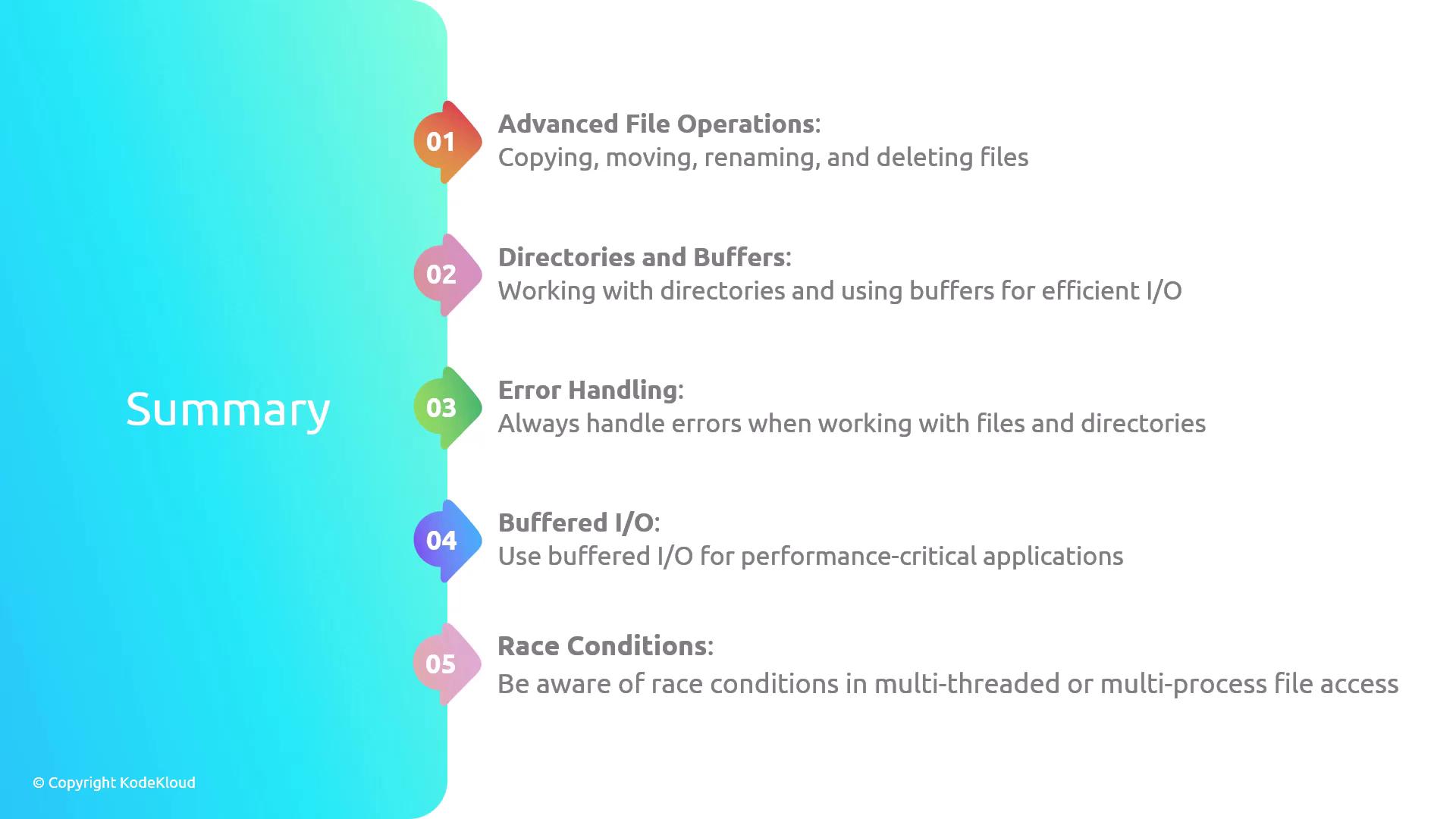
## Summary
In this tutorial, we reviewed several key filesystem operations in Rust:
| Operation | Description | Function Reference |
| -------------------------- | ---------------------------------------------- | ------------------------------------------------------------------------------- |
| Copying Files | Duplicating file contents to a new file | [`fs::copy`](https://doc.rust-lang.org/std/fs/fn.copy.html) |
| Moving/Renaming Files | Renaming or moving files between directories | [`fs::rename`](https://doc.rust-lang.org/std/fs/fn.rename.html) |
| Deleting Files | Removing unnecessary files from the filesystem | [`fs::remove_file`](https://doc.rust-lang.org/std/fs/fn.remove_file.html) |
| Creating Directories | Generating new directories | [`fs::create_dir`](https://doc.rust-lang.org/std/fs/fn.create_dir.html) |
| Reading Directory Contents | Listing files and folders within a directory | [`fs::read_dir`](https://doc.rust-lang.org/std/fs/fn.read_dir.html) |
| Removing Directories | Deleting directories, including non-empty ones | [`fs::remove_dir_all`](https://doc.rust-lang.org/std/fs/fn.remove_dir_all.html) |
This guide covers essential file and directory manipulation techniques in Rust, including copying, moving, renaming, and deleting operations. Always ensure to handle errors appropriately when working with file systems, and be mindful of concurrency control for performance-critical applications.