> ## Documentation Index
> Fetch the complete documentation index at: https://notes.kodekloud.com/llms.txt
> Use this file to discover all available pages before exploring further.
# Control Flow loop and labels
> This article explores loops and labels in Rust, detailing constructs like loop, while, for, and their control flow mechanisms.
In this lesson, we will explore loops and labels in Rust. Looping allows you to execute a block of code repeatedly, and Rust provides several looping constructs including `loop`, `while`, and `for`. Notably, the `loop` construct repeats indefinitely until it is explicitly stopped with a `break` statement.
## Basic Looping with `loop`
A basic `loop` in Rust starts with the `loop` keyword followed by a block enclosed in curly braces. Inside these braces, you can place the code that you want to repeat indefinitely. For example:
```rust theme={null}
fn main() {
loop {
println!("This will run forever!");
}
}
```
To exit the loop, use the `break` statement. In the following example, a counter is incremented until it reaches 5. Once the counter equals 5, the `break` statement terminates the loop:
```rust theme={null}
fn main() {
let mut count = 0;
loop {
count += 1;
println!("Count: {}", count);
if count == 5 {
break;
}
}
println!("Loop ended at count: {}", count);
}
```
You can also return a value from a loop by providing a value with the `break` statement. In this example, the loop increments the counter until it reaches 10, then returns `count * 2` which is stored in the `result` variable:
```rust theme={null}
fn main() {
let mut count = 0;
let result = loop {
count += 1;
if count == 10 {
break count * 2; // Returning a value from the loop
}
};
println!("The result is: {}", result);
}
```
The output of this program will be:
```text theme={null}
The result is: 20
```
## Loop Labels for Nested Loops
Rust allows you to label loops to make it easier to control nested loops. Labels are defined by a single quote (`'`) followed by the label name. This feature is especially useful when you need to break out of or continue a specific loop in a nested structure.
Consider the following example where an outer loop is labeled `'outer`. An inner loop runs without a label. The inner loop breaks when `inner_count` reaches 2, but if `outer_count` reaches 3, the `break 'outer` statement exits the outer loop entirely:
```rust theme={null}
fn main() {
let mut outer_count = 0;
'outer: loop {
println!("Outer count: {}", outer_count);
let mut inner_count = 0;
loop {
println!("Inner count: {}", inner_count);
inner_count += 1;
if inner_count == 2 {
break; // This breaks the inner loop
}
if outer_count == 3 {
break 'outer; // This breaks the outer loop
}
}
println!("-----------------");
outer_count += 1;
}
println!("Outer loop ended at count: {}", outer_count);
}
```
The expected output for the nested loop example is:
```text theme={null}
Outer count: 0
Inner count: 0
Inner count: 1
---------------
Outer count: 1
Inner count: 0
Inner count: 1
---------------
Outer count: 2
Inner count: 0
Inner count: 1
---------------
Outer count: 3
Inner count: 0
Outer loop ended at count: 3
```
## Skipping Iterations with `continue`
The `continue` statement in Rust functions similarly to those in languages like C or Python. When encountered, it skips the rest of the current iteration and immediately moves to the next one. In the example below, a `for` loop iterates over a range from 1 to 5, and skips the iteration when the counter is 3:
```rust theme={null}
fn main() {
for i in 1..=5 {
if i == 3 {
continue; // Skips the iteration when i == 3
}
println!("The number is: {}", i);
}
}
```
This program will output:
```text theme={null}
The number is: 1
The number is: 2
The number is: 4
The number is: 5
```
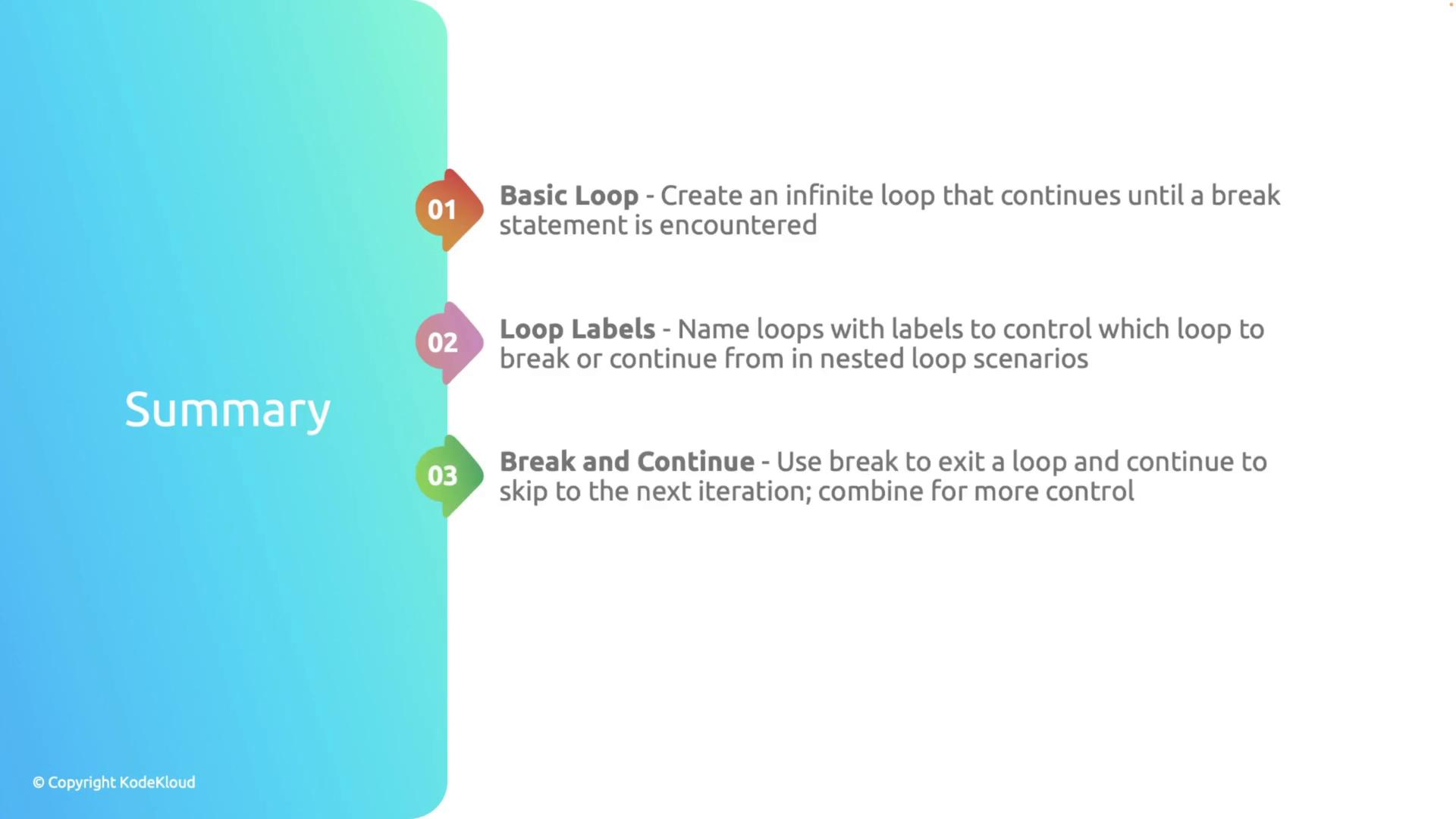
* Basic loops are created using the `loop` construct and continue indefinitely until a `break` statement is encountered.
* Loop labels allow you to manage control flow in nested loop scenarios.
* Use `break` to exit a loop immediately and optionally return a value.
* The `continue` statement skips the remainder of the loop's current iteration.
Mastering these control-flow constructs in Rust will help you write more concise, efficient, and readable code when handling various loop-based tasks. For further reading, consider exploring the [Rust Programming Language Book](https://doc.rust-lang.org/book/).