> ## Documentation Index
> Fetch the complete documentation index at: https://notes.kodekloud.com/llms.txt
> Use this file to discover all available pages before exploring further.
# Interacting with WebAssembly from JavaScript
> This guide explores JavaScript interactions with a WebAssembly module compiled from Rust, covering function calls, data exchange, and memory access.
In this guide, we explore how JavaScript interacts with a WebAssembly module compiled from Rust. After building your Rust code into WebAssembly, you'll learn how to call Rust functions from JavaScript, exchange data seamlessly between the two, and even access WebAssembly’s memory directly.
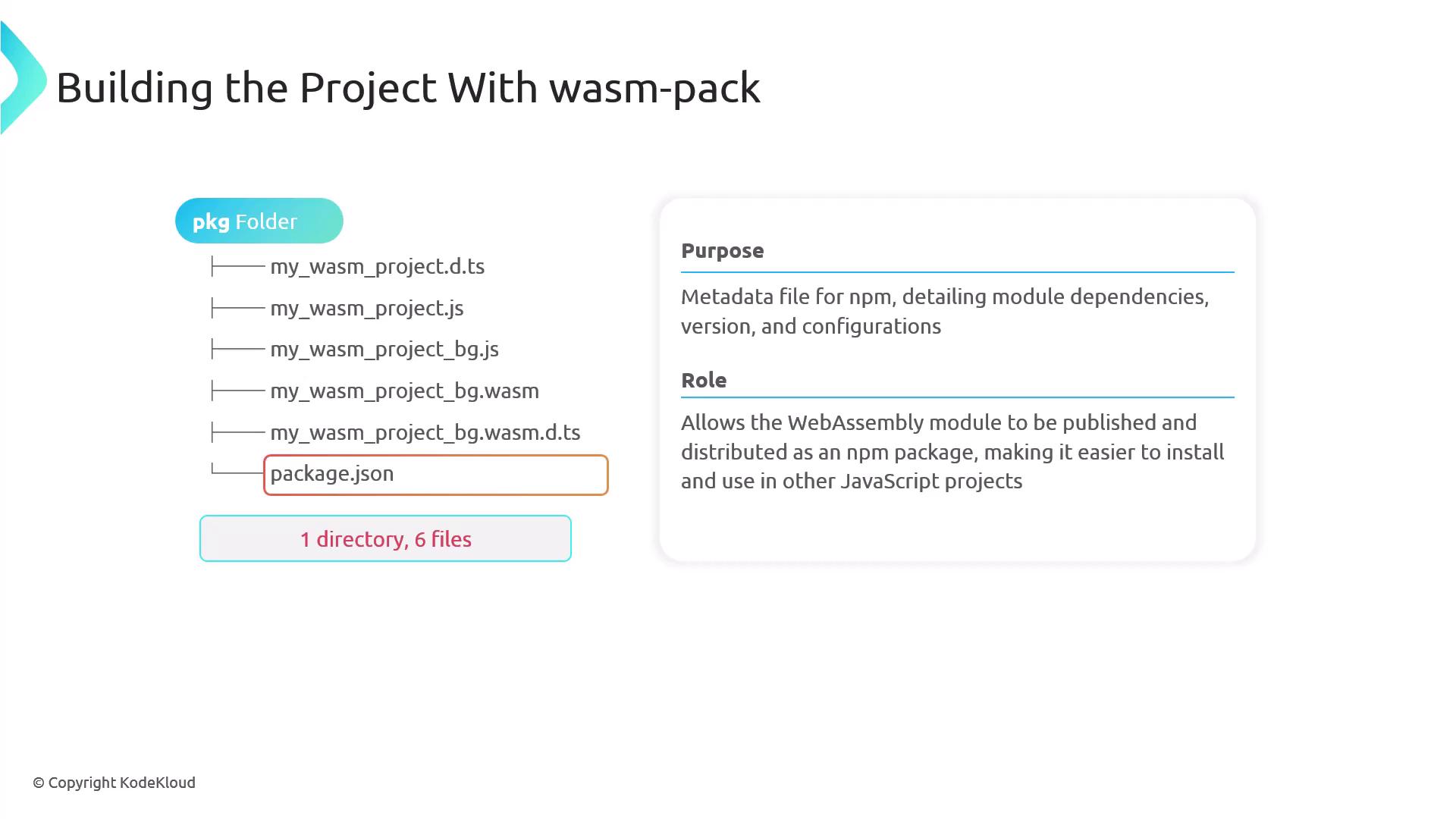
The package folder generated by the wasm-pack build command contains all the necessary files to load, initialize, and use your Rust WebAssembly module within a JavaScript environment. Below is an overview of its structure, which includes one directory and six files.
Each file in the generated package plays a specific role in bridging the gap between Rust and JavaScript. Understanding each file will help you make the most out of your WebAssembly module.
## Package Structure Breakdown
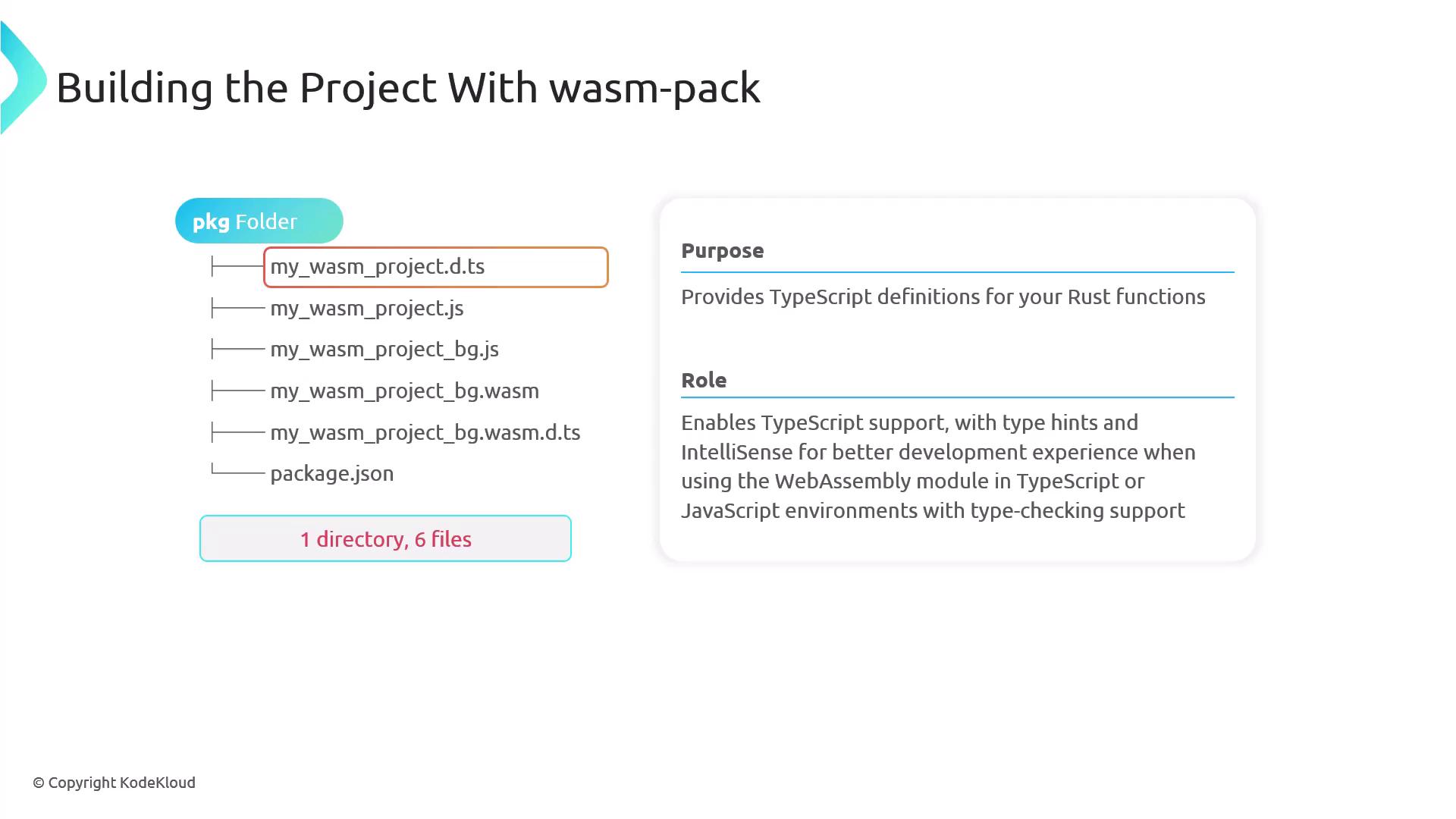
1. **TypeScript Definition File**\
This file provides type hints and IntelliSense for your Rust functions when used in TypeScript or in JavaScript environments with type checking support.
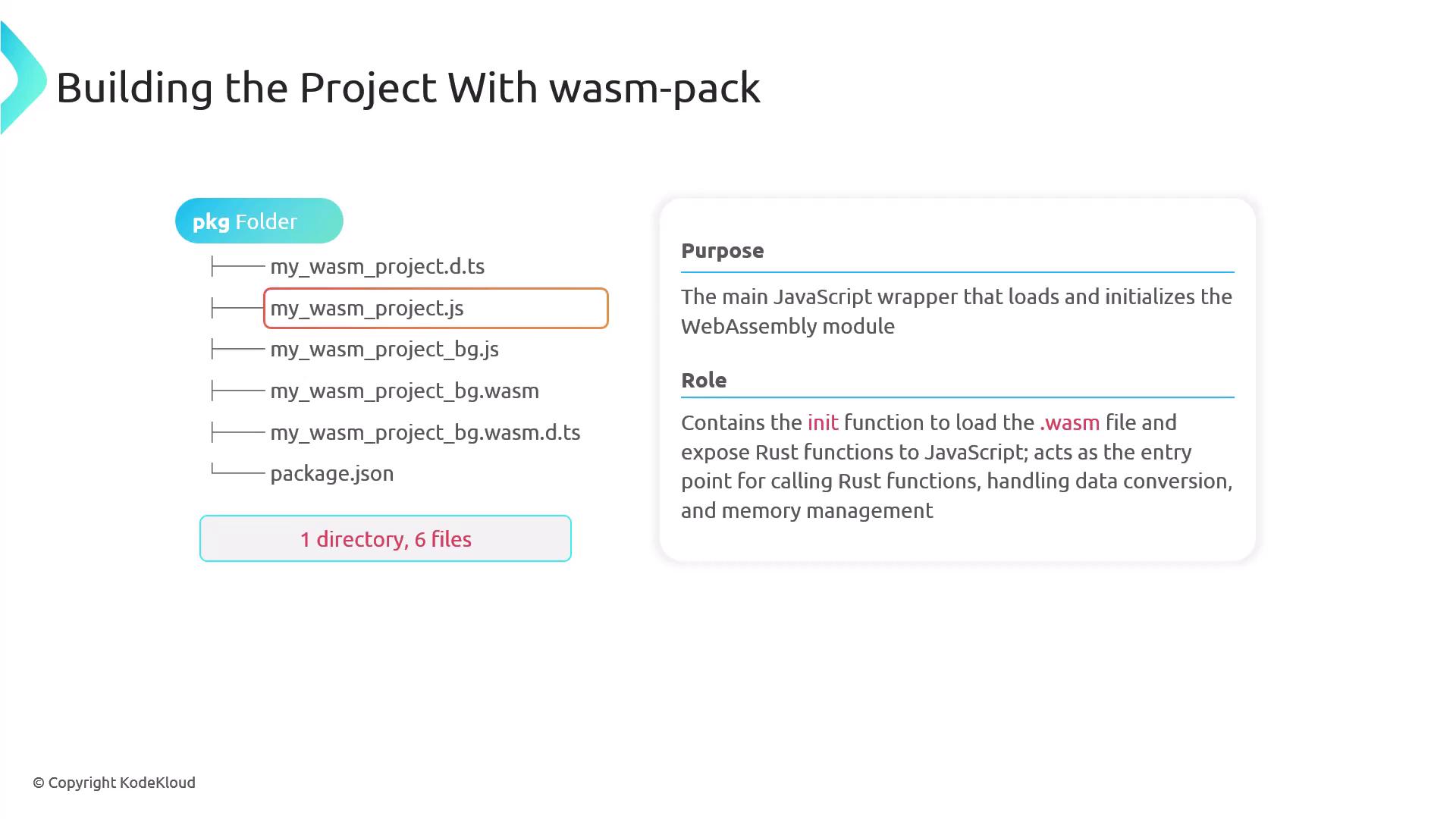
2. **Main JavaScript Wrapper**\
The main JavaScript file contains the initialization function (commonly named `init`) that loads the WASM binary and exposes the Rust functions to JavaScript. It serves as the entry point for invoking Rust functions, handling data conversion, and managing memory.
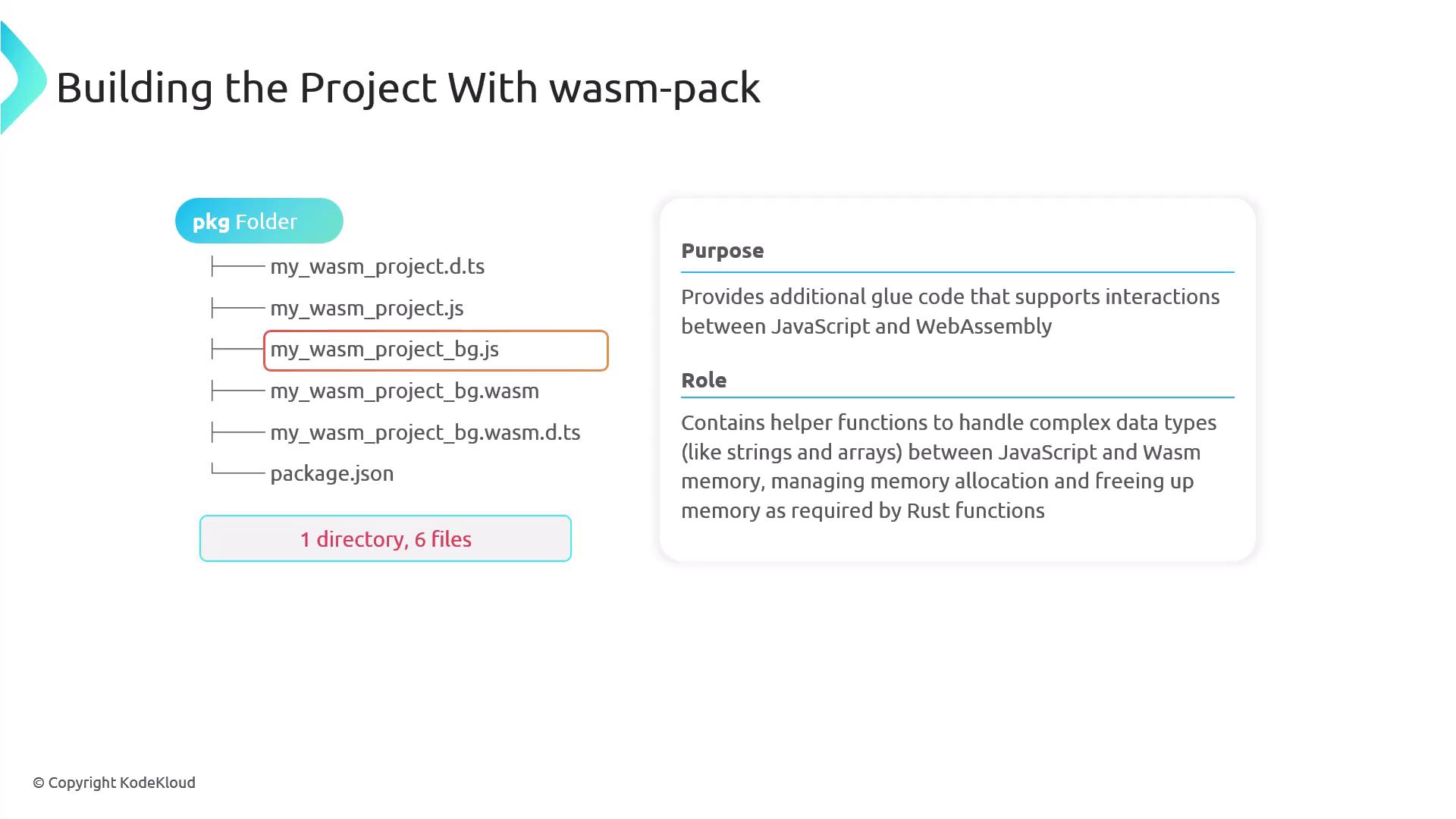
3. **Additional JavaScript Glue Code**\
This file acts as the bridge between JavaScript and WebAssembly by providing helper functions for managing complex data types such as strings and arrays. It also includes routines for memory allocation and deallocation required by Rust functions.
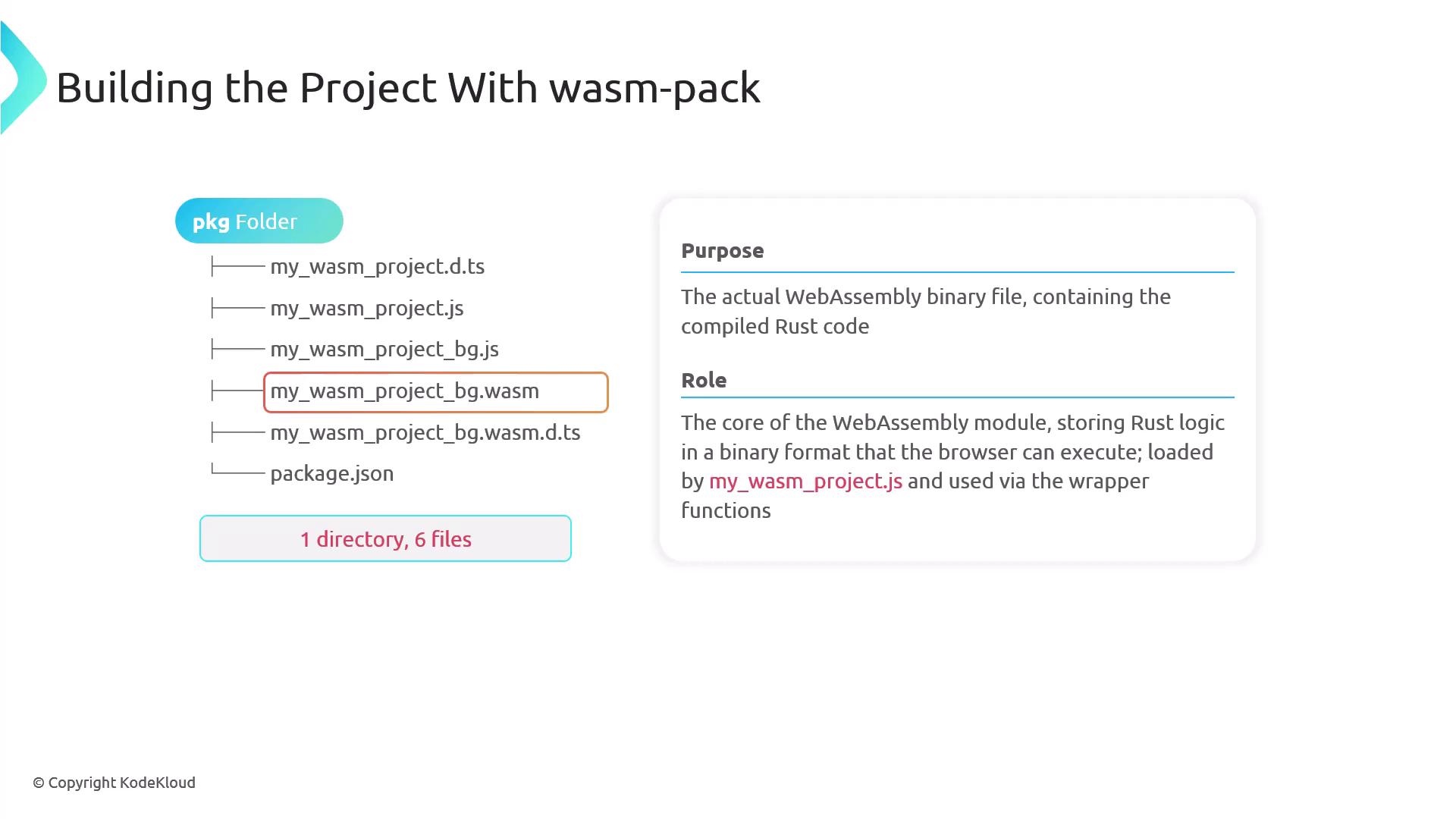
4. **Core WebAssembly Binary File**\
The core file contains all the compiled Rust code in a binary format that the browser executes. It is loaded by the JavaScript wrapper and accessed via exposed functions.
5. **Secondary TypeScript Definition File**\
This additional TypeScript definition file ensures that TypeScript can recognize and provide type information for WebAssembly memory elements, even if your project does not directly use TypeScript.
6. **package.json File**\
The `package.json` file serves as metadata for npm. It details dependencies, versions, and configurations, enabling the WebAssembly module to be published and distributed as an npm package for integration into other JavaScript projects.
***
## Calling Rust Functions from JavaScript
Let's walk through a simple example of calling a Rust function from JavaScript using WebAssembly. In your Rust source code, use the `wasm-bindgen` attribute to expose functions to JavaScript. Below is an example of the `greet` function:
```rust theme={null}
use wasm_bindgen::prelude::*;
#[wasm_bindgen]
pub fn greet(name: &str) -> String {
format!("Hello, {}!", name)
}
```
After updating your Rust library, modify your `index.html` file to load the module and invoke the function. In the HTML snippet below, we pass a sample name (e.g., "Priyanka") to the `greet` function. We have also introduced a new function, `add`, which returns the sum of two integers. Update your Rust source to include both functions:
```rust theme={null}
use wasm_bindgen::prelude::*;
#[wasm_bindgen]
pub fn add(a: i32, b: i32) -> i32 {
a + b
}
#[wasm_bindgen]
pub fn greet(name: &str) -> String {
format!("Hello, {}!", name)
}
```
After making these changes, recompile your project with the following command:
```bash theme={null}
wasm-pack build --target web
```
Next, update your `index.html` file to correctly import and use both functions:
```html theme={null}
Rust and WebAssembly
Loading...
```
Once you compile your project again and open `index.html` in your browser, you should see "Hello, Priyanka!" displayed on the page. In the browser console, the following output confirms that the WebAssembly module is working as expected:
* Loading Wasm...
* Wasm initialized successfully
* 5 + 3 = 8
This demonstration underscores how accessible Rust functions are within the browser via WebAssembly. The seamless exchange of data types like strings and numbers enhances the development of high-performance web applications.