> ## Documentation Index
> Fetch the complete documentation index at: https://notes.kodekloud.com/llms.txt
> Use this file to discover all available pages before exploring further.
# Built in Functions
> Explains Terraform built-in functions merge, try, and lookup to build resilient configurations by composing maps, handling missing inputs, and mapping environments to regions.
In this lesson we learn how to use Terraform built-in functions to make your configurations more robust, predictable, and easier to maintain. Built-in functions help you transform values, handle missing or invalid inputs safely, and compose configuration logic that adapts across environments.
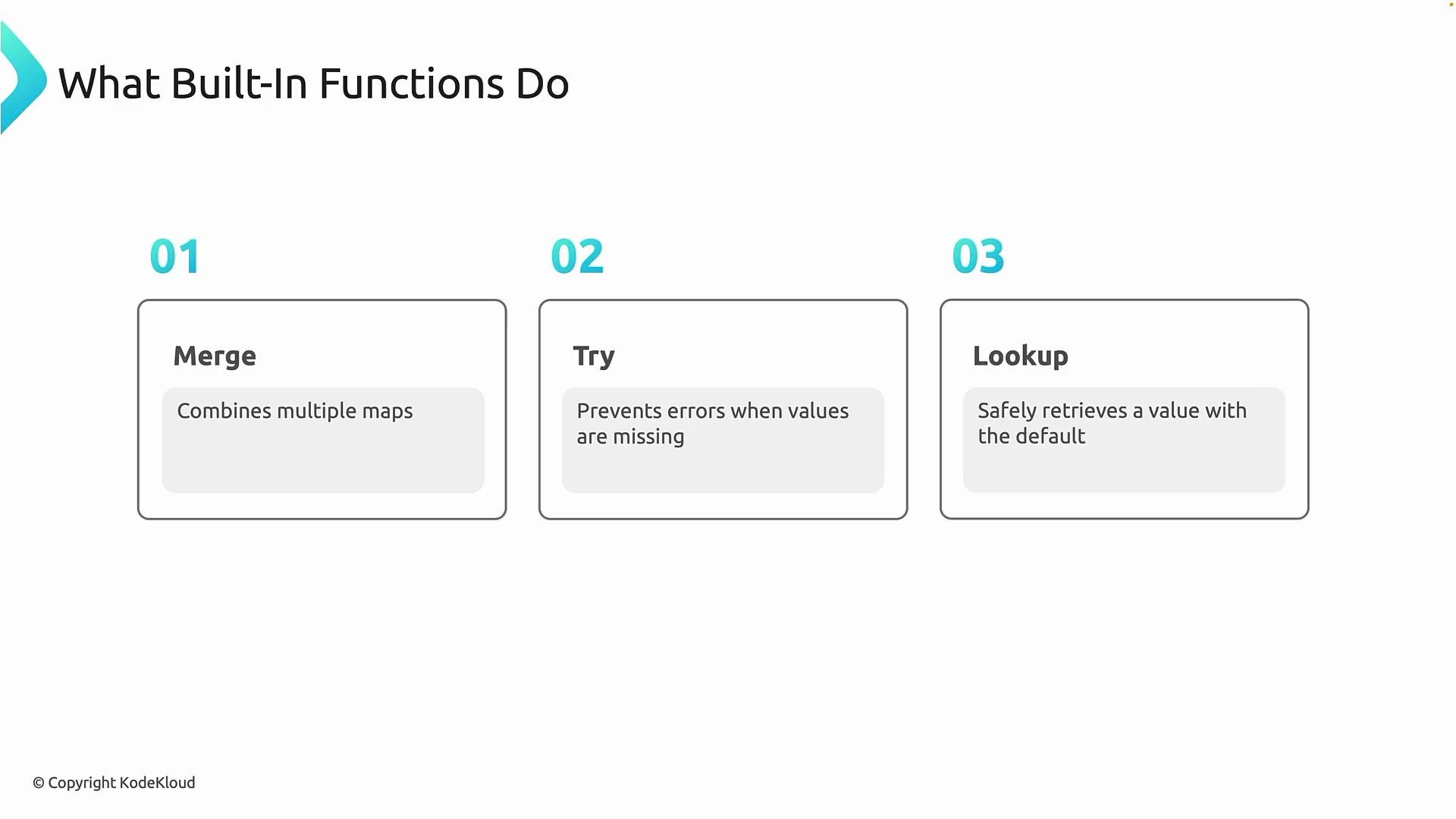
Three commonly used built-in functions are:
* `merge` — combine multiple maps into a single map (useful for tags and layered defaults).
* `try` — evaluate expressions in order and return the first one that doesn't fail (useful for optional or potentially-erroring values).
* `lookup` — retrieve a value from a map with a fallback if the key doesn't exist.
 Together, these functions enable defensive Terraform patterns that keep your infrastructure code resilient when inputs change or are omitted.
When to use these functions
* Optional inputs: Guard variable usage with `try` and `lookup` so missing values don’t cause plan/apply failures.
* Environment-specific configuration: Map environment names to regions, SKUs, or sizes with `lookup`.
* Layered defaults and tags: Compose base tags and optional overrides with `merge` so resources consistently receive metadata.
Quick reference
| Function | Purpose | Example |
| -------- | --------------------------------------------------------------------------------------------------- | ------------------------------------------------------------------------ |
| `merge` | Combine multiple maps into one, layering latter maps over earlier ones. | `merge(local.base_tags, var.extra_tags)` |
| `try` | Return the first expression that evaluates without error. Useful for guarding optional expressions. | `try(var.maybe_map, {})` |
| `lookup` | Fetch a value from a map with a default fallback if the key does not exist. | `lookup({ dev = "westus", prod = "eastus" }, var.environment, "eastus")` |
Example: combining tags and deriving location
Below is a concise Terraform example that demonstrates `merge`, `try`, and `lookup`. It defines an `environment` variable, an optional `extra_tags` map (with a safe default), and local values that compose final tags and select a location based on the environment.
```hcl theme={null}
variable "environment" {
type = string
}
variable "extra_tags" {
type = map(string)
default = {}
}
locals {
base_tags = {
env = var.environment
}
final_tags = merge(
local.base_tags,
try(var.extra_tags, {})
)
location = lookup(
{
dev = "westus"
prod = "eastus"
},
var.environment,
"eastus"
)
}
```
How this works
* Variables
* `environment` is required and must be a string.
* `extra_tags` is optional and defaults to an empty map (`{}`).
* Locals
* `base_tags` contains required tags (here, the environment).
* `final_tags` uses `merge` to overlay any `var.extra_tags` onto `local.base_tags`. `try(var.extra_tags, {})` ensures that if evaluating `var.extra_tags` errors for any reason, Terraform falls back to an empty map rather than failing the plan.
* `location` uses `lookup` to map environment names to region strings. If `var.environment` is not a key in the provided map, `lookup` returns the default value `"eastus"`.
The `try` function returns the first expression that does not produce an error. Use it to guard against missing or invalid values. If a variable already has a safe default (for example, `default = {}`), `try` may be redundant in that specific case, but it remains handy when reading values that can error at evaluation time.
Avoid overusing `try` to silently swallow errors. While `try` prevents crashes from optional or invalid inputs, it can also mask issues that should be surfaced during development (for example, mis-typed variable names or unexpected nulls). Use it intentionally for inputs that are genuinely optional.
Best practices
* Prefer explicit defaults on variables when possible; use `try` for expressions that can error at runtime (data source failures, complex expressions).
* Use `merge` for predictable tag composition: keep minimal required tags in a base map and overlay optional maps.
* Centralize mappings (like environment → region) in locals for clarity and single-point updates.
* Document fallback defaults so teammates understand why a particular region or value was chosen when keys are missing.
Further reading
* Terraform language functions: [https://developer.hashicorp.com/terraform/language/functions](https://developer.hashicorp.com/terraform/language/functions)
Together, these functions enable defensive Terraform patterns that keep your infrastructure code resilient when inputs change or are omitted.
When to use these functions
* Optional inputs: Guard variable usage with `try` and `lookup` so missing values don’t cause plan/apply failures.
* Environment-specific configuration: Map environment names to regions, SKUs, or sizes with `lookup`.
* Layered defaults and tags: Compose base tags and optional overrides with `merge` so resources consistently receive metadata.
Quick reference
| Function | Purpose | Example |
| -------- | --------------------------------------------------------------------------------------------------- | ------------------------------------------------------------------------ |
| `merge` | Combine multiple maps into one, layering latter maps over earlier ones. | `merge(local.base_tags, var.extra_tags)` |
| `try` | Return the first expression that evaluates without error. Useful for guarding optional expressions. | `try(var.maybe_map, {})` |
| `lookup` | Fetch a value from a map with a default fallback if the key does not exist. | `lookup({ dev = "westus", prod = "eastus" }, var.environment, "eastus")` |
Example: combining tags and deriving location
Below is a concise Terraform example that demonstrates `merge`, `try`, and `lookup`. It defines an `environment` variable, an optional `extra_tags` map (with a safe default), and local values that compose final tags and select a location based on the environment.
```hcl theme={null}
variable "environment" {
type = string
}
variable "extra_tags" {
type = map(string)
default = {}
}
locals {
base_tags = {
env = var.environment
}
final_tags = merge(
local.base_tags,
try(var.extra_tags, {})
)
location = lookup(
{
dev = "westus"
prod = "eastus"
},
var.environment,
"eastus"
)
}
```
How this works
* Variables
* `environment` is required and must be a string.
* `extra_tags` is optional and defaults to an empty map (`{}`).
* Locals
* `base_tags` contains required tags (here, the environment).
* `final_tags` uses `merge` to overlay any `var.extra_tags` onto `local.base_tags`. `try(var.extra_tags, {})` ensures that if evaluating `var.extra_tags` errors for any reason, Terraform falls back to an empty map rather than failing the plan.
* `location` uses `lookup` to map environment names to region strings. If `var.environment` is not a key in the provided map, `lookup` returns the default value `"eastus"`.
The `try` function returns the first expression that does not produce an error. Use it to guard against missing or invalid values. If a variable already has a safe default (for example, `default = {}`), `try` may be redundant in that specific case, but it remains handy when reading values that can error at evaluation time.
Avoid overusing `try` to silently swallow errors. While `try` prevents crashes from optional or invalid inputs, it can also mask issues that should be surfaced during development (for example, mis-typed variable names or unexpected nulls). Use it intentionally for inputs that are genuinely optional.
Best practices
* Prefer explicit defaults on variables when possible; use `try` for expressions that can error at runtime (data source failures, complex expressions).
* Use `merge` for predictable tag composition: keep minimal required tags in a base map and overlay optional maps.
* Centralize mappings (like environment → region) in locals for clarity and single-point updates.
* Document fallback defaults so teammates understand why a particular region or value was chosen when keys are missing.
Further reading
* Terraform language functions: [https://developer.hashicorp.com/terraform/language/functions](https://developer.hashicorp.com/terraform/language/functions)