> ## Documentation Index
> Fetch the complete documentation index at: https://notes.kodekloud.com/llms.txt
> Use this file to discover all available pages before exploring further.
# Dynamic Blocks
> Explains Terraform dynamic blocks to generate repeated nested Azure resource blocks like NSG rules, with examples, usage scenarios, and alternatives for lifecycle control.
Let's move on to the next advanced Terraform construct: dynamic blocks.
Dynamic blocks let Terraform feel more programmable while staying declarative. They generate repeated nested blocks dynamically from input data, so you avoid copy-pasting identical nested blocks with only small variations.
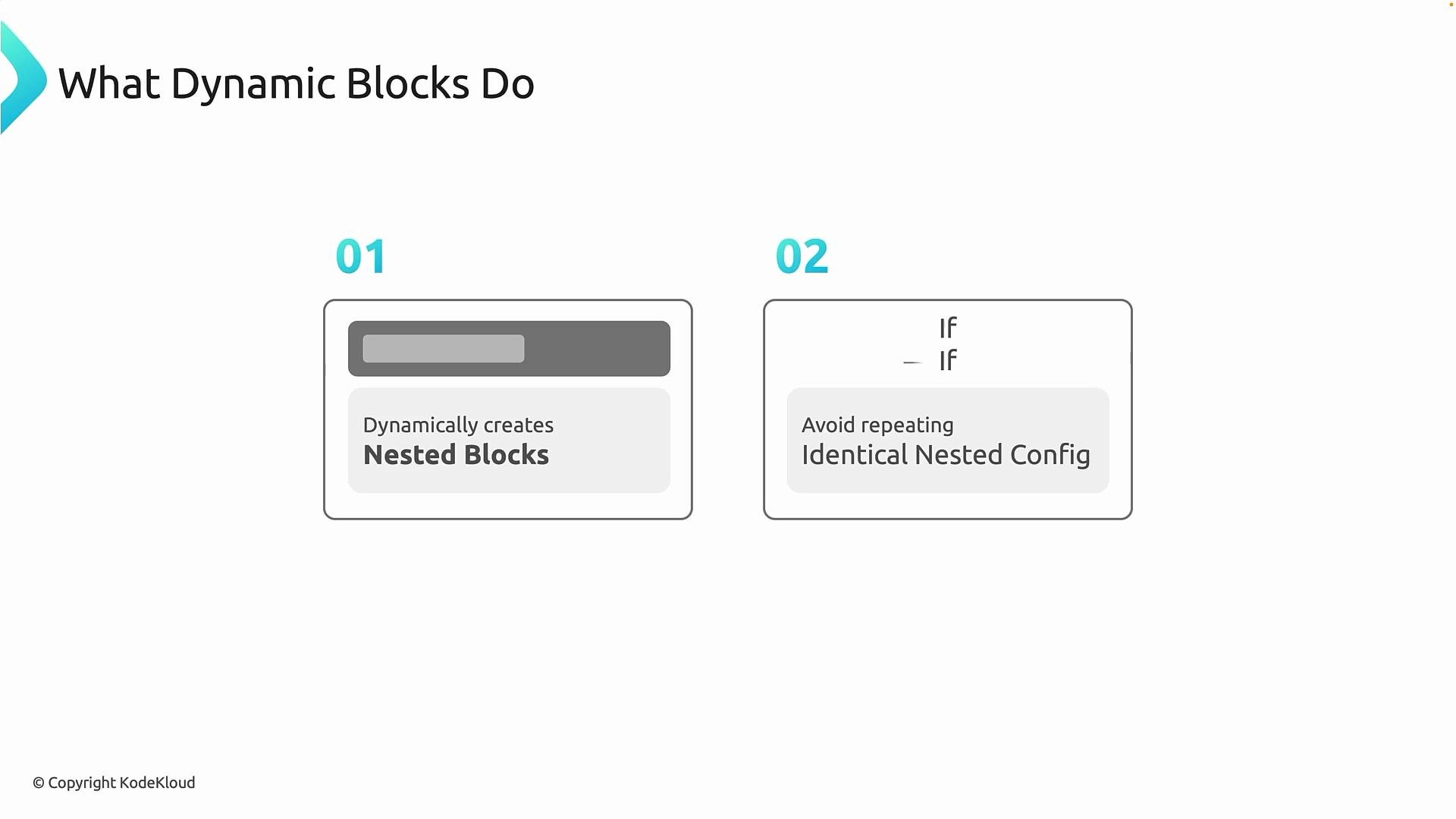
What dynamic blocks do:
* Dynamically create nested blocks (useful when a resource expects multiple child blocks of the same type, like rules, routes, or settings).
* Avoid repeating identical nested configuration with only small variations.
 Why use dynamic blocks?
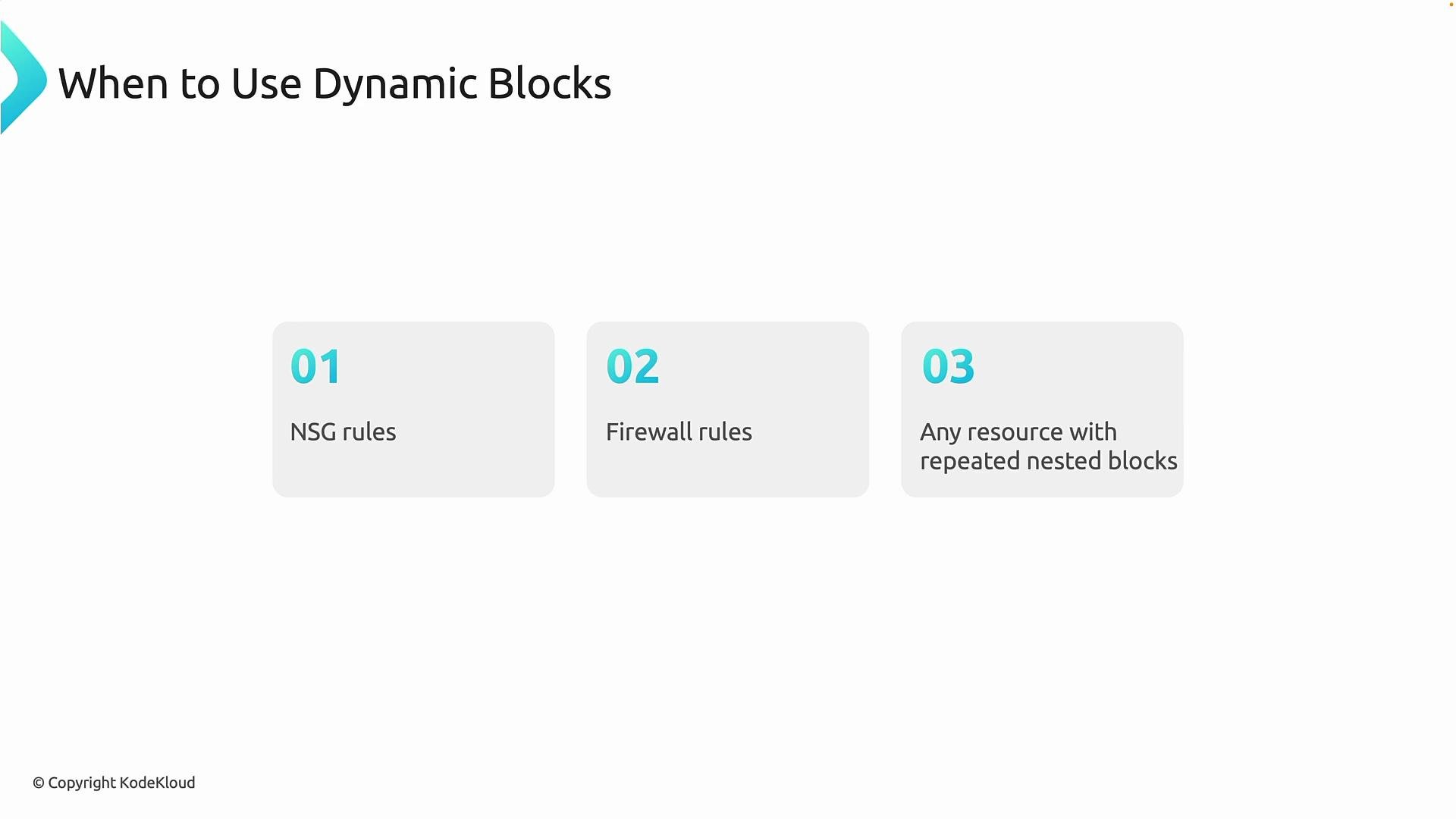
* When a resource contains repeated nested blocks (for example, NSG rules, firewall application rules, or multiple network rules), dynamic blocks keep your code concise and maintainable.
* They are common across Azure networking and security resources and help reduce duplication and human error.
Why use dynamic blocks?
* When a resource contains repeated nested blocks (for example, NSG rules, firewall application rules, or multiple network rules), dynamic blocks keep your code concise and maintainable.
* They are common across Azure networking and security resources and help reduce duplication and human error.
 ## Simple NSG example
Start by defining a variable for the ports you want to allow:
```hcl theme={null}
variable "ports" {
type = list(number)
default = [80, 443, 22]
}
```
Then use a dynamic block inside `azurerm_network_security_group` to generate one nested `security_rule` block per port. The `security_rule` iterator gives you `.key` (index) and `.value` (the item):
```hcl theme={null}
provider "azurerm" {
features {}
}
resource "azurerm_resource_group" "rg" {
name = "rg-nsg-demo"
location = "West Europe"
}
resource "azurerm_network_security_group" "nsg" {
name = "nsg-demo"
location = azurerm_resource_group.rg.location
resource_group_name = azurerm_resource_group.rg.name
dynamic "security_rule" {
for_each = var.ports
content {
name = "allow-${security_rule.value}"
priority = 100 + security_rule.key # security_rule.key is the index (0,1,2...)
direction = "Inbound"
access = "Allow"
protocol = "Tcp"
source_port_range = "*"
destination_port_range = tostring(security_rule.value)
source_address_prefix = "*"
destination_address_prefix = "*"
}
}
}
```
How this works, step by step:
* `for_each = var.ports` iterates over the list of ports.
* For each item, Terraform emits one nested `security_rule` block.
* `security_rule.value` is the current port (e.g., `80`, `443`, `22`).
* `security_rule.key` is the iteration index (`0`, `1`, `2`...), which we used to create unique priorities like `100`, `101`, `102` (via `100 + security_rule.key`).
* Other fields (direction, access, protocol) remain constant for each generated block.
Result (conceptual expansion): for three ports, Terraform will create three nested `security_rule` blocks similar to these:
```hcl theme={null}
# Conceptual expansion of the dynamic block
security_rule {
name = "allow-80"
priority = 100
direction = "Inbound"
access = "Allow"
protocol = "Tcp"
source_port_range = "*"
destination_port_range = 80
source_address_prefix = "*"
destination_address_prefix = "*"
}
security_rule {
name = "allow-443"
priority = 101
direction = "Inbound"
access = "Allow"
protocol = "Tcp"
source_port_range = "*"
destination_port_range = 443
source_address_prefix = "*"
destination_address_prefix = "*"
}
security_rule {
name = "allow-22"
priority = 102
direction = "Inbound"
access = "Allow"
protocol = "Tcp"
source_port_range = "*"
destination_port_range = 22
source_address_prefix = "*"
destination_address_prefix = "*"
}
```
This eliminates copy-paste and keeps the configuration compact and easy to maintain.
Azure NSG `priority` values must be unique per security group and are typically in the range 100–4096. When generating priorities programmatically, ensure the computation yields unique values and stays within Azure's allowed range.
## Alternatives and notes
There are two common ways to define NSG rules in Terraform:
* Use nested `security_rule` blocks (inside the `azurerm_network_security_group`) — good when you want grouped rules defined with the resource and simpler configuration grouping.
* Use the separate `azurerm_network_security_rule` resource with a `for_each` — useful if you prefer each rule as its own top-level resource with independent lifecycle and state addressing.
You can define NSG rules either as nested `security_rule` blocks (using `dynamic`) or as separate `azurerm_network_security_rule` resources with `for_each`. Choose the style that best fits your lifecycle, referencing needs, and state management preferences.
Comparison (quick reference):
| Approach | When to use | Example |
| --------------------------------------------------: | ------------------------------------------------------------------------------------ | ----------------------------------------------------------------------------------------- |
| Nested dynamic blocks | Rules are tightly coupled to the NSG and should be managed together | Use `dynamic "security_rule"` inside `azurerm_network_security_group` |
| Separate resource (`azurerm_network_security_rule`) | Need fine-grained lifecycle control, separate addressing, or independent referencing | Use `resource "azurerm_network_security_rule" "rule" { for_each = toset(var.ports) ... }` |
Example of the separate-resource approach (using `for_each`):
```hcl theme={null}
variable "ports" {
type = list(number)
default = [80, 443, 22]
}
resource "azurerm_network_security_group" "nsg" {
name = "nsg-demo"
location = azurerm_resource_group.rg.location
resource_group_name = azurerm_resource_group.rg.name
}
resource "azurerm_network_security_rule" "rule" {
for_each = toset(var.ports)
name = "allow-${each.value}"
priority = 100 + index(var.ports, each.value)
direction = "Inbound"
access = "Allow"
protocol = "Tcp"
source_port_range = "*"
destination_port_range = tostring(each.value)
source_address_prefix = "*"
destination_address_prefix = "*"
resource_group_name = azurerm_resource_group.rg.name
network_security_group_name = azurerm_network_security_group.nsg.name
}
```
Both approaches are valid — nested `dynamic` is often cleaner when rules are tightly coupled to the NSG, while separate resources can offer different lifecycle semantics and easier targeting in state.
## Example: VS Code / local iteration demo
The dynamic-block pattern is also useful when iterating to create many top-level resources. Below is a concise example that builds combinations of environment + app and creates resource groups with `for_each`.
```hcl theme={null}
variable "environment" {
default = "dev"
}
locals {
location = var.environment == "prod" ? "East US" : "West US"
environments = ["dev", "prod"]
apps = ["api", "web", "db"]
# build all combinations of environment + app, then flatten
rg = flatten([
for env in local.environments : [
for app in local.apps : "rg-${env}-${app}"
]
])
}
resource "azurerm_resource_group" "rg" {
for_each = toset(local.rg)
name = each.value
location = local.location
}
```
Example plan output (abbreviated):
```plaintext theme={null}
# azurerm_resource_group.rg["rg-prod-web"] will be created
+ resource "azurerm_resource_group" "rg" {
+ id = (known after apply)
+ location = "West US"
+ name = "rg-prod-web"
}
Plan: 6 to add, 0 to change, 0 to destroy.
```
## FQDN / Firewall rules example
The dynamic-block pattern fits other Azure features where repeated nested blocks occur, such as:
* Azure Firewall application rules (FQDNs)
* Firewall network rules
* Any resource with repeated nested block types
Replace the `for_each` collection and nested block content appropriately — the pattern remains the same: iterate over a collection and produce one nested block per item.
## Full working example (provider + variable + RG + NSG + dynamic rules)
A complete HCL example, ready to use:
```hcl theme={null}
provider "azurerm" {
features {}
}
variable "ports" {
type = list(number)
default = [80, 443, 22]
}
resource "azurerm_resource_group" "rg" {
name = "rg-nsg-demo"
location = "West Europe"
}
resource "azurerm_network_security_group" "nsg" {
name = "nsg-demo"
location = azurerm_resource_group.rg.location
resource_group_name = azurerm_resource_group.rg.name
dynamic "security_rule" {
for_each = var.ports
content {
name = "allow-${security_rule.value}"
priority = 100 + security_rule.key
direction = "Inbound"
access = "Allow"
protocol = "Tcp"
source_port_range = "*"
destination_port_range = tostring(security_rule.value)
source_address_prefix = "*"
destination_address_prefix = "*"
}
}
}
```
Summary
* Use dynamic blocks when nested block structure is constant but the number of blocks varies.
* Consider separate resources if you need independent lifecycle control.
* Always ensure generated values (like NSG priorities) comply with Azure constraints.
Further reading and references:
* [Terraform documentation: dynamic blocks](https://www.terraform.io/docs/language/expressions/dynamic-blocks.html)
* [Azure Provider — Network Security Group](https://registry.terraform.io/providers/hashicorp/azurerm/latest/docs/resources/network_security_group)
## Simple NSG example
Start by defining a variable for the ports you want to allow:
```hcl theme={null}
variable "ports" {
type = list(number)
default = [80, 443, 22]
}
```
Then use a dynamic block inside `azurerm_network_security_group` to generate one nested `security_rule` block per port. The `security_rule` iterator gives you `.key` (index) and `.value` (the item):
```hcl theme={null}
provider "azurerm" {
features {}
}
resource "azurerm_resource_group" "rg" {
name = "rg-nsg-demo"
location = "West Europe"
}
resource "azurerm_network_security_group" "nsg" {
name = "nsg-demo"
location = azurerm_resource_group.rg.location
resource_group_name = azurerm_resource_group.rg.name
dynamic "security_rule" {
for_each = var.ports
content {
name = "allow-${security_rule.value}"
priority = 100 + security_rule.key # security_rule.key is the index (0,1,2...)
direction = "Inbound"
access = "Allow"
protocol = "Tcp"
source_port_range = "*"
destination_port_range = tostring(security_rule.value)
source_address_prefix = "*"
destination_address_prefix = "*"
}
}
}
```
How this works, step by step:
* `for_each = var.ports` iterates over the list of ports.
* For each item, Terraform emits one nested `security_rule` block.
* `security_rule.value` is the current port (e.g., `80`, `443`, `22`).
* `security_rule.key` is the iteration index (`0`, `1`, `2`...), which we used to create unique priorities like `100`, `101`, `102` (via `100 + security_rule.key`).
* Other fields (direction, access, protocol) remain constant for each generated block.
Result (conceptual expansion): for three ports, Terraform will create three nested `security_rule` blocks similar to these:
```hcl theme={null}
# Conceptual expansion of the dynamic block
security_rule {
name = "allow-80"
priority = 100
direction = "Inbound"
access = "Allow"
protocol = "Tcp"
source_port_range = "*"
destination_port_range = 80
source_address_prefix = "*"
destination_address_prefix = "*"
}
security_rule {
name = "allow-443"
priority = 101
direction = "Inbound"
access = "Allow"
protocol = "Tcp"
source_port_range = "*"
destination_port_range = 443
source_address_prefix = "*"
destination_address_prefix = "*"
}
security_rule {
name = "allow-22"
priority = 102
direction = "Inbound"
access = "Allow"
protocol = "Tcp"
source_port_range = "*"
destination_port_range = 22
source_address_prefix = "*"
destination_address_prefix = "*"
}
```
This eliminates copy-paste and keeps the configuration compact and easy to maintain.
Azure NSG `priority` values must be unique per security group and are typically in the range 100–4096. When generating priorities programmatically, ensure the computation yields unique values and stays within Azure's allowed range.
## Alternatives and notes
There are two common ways to define NSG rules in Terraform:
* Use nested `security_rule` blocks (inside the `azurerm_network_security_group`) — good when you want grouped rules defined with the resource and simpler configuration grouping.
* Use the separate `azurerm_network_security_rule` resource with a `for_each` — useful if you prefer each rule as its own top-level resource with independent lifecycle and state addressing.
You can define NSG rules either as nested `security_rule` blocks (using `dynamic`) or as separate `azurerm_network_security_rule` resources with `for_each`. Choose the style that best fits your lifecycle, referencing needs, and state management preferences.
Comparison (quick reference):
| Approach | When to use | Example |
| --------------------------------------------------: | ------------------------------------------------------------------------------------ | ----------------------------------------------------------------------------------------- |
| Nested dynamic blocks | Rules are tightly coupled to the NSG and should be managed together | Use `dynamic "security_rule"` inside `azurerm_network_security_group` |
| Separate resource (`azurerm_network_security_rule`) | Need fine-grained lifecycle control, separate addressing, or independent referencing | Use `resource "azurerm_network_security_rule" "rule" { for_each = toset(var.ports) ... }` |
Example of the separate-resource approach (using `for_each`):
```hcl theme={null}
variable "ports" {
type = list(number)
default = [80, 443, 22]
}
resource "azurerm_network_security_group" "nsg" {
name = "nsg-demo"
location = azurerm_resource_group.rg.location
resource_group_name = azurerm_resource_group.rg.name
}
resource "azurerm_network_security_rule" "rule" {
for_each = toset(var.ports)
name = "allow-${each.value}"
priority = 100 + index(var.ports, each.value)
direction = "Inbound"
access = "Allow"
protocol = "Tcp"
source_port_range = "*"
destination_port_range = tostring(each.value)
source_address_prefix = "*"
destination_address_prefix = "*"
resource_group_name = azurerm_resource_group.rg.name
network_security_group_name = azurerm_network_security_group.nsg.name
}
```
Both approaches are valid — nested `dynamic` is often cleaner when rules are tightly coupled to the NSG, while separate resources can offer different lifecycle semantics and easier targeting in state.
## Example: VS Code / local iteration demo
The dynamic-block pattern is also useful when iterating to create many top-level resources. Below is a concise example that builds combinations of environment + app and creates resource groups with `for_each`.
```hcl theme={null}
variable "environment" {
default = "dev"
}
locals {
location = var.environment == "prod" ? "East US" : "West US"
environments = ["dev", "prod"]
apps = ["api", "web", "db"]
# build all combinations of environment + app, then flatten
rg = flatten([
for env in local.environments : [
for app in local.apps : "rg-${env}-${app}"
]
])
}
resource "azurerm_resource_group" "rg" {
for_each = toset(local.rg)
name = each.value
location = local.location
}
```
Example plan output (abbreviated):
```plaintext theme={null}
# azurerm_resource_group.rg["rg-prod-web"] will be created
+ resource "azurerm_resource_group" "rg" {
+ id = (known after apply)
+ location = "West US"
+ name = "rg-prod-web"
}
Plan: 6 to add, 0 to change, 0 to destroy.
```
## FQDN / Firewall rules example
The dynamic-block pattern fits other Azure features where repeated nested blocks occur, such as:
* Azure Firewall application rules (FQDNs)
* Firewall network rules
* Any resource with repeated nested block types
Replace the `for_each` collection and nested block content appropriately — the pattern remains the same: iterate over a collection and produce one nested block per item.
## Full working example (provider + variable + RG + NSG + dynamic rules)
A complete HCL example, ready to use:
```hcl theme={null}
provider "azurerm" {
features {}
}
variable "ports" {
type = list(number)
default = [80, 443, 22]
}
resource "azurerm_resource_group" "rg" {
name = "rg-nsg-demo"
location = "West Europe"
}
resource "azurerm_network_security_group" "nsg" {
name = "nsg-demo"
location = azurerm_resource_group.rg.location
resource_group_name = azurerm_resource_group.rg.name
dynamic "security_rule" {
for_each = var.ports
content {
name = "allow-${security_rule.value}"
priority = 100 + security_rule.key
direction = "Inbound"
access = "Allow"
protocol = "Tcp"
source_port_range = "*"
destination_port_range = tostring(security_rule.value)
source_address_prefix = "*"
destination_address_prefix = "*"
}
}
}
```
Summary
* Use dynamic blocks when nested block structure is constant but the number of blocks varies.
* Consider separate resources if you need independent lifecycle control.
* Always ensure generated values (like NSG priorities) comply with Azure constraints.
Further reading and references:
* [Terraform documentation: dynamic blocks](https://www.terraform.io/docs/language/expressions/dynamic-blocks.html)
* [Azure Provider — Network Security Group](https://registry.terraform.io/providers/hashicorp/azurerm/latest/docs/resources/network_security_group)