> ## Documentation Index
> Fetch the complete documentation index at: https://notes.kodekloud.com/llms.txt
> Use this file to discover all available pages before exploring further.
# Introduction
> Using Terraform in Azure DevOps pipelines to automate IaC with secure service connections, remote backends, and CI/CD workflows for safe, repeatable infrastructure changes.
This lesson demonstrates how to run Terraform inside Azure DevOps pipelines to implement Infrastructure as Code (IaC) in an automated, team-safe way. You will learn where Terraform fits into a CI/CD workflow and how pipeline automation improves safety, consistency, and collaboration for infrastructure changes.
Learning objectives:
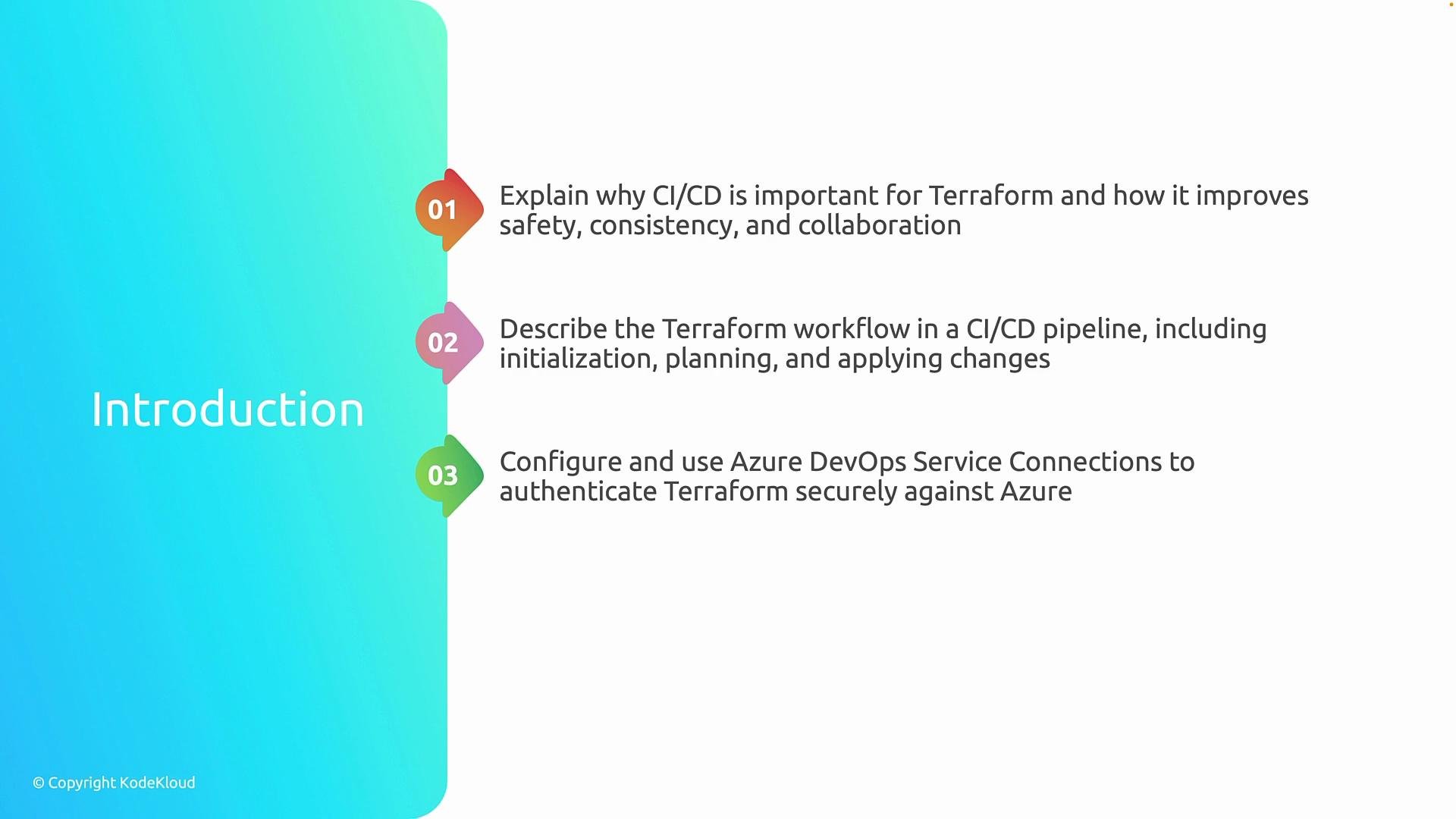
* Understand the benefits of running Terraform in CI/CD and the high-level workflow in Azure DevOps.
* Learn the core Terraform pipeline lifecycle: initialization (`terraform init`), planning (`terraform plan`), and applying changes (`terraform apply`).
* Configure Azure DevOps service connections so pipelines authenticate securely to Azure and other providers.
* Integrate a remote backend into your pipeline to manage Terraform state reliably and avoid conflicts.
First, we'll cover the benefits and high-level workflow of running Terraform in CI/CD.\
Second, we'll explain how Terraform executes inside a pipeline, including initialization (`terraform init`), creating an execution plan (`terraform plan`), and applying changes (`terraform apply`).\
Third, we'll configure Azure DevOps service connections so pipelines can authenticate securely against Azure and other services.\
Finally, we'll integrate a remote backend into the CI/CD pipeline to manage Terraform state safely and reliably.
 Using CI/CD for Terraform adds review gates, auditability, and repeatable automation. A remote backend is essential in pipelines to avoid state conflicts and to ensure team-wide visibility into infrastructure state.
## Why run Terraform in CI/CD?
Running Terraform in a CI/CD pipeline brings several enterprise benefits:
* Enforces review and approval workflows (pull requests, approvals).
* Creates repeatable, auditable runs of your IaC.
* Prevents "snowflake" environments by using the same automation across environments.
* Reduces human error by automating state management and credential handling.
## Core pipeline stages for Terraform
The typical Terraform workflow in an Azure DevOps pipeline follows three main steps. The table below summarizes each stage, the common commands, and their purpose.
| Stage | Command (example) | Purpose |
| ---------- | ---------------------------: | -------------------------------------------------------------------------------------------------------------------- |
| Initialize | `terraform init` | Download provider plugins, configure backends and modules. Required before planning or applying. |
| Plan | `terraform plan -out=tfplan` | Produce an execution plan showing changes without applying them. Save a plan file for review and controlled apply. |
| Apply | `terraform apply "tfplan"` | Apply the saved plan to make changes to cloud resources. Use protected pipelines or manual approvals for production. |
Best practices:
* Keep `terraform init` and backend configuration in the pipeline to ensure consistent state handling.
* Save `terraform plan` output and require an approval step before `terraform apply` in production pipelines.
* Use least-privilege service connections and manage secrets via Azure DevOps variable groups or key vault integrations.
## Secure authentication: Azure DevOps service connections
Pipelines need a secure way to authenticate to Azure and other providers. Use Azure DevOps service connections:
* For Azure: configure a Service Principal (Azure Resource Manager service connection) with the minimum role required.
* For other providers (e.g., AWS, GCP): use provider-specific credentials stored securely in pipeline variables or secret stores.
Tip: Rotate credentials and audit service connection usage regularly.
## Remote backend in CI/CD
A remote backend (e.g., Azure Storage with state locking via CosmosDB or using Terraform Cloud/Enterprise) prevents state corruption and provides team visibility into infrastructure state. Ensure backend configuration is part of pipeline initialization so all runs use the same centralized state.
## References and further reading
* [Terraform Documentation](https://www.terraform.io/docs)
* [Azure DevOps Pipelines](https://learn.microsoft.com/azure/devops/pipelines/?view=azure-devops)
* [Configure backends](https://www.terraform.io/docs/language/settings/backends/index.html)
* [Azure REST and Service Principals](https://learn.microsoft.com/azure/active-directory/develop/howto-create-service-principal-portal)
Using CI/CD for Terraform adds review gates, auditability, and repeatable automation. A remote backend is essential in pipelines to avoid state conflicts and to ensure team-wide visibility into infrastructure state.
## Why run Terraform in CI/CD?
Running Terraform in a CI/CD pipeline brings several enterprise benefits:
* Enforces review and approval workflows (pull requests, approvals).
* Creates repeatable, auditable runs of your IaC.
* Prevents "snowflake" environments by using the same automation across environments.
* Reduces human error by automating state management and credential handling.
## Core pipeline stages for Terraform
The typical Terraform workflow in an Azure DevOps pipeline follows three main steps. The table below summarizes each stage, the common commands, and their purpose.
| Stage | Command (example) | Purpose |
| ---------- | ---------------------------: | -------------------------------------------------------------------------------------------------------------------- |
| Initialize | `terraform init` | Download provider plugins, configure backends and modules. Required before planning or applying. |
| Plan | `terraform plan -out=tfplan` | Produce an execution plan showing changes without applying them. Save a plan file for review and controlled apply. |
| Apply | `terraform apply "tfplan"` | Apply the saved plan to make changes to cloud resources. Use protected pipelines or manual approvals for production. |
Best practices:
* Keep `terraform init` and backend configuration in the pipeline to ensure consistent state handling.
* Save `terraform plan` output and require an approval step before `terraform apply` in production pipelines.
* Use least-privilege service connections and manage secrets via Azure DevOps variable groups or key vault integrations.
## Secure authentication: Azure DevOps service connections
Pipelines need a secure way to authenticate to Azure and other providers. Use Azure DevOps service connections:
* For Azure: configure a Service Principal (Azure Resource Manager service connection) with the minimum role required.
* For other providers (e.g., AWS, GCP): use provider-specific credentials stored securely in pipeline variables or secret stores.
Tip: Rotate credentials and audit service connection usage regularly.
## Remote backend in CI/CD
A remote backend (e.g., Azure Storage with state locking via CosmosDB or using Terraform Cloud/Enterprise) prevents state corruption and provides team visibility into infrastructure state. Ensure backend configuration is part of pipeline initialization so all runs use the same centralized state.
## References and further reading
* [Terraform Documentation](https://www.terraform.io/docs)
* [Azure DevOps Pipelines](https://learn.microsoft.com/azure/devops/pipelines/?view=azure-devops)
* [Configure backends](https://www.terraform.io/docs/language/settings/backends/index.html)
* [Azure REST and Service Principals](https://learn.microsoft.com/azure/active-directory/develop/howto-create-service-principal-portal)