> ## Documentation Index
> Fetch the complete documentation index at: https://notes.kodekloud.com/llms.txt
> Use this file to discover all available pages before exploring further.
# Introduction
> Explains Terraform data sources and how to query existing Azure infrastructure, differentiate data blocks from resources, when to use them, and best practices for safe referencing.
This article explains Terraform data sources and how to use them to read existing infrastructure rather than create it. Understanding data sources is essential for building modular, maintainable Terraform configurations—especially when integrating with shared or pre-provisioned Azure resources.
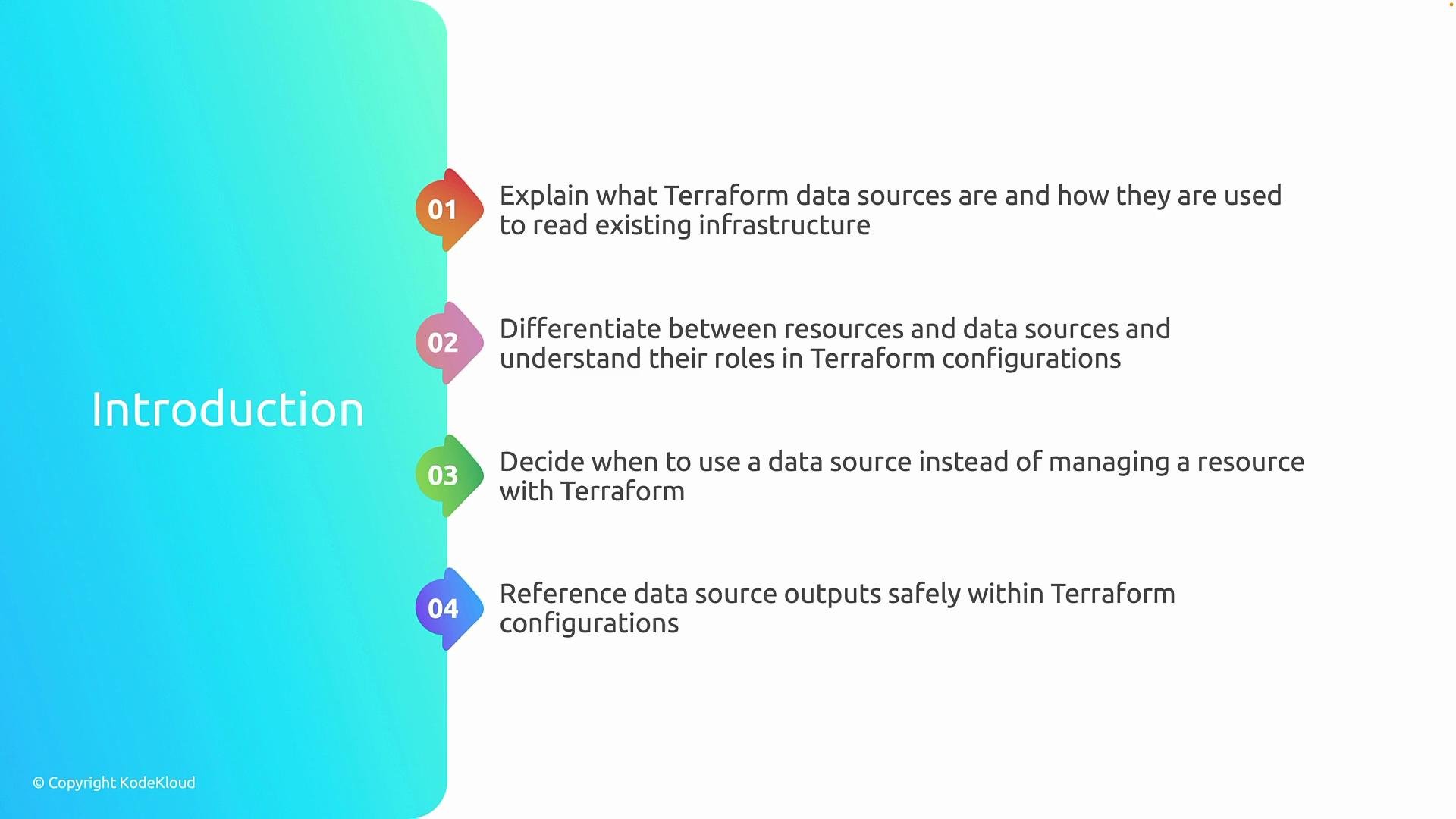
By the end of this article you will clearly understand four things:
1. What Terraform data sources are and how they let Terraform query existing infrastructure.
2. How a `resource` block differs from a `data` block: resources manage lifecycle operations (create, update, delete); data sources only query and return information.
3. When to prefer a data source—for example, when a resource is centrally managed, shared across projects, or provisioned outside the current Terraform configuration.
4. How to safely reference values returned by data sources and pass them as inputs to other resources without unintentionally taking lifecycle control.
 Understanding the distinction between managing infrastructure and consuming infrastructure helps you design cleaner, more composable Terraform modules and reduce accidental drift or lifecycle ownership conflicts.
Use data sources when you need to look up values from resources you do not manage directly in this Terraform project—such as shared subscriptions, centrally managed network components, or existing resource groups in Azure.
Why this matters
* Data sources prevent you from redefining or taking ownership of resources that other teams or automation manage.
* They keep your Terraform state focused on resources you create and manage, while still letting you reference important existing values.
Quick comparison
| Aspect | `resource` | `data` |
| --------------- | --------------------------------------------: | -------------------------------------------------------------------------- |
| Purpose | Create and manage infrastructure | Read/lookup existing infrastructure |
| Lifecycle | Create, read, update, delete | Read-only |
| Use case | New VM, storage account owned by this project | Lookup existing subnet, resource group, or image |
| Terraform state | Tracked | Not created in state as managed resource (query results may be referenced) |
Examples
Resource block (manages lifecycle):
```hcl theme={null}
resource "azurerm_resource_group" "example" {
name = "rg-example"
location = "East US"
}
```
Data source (reads existing resource):
```hcl theme={null}
data "azurerm_resource_group" "existing" {
name = "rg-shared"
}
```
When you reference data source attributes, treat them the same as resource attributes:
```hcl theme={null}
resource "azurerm_subnet" "example" {
name = "subnet-example"
resource_group_name = data.azurerm_resource_group.existing.name
virtual_network_name = "vnet-shared"
address_prefixes = ["10.0.1.0/24"]
}
```
Best practices
* Prefer data sources when the resource is owned by another team, created by a different Terraform workspace, or created outside Terraform entirely.
* Keep lookups stable: use unique identifiers (IDs) or names that are unlikely to change.
* Avoid using data sources to implicitly "import" resources into your project's lifecycle—if you need to manage lifecycle, use a `resource` and import it explicitly into state.
Further reading
* [Terraform: Data Sources](https://www.terraform.io/docs/language/data-sources/index.html)
* [Azure Provider Documentation](https://registry.terraform.io/providers/hashicorp/azurerm/latest/docs)
This article will next cover concrete data source examples for Azure, patterns for composing values safely, and techniques to avoid accidental lifecycle control.
Understanding the distinction between managing infrastructure and consuming infrastructure helps you design cleaner, more composable Terraform modules and reduce accidental drift or lifecycle ownership conflicts.
Use data sources when you need to look up values from resources you do not manage directly in this Terraform project—such as shared subscriptions, centrally managed network components, or existing resource groups in Azure.
Why this matters
* Data sources prevent you from redefining or taking ownership of resources that other teams or automation manage.
* They keep your Terraform state focused on resources you create and manage, while still letting you reference important existing values.
Quick comparison
| Aspect | `resource` | `data` |
| --------------- | --------------------------------------------: | -------------------------------------------------------------------------- |
| Purpose | Create and manage infrastructure | Read/lookup existing infrastructure |
| Lifecycle | Create, read, update, delete | Read-only |
| Use case | New VM, storage account owned by this project | Lookup existing subnet, resource group, or image |
| Terraform state | Tracked | Not created in state as managed resource (query results may be referenced) |
Examples
Resource block (manages lifecycle):
```hcl theme={null}
resource "azurerm_resource_group" "example" {
name = "rg-example"
location = "East US"
}
```
Data source (reads existing resource):
```hcl theme={null}
data "azurerm_resource_group" "existing" {
name = "rg-shared"
}
```
When you reference data source attributes, treat them the same as resource attributes:
```hcl theme={null}
resource "azurerm_subnet" "example" {
name = "subnet-example"
resource_group_name = data.azurerm_resource_group.existing.name
virtual_network_name = "vnet-shared"
address_prefixes = ["10.0.1.0/24"]
}
```
Best practices
* Prefer data sources when the resource is owned by another team, created by a different Terraform workspace, or created outside Terraform entirely.
* Keep lookups stable: use unique identifiers (IDs) or names that are unlikely to change.
* Avoid using data sources to implicitly "import" resources into your project's lifecycle—if you need to manage lifecycle, use a `resource` and import it explicitly into state.
Further reading
* [Terraform: Data Sources](https://www.terraform.io/docs/language/data-sources/index.html)
* [Azure Provider Documentation](https://registry.terraform.io/providers/hashicorp/azurerm/latest/docs)
This article will next cover concrete data source examples for Azure, patterns for composing values safely, and techniques to avoid accidental lifecycle control.