> ## Documentation Index
> Fetch the complete documentation index at: https://notes.kodekloud.com/llms.txt
> Use this file to discover all available pages before exploring further.
# Introduction
> Practical guide to debugging Terraform runs, enabling TF_LOG, capturing and searching logs, interpreting common errors, identifying root causes, and following systematic troubleshooting steps while protecting sensitive data
In this lesson we focus on debugging Terraform runs. The goal is to give you practical, repeatable steps to enable logging, interpret messages, and resolve failures quickly.
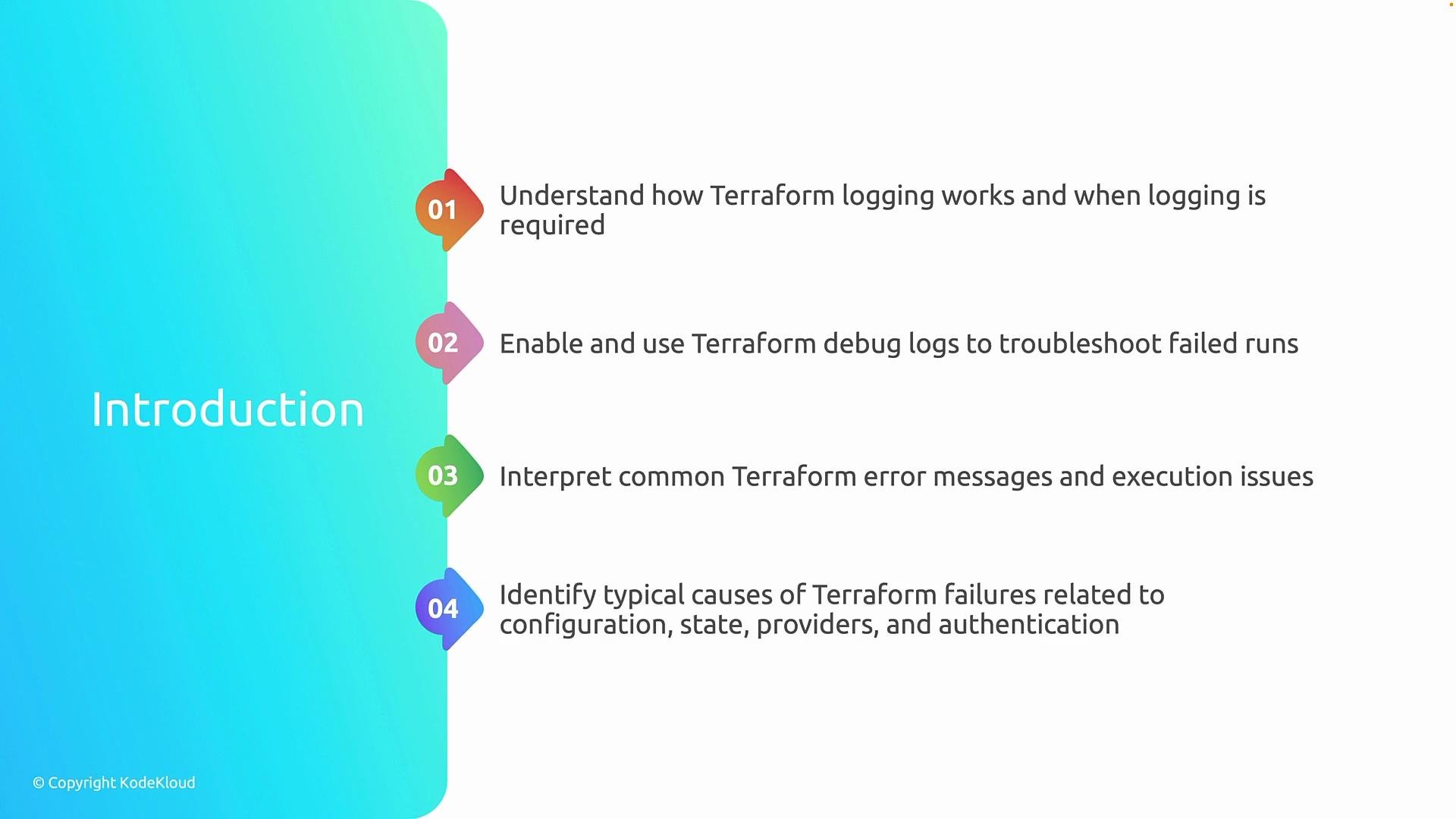
Below are the objectives we'll cover, presented in sequence:
| Step | What you'll learn | Why it matters |
| ---- | ------------------------------------------------ | ---------------------------------------------------------------------------- |
| 1 | How Terraform logging works and when to use it | Know the right situations to enable logs so you avoid unnecessary noise |
| 2 | How to enable and use Terraform debug logs | Capture `plan`/`apply` internals to trace failures and provider interactions |
| 3 | How to interpret common Terraform error messages | Distinguish between validation errors, provider errors, and state issues |
| 4 | Typical root causes of Terraform failures | Faster diagnosis for configuration, state, provider, or auth issues |
| 5 | Systematic debugging techniques | Apply structured steps to reproduce, isolate, and fix problems |
 This is a short, practical lesson. Enabling Terraform logging is simple — the real value comes from knowing which log level to use, how to capture output safely, and how to read key sections of the logs to find the root cause.
Quick tip: start with `TF_LOG=ERROR` or `TF_LOG=WARN` for targeted problems. Increase to `DEBUG` or `TRACE` only when you need detailed provider or RPC-level traces, because higher levels produce a lot of noise.
## How to enable debug logs
Use the `TF_LOG` environment variable to set the verbosity and `TF_LOG_PATH` to write logs to a file instead of flooding the console.
Bash (Linux / macOS):
```bash theme={null}
export TF_LOG=DEBUG
export TF_LOG_PATH="./terraform.log"
terraform plan
```
PowerShell (Windows):
```powershell theme={null}
$env:TF_LOG="DEBUG"
$env:TF_LOG_PATH="./terraform.log"
terraform plan
```
Common `TF_LOG` levels:
* `TRACE` — very verbose; includes HTTP requests and detailed internals.
* `DEBUG` — developer-level debug information.
* `INFO` — general progress and informational messages.
* `WARN` — warnings about potential issues.
* `ERROR` — only errors.
If you prefer console output only, omit `TF_LOG_PATH` and let the logs stream to stdout. To keep CI logs manageable, always set `TF_LOG_PATH` and rotate or archive logs.
## Practical capture & search workflow
1. Reproduce the failing command (e.g., `terraform plan` or `terraform apply`) with `TF_LOG` set.
2. Save logs to `TF_LOG_PATH` so you can inspect and share selectively.
3. Search for high-level markers first:
* `ERROR` and `WARN` entries
* Provider response payloads or HTTP status codes
* State-related messages such as locks or conflicts
4. If necessary, increase to `TRACE` and re-run only the failing action to limit volume.
Example useful searches:
```bash theme={null}
grep -i "error" terraform.log
grep -i "provider" terraform.log
grep -i "http" terraform.log
```
## Common error sources and where to look
* Configuration syntax or validation errors — often shown directly in Terraform CLI output (check `terraform validate`).
* Provider authentication/authorization failures — inspect provider init/auth sections in logs.
* Remote state and lock conflicts — look for state backend messages and lock acquisition attempts.
* Provider or API errors — `TRACE`/`DEBUG` show HTTP responses and request payloads for APIs.
* Resource dependencies and lifecycle issues — check planning output and graph-related messages.
Use this checklist during troubleshooting:
* Can you reproduce the failure locally?
* Did you validate the configuration (`terraform validate`)?
* Is provider authentication current (tokens, service principal, credentials)?
* Is the remote state reachable and unlocked?
## Systematic debugging steps
1. Reproduce with the minimal command and configuration.
2. Run `terraform validate` and `terraform plan` without debug first — many issues are visible here.
3. Enable `TF_LOG=DEBUG` and set `TF_LOG_PATH` to capture logs.
4. Inspect `terraform.log`: start with `ERROR`/`WARN`, then expand to provider-specific sections.
5. If you find sensitive data in the logs, redact before sharing with others or support.
6. If needed, increase to `TRACE` for deeper protocol-level details and provider internals.
## References and further reading
* Official Terraform logging docs: [https://www.terraform.io/docs/cli/config/config.html#logging](https://www.terraform.io/docs/cli/config/config.html#logging)
* Provider troubleshooting: [https://www.terraform.io/docs/extend/providers.html](https://www.terraform.io/docs/extend/providers.html)
* State and backends: [https://www.terraform.io/docs/state/index.html](https://www.terraform.io/docs/state/index.html)
Warning: Terraform debug logs can contain sensitive data (API tokens, secrets, or resource attributes). Avoid publishing raw logs publicly. Redact secrets before sharing with colleagues or support.
This is a short, practical lesson. Enabling Terraform logging is simple — the real value comes from knowing which log level to use, how to capture output safely, and how to read key sections of the logs to find the root cause.
Quick tip: start with `TF_LOG=ERROR` or `TF_LOG=WARN` for targeted problems. Increase to `DEBUG` or `TRACE` only when you need detailed provider or RPC-level traces, because higher levels produce a lot of noise.
## How to enable debug logs
Use the `TF_LOG` environment variable to set the verbosity and `TF_LOG_PATH` to write logs to a file instead of flooding the console.
Bash (Linux / macOS):
```bash theme={null}
export TF_LOG=DEBUG
export TF_LOG_PATH="./terraform.log"
terraform plan
```
PowerShell (Windows):
```powershell theme={null}
$env:TF_LOG="DEBUG"
$env:TF_LOG_PATH="./terraform.log"
terraform plan
```
Common `TF_LOG` levels:
* `TRACE` — very verbose; includes HTTP requests and detailed internals.
* `DEBUG` — developer-level debug information.
* `INFO` — general progress and informational messages.
* `WARN` — warnings about potential issues.
* `ERROR` — only errors.
If you prefer console output only, omit `TF_LOG_PATH` and let the logs stream to stdout. To keep CI logs manageable, always set `TF_LOG_PATH` and rotate or archive logs.
## Practical capture & search workflow
1. Reproduce the failing command (e.g., `terraform plan` or `terraform apply`) with `TF_LOG` set.
2. Save logs to `TF_LOG_PATH` so you can inspect and share selectively.
3. Search for high-level markers first:
* `ERROR` and `WARN` entries
* Provider response payloads or HTTP status codes
* State-related messages such as locks or conflicts
4. If necessary, increase to `TRACE` and re-run only the failing action to limit volume.
Example useful searches:
```bash theme={null}
grep -i "error" terraform.log
grep -i "provider" terraform.log
grep -i "http" terraform.log
```
## Common error sources and where to look
* Configuration syntax or validation errors — often shown directly in Terraform CLI output (check `terraform validate`).
* Provider authentication/authorization failures — inspect provider init/auth sections in logs.
* Remote state and lock conflicts — look for state backend messages and lock acquisition attempts.
* Provider or API errors — `TRACE`/`DEBUG` show HTTP responses and request payloads for APIs.
* Resource dependencies and lifecycle issues — check planning output and graph-related messages.
Use this checklist during troubleshooting:
* Can you reproduce the failure locally?
* Did you validate the configuration (`terraform validate`)?
* Is provider authentication current (tokens, service principal, credentials)?
* Is the remote state reachable and unlocked?
## Systematic debugging steps
1. Reproduce with the minimal command and configuration.
2. Run `terraform validate` and `terraform plan` without debug first — many issues are visible here.
3. Enable `TF_LOG=DEBUG` and set `TF_LOG_PATH` to capture logs.
4. Inspect `terraform.log`: start with `ERROR`/`WARN`, then expand to provider-specific sections.
5. If you find sensitive data in the logs, redact before sharing with others or support.
6. If needed, increase to `TRACE` for deeper protocol-level details and provider internals.
## References and further reading
* Official Terraform logging docs: [https://www.terraform.io/docs/cli/config/config.html#logging](https://www.terraform.io/docs/cli/config/config.html#logging)
* Provider troubleshooting: [https://www.terraform.io/docs/extend/providers.html](https://www.terraform.io/docs/extend/providers.html)
* State and backends: [https://www.terraform.io/docs/state/index.html](https://www.terraform.io/docs/state/index.html)
Warning: Terraform debug logs can contain sensitive data (API tokens, secrets, or resource attributes). Avoid publishing raw logs publicly. Redact secrets before sharing with colleagues or support.