> ## Documentation Index
> Fetch the complete documentation index at: https://notes.kodekloud.com/llms.txt
> Use this file to discover all available pages before exploring further.
# Introduction
> Practical guide to writing and organizing Terraform HCL for Azure, covering syntax, providers, resources, state management, dependency graph, workflows, and modular project structure
We now move from conceptual overview to practical implementation with Terraform.
Terraform configurations are expressed in HashiCorp Configuration Language (HCL). HCL is a declarative language—not a general-purpose programming language—designed specifically to describe the desired state of infrastructure. Because Terraform determines the steps required to reach that state, precise HCL syntax and structure are essential to avoid unintended infrastructure changes.
What you'll learn in this article:
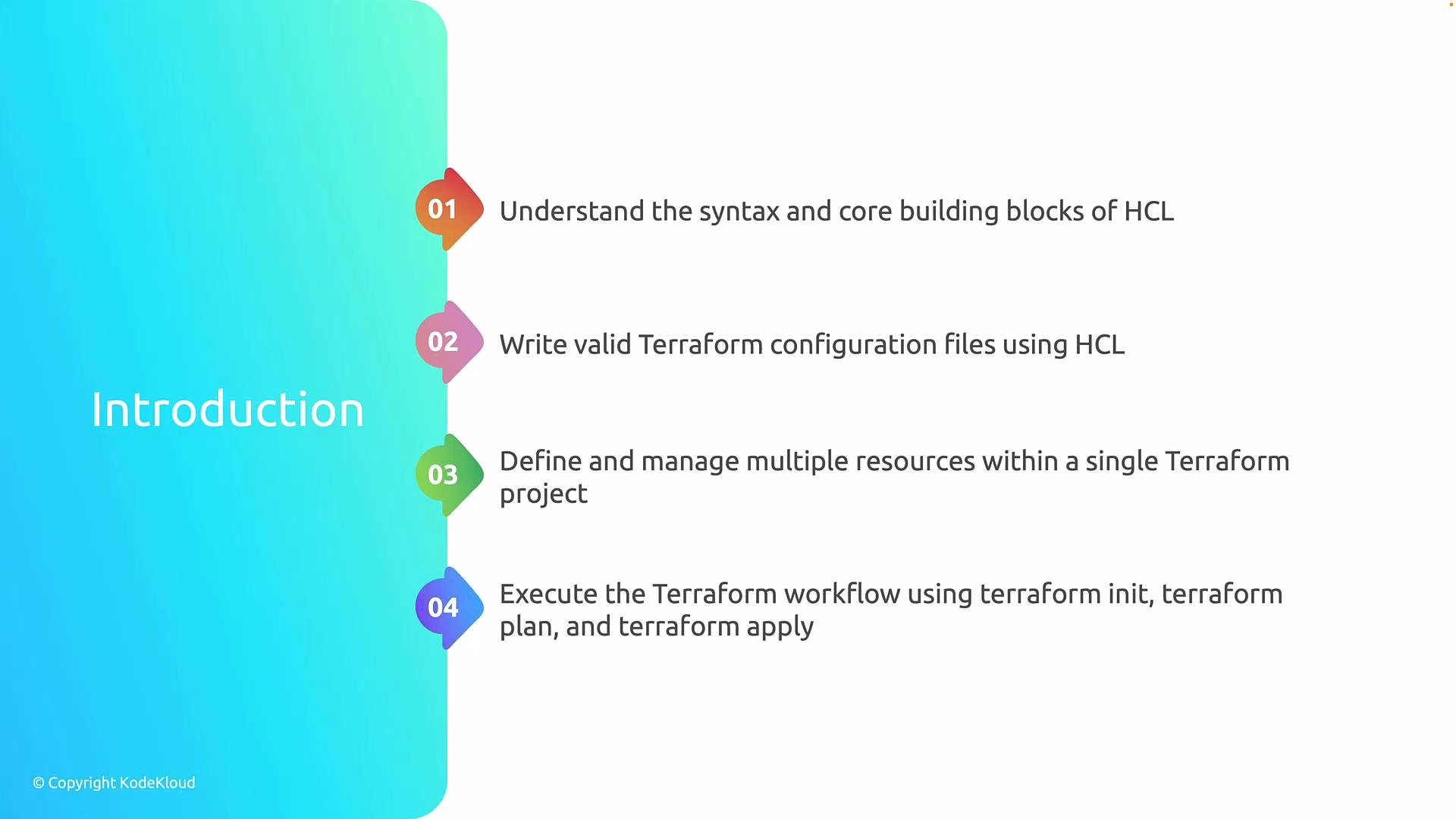
* How HCL is structured: blocks, arguments, and expressions, and how Terraform interprets them.
* Best practices for organizing Terraform across files and directories so configurations remain syntactically correct and logically consistent.
* How to declare providers and resources, and manage multiple resources in a single project.
* How Terraform builds a dependency graph, orders operations, and interacts with state and provider APIs.
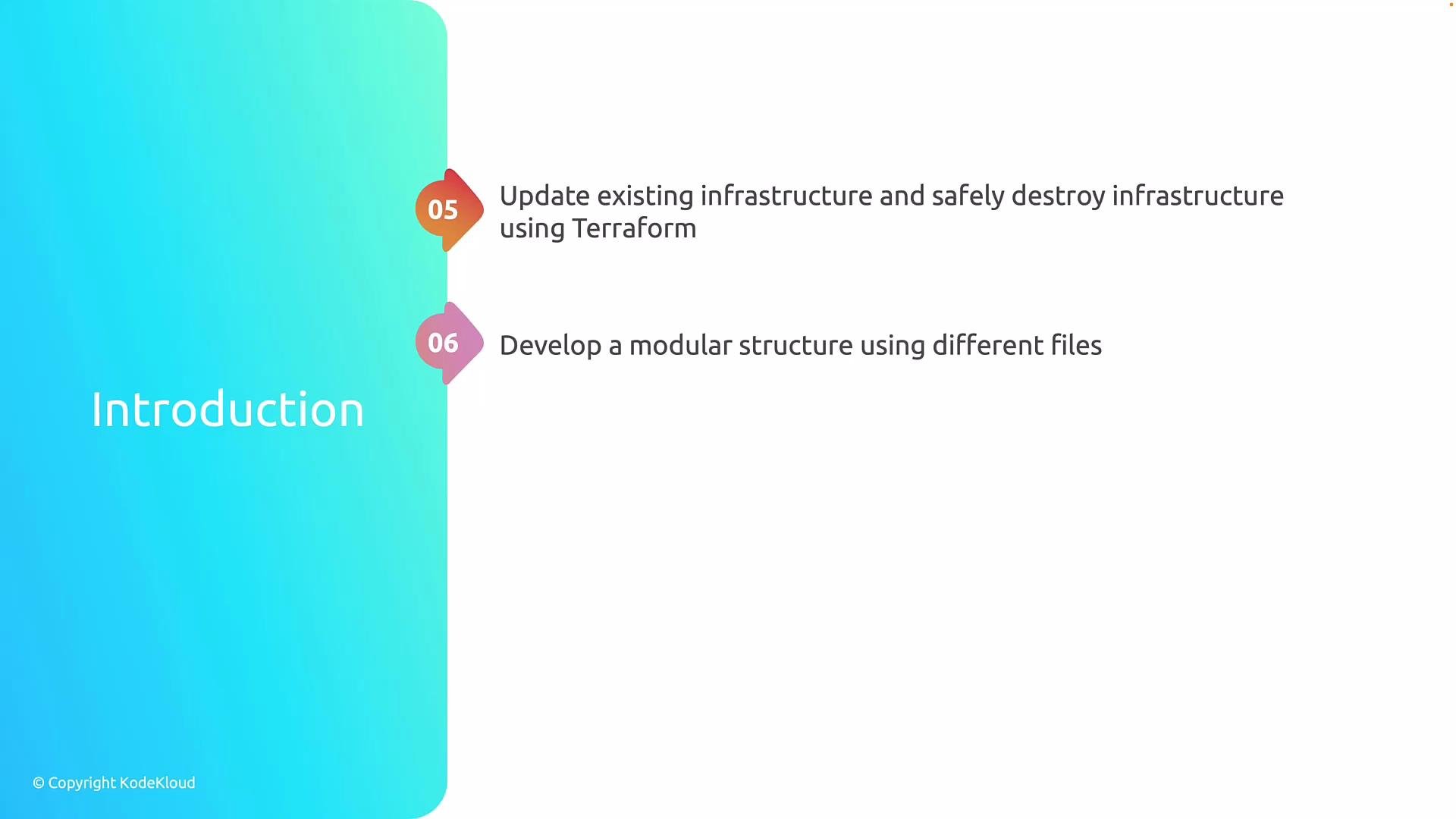
* How to detect and safely manage changes with `terraform plan`, `terraform apply`, and `terraform destroy`.
* How to structure projects for maintainability and scale—separating responsibilities and using modules for real-world Azure environments.
| Learning objective | Why it matters | Example or command |
| ----------------------------- | ------------------------------------------------------: | ---------------------------------------------------------- |
| Understand HCL structure | Prevent syntax errors and misinterpreted intent | N/A |
| Organize configurations | Keep large projects maintainable and auditable | Use separate `.tf` files for different responsibilities |
| Declare providers & resources | Ensure correct API interactions and resource lifecycles | `provider "azurerm" { version = "~> 3.0" }` |
| Dependency graph & state | Terraform computes safe order and stores current state | N/A |
| Detect and manage changes | Preview and control destructive actions | `terraform plan` / `terraform apply` / `terraform destroy` |
| Modular design for Azure | Reuse and scale infrastructure patterns across teams | Create modules for networks, compute, and identity |
 Small syntax mistakes in HCL can have large infrastructure consequences. Understanding HCL's shape and how Terraform processes that configuration is therefore critical. This includes knowing:
* The difference between HCL blocks (for resources, providers, modules) and arguments (individual settings).
* How expressions and interpolations are evaluated.
* How Terraform resolves references between resources to form a dependency graph.
Terraform is not only a creation tool: it’s an engine for safe change. Use `terraform plan` to preview modifications, `terraform apply` to enact them, and `terraform destroy` when you need to remove resources in a controlled way. These commands, together with proper state management and provider configuration, form the operational workflow for infrastructure as code.
As projects grow, clear structure becomes essential. This article covers how Terraform loads multiple files, why separating responsibilities (e.g., networking vs. compute vs. identity) improves maintainability, and why modules are the recommended pattern for scalable Azure deployments.
Small syntax mistakes in HCL can have large infrastructure consequences. Understanding HCL's shape and how Terraform processes that configuration is therefore critical. This includes knowing:
* The difference between HCL blocks (for resources, providers, modules) and arguments (individual settings).
* How expressions and interpolations are evaluated.
* How Terraform resolves references between resources to form a dependency graph.
Terraform is not only a creation tool: it’s an engine for safe change. Use `terraform plan` to preview modifications, `terraform apply` to enact them, and `terraform destroy` when you need to remove resources in a controlled way. These commands, together with proper state management and provider configuration, form the operational workflow for infrastructure as code.
As projects grow, clear structure becomes essential. This article covers how Terraform loads multiple files, why separating responsibilities (e.g., networking vs. compute vs. identity) improves maintainability, and why modules are the recommended pattern for scalable Azure deployments.
 We will now examine HCL syntax and its building blocks—how to write blocks and arguments, form expressions, and structure files so Terraform can correctly interpret and act on your declared desired state.
HCL is declarative: you describe the desired end state, and Terraform determines the actions required to reach that state. Precise syntax and a clear file structure prevent surprises when Terraform evaluates and applies changes.
## Links and references
* [Terraform Documentation](https://www.terraform.io/docs)
* [HCL (HashiCorp Configuration Language) Overview](https://github.com/hashicorp/hcl)
* [Azure Provider for Terraform](https://registry.terraform.io/providers/hashicorp/azurerm/latest)
* [Terraform Best Practices](https://www.terraform.io/docs/language/code.html)
We will now examine HCL syntax and its building blocks—how to write blocks and arguments, form expressions, and structure files so Terraform can correctly interpret and act on your declared desired state.
HCL is declarative: you describe the desired end state, and Terraform determines the actions required to reach that state. Precise syntax and a clear file structure prevent surprises when Terraform evaluates and applies changes.
## Links and references
* [Terraform Documentation](https://www.terraform.io/docs)
* [HCL (HashiCorp Configuration Language) Overview](https://github.com/hashicorp/hcl)
* [Azure Provider for Terraform](https://registry.terraform.io/providers/hashicorp/azurerm/latest)
* [Terraform Best Practices](https://www.terraform.io/docs/language/code.html)