> ## Documentation Index
> Fetch the complete documentation index at: https://notes.kodekloud.com/llms.txt
> Use this file to discover all available pages before exploring further.
# Course Introduction
> Hands-on course teaching Terraform on Azure to design, deploy, and automate cloud infrastructure, covering HCL, modules, state management, CI CD pipelines, and best practices.
Welcome to the Terraform on Azure course. I'm Rithin, and I'll guide you step-by-step to design, deploy, and automate Azure infrastructure using Terraform — the industry-standard Infrastructure-as-Code (IaC) tool. This course takes a hands-on, learn-by-doing approach so you build real skills that translate directly into production environments and career growth.
Why learn Terraform on Azure?
* Create repeatable, version-controlled cloud infrastructure.
* Automate deployments from local workstations to CI/CD pipelines.
* Use Terraform’s HCL to express infrastructure intent clearly and reliably.
* Apply best practices for state management, modular design, and collaboration.
## Prerequisites
* Basic familiarity with Azure concepts (subscriptions, resource groups, storage accounts).
* Command-line experience (bash, PowerShell, or terminal).
* Recommended: an Azure subscription for hands-on labs.
## Quick start — Install Terraform (Debian/Ubuntu)
On Debian/Ubuntu-based systems use HashiCorp’s APT repository. Run:
```bash theme={null}
# Add HashiCorp GPG key and repository, then install Terraform
wget -O- https://apt.releases.hashicorp.com/gpg | sudo gpg --dearmor -o /usr/share/keyrings/hashicorp-archive-keyring.gpg
echo "deb [arch=$(dpkg --print-architecture) signed-by=/usr/share/keyrings/hashicorp-archive-keyring.gpg] https://apt.releases.hashicorp.com $(lsb_release -cs) main" | sudo tee /etc/apt/sources.list.d/hashicorp.list
sudo apt update && sudo apt install terraform -y
# Verify installation
terraform version
# Enable shell autocomplete (optional)
terraform --install-autocomplete
exec bash
```
If you are using macOS, Windows, or another Linux distribution, follow the platform-specific installation instructions on the official Terraform documentation: [https://developer.hashicorp.com/terraform/tutorials](https://developer.hashicorp.com/terraform/tutorials).
## What you'll learn — Course roadmap
| Module | Focus | Example outcome |
| ----------------- | --------------------------------------------- | ---------------------------------------------- |
| Foundations | IaC principles, Azure basics, provider setup | Authenticate Terraform to Azure |
| HCL & Providers | Resources, providers, configuration syntax | `provider "azurerm" { ... }` |
| Logic & Reuse | `count`, `for_each`, `locals`, dynamic blocks | Create multiple resources from one config |
| State Management | Remote state with Azure Storage, locking | Reliable team collaboration with state backend |
| Modules & Outputs | Organize infrastructure, share modules | Reusable resource modules and outputs |
| CI/CD | Azure DevOps pipelines, plan/apply automation | CI/CD pipeline for Terraform changes |
## Provider and a simple resource example
A minimal Azure provider and resource written in HCL:
```hcl theme={null}
provider "azurerm" {
features {}
subscription_id = "1b228746-75fd-46ed-8a6b-6a9066d6d3a3"
}
resource "azurerm_resource_group" "rg" {
name = "kodekloud-tf-rg"
location = "East US"
}
```
This config declares the AzureRM provider and creates a resource group in East US.
## Typical Terraform workflow — plan and apply
When you run Terraform, the common interaction is `terraform plan` followed by `terraform apply`. Example console output:
```plaintext theme={null}
$ terraform plan
Note: You didn't use the --out option to save this plan, so Terraform can't guarantee to take exactly these actions when you run "terraform apply" now.
$ terraform apply
Terraform used the selected providers to generate the following execution plan. Resource actions are indicated with the following symbols:
+ create
Terraform will perform the following actions:
# azurerm_resource_group.rg will be created
+ resource "azurerm_resource_group" "rg" {
+ id = (known after apply)
+ location = "East US"
+ name = "kodekloud-tf-rg"
}
Plan: 1 to add, 0 to change, 0 to destroy.
Do you want to perform these actions?
Terraform will perform the actions described above.
Only 'yes' will be accepted to approve.
Enter a value: yes
```
## Iteration, logic, and modular patterns
You’ll learn to make configurations dynamic with `count`, `for_each`, conditionals, `locals`, and built-in functions. Example network security rule resource in HCL:
```hcl theme={null}
resource "azurerm_network_security_rule" "rule2" {
name = "allow-https"
priority = 200
direction = "Inbound"
access = "Allow"
protocol = "Tcp"
source_port_range = "*"
destination_port_range = "443"
source_address_prefix = "*"
destination_address_prefix = "*"
resource_group_name = azurerm_resource_group.rg.name
network_security_group_name = azurerm_network_security_group.nsg.name
}
```
Use `locals` and `dynamic` blocks where patterns repeat to reduce duplication and improve maintainability.
## Terraform state (why it matters)
State is the source of truth Terraform uses to map real-world resources to your configuration. In team environments, store state remotely (e.g., Azure Storage account with locking). Terraform state files are JSON; here’s a truncated example showing structure:
```json theme={null}
{
"version": 4,
"terraform_version": "1.5.7",
"serial": 1,
"lineage": "c62f9521-2fc2-a699-211f-ef1306c99896",
"outputs": {},
"resources": [
{
"mode": "managed",
"type": "azurerm_storage_account",
"name": "example",
"provider": "provider[\"registry.terraform.io/hashicorp/azurerm\"]",
"instances": [
{
"schema_version": 4,
"attributes": {
"access_tier": "Hot",
"account_kind": "StorageV2",
"account_replication_type": "LRS",
"account_tier": "Standard",
"allow_nested_items_to_be_public": true,
"allowed_copy_scope": "",
"azure_files_authentication": [],
"blob_properties": {}
}
}
]
}
]
}
```
## Outputs and modules
Outputs expose computed values from modules or root configurations. Modules enable reuse and separation of concerns.
Example output:
```hcl theme={null}
output "endpoint" {
value = module.storage.endpoint
}
```
Example module usage:
```hcl theme={null}
module "rg" {
source = "../modules/resource_group"
rg = var.rg_name
region = var.location
}
module "storage" {
source = "../modules/storage_account"
storage = "stdmstorager56535"
rg = module.rg.rg_name
region = module.rg.rg_location
rep = "LRS"
}
```
Sample apply output for modules:
```plaintext theme={null}
$ terraform apply -auto-approve
module.rg.azurerm_resource_group.main: Still creating... [20s elapsed]
module.rg.azurerm_resource_group.main: Creation complete after 27s [id=/subscriptions/1b282746-75fd-46ed-8a6b-6a90666dd3a3/resourceGroups/kodekloud-tf-rg]
module.storage.azurerm_storage_account.this: Creating...
module.storage.azurerm_storage_account.this: Still creating... [10s elapsed]
module.storage.azurerm_storage_account.this: Still creating... [20s elapsed]
module.storage.azurerm_storage_account.this: Still creating... [30s elapsed]
module.storage.azurerm_storage_account.this: Still creating... [40s elapsed]
module.storage.azurerm_storage_account.this: Still creating... [50s elapsed]
module.storage.azurerm_storage_account.this: Creation complete after 1m5s [id=/subscriptions/1b282746-75fd-46ed-8a6b-6a90666dd3a3/resourceGroups/kodekloud-tf-rg/providers/Microsoft.Storage/storageAccounts/stdmstorager56535]
Apply complete! Resources: 2 added, 0 changed, 0 destroyed.
Outputs:
```
## CI/CD with Terraform and Azure DevOps
We finish the course by integrating Terraform into CI/CD pipelines (Azure DevOps, GitHub Actions, or other CI systems). You’ll learn to automate:
* terraform fmt, init, validate, plan
* plan approval gates and manual checks
* controlled terraform apply in production
This approach lets teams ship infrastructure changes safely and repeatedly.
By the end of this module, you will be able to design,
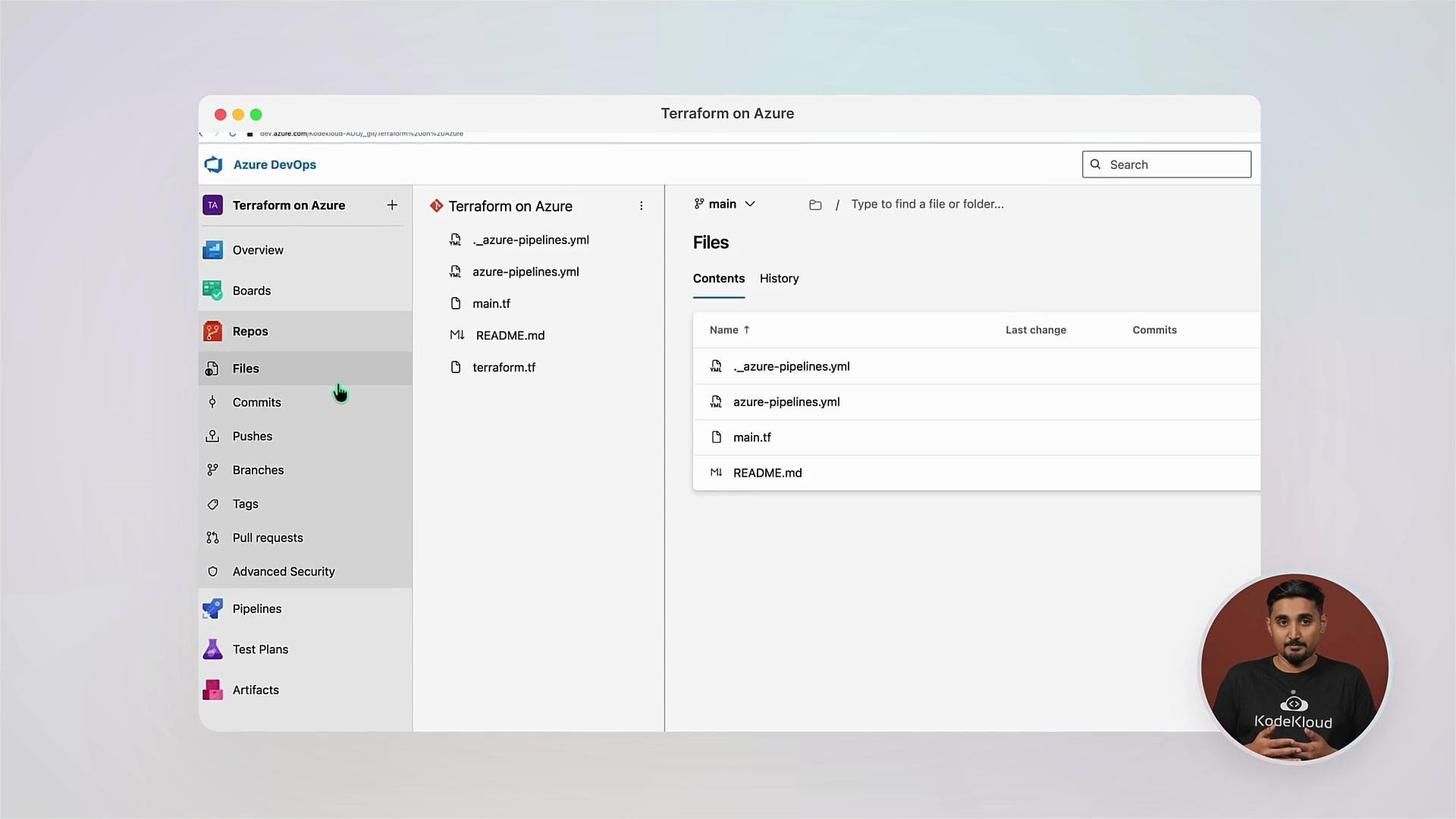 deploy, and automate Azure infrastructure with Terraform from your machine all the way to a production pipeline.
## Community and next steps
At KodeKloud we value community learning. Join our forums to ask questions, share labs, and collaborate with peers. Build real projects, contribute modules, and iterate with feedback.
Additional references
* Terraform: [https://www.terraform.io/](https://www.terraform.io/)
* Terraform Azure Provider (azurerm): [https://registry.terraform.io/providers/hashicorp/azurerm](https://registry.terraform.io/providers/hashicorp/azurerm)
* Azure Documentation: [https://docs.microsoft.com/azure](https://docs.microsoft.com/azure)
Ready to master Infrastructure-as-Code on Azure and accelerate your cloud career? Let's get started.
deploy, and automate Azure infrastructure with Terraform from your machine all the way to a production pipeline.
## Community and next steps
At KodeKloud we value community learning. Join our forums to ask questions, share labs, and collaborate with peers. Build real projects, contribute modules, and iterate with feedback.
Additional references
* Terraform: [https://www.terraform.io/](https://www.terraform.io/)
* Terraform Azure Provider (azurerm): [https://registry.terraform.io/providers/hashicorp/azurerm](https://registry.terraform.io/providers/hashicorp/azurerm)
* Azure Documentation: [https://docs.microsoft.com/azure](https://docs.microsoft.com/azure)
Ready to master Infrastructure-as-Code on Azure and accelerate your cloud career? Let's get started.