> ## Documentation Index
> Fetch the complete documentation index at: https://notes.kodekloud.com/llms.txt
> Use this file to discover all available pages before exploring further.
# prevent destroy
> Explains Terraform lifecycle prevent_destroy to protect critical Azure resources, how it blocks planned deletions, and methods to intentionally replace or remove protected resources.
In this lesson we cover the Terraform `prevent_destroy` lifecycle meta-argument: what it does, when to use it, and how to handle cases where a protected resource must be intentionally removed or replaced. This is especially useful for protecting critical Azure resources such as production storage accounts, databases, and Key Vaults.
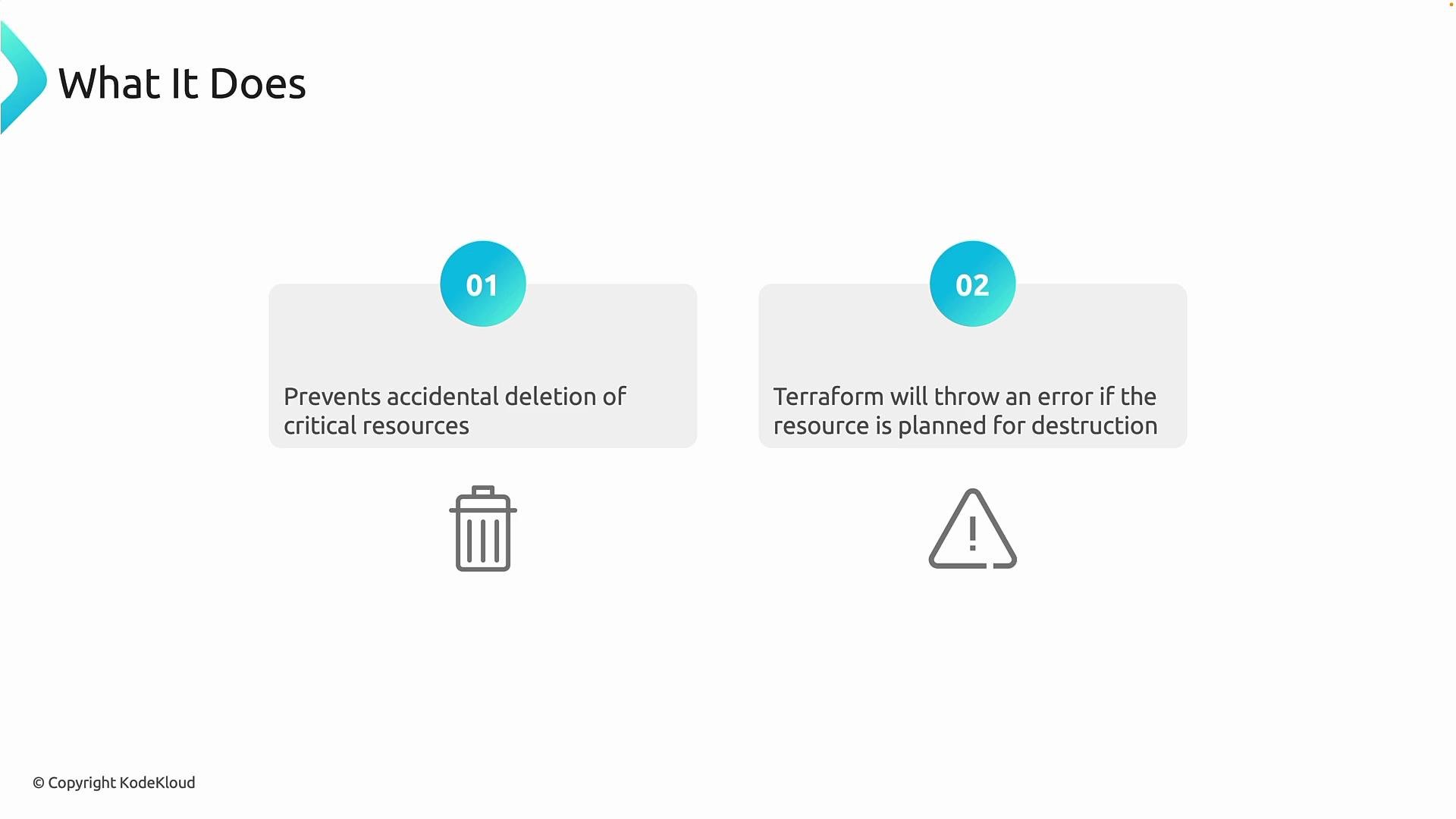
Two core behaviors of `prevent_destroy`:
* It prevents accidental deletion of critical resources. If a planned change would cause a resource to be destroyed, Terraform refuses to perform that destruction.
* Terraform surfaces an explicit error during the plan phase if destruction is detected. This ensures `terraform apply` cannot silently delete the resource — it forces an intentional decision.
 Use case overview
* Protect production-grade resources from accidental or automatic removal during refactoring or configuration changes.
* Add an extra safety layer in your IaC pipeline beyond cloud provider delete locks (e.g., Azure Delete Lock), implemented at the Terraform level.
`prevent_destroy` causes plan-time failures when a resource would be destroyed. Always run `terraform plan` and review the output before applying in production to prevent unexpected interruptions.
Example: Protect an Azure Storage Account with `prevent_destroy`
```hcl theme={null}
provider "azurerm" {
features {}
subscription_id = "1b228746-75fd-46ed-8a6b-6a9066d6d3a3"
}
resource "azurerm_resource_group" "rg" {
name = "lifecycle-resources"
location = "West Europe"
}
resource "azurerm_storage_account" "storage" {
name = "lifestorage75636"
resource_group_name = azurerm_resource_group.rg.name
location = azurerm_resource_group.rg.location
account_tier = "Standard"
account_replication_type = "LRS"
lifecycle {
prevent_destroy = true
}
}
```
What happens with the configuration above
* Creation: Running `terraform apply` creates the resource normally.
* Replacement: If later you change a property that requires replacement (for example changing `account_replication_type` from `LRS` to `ZRS`), the plan will attempt to destroy the existing storage account and create a new one. Because `prevent_destroy = true` is set, Terraform aborts the plan and reports an error.
Typical commands and sample outputs
Initialization:
```bash theme={null}
terraform init
```
Sample init output (truncated):
```text theme={null}
- Reusing previous version of hashicorp/azurerm from the dependency lock file
- Using previously-installed hashicorp/azurerm v4.59.0
Terraform has been successfully initialized!
You may now begin working with Terraform. Try running "terraform plan" to see any changes that are required for your infrastructure.
```
Create resources:
```bash theme={null}
terraform apply --auto-approve
```
Sample apply output (truncated):
```text theme={null}
azurerm_resource_group.rg: Creating...
azurerm_storage_account.storage: Creating...
azurerm_resource_group.rg: Creation complete after 1s [id=/subscriptions/.../resourceGroups/lifecycle-resources]
azurerm_storage_account.storage: Still creating... [10s elapsed]
azurerm_storage_account.storage: Creation complete after 1m20s [id=/subscriptions/.../resourceGroups/lifecycle-resources/providers/Microsoft.Storage/storageAccounts/lifestorage75636]
Apply complete! Resources: 2 added, 0 changed, 0 destroyed.
```
Planned replacement blocked by `prevent_destroy`:
If you change a property that requires replacing the storage account and then run `terraform plan` or `terraform apply`, you will see an error similar to this:
```bash theme={null}
terraform apply --auto-approve
```
Sample plan error:
```text theme={null}
Error: Instance cannot be destroyed:
on main.tf line 11:
resource "azurerm_storage_account" "storage" {
Resource "azurerm_storage_account.storage" has lifecycle.prevent_destroy set, but the plan calls for this resource to be destroyed. To avoid this error and continue with the plan, either disable lifecycle.prevent_destroy or reduce the scope of the plan using the -target flag.
```
When to use `prevent_destroy` (summary table)
| Scenario | Why use `prevent_destroy`? | Example |
| ------------------------------ | ------------------------------------------------------------------- | -------------------------------------------------- |
| Protect critical data | Prevent accidental deletion of storage accounts, databases, secrets | `Key Vault`, production `Storage Account` |
| Safe refactoring | Avoid accidental destructive changes during refactors | Team members changing resource names or properties |
| Not needed for ephemeral infra | Adds friction for resources intended to be regularly recreated | Test or dev environments |
How to intentionally remove or replace a protected resource
* Update the lifecycle block: set `prevent_destroy = false` (or remove the block), run `terraform plan` and then `terraform apply` again. This is the safest, most explicit path.
* Targeted plans: use `-target` to reduce the scope of evaluation. Note: `-target` does not bypass `prevent_destroy` for resources that are planned to be destroyed — it simply limits what Terraform evaluates.
* Remove from state as a last resort: run `terraform state rm ` and then delete the resource outside of Terraform. This makes Terraform forget the resource and is potentially dangerous for production-managed resources — use with care and approvals.
`prevent_destroy` is a safety mechanism. Do not circumvent it lightly for production resources. If destruction is truly required, make the removal explicit (for example, by modifying the lifecycle block) and ensure appropriate approvals are in place.
Comparing `prevent_destroy` to Azure Delete Lock
* `prevent_destroy` is implemented at the Terraform/IaC layer and prevents Terraform from planning a destroy.
* Azure Delete Locks are enforced by the Azure control plane and block deletion operations regardless of tool.
Using both provides defense in depth: the lock protects resources from accidental deletion through any client, while `prevent_destroy` prevents accidental deletion as a result of Terraform workflows.
Links and references
* Terraform lifecycle meta-arguments: [https://www.terraform.io/docs/language/meta-arguments/lifecycle.html](https://www.terraform.io/docs/language/meta-arguments/lifecycle.html)
* Azure Resource Manager locks: [https://learn.microsoft.com/azure/role-based-access-control/locking-resources](https://learn.microsoft.com/azure/role-based-access-control/locking-resources)
* Terraform Azure Provider (azurerm): [https://registry.terraform.io/providers/hashicorp/azurerm/latest](https://registry.terraform.io/providers/hashicorp/azurerm/latest)
Further reading
* Best practices for protecting production infrastructure in GitOps/IaC pipelines
* Strategies for data migration and in-place upgrades to avoid destructive replacements
Use case overview
* Protect production-grade resources from accidental or automatic removal during refactoring or configuration changes.
* Add an extra safety layer in your IaC pipeline beyond cloud provider delete locks (e.g., Azure Delete Lock), implemented at the Terraform level.
`prevent_destroy` causes plan-time failures when a resource would be destroyed. Always run `terraform plan` and review the output before applying in production to prevent unexpected interruptions.
Example: Protect an Azure Storage Account with `prevent_destroy`
```hcl theme={null}
provider "azurerm" {
features {}
subscription_id = "1b228746-75fd-46ed-8a6b-6a9066d6d3a3"
}
resource "azurerm_resource_group" "rg" {
name = "lifecycle-resources"
location = "West Europe"
}
resource "azurerm_storage_account" "storage" {
name = "lifestorage75636"
resource_group_name = azurerm_resource_group.rg.name
location = azurerm_resource_group.rg.location
account_tier = "Standard"
account_replication_type = "LRS"
lifecycle {
prevent_destroy = true
}
}
```
What happens with the configuration above
* Creation: Running `terraform apply` creates the resource normally.
* Replacement: If later you change a property that requires replacement (for example changing `account_replication_type` from `LRS` to `ZRS`), the plan will attempt to destroy the existing storage account and create a new one. Because `prevent_destroy = true` is set, Terraform aborts the plan and reports an error.
Typical commands and sample outputs
Initialization:
```bash theme={null}
terraform init
```
Sample init output (truncated):
```text theme={null}
- Reusing previous version of hashicorp/azurerm from the dependency lock file
- Using previously-installed hashicorp/azurerm v4.59.0
Terraform has been successfully initialized!
You may now begin working with Terraform. Try running "terraform plan" to see any changes that are required for your infrastructure.
```
Create resources:
```bash theme={null}
terraform apply --auto-approve
```
Sample apply output (truncated):
```text theme={null}
azurerm_resource_group.rg: Creating...
azurerm_storage_account.storage: Creating...
azurerm_resource_group.rg: Creation complete after 1s [id=/subscriptions/.../resourceGroups/lifecycle-resources]
azurerm_storage_account.storage: Still creating... [10s elapsed]
azurerm_storage_account.storage: Creation complete after 1m20s [id=/subscriptions/.../resourceGroups/lifecycle-resources/providers/Microsoft.Storage/storageAccounts/lifestorage75636]
Apply complete! Resources: 2 added, 0 changed, 0 destroyed.
```
Planned replacement blocked by `prevent_destroy`:
If you change a property that requires replacing the storage account and then run `terraform plan` or `terraform apply`, you will see an error similar to this:
```bash theme={null}
terraform apply --auto-approve
```
Sample plan error:
```text theme={null}
Error: Instance cannot be destroyed:
on main.tf line 11:
resource "azurerm_storage_account" "storage" {
Resource "azurerm_storage_account.storage" has lifecycle.prevent_destroy set, but the plan calls for this resource to be destroyed. To avoid this error and continue with the plan, either disable lifecycle.prevent_destroy or reduce the scope of the plan using the -target flag.
```
When to use `prevent_destroy` (summary table)
| Scenario | Why use `prevent_destroy`? | Example |
| ------------------------------ | ------------------------------------------------------------------- | -------------------------------------------------- |
| Protect critical data | Prevent accidental deletion of storage accounts, databases, secrets | `Key Vault`, production `Storage Account` |
| Safe refactoring | Avoid accidental destructive changes during refactors | Team members changing resource names or properties |
| Not needed for ephemeral infra | Adds friction for resources intended to be regularly recreated | Test or dev environments |
How to intentionally remove or replace a protected resource
* Update the lifecycle block: set `prevent_destroy = false` (or remove the block), run `terraform plan` and then `terraform apply` again. This is the safest, most explicit path.
* Targeted plans: use `-target` to reduce the scope of evaluation. Note: `-target` does not bypass `prevent_destroy` for resources that are planned to be destroyed — it simply limits what Terraform evaluates.
* Remove from state as a last resort: run `terraform state rm ` and then delete the resource outside of Terraform. This makes Terraform forget the resource and is potentially dangerous for production-managed resources — use with care and approvals.
`prevent_destroy` is a safety mechanism. Do not circumvent it lightly for production resources. If destruction is truly required, make the removal explicit (for example, by modifying the lifecycle block) and ensure appropriate approvals are in place.
Comparing `prevent_destroy` to Azure Delete Lock
* `prevent_destroy` is implemented at the Terraform/IaC layer and prevents Terraform from planning a destroy.
* Azure Delete Locks are enforced by the Azure control plane and block deletion operations regardless of tool.
Using both provides defense in depth: the lock protects resources from accidental deletion through any client, while `prevent_destroy` prevents accidental deletion as a result of Terraform workflows.
Links and references
* Terraform lifecycle meta-arguments: [https://www.terraform.io/docs/language/meta-arguments/lifecycle.html](https://www.terraform.io/docs/language/meta-arguments/lifecycle.html)
* Azure Resource Manager locks: [https://learn.microsoft.com/azure/role-based-access-control/locking-resources](https://learn.microsoft.com/azure/role-based-access-control/locking-resources)
* Terraform Azure Provider (azurerm): [https://registry.terraform.io/providers/hashicorp/azurerm/latest](https://registry.terraform.io/providers/hashicorp/azurerm/latest)
Further reading
* Best practices for protecting production infrastructure in GitOps/IaC pipelines
* Strategies for data migration and in-place upgrades to avoid destructive replacements