> ## Documentation Index
> Fetch the complete documentation index at: https://notes.kodekloud.com/llms.txt
> Use this file to discover all available pages before exploring further.
# Considerations
> Risks and best practices for using Terraform provisioners, advising limited use and preferring idempotent, platform-native or configuration management approaches for production
When using provisioners in Terraform, keep in mind several important caveats. Provisioners can be convenient for short-lived or experimental tasks, but they introduce operational risks that make them inappropriate for most production workloads.
## Key concerns
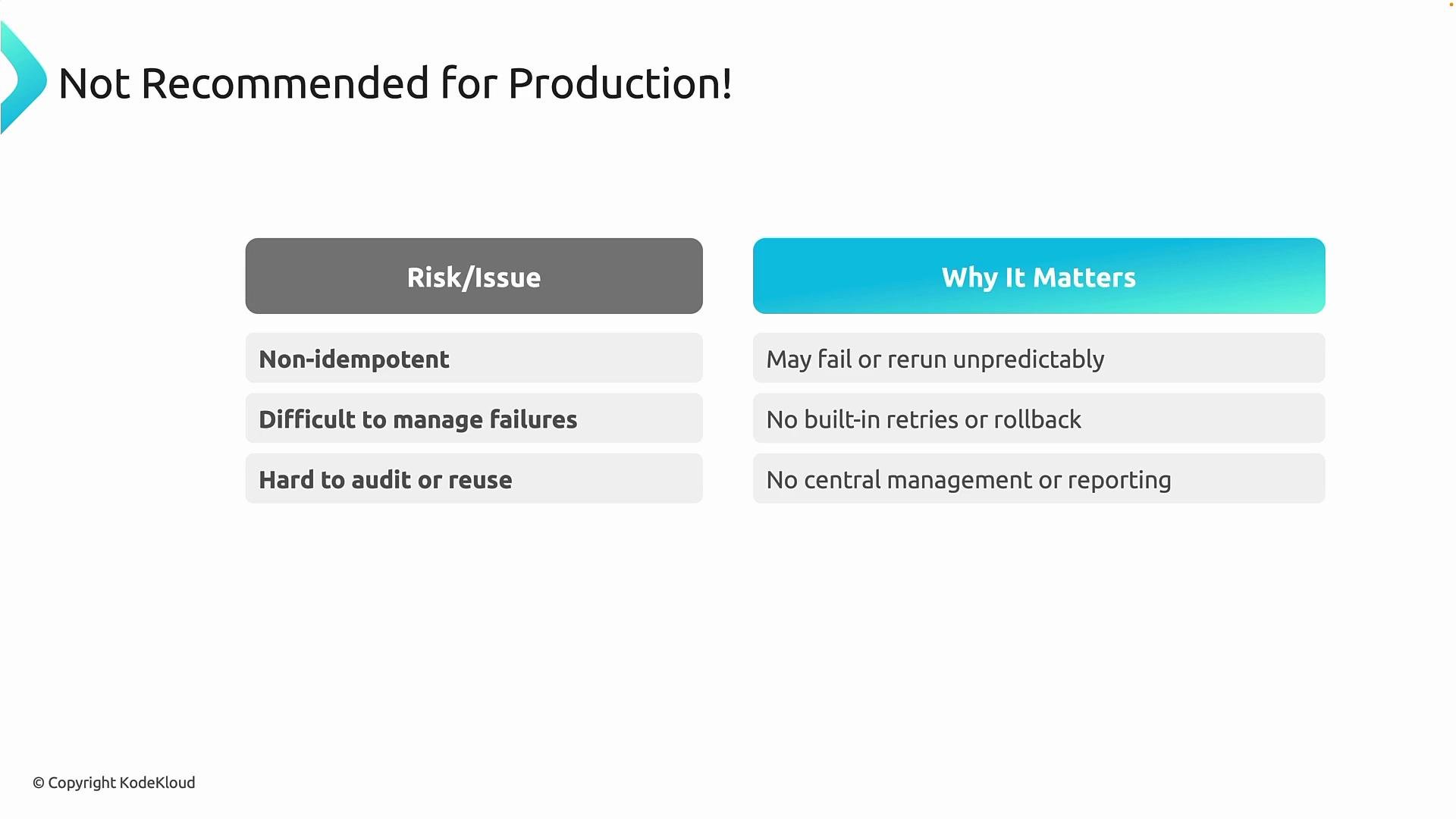
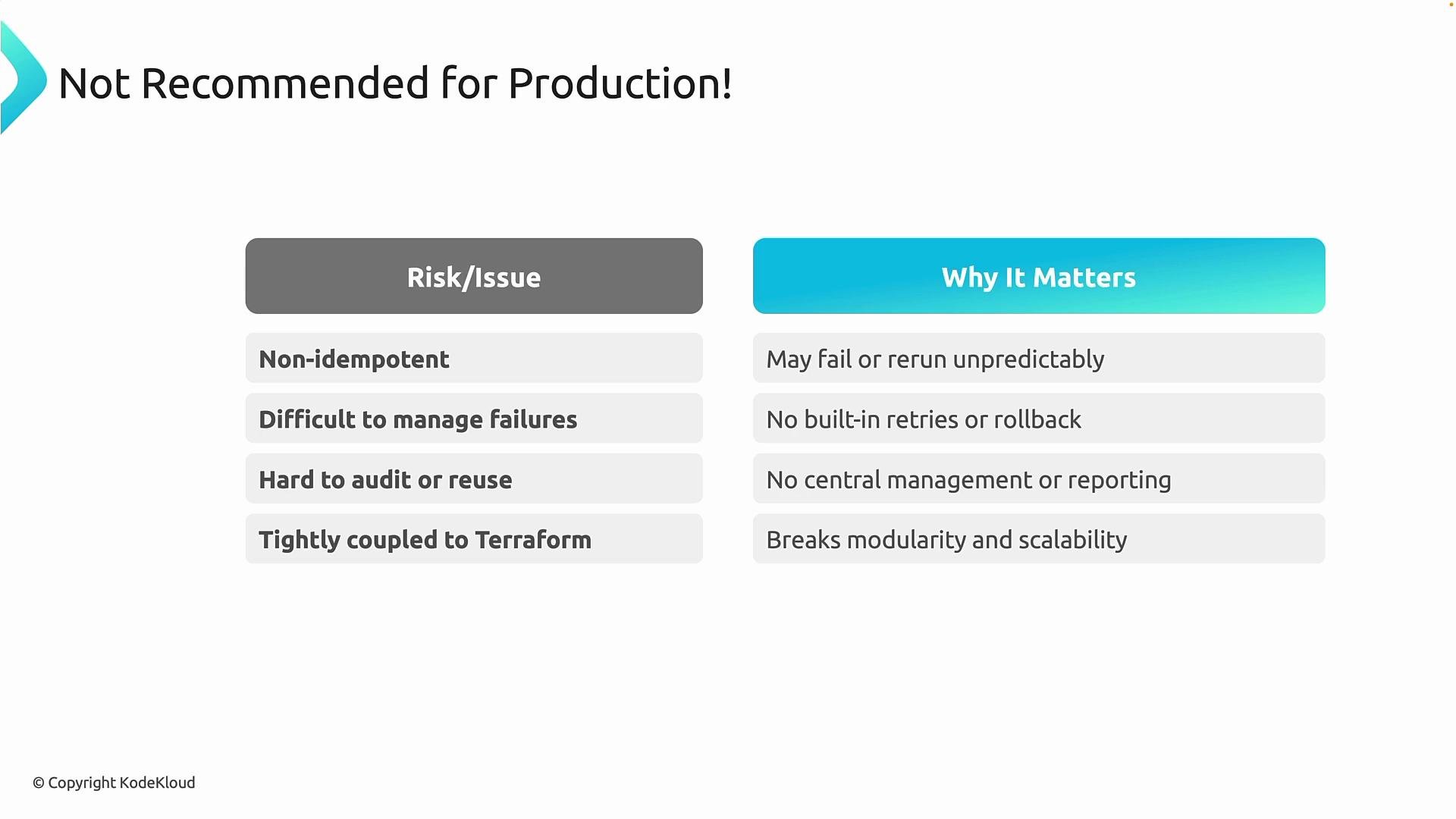
1. Idempotency
* Provisioner scripts are often non-idempotent unless you explicitly design them to be. Terraform does not enforce idempotency for arbitrary scripts. Re-running Terraform or recreating a resource can cause a provisioner to:
* reinstall software,
* duplicate configuration,
* overwrite or corrupt existing state,
* or fail unexpectedly during re-execution.
2. Failure handling and recoverability
* If a provisioner fails partway through, Terraform provides limited retry logic and no automatic rollback. This can leave resources partially configured and difficult to audit or recover. Embedding ad-hoc scripts in Terraform also reduces centralized reporting and versioned configuration tracking compared to dedicated configuration management tools.
 3. Tight coupling to Terraform
* Putting configuration logic inside Terraform runs mixes infrastructure provisioning with configuration management. This tight coupling reduces modularity, makes testing and reuse harder, and blurs separation of concerns between infrastructure and configuration.
Because of these issues, provisioners should be used sparingly and only when there is no practical alternative.
3. Tight coupling to Terraform
* Putting configuration logic inside Terraform runs mixes infrastructure provisioning with configuration management. This tight coupling reduces modularity, makes testing and reuse harder, and blurs separation of concerns between infrastructure and configuration.
Because of these issues, provisioners should be used sparingly and only when there is no practical alternative.
 ## Summary of risks
| Risk | Typical impact |
| ------------------------------ | -------------------------------------------------- |
| Non-idempotent scripts | Repeated runs may reinstall or corrupt state |
| Limited failure handling | Partial configurations and manual recovery |
| Loss of centralized management | Reduced visibility, reporting, and version control |
| Tight coupling with Terraform | Harder to scale, test, and reuse components |
## Best practices
* Use provisioners only for temporary, non-critical, or development/test automation (quick setup tasks, proof-of-concepts, lightweight initialization).
* Keep provisioner scripts small and make them idempotent whenever possible.
* Avoid embedding complex configuration logic in Terraform; do not use provisioners for ongoing configuration management.
For production workloads, prefer platform-native or dedicated configuration solutions that support idempotency, lifecycle integration, and centralized reporting:
* Azure VM extensions: use the VM Custom Script Extension or other Azure-native extensions for better lifecycle and retry semantics. See: [https://learn.microsoft.com/azure/virtual-machines/extensions/custom-script-extension](https://learn.microsoft.com/azure/virtual-machines/extensions/custom-script-extension)
* Configuration management tools: adopt Ansible, Chef, Puppet, or Azure Automation Desired State Configuration (DSC) for repeatable, auditable configuration. See:
* [https://docs.ansible.com/ansible/latest/](https://docs.ansible.com/ansible/latest/)
* [https://docs.chef.io/](https://docs.chef.io/)
* [https://puppet.com/docs/](https://puppet.com/docs/)
* [https://learn.microsoft.com/azure/automation/automation-dsc/overview](https://learn.microsoft.com/azure/automation/automation-dsc/overview)
* Image-based approaches: bake required configuration into VM or container images so instances boot fully configured.
These approaches provide better operational reliability, idempotency, and lifecycle management than ad-hoc provisioner scripts.
Provisioners are a last resort. For repeatable, auditable, and reliable configuration, prefer platform-native extensions, configuration management tools, or image-based pipelines over Terraform provisioners.
In short: use provisioners sparingly, keep them simple and idempotent, and prefer built-in configuration management or platform-native solutions for production systems.
With that, we have completed the provisioners section.
## Links and references
* [Terraform Provisioners (HashiCorp docs)](https://developer.hashicorp.com/terraform/language/resources/provisioners)
* [Azure VM Custom Script Extension](https://learn.microsoft.com/azure/virtual-machines/extensions/custom-script-extension)
* [Ansible Documentation](https://docs.ansible.com/ansible/latest/)
* [Chef Documentation](https://docs.chef.io/)
* [Puppet Documentation](https://puppet.com/docs/)
* [Azure Automation DSC Overview](https://learn.microsoft.com/azure/automation/automation-dsc/overview)
## Summary of risks
| Risk | Typical impact |
| ------------------------------ | -------------------------------------------------- |
| Non-idempotent scripts | Repeated runs may reinstall or corrupt state |
| Limited failure handling | Partial configurations and manual recovery |
| Loss of centralized management | Reduced visibility, reporting, and version control |
| Tight coupling with Terraform | Harder to scale, test, and reuse components |
## Best practices
* Use provisioners only for temporary, non-critical, or development/test automation (quick setup tasks, proof-of-concepts, lightweight initialization).
* Keep provisioner scripts small and make them idempotent whenever possible.
* Avoid embedding complex configuration logic in Terraform; do not use provisioners for ongoing configuration management.
For production workloads, prefer platform-native or dedicated configuration solutions that support idempotency, lifecycle integration, and centralized reporting:
* Azure VM extensions: use the VM Custom Script Extension or other Azure-native extensions for better lifecycle and retry semantics. See: [https://learn.microsoft.com/azure/virtual-machines/extensions/custom-script-extension](https://learn.microsoft.com/azure/virtual-machines/extensions/custom-script-extension)
* Configuration management tools: adopt Ansible, Chef, Puppet, or Azure Automation Desired State Configuration (DSC) for repeatable, auditable configuration. See:
* [https://docs.ansible.com/ansible/latest/](https://docs.ansible.com/ansible/latest/)
* [https://docs.chef.io/](https://docs.chef.io/)
* [https://puppet.com/docs/](https://puppet.com/docs/)
* [https://learn.microsoft.com/azure/automation/automation-dsc/overview](https://learn.microsoft.com/azure/automation/automation-dsc/overview)
* Image-based approaches: bake required configuration into VM or container images so instances boot fully configured.
These approaches provide better operational reliability, idempotency, and lifecycle management than ad-hoc provisioner scripts.
Provisioners are a last resort. For repeatable, auditable, and reliable configuration, prefer platform-native extensions, configuration management tools, or image-based pipelines over Terraform provisioners.
In short: use provisioners sparingly, keep them simple and idempotent, and prefer built-in configuration management or platform-native solutions for production systems.
With that, we have completed the provisioners section.
## Links and references
* [Terraform Provisioners (HashiCorp docs)](https://developer.hashicorp.com/terraform/language/resources/provisioners)
* [Azure VM Custom Script Extension](https://learn.microsoft.com/azure/virtual-machines/extensions/custom-script-extension)
* [Ansible Documentation](https://docs.ansible.com/ansible/latest/)
* [Chef Documentation](https://docs.chef.io/)
* [Puppet Documentation](https://puppet.com/docs/)
* [Azure Automation DSC Overview](https://learn.microsoft.com/azure/automation/automation-dsc/overview)