> ## Documentation Index
> Fetch the complete documentation index at: https://notes.kodekloud.com/llms.txt
> Use this file to discover all available pages before exploring further.
# Aliases
> Explains Terraform azurerm provider aliases for managing multiple Azure regions, subscriptions, and environments, including explicit provider bindings, module provider passing, and authentication best practices.
In this lesson we cover Terraform provider aliases and how to use them with the Azure provider (`azurerm`). Provider aliases let you define multiple instances of the same provider within a single Terraform configuration. This is essential when you need to manage resources across multiple Azure regions, subscriptions, or isolated environments from the same codebase.
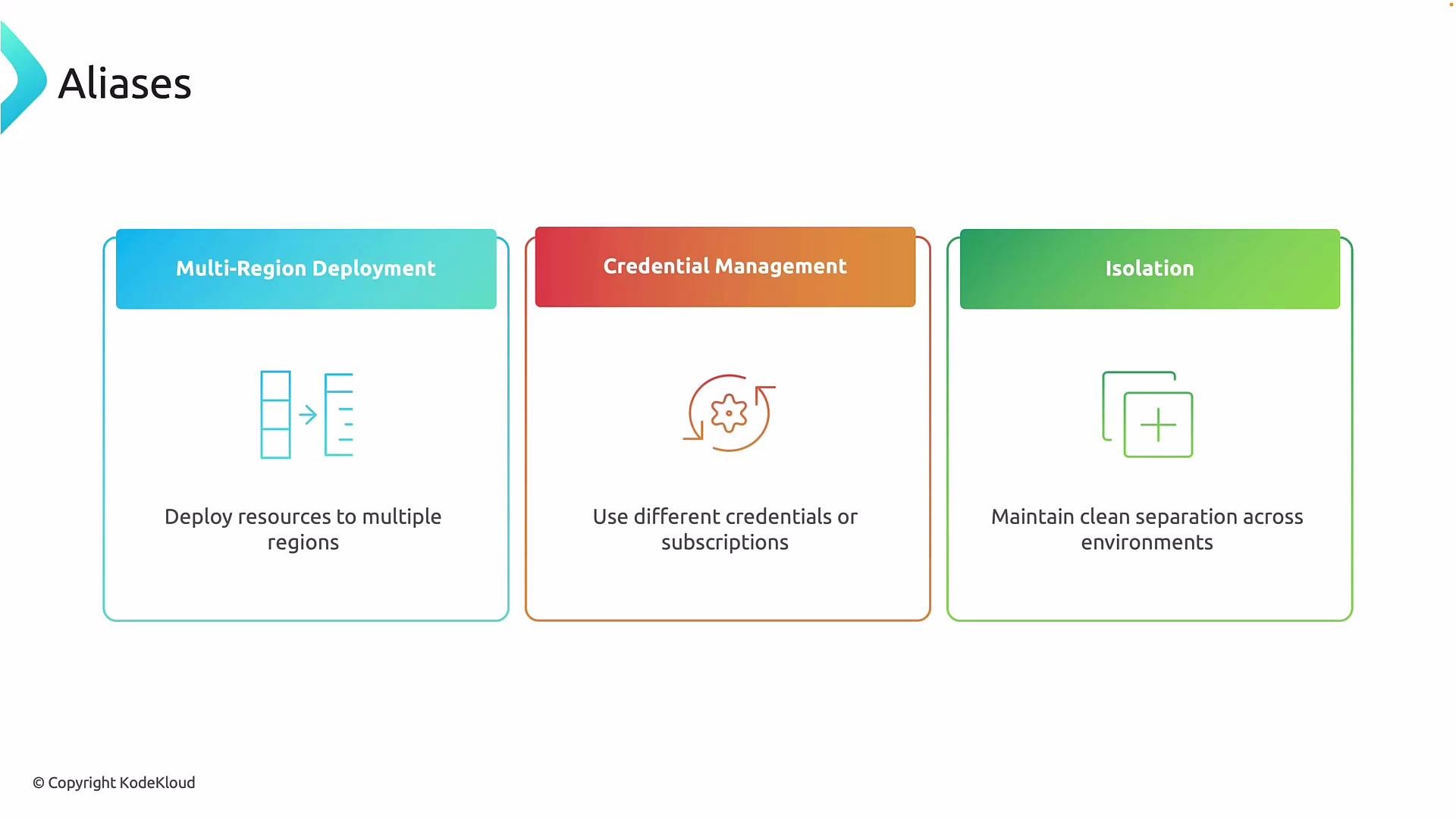
Why use provider aliases? Typical scenarios include:
* Multi-region deployment: Deploy resources to multiple Azure regions from the same Terraform configuration without duplicating code or maintaining separate projects. Use different provider aliases to target specific regions.
* Multi-subscription / credential management: Run a single Terraform plan against multiple subscriptions or with different credentials (service principals, managed identities) — useful for hub-and-spoke and cross-subscription architectures.
* Environment isolation: Keep production, staging, and sandbox resources separated to reduce the risk of accidental deployment into the wrong environment.
 Each environment, region, or subscription can have its own provider block. When resources are explicitly bound to an aliased provider, Terraform will use that instance for CRUD operations, preventing accidental resource creation in an unintended subscription or region.
Example: two aliased `azurerm` provider instances and resources bound to them
```hcl theme={null}
provider "azurerm" {
alias = "weu"
features {}
# WE-HUB (West Europe subscription)
subscription_id = "00000000-0000-0000-0000-000000000001"
}
provider "azurerm" {
alias = "qc"
features {}
# QC-HUB (Qatar Central subscription)
subscription_id = "00000000-0000-0000-000000000002"
}
# Resource Group in West Europe, explicitly using the "weu" provider alias
resource "azurerm_resource_group" "rg_weu" {
name = "rg-hub-weu"
location = "West Europe"
provider = azurerm.weu
}
# Resource Group in Qatar Central, explicitly using the "qc" provider alias
resource "azurerm_resource_group" "rg_qc" {
name = "rg-hub-qc"
location = "Qatar Central"
provider = azurerm.qc
}
```
Note the explicit bindings: `provider = azurerm.weu` and `provider = azurerm.qc`. Without these, Terraform uses the default (non-aliased) `azurerm` provider block, which could result in resources being deployed to the wrong subscription or region.
Authentication reminder: setting `subscription_id` selects the target subscription, but Terraform still needs authentication credentials. Provide credentials via environment variables, a service principal, managed identity, or other supported authentication mechanisms.
Always bind resources explicitly to an aliased provider when working with multiple provider configurations. Explicit bindings prevent accidental deployments to the default provider or the wrong subscription.
Best practices and considerations
| Topic | Recommendation | Example / Notes |
| ----------------- | ------------------------------------------------------------------------------------------------------------------------ | -------------------------------------------------------------------------------------------------------------------------------- |
| Default provider | If you want a fallback, configure a non-aliased `azurerm` provider block. | `provider "azurerm" { features {} }` |
| Credentials | Avoid hard-coding secrets. Use environment variables, service principals, or managed identities. | See [Azure authentication for Terraform](https://registry.terraform.io/providers/hashicorp/azurerm/latest/docs/guides/azure_cli) |
| Modules | Pass providers into modules using the `providers` argument if module resources must target a specific provider instance. | `module "x" { source = "./module" providers = { azurerm = azurerm.weu } }` |
| Naming | Use concise alias names that indicate region or purpose (e.g., `weu`, `qc`, `prod`, `stg`). | Clear aliases reduce configuration confusion. |
| Secret management | Store subscription IDs and sensitive variables in secure storage (Key Vault, secrets manager, or CI secret stores). | Avoid committing secrets to VCS. |
When using modules that need to operate against multiple providers, pass the aliased provider into the module explicitly. Example:
```hcl theme={null}
module "hub" {
source = "./modules/hub"
# Pass the aliased provider instance into the module
providers = {
azurerm = azurerm.weu
}
}
```
This ensures the module's resources are created in the intended subscription/region.
If resources are not bound to the correct provider alias, Terraform may create resources in the wrong subscription or region. Always verify provider bindings (and authentication) before running `terraform apply`.
Summary
Provider aliases enable safe, maintainable multi-region and multi-subscription deployments in a single Terraform project. Use clear alias naming, explicit resource bindings, secure authentication methods, and provider-passing into modules to minimize risk and keep your infrastructure code predictable.
Further reading and references
* [Terraform Providers — Multiple Provider Configurations](https://www.terraform.io/docs/language/providers/configuration.html)
* [AzureRM Provider Documentation](https://registry.terraform.io/providers/hashicorp/azurerm/latest/docs)
* [Azure authentication options for Terraform](https://registry.terraform.io/providers/hashicorp/azurerm/latest/docs/guides/azure_cli)
Each environment, region, or subscription can have its own provider block. When resources are explicitly bound to an aliased provider, Terraform will use that instance for CRUD operations, preventing accidental resource creation in an unintended subscription or region.
Example: two aliased `azurerm` provider instances and resources bound to them
```hcl theme={null}
provider "azurerm" {
alias = "weu"
features {}
# WE-HUB (West Europe subscription)
subscription_id = "00000000-0000-0000-0000-000000000001"
}
provider "azurerm" {
alias = "qc"
features {}
# QC-HUB (Qatar Central subscription)
subscription_id = "00000000-0000-0000-000000000002"
}
# Resource Group in West Europe, explicitly using the "weu" provider alias
resource "azurerm_resource_group" "rg_weu" {
name = "rg-hub-weu"
location = "West Europe"
provider = azurerm.weu
}
# Resource Group in Qatar Central, explicitly using the "qc" provider alias
resource "azurerm_resource_group" "rg_qc" {
name = "rg-hub-qc"
location = "Qatar Central"
provider = azurerm.qc
}
```
Note the explicit bindings: `provider = azurerm.weu` and `provider = azurerm.qc`. Without these, Terraform uses the default (non-aliased) `azurerm` provider block, which could result in resources being deployed to the wrong subscription or region.
Authentication reminder: setting `subscription_id` selects the target subscription, but Terraform still needs authentication credentials. Provide credentials via environment variables, a service principal, managed identity, or other supported authentication mechanisms.
Always bind resources explicitly to an aliased provider when working with multiple provider configurations. Explicit bindings prevent accidental deployments to the default provider or the wrong subscription.
Best practices and considerations
| Topic | Recommendation | Example / Notes |
| ----------------- | ------------------------------------------------------------------------------------------------------------------------ | -------------------------------------------------------------------------------------------------------------------------------- |
| Default provider | If you want a fallback, configure a non-aliased `azurerm` provider block. | `provider "azurerm" { features {} }` |
| Credentials | Avoid hard-coding secrets. Use environment variables, service principals, or managed identities. | See [Azure authentication for Terraform](https://registry.terraform.io/providers/hashicorp/azurerm/latest/docs/guides/azure_cli) |
| Modules | Pass providers into modules using the `providers` argument if module resources must target a specific provider instance. | `module "x" { source = "./module" providers = { azurerm = azurerm.weu } }` |
| Naming | Use concise alias names that indicate region or purpose (e.g., `weu`, `qc`, `prod`, `stg`). | Clear aliases reduce configuration confusion. |
| Secret management | Store subscription IDs and sensitive variables in secure storage (Key Vault, secrets manager, or CI secret stores). | Avoid committing secrets to VCS. |
When using modules that need to operate against multiple providers, pass the aliased provider into the module explicitly. Example:
```hcl theme={null}
module "hub" {
source = "./modules/hub"
# Pass the aliased provider instance into the module
providers = {
azurerm = azurerm.weu
}
}
```
This ensures the module's resources are created in the intended subscription/region.
If resources are not bound to the correct provider alias, Terraform may create resources in the wrong subscription or region. Always verify provider bindings (and authentication) before running `terraform apply`.
Summary
Provider aliases enable safe, maintainable multi-region and multi-subscription deployments in a single Terraform project. Use clear alias naming, explicit resource bindings, secure authentication methods, and provider-passing into modules to minimize risk and keep your infrastructure code predictable.
Further reading and references
* [Terraform Providers — Multiple Provider Configurations](https://www.terraform.io/docs/language/providers/configuration.html)
* [AzureRM Provider Documentation](https://registry.terraform.io/providers/hashicorp/azurerm/latest/docs)
* [Azure authentication options for Terraform](https://registry.terraform.io/providers/hashicorp/azurerm/latest/docs/guides/azure_cli)