> ## Documentation Index
> Fetch the complete documentation index at: https://notes.kodekloud.com/llms.txt
> Use this file to discover all available pages before exploring further.
# Introduction
> Explains Terraform providers, discovery and configuration, versioning best practices, choosing between AzureRM and AzAPI providers, and using provider aliases for multiple Azure subscriptions or tenants
Terraform providers
In this lesson we’ll walk through Terraform providers: what they are, how Terraform discovers and configures them, best practices for versioning, and how to choose between the two primary Azure providers — AzureRM (`azurerm`) and AzAPI (`azapi`). You’ll also learn how to handle multiple Azure subscriptions or tenants using provider aliases.
Here's what we will cover:
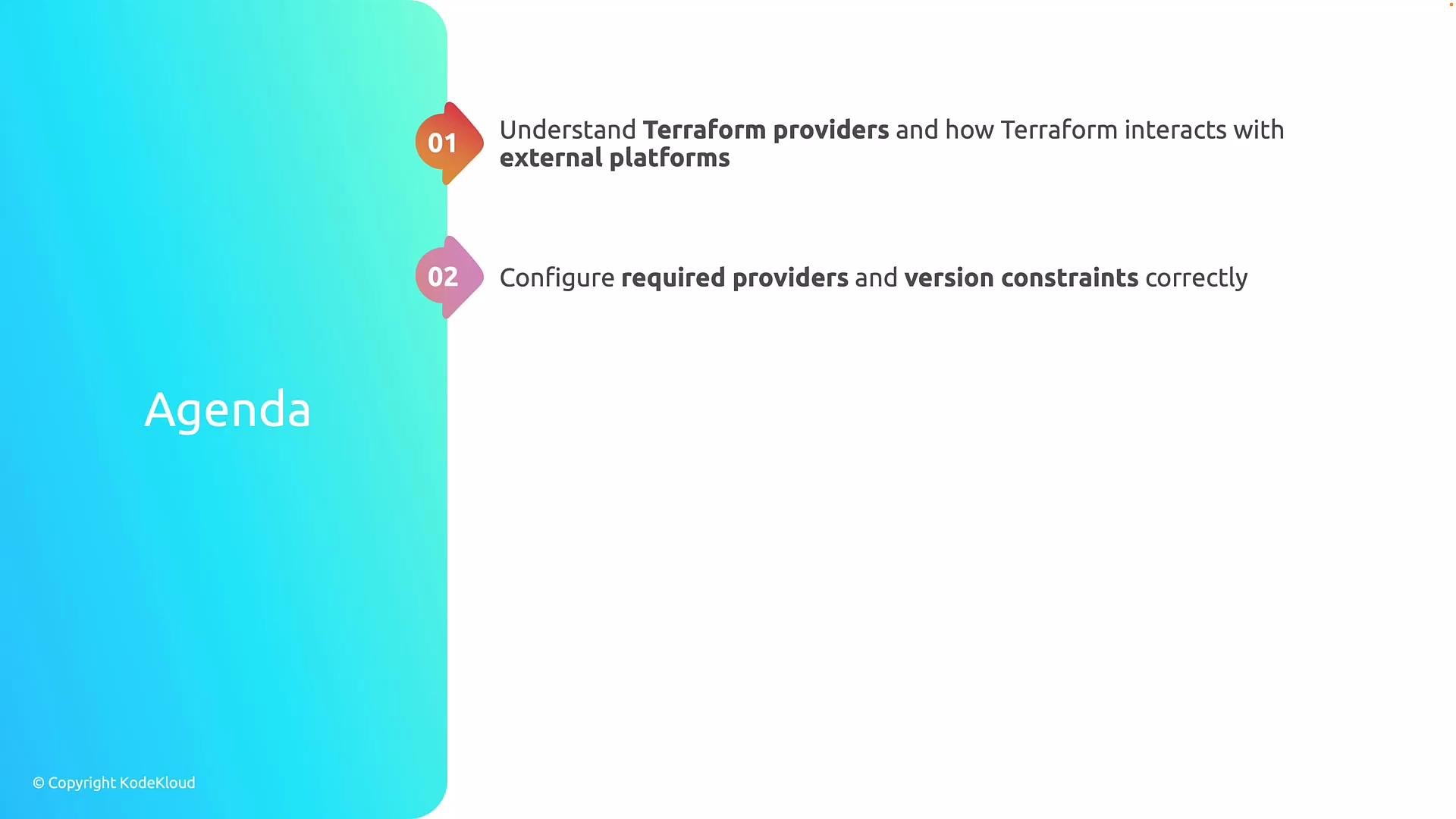
* What Terraform providers are and how Terraform uses them to interact with external platforms.
* How to declare `required_providers` and apply safe version constraints.
* A comparison of the AzureRM (`azurerm`) and AzAPI (`azapi`) providers and when to use each.
* How to handle multiple subscriptions/tenants with provider aliases.
 Consistent provider configuration and versioning are critical for predictable behavior in teams and CI pipelines. We’ll start with the fundamentals: what a provider is and how Terraform finds and configures them.
## What is a Terraform provider?
A provider is a plugin that implements resources and data sources for a target platform. Providers translate HCL into API calls (CRUD operations) against cloud platforms, SaaS services, or HTTP APIs.
Common examples:
* `hashicorp/aws` — AWS
* `hashicorp/azurerm` — Azure Resource Manager
* `azure/azapi` — Direct Azure REST API interactions
Key points:
* Providers are downloaded by `terraform init` from the Terraform Registry or other configured sources.
* Each provider exposes resource types and data sources you reference in HCL.
* You declare provider requirements in the `terraform` block (`required_providers`) and configure provider instances with `provider` blocks.
## How Terraform discovers and configures providers
Use the `terraform` block to declare provider sources and version constraints. Example:
```hcl theme={null}
terraform {
required_providers {
azurerm = {
source = "hashicorp/azurerm"
version = "~> 3.0"
}
azapi = {
source = "azure/azapi"
version = "~> 1.0"
}
}
}
```
Notes:
* `source` points to the namespace/provider on the registry (or to a custom hostname).
* `version` constrains which provider versions Terraform will install.
When you run `terraform init`, Terraform resolves and downloads the provider binaries and records checksums and versions in `.terraform.lock.hcl`.
### Version constraints and best practices
Common constraint styles:
* Exact: `= 3.45.0`
* Tilde (pessimistic): `~> 3.0` — allows `>= 3.0.0` and `< 4.0.0`
Best practices:
* Pin provider major versions (e.g., `~> 3.0`) to avoid surprises from breaking changes.
* Commit `.terraform.lock.hcl` to version control to guarantee consistent provider installs across machines and CI.
* Upgrade providers intentionally: update constraints, run `terraform init -upgrade`, and test in non-production environments first.
Always commit `.terraform.lock.hcl` and pin provider versions to ensure reproducible provider installs across developer machines and CI.
## Provider configuration and aliases
Provider instances are configured with `provider` blocks. For `azurerm`, you typically include an (often-empty) `features` block:
```hcl theme={null}
provider "azurerm" {
features = {}
}
```
To manage multiple subscriptions, tenants, or separate credential sets in one configuration, use provider aliases:
```hcl theme={null}
provider "azurerm" {
alias = "prod"
features = {}
subscription_id = "00000000-0000-0000-0000-000000000000"
tenant_id = "11111111-1111-1111-1111-111111111111"
}
provider "azurerm" {
alias = "dev"
features = {}
subscription_id = "22222222-2222-2222-2222-222222222222"
tenant_id = "33333333-3333-3333-3333-333333333333"
}
```
Reference an aliased provider on resources using the `provider` meta-argument:
```hcl theme={null}
resource "azurerm_resource_group" "prod_rg" {
provider = azurerm.prod
name = "rg-prod"
location = "eastus"
}
resource "azurerm_resource_group" "dev_rg" {
provider = azurerm.dev
name = "rg-dev"
location = "eastus"
}
```
Passing providers into modules:
```hcl theme={null}
module "network" {
source = "./modules/network"
providers = {
azurerm = azurerm.prod
}
# module inputs...
}
```
## AzureRM vs AzAPI: when to use each
Use the table below for a quick comparison and guidance.
| Provider | Primary purpose | When to use | Example strengths |
| ------------------- | ---------------------------------------------------------------- | ---------------------------------------------------------------------- | ----------------------------------------------------------------------- |
| `azurerm` (AzureRM) | Terraform-native provider for Azure Resource Manager | Stable, GA resources with full Terraform schema | Rich resource schema, better ergonomics, cross-resource integrations |
| `azapi` (AzAPI) | Low-level Azure REST API access via a generic resource primitive | Preview/new resource types, unsupported ARM types, custom ARM payloads | Direct ARM API access, supports raw JSON/ARM templates and preview APIs |
Examples:
* AzureRM (preferred when resource is supported and stable):
* Use `azurerm` for most production workloads
* Better ergonomics and state handling
* AzAPI (use when you need low-level control):
* Managing preview features or brand-new Azure services not yet modeled in `azurerm`
* Applying raw ARM templates or specifying `type` + API `version` directly
AzAPI example — creating a VM via raw ARM type and `body`:
```hcl theme={null}
resource "azapi_resource" "vm_example" {
type = "Microsoft.Compute/virtualMachines@2021-07-01"
name = "vm-example"
location = "eastus"
body = jsonencode({
properties = {
hardwareProfile = {
vmSize = "Standard_DS1_v2"
}
# other properties...
}
})
}
```
Guidelines:
* Prefer `azurerm` for GA resources for better Terraform-native support.
* Use `azapi` when you need immediate access to new API versions, preview features, or raw ARM payloads not yet covered by `azurerm`.
* It’s common to mix both providers in a single configuration — choose the right tool for the resource and be mindful of implicit dependencies (outputs, references, or ordering) between resources managed by different providers.
When mixing `azurerm` and `azapi`, explicitly manage dependencies (e.g., using `depends_on`) if the ordering matters and verify resource state interactions to avoid drift or race conditions.
## Additional operational notes
* `terraform init` resolves providers and records them in `.terraform.lock.hcl`. Commit this lock file to source control.
* Upgrading providers:
1. Change the version constraint in the `terraform` block.
2. Run `terraform init -upgrade`.
3. Run `terraform plan` and test in non-production.
* Use provider aliases to manage multiple subscriptions, tenants, or credentials in a single project.
* Consult official docs and registry pages for provider-specific behaviors:
* Terraform Providers: [https://www.terraform.io/docs/cli/providers/index.html](https://www.terraform.io/docs/cli/providers/index.html)
* AzureRM provider registry: [https://registry.terraform.io/providers/hashicorp/azurerm/latest](https://registry.terraform.io/providers/hashicorp/azurerm/latest)
* AzAPI provider registry: [https://registry.terraform.io/providers/azure/azapi/latest](https://registry.terraform.io/providers/azure/azapi/latest)
## Summary
* Providers connect Terraform to external platforms and are required for managing resources.
* Declare providers via `required_providers` and configure instances with `provider` blocks.
* Pin provider versions and commit `.terraform.lock.hcl` for reproducibility.
* Use `azurerm` for stable, supported Azure resources and `azapi` for new/preview or niche resources that require direct ARM API access.
* Use provider aliases to manage multiple subscriptions, tenants, or credential sets in the same configuration.
Practice these concepts with hands-on examples and incrementally apply provider upgrades in isolated environments to validate changes before production deployments.
Consistent provider configuration and versioning are critical for predictable behavior in teams and CI pipelines. We’ll start with the fundamentals: what a provider is and how Terraform finds and configures them.
## What is a Terraform provider?
A provider is a plugin that implements resources and data sources for a target platform. Providers translate HCL into API calls (CRUD operations) against cloud platforms, SaaS services, or HTTP APIs.
Common examples:
* `hashicorp/aws` — AWS
* `hashicorp/azurerm` — Azure Resource Manager
* `azure/azapi` — Direct Azure REST API interactions
Key points:
* Providers are downloaded by `terraform init` from the Terraform Registry or other configured sources.
* Each provider exposes resource types and data sources you reference in HCL.
* You declare provider requirements in the `terraform` block (`required_providers`) and configure provider instances with `provider` blocks.
## How Terraform discovers and configures providers
Use the `terraform` block to declare provider sources and version constraints. Example:
```hcl theme={null}
terraform {
required_providers {
azurerm = {
source = "hashicorp/azurerm"
version = "~> 3.0"
}
azapi = {
source = "azure/azapi"
version = "~> 1.0"
}
}
}
```
Notes:
* `source` points to the namespace/provider on the registry (or to a custom hostname).
* `version` constrains which provider versions Terraform will install.
When you run `terraform init`, Terraform resolves and downloads the provider binaries and records checksums and versions in `.terraform.lock.hcl`.
### Version constraints and best practices
Common constraint styles:
* Exact: `= 3.45.0`
* Tilde (pessimistic): `~> 3.0` — allows `>= 3.0.0` and `< 4.0.0`
Best practices:
* Pin provider major versions (e.g., `~> 3.0`) to avoid surprises from breaking changes.
* Commit `.terraform.lock.hcl` to version control to guarantee consistent provider installs across machines and CI.
* Upgrade providers intentionally: update constraints, run `terraform init -upgrade`, and test in non-production environments first.
Always commit `.terraform.lock.hcl` and pin provider versions to ensure reproducible provider installs across developer machines and CI.
## Provider configuration and aliases
Provider instances are configured with `provider` blocks. For `azurerm`, you typically include an (often-empty) `features` block:
```hcl theme={null}
provider "azurerm" {
features = {}
}
```
To manage multiple subscriptions, tenants, or separate credential sets in one configuration, use provider aliases:
```hcl theme={null}
provider "azurerm" {
alias = "prod"
features = {}
subscription_id = "00000000-0000-0000-0000-000000000000"
tenant_id = "11111111-1111-1111-1111-111111111111"
}
provider "azurerm" {
alias = "dev"
features = {}
subscription_id = "22222222-2222-2222-2222-222222222222"
tenant_id = "33333333-3333-3333-3333-333333333333"
}
```
Reference an aliased provider on resources using the `provider` meta-argument:
```hcl theme={null}
resource "azurerm_resource_group" "prod_rg" {
provider = azurerm.prod
name = "rg-prod"
location = "eastus"
}
resource "azurerm_resource_group" "dev_rg" {
provider = azurerm.dev
name = "rg-dev"
location = "eastus"
}
```
Passing providers into modules:
```hcl theme={null}
module "network" {
source = "./modules/network"
providers = {
azurerm = azurerm.prod
}
# module inputs...
}
```
## AzureRM vs AzAPI: when to use each
Use the table below for a quick comparison and guidance.
| Provider | Primary purpose | When to use | Example strengths |
| ------------------- | ---------------------------------------------------------------- | ---------------------------------------------------------------------- | ----------------------------------------------------------------------- |
| `azurerm` (AzureRM) | Terraform-native provider for Azure Resource Manager | Stable, GA resources with full Terraform schema | Rich resource schema, better ergonomics, cross-resource integrations |
| `azapi` (AzAPI) | Low-level Azure REST API access via a generic resource primitive | Preview/new resource types, unsupported ARM types, custom ARM payloads | Direct ARM API access, supports raw JSON/ARM templates and preview APIs |
Examples:
* AzureRM (preferred when resource is supported and stable):
* Use `azurerm` for most production workloads
* Better ergonomics and state handling
* AzAPI (use when you need low-level control):
* Managing preview features or brand-new Azure services not yet modeled in `azurerm`
* Applying raw ARM templates or specifying `type` + API `version` directly
AzAPI example — creating a VM via raw ARM type and `body`:
```hcl theme={null}
resource "azapi_resource" "vm_example" {
type = "Microsoft.Compute/virtualMachines@2021-07-01"
name = "vm-example"
location = "eastus"
body = jsonencode({
properties = {
hardwareProfile = {
vmSize = "Standard_DS1_v2"
}
# other properties...
}
})
}
```
Guidelines:
* Prefer `azurerm` for GA resources for better Terraform-native support.
* Use `azapi` when you need immediate access to new API versions, preview features, or raw ARM payloads not yet covered by `azurerm`.
* It’s common to mix both providers in a single configuration — choose the right tool for the resource and be mindful of implicit dependencies (outputs, references, or ordering) between resources managed by different providers.
When mixing `azurerm` and `azapi`, explicitly manage dependencies (e.g., using `depends_on`) if the ordering matters and verify resource state interactions to avoid drift or race conditions.
## Additional operational notes
* `terraform init` resolves providers and records them in `.terraform.lock.hcl`. Commit this lock file to source control.
* Upgrading providers:
1. Change the version constraint in the `terraform` block.
2. Run `terraform init -upgrade`.
3. Run `terraform plan` and test in non-production.
* Use provider aliases to manage multiple subscriptions, tenants, or credentials in a single project.
* Consult official docs and registry pages for provider-specific behaviors:
* Terraform Providers: [https://www.terraform.io/docs/cli/providers/index.html](https://www.terraform.io/docs/cli/providers/index.html)
* AzureRM provider registry: [https://registry.terraform.io/providers/hashicorp/azurerm/latest](https://registry.terraform.io/providers/hashicorp/azurerm/latest)
* AzAPI provider registry: [https://registry.terraform.io/providers/azure/azapi/latest](https://registry.terraform.io/providers/azure/azapi/latest)
## Summary
* Providers connect Terraform to external platforms and are required for managing resources.
* Declare providers via `required_providers` and configure instances with `provider` blocks.
* Pin provider versions and commit `.terraform.lock.hcl` for reproducibility.
* Use `azurerm` for stable, supported Azure resources and `azapi` for new/preview or niche resources that require direct ARM API access.
* Use provider aliases to manage multiple subscriptions, tenants, or credential sets in the same configuration.
Practice these concepts with hands-on examples and incrementally apply provider upgrades in isolated environments to validate changes before production deployments.