> ## Documentation Index
> Fetch the complete documentation index at: https://notes.kodekloud.com/llms.txt
> Use this file to discover all available pages before exploring further.
# Introduction
> Explains Terraform CLI workspaces, how to manage multiple state instances, workspace commands, comparisons with separate backends, limitations, and best practices.
Terraform workspaces
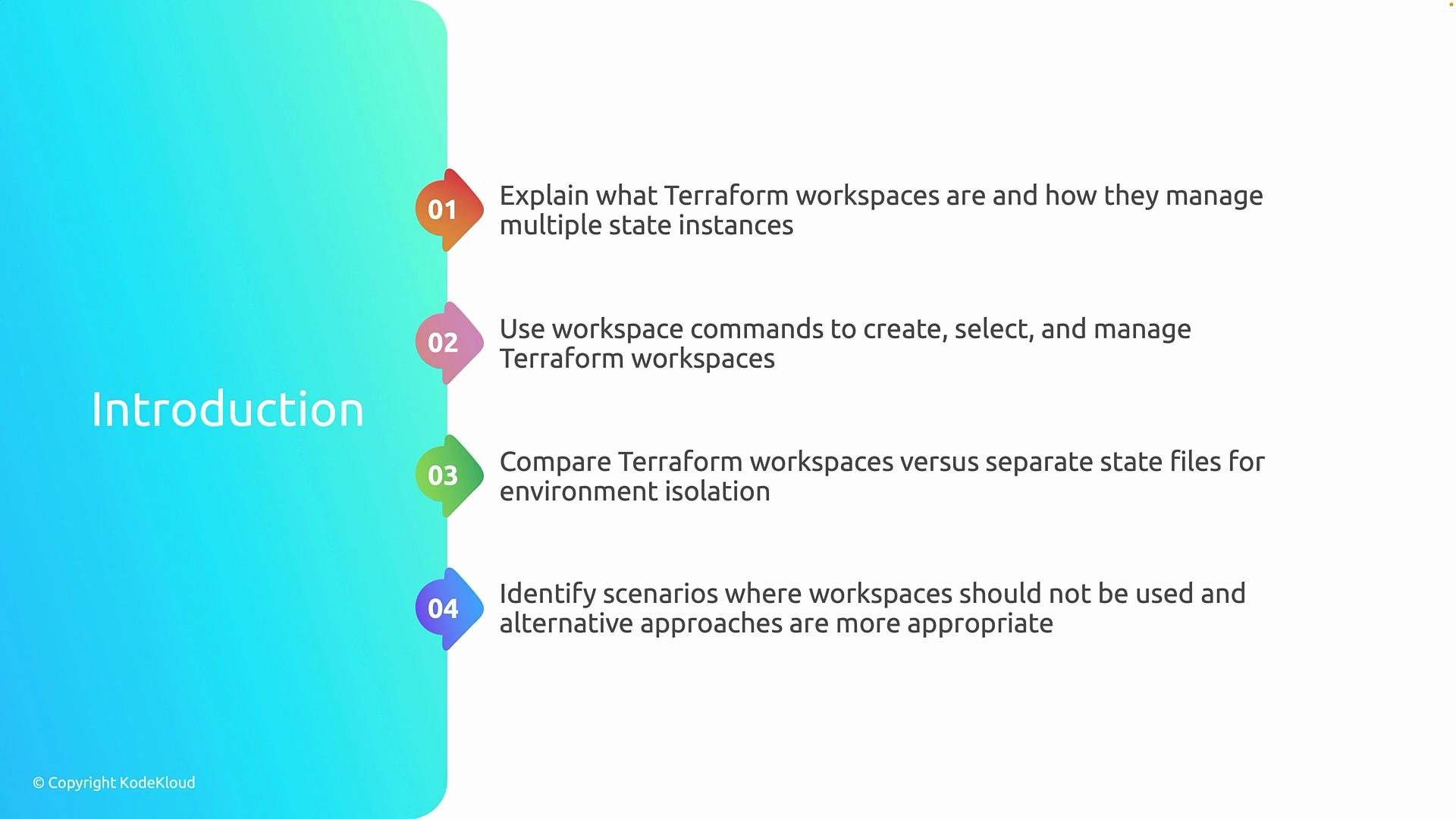
This lesson introduces Terraform workspaces and shows how a single set of Terraform configuration files can manage multiple isolated state instances. You will learn the workspace commands to create, list, select, and delete workspaces, compare CLI workspaces with separate state files/backends, and identify when workspaces are not appropriate so you can choose alternative approaches.
 Terraform CLI workspaces provide a lightweight way to maintain multiple state snapshots from the same configuration files. Each workspace stores its own Terraform state, enabling you to reuse a single codebase to manage multiple environments (for example: `dev`, `staging`, `prod`) without copying or duplicating the configuration.
What workspaces do and do not do:
* They isolate Terraform state only. They do not automatically create separate cloud accounts, provider configurations, or change resource identifiers.
* Resource naming collisions can occur when different workspaces deploy resources with identical names to the same provider account. Avoid collisions by making resource names workspace-aware (for example: `\`${local.prefix}-${terraform.workspace}\`\`).
* The default workspace is named `default`. Creating a new workspace does not modify your configuration files.
Terraform CLI workspaces are a state-scoping mechanism only. If you need stronger isolation (different accounts, different backends, or different provider configurations), consider separate state files/backends or separate configurations.
Common workspace commands
```bash theme={null}
# Show the currently selected workspace
terraform workspace show
# List workspaces
terraform workspace list
# Create a new workspace (and switch to it)
terraform workspace new dev
# Select an existing workspace
terraform workspace select prod
# Delete a workspace (cannot delete the current workspace)
terraform workspace delete staging
```
Quick comparison: when to use workspaces vs separate backends
| Use case | Prefer Terraform CLI workspaces | Prefer separate state files / backends or separate configurations |
| --------------------------------------------------------------------- | ------------------------------------------------------------------- | ------------------------------------------------------------------------------- |
| Multiple lightweight states from the same code | Yes — when environments differ mainly by variables or name prefixes | No |
| Different provider accounts or credentials | No — workspaces do not switch providers or credentials | Yes — use separate backends or configurations |
| Strict isolation for billing, compliance, or RBAC | No — state isolation alone is insufficient | Yes — use separate backends, accounts, or Terraform Cloud/Enterprise workspaces |
| Substantially different infrastructure (different modules/lifecycles) | No — hard to manage within one configuration | Yes — maintain separate configurations or directories |
When not to use workspaces
* Do not rely on CLI workspaces for isolation across cloud accounts, subscriptions, or provider credentials — they do not change provider endpoints or authentication.
* Avoid workspaces if environments require significant configuration differences, distinct lifecycles, or unique module compositions.
* If you need independent CI/CD pipelines, strict access control per environment, or separate backends, prefer separate state backends or Terraform Cloud/Enterprise workspaces (these are different from CLI workspaces).
Practical tips and best practices
* Make resource names workspace-aware to prevent collisions: `\`${local.prefix}-${terraform.workspace}\`\`.
* Always confirm the active workspace before applying changes: `terraform workspace show`.
* Keep variable values and small differences parameterized via variables, locals, or input files when using workspaces.
* Use separate backends or completely separate configurations when you need account-level isolation, different provider blocks, or strict compliance controls.
* Consider naming conventions and CI workflows that explicitly select or set the workspace before planning/applying to avoid accidental operations in the wrong state.
Additional links and references
* [Terraform: State & Backends](https://developer.hashicorp.com/terraform/language/state/backends)
* [Terraform Cloud: Workspaces](https://developer.hashicorp.com/terraform/cloud/workspaces)
* [Terraform CLI workspaces documentation](https://developer.hashicorp.com/terraform/cli/commands/workspace)
Terraform CLI workspaces provide a lightweight way to maintain multiple state snapshots from the same configuration files. Each workspace stores its own Terraform state, enabling you to reuse a single codebase to manage multiple environments (for example: `dev`, `staging`, `prod`) without copying or duplicating the configuration.
What workspaces do and do not do:
* They isolate Terraform state only. They do not automatically create separate cloud accounts, provider configurations, or change resource identifiers.
* Resource naming collisions can occur when different workspaces deploy resources with identical names to the same provider account. Avoid collisions by making resource names workspace-aware (for example: `\`${local.prefix}-${terraform.workspace}\`\`).
* The default workspace is named `default`. Creating a new workspace does not modify your configuration files.
Terraform CLI workspaces are a state-scoping mechanism only. If you need stronger isolation (different accounts, different backends, or different provider configurations), consider separate state files/backends or separate configurations.
Common workspace commands
```bash theme={null}
# Show the currently selected workspace
terraform workspace show
# List workspaces
terraform workspace list
# Create a new workspace (and switch to it)
terraform workspace new dev
# Select an existing workspace
terraform workspace select prod
# Delete a workspace (cannot delete the current workspace)
terraform workspace delete staging
```
Quick comparison: when to use workspaces vs separate backends
| Use case | Prefer Terraform CLI workspaces | Prefer separate state files / backends or separate configurations |
| --------------------------------------------------------------------- | ------------------------------------------------------------------- | ------------------------------------------------------------------------------- |
| Multiple lightweight states from the same code | Yes — when environments differ mainly by variables or name prefixes | No |
| Different provider accounts or credentials | No — workspaces do not switch providers or credentials | Yes — use separate backends or configurations |
| Strict isolation for billing, compliance, or RBAC | No — state isolation alone is insufficient | Yes — use separate backends, accounts, or Terraform Cloud/Enterprise workspaces |
| Substantially different infrastructure (different modules/lifecycles) | No — hard to manage within one configuration | Yes — maintain separate configurations or directories |
When not to use workspaces
* Do not rely on CLI workspaces for isolation across cloud accounts, subscriptions, or provider credentials — they do not change provider endpoints or authentication.
* Avoid workspaces if environments require significant configuration differences, distinct lifecycles, or unique module compositions.
* If you need independent CI/CD pipelines, strict access control per environment, or separate backends, prefer separate state backends or Terraform Cloud/Enterprise workspaces (these are different from CLI workspaces).
Practical tips and best practices
* Make resource names workspace-aware to prevent collisions: `\`${local.prefix}-${terraform.workspace}\`\`.
* Always confirm the active workspace before applying changes: `terraform workspace show`.
* Keep variable values and small differences parameterized via variables, locals, or input files when using workspaces.
* Use separate backends or completely separate configurations when you need account-level isolation, different provider blocks, or strict compliance controls.
* Consider naming conventions and CI workflows that explicitly select or set the workspace before planning/applying to avoid accidental operations in the wrong state.
Additional links and references
* [Terraform: State & Backends](https://developer.hashicorp.com/terraform/language/state/backends)
* [Terraform Cloud: Workspaces](https://developer.hashicorp.com/terraform/cloud/workspaces)
* [Terraform CLI workspaces documentation](https://developer.hashicorp.com/terraform/cli/commands/workspace)