> ## Documentation Index
> Fetch the complete documentation index at: https://notes.kodekloud.com/llms.txt
> Use this file to discover all available pages before exploring further.
# Root Configuration and Remote State
> This guide explains how to centralize Terraform state and streamline provider configuration using Terragrunt.
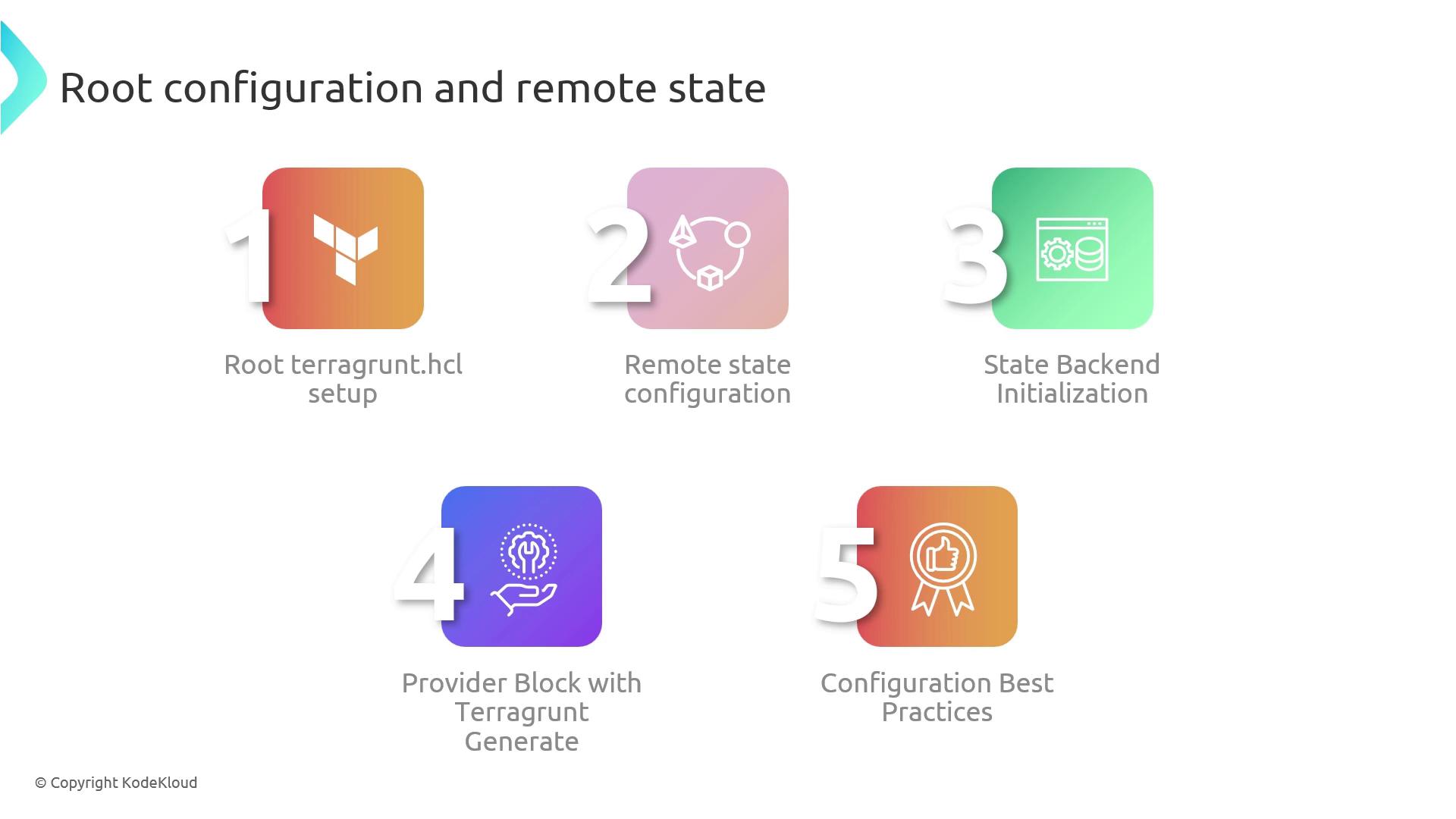
In this guide, you’ll learn how to centralize Terraform state, enforce global settings, and streamline provider configuration using Terragrunt. A well-structured root `terragrunt.hcl` file acts as the single source of truth for your entire infrastructure, while remote state ensures safe, consistent deployments across teams.
## Overview of Root `terragrunt.hcl`
Your root configuration defines global variables, backends, and provider settings. Terragrunt then propagates these definitions into each module directory, reducing duplication and drift.
Key benefits:
* Centralized state locking and storage
* Consistent provider versions and regions
* Easier maintenance and onboarding
## 1. Remote State Backend Setup
Use the `remote_state` block in your root `terragrunt.hcl` to specify where Terraform will store its state:
```hcl theme={null}
remote_state {
backend = "s3"
config = {
bucket = "my-terraform-state"
key = "envs/prod/terraform.tfstate"
region = "us-west-2"
dynamodb_table = "terraform-locks"
encrypt = true
}
}
```
| Parameter | Description | Example |
| --------------- | -------------------------------------- | ------------------------------- |
| backend | Remote state backend type | `"s3"`, `"gcs"` |
| bucket | Name of the S3 (or GCS) bucket | `"my-terraform-state"` |
| key | Path within the bucket for the state | `"envs/prod/terraform.tfstate"` |
| region | AWS region where the bucket is located | `"us-west-2"` |
| dynamodb\_table | DynamoDB table for state locking | `"terraform-locks"` |
| encrypt | Enable server-side encryption | `true` |
Terragrunt will initialize the backend automatically, but it **won’t** create the S3 bucket or DynamoDB table for you.\
Ensure these resources exist beforehand.
## 2. Initializing Remote State
Run the following command at the root to configure your remote backend and enable state locking:
```bash theme={null}
terragrunt init
```
This initializes the specified backend so Terraform can securely store and lock its state.
## 3. Provider Configuration via `generate`
To enforce a unified provider setup across modules, use the `generate` block:
```hcl theme={null}
generate "provider" {
path = "providers.tf"
if_exists = "overwrite"
contents = <
Using `if_exists = "overwrite"` will replace any existing `providers.tf` file in your module directories.\
Backup or merge custom provider configurations if necessary.
## 4. Terragrunt Best Practices
* **Parameterize globally**: Leverage root-level variables and `locals` to adapt to multiple environments.
* **Document heavily**: Add comments and examples in `terragrunt.hcl` to help team members onboard quickly.
* **Use dynamic blocks**: Employ loops and conditional blocks for DRY configurations.
* **Structure by environment**: Group stages (dev, staging, prod) under separate folders for clarity.
## References
* [Terragrunt Documentation](https://terragrunt.gruntwork.io/docs/)
* [Terraform Remote State](https://www.terraform.io/language/state/remote)
* [AWS S3 Backend](https://registry.terraform.io/providers/hashicorp/aws/latest/docs/resources/s3_bucket)