> ## Documentation Index
> Fetch the complete documentation index at: https://notes.kodekloud.com/llms.txt
> Use this file to discover all available pages before exploring further.
# Section Introduction
> This lesson combines Terragrunt and AWS to build a sample project demonstrating infrastructure-as-code concepts with a fully deployed AWS demo.
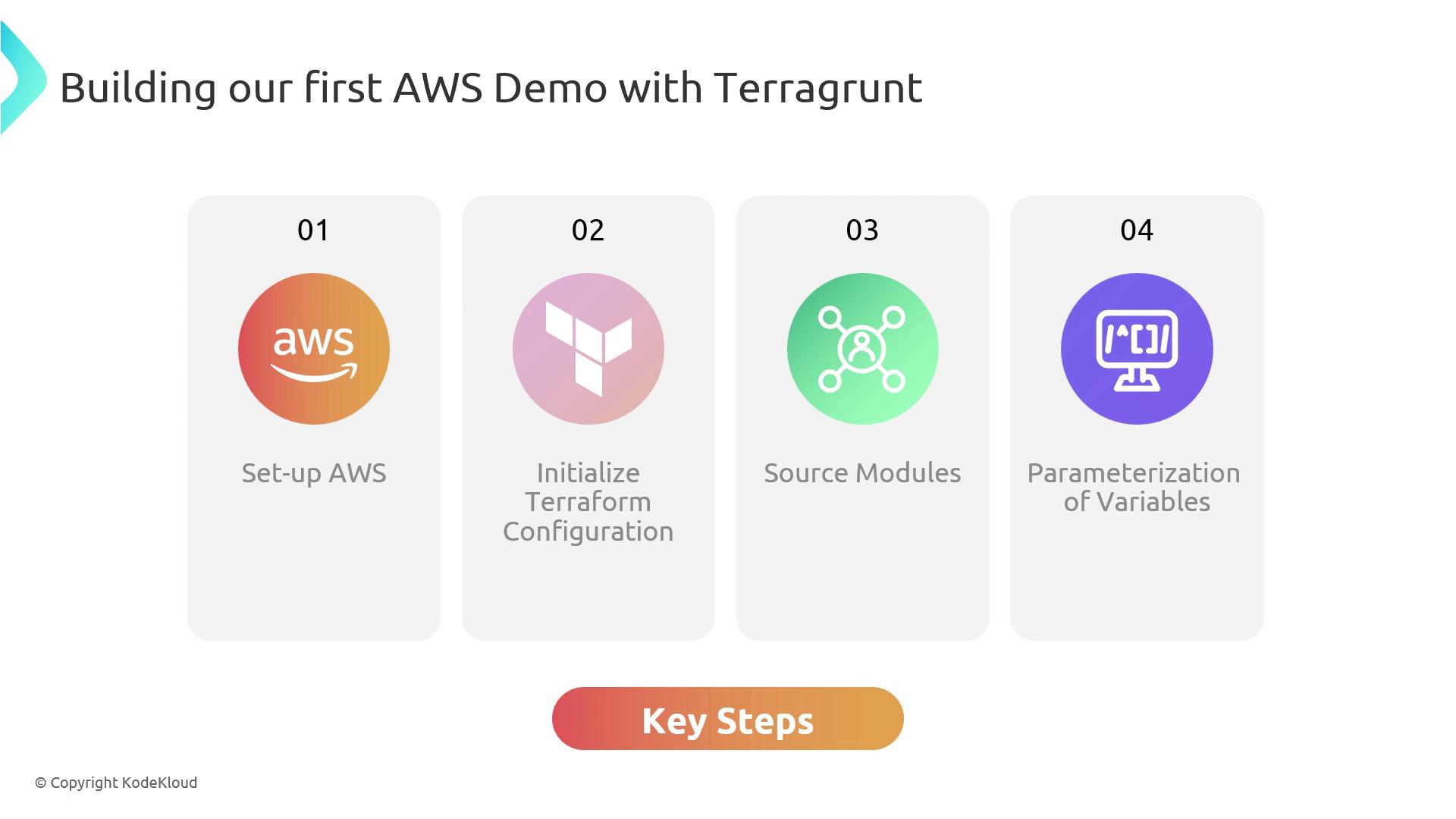
In this lesson, we’ll combine [Terragrunt](https://terragrunt.gruntwork.io/) and AWS to build a sample project that demonstrates core infrastructure-as-code concepts. By the end, you’ll have a fully deployed AWS demo showcasing Terragrunt’s power. Our primary objectives include:
| Objective | Description |
| --------------------------------- | --------------------------------------------------------------------------------------------------------------------------------------------------------------------------------------------------------------- |
| Configure AWS Credentials | Set up environment variables, [AWS CLI](https://docs.aws.amazon.com/cli/latest/userguide/cli-chap-welcome.html) profiles, or [AWS SSO](https://docs.aws.amazon.com/singlesignon/latest/userguide/what-is.html). |
| Define Terragrunt Configuration | Create a `terragrunt.hcl` file with input variables to parameterize your AWS resources. |
| Leverage Public & Private Modules | Integrate community modules from the [Terraform Registry](https://registry.terraform.io/) and private Git repositories. |
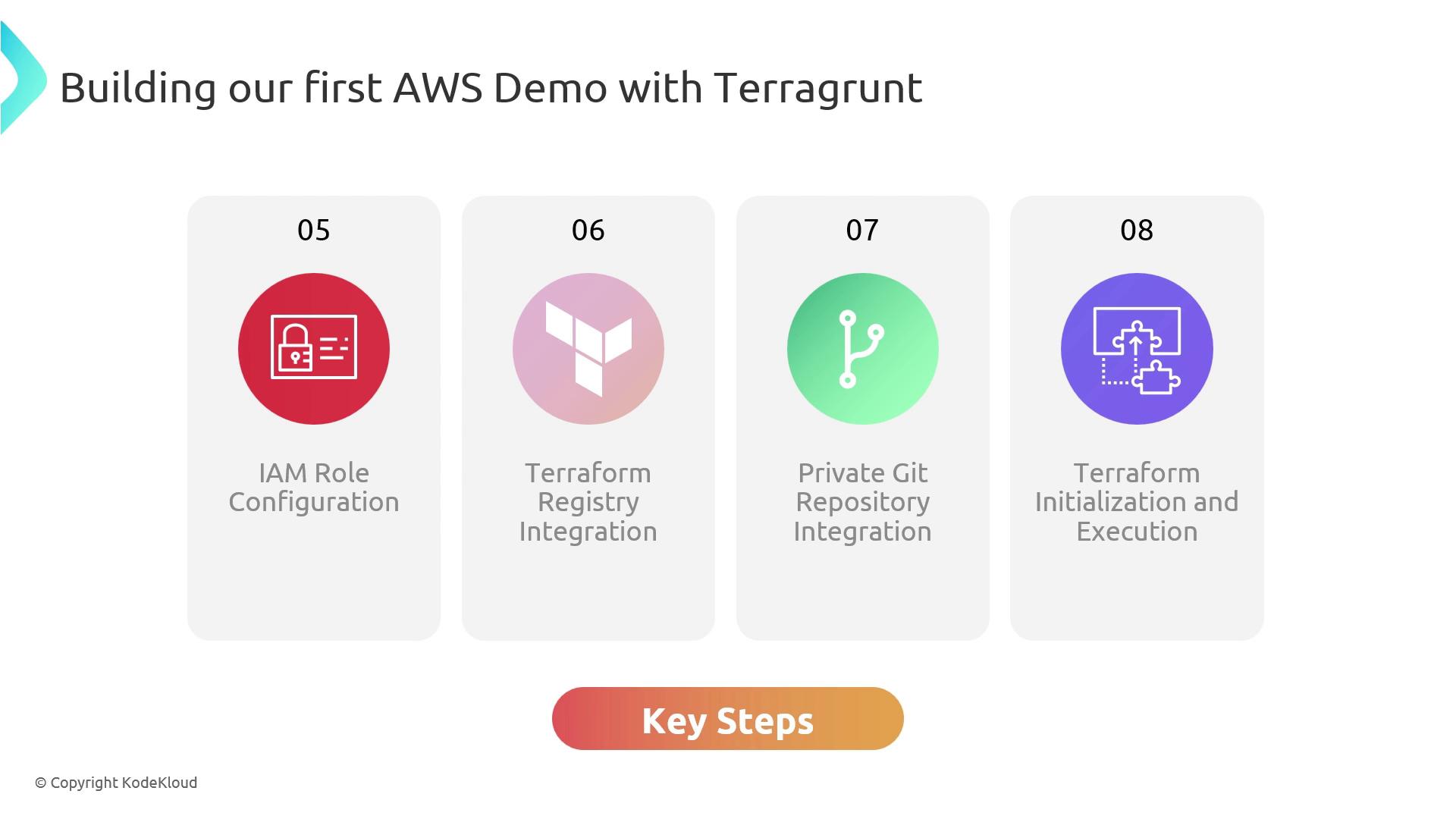
| Secure with IAM Roles | Enforce least-privilege access through IAM role configurations in Terragrunt. |
| Initialize & Deploy | Run `terragrunt init` and `terragrunt apply` to provision resources. |
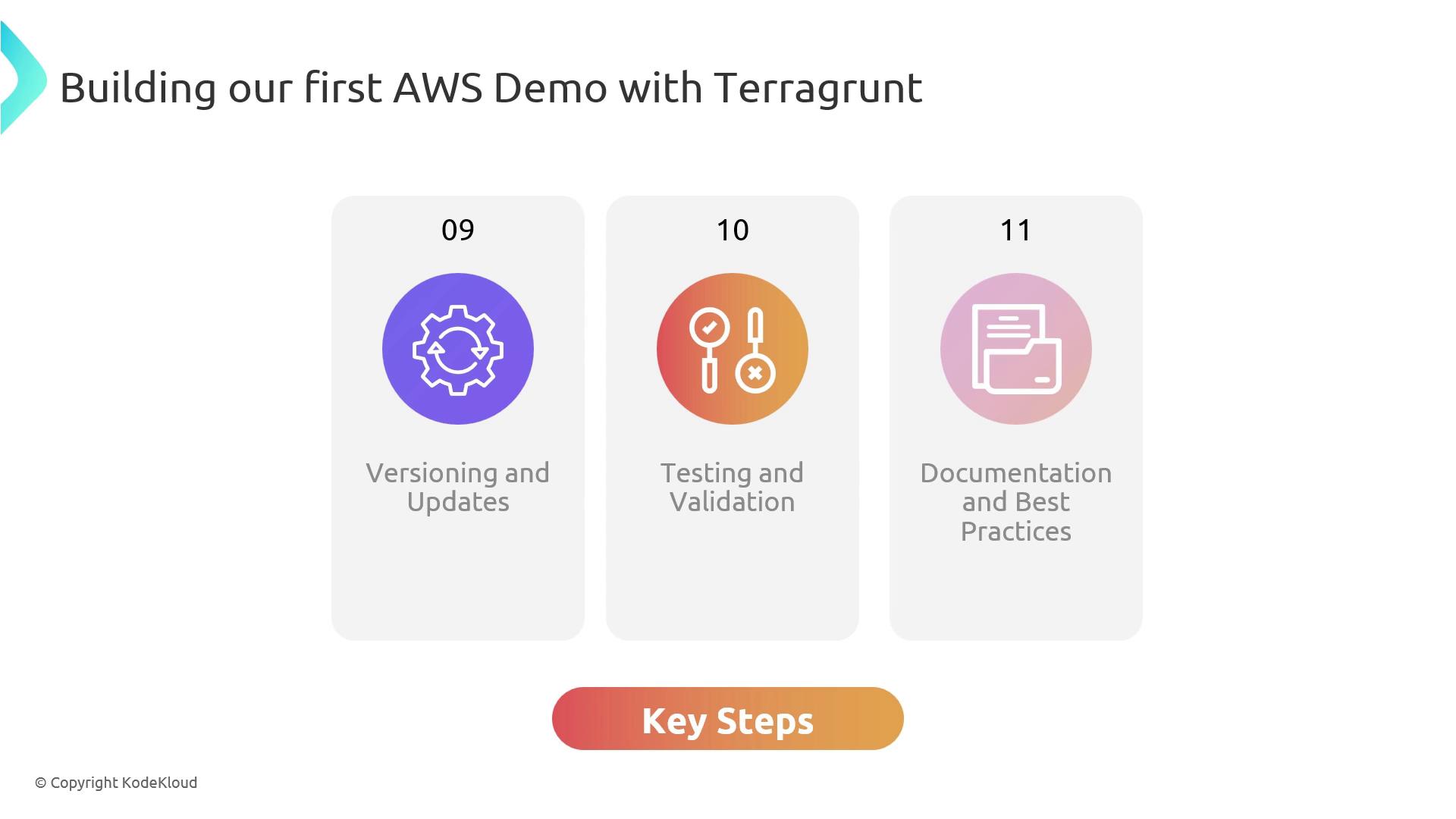
| Version Control & Testing | Lock module versions, validate infrastructure, and document best practices. |
Ensure your AWS credentials are configured correctly before you begin. Missing or misconfigured credentials will prevent Terragrunt from accessing AWS resources.
Next, create a new `terragrunt.hcl` file with these steps:
1. Define input variables to parameterize your AWS resources.
2. Reference modules from the public Terraform Registry or Git repositories.
3. Use variables to keep your infrastructure reusable and flexible.
## Security & Module Sourcing
* Configure IAM roles in Terragrunt to enforce least-privilege access.
* Integrate community-built modules from the Terraform Registry.
* Source custom modules from private Git repositories, handling authentication and secure access.
Always follow the principle of least privilege. Overly permissive IAM roles can expose your AWS account to security risks.
Once your configuration is ready, initialize and deploy:
```bash theme={null}
terragrunt init
terragrunt apply
```
## Versioning, Testing & Documentation
To ensure stability and reproducibility:
| Best Practice | Description |
| ----------------------- | ------------------------------------------------------------------------------------ |
| Module Version Pinning | Lock module versions in your `terragrunt.hcl` to avoid breaking changes. |
| Automated Validation | Use `terragrunt validate` and testing frameworks to catch errors early. |
| Documentation & Reviews | Maintain clear README files, code comments, and peer reviews for your configuration. |
By following these steps, you’ll deploy a fully functional AWS demo project that highlights practical Terragrunt usage for infrastructure as code. Let’s get started and build something awesome together!
## Links and References
* [Terragrunt Documentation](https://terragrunt.gruntwork.io/)
* [AWS CLI Guide](https://docs.aws.amazon.com/cli/latest/userguide/cli-chap-welcome.html)
* [Terraform Registry](https://registry.terraform.io/)
* [AWS SSO Overview](https://docs.aws.amazon.com/singlesignon/latest/userguide/what-is.html)