> ## Documentation Index
> Fetch the complete documentation index at: https://notes.kodekloud.com/llms.txt
> Use this file to discover all available pages before exploring further.
# DynamoDB as a Locking Mechanism
> This article discusses using AWS DynamoDB for state locking in Terraform and Terragrunt to prevent deployment conflicts and ensure serialized state modifications.
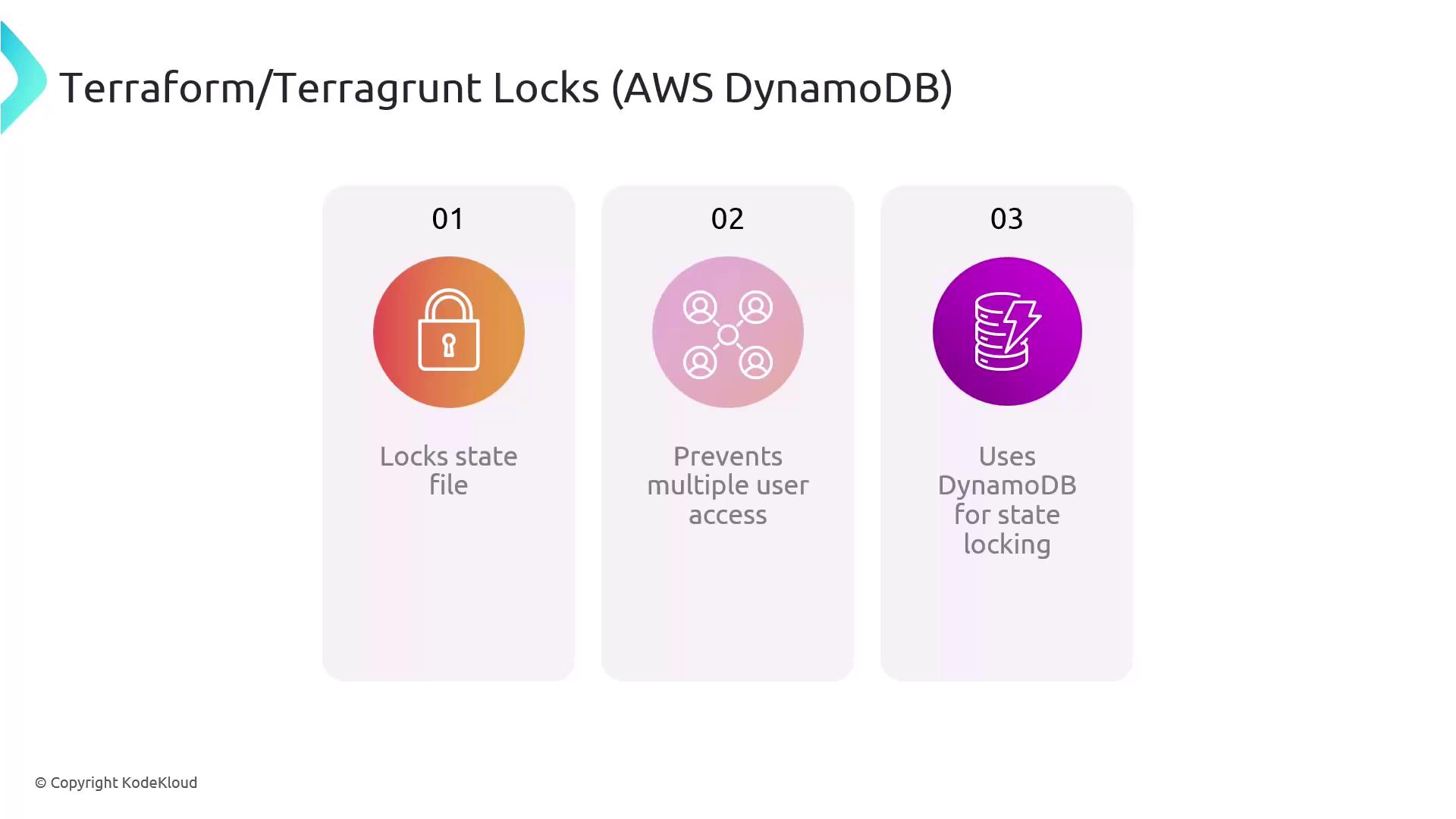
Leveraging **AWS DynamoDB** for state locking is a best practice when using Terraform or Terragrunt in team environments. By coordinating locks through DynamoDB, you ensure that only one operation can modify your infrastructure state at a time, eliminating deployment conflicts and race conditions.
* Guarantees serialized state modifications
* Prevents concurrent `terraform apply` or `terragrunt apply` runs
* Provides a scalable, highly available lock backend in AWS
## Understanding Terraform & Terragrunt State Locks
Terraform and Terragrunt implement a locking mechanism to safeguard the `.tfstate` file during operations that write state changes. When one user or process holds the lock:
* All other operations are blocked until the lock is released
* Accidental overwrites and drift are prevented
* Collaboration becomes predictable and conflict-free
Here’s a quick overview of how the components fit together:
| Component | Role | Example Configuration |
| -------------- | ---------------------------------------- | --------------------------------------------- |
| S3 Backend | Stores the Terraform state file securely | `bucket = "my-terraform-state-bucket"` |
| DynamoDB Table | Manages concurrent locks | `dynamodb_table = "terraform-locks"` |
| Key Path | Namespaces state per environment/module | `key = "${path_relative_to_include()}/state"` |
## Configuring Remote State in Terragrunt
Terragrunt can automatically create the required DynamoDB table when you define your remote state. Add the following block to your `terragrunt.hcl`:
```hcl theme={null}
remote_state {
backend = "s3"
config = {
bucket = "my-terraform-state-bucket"
key = "${path_relative_to_include()}/terraform.tfstate"
region = "us-west-2"
dynamodb_table = "terraform-locks"
encrypt = true
}
}
```
Terragrunt checks for the existence of the DynamoDB table and creates it if missing—no manual setup required. Ensure your IAM role has permissions for `dynamodb:CreateTable`.
## Handling Stuck Locks
Network interruptions or process crashes can leave stale locks in DynamoDB. To resolve this, use the Terraform CLI’s `force-unlock` command:
```bash theme={null}
terraform force-unlock LOCK_ID
```
Replace `LOCK_ID` with the identifier from the error message. This removes the lock entry in DynamoDB and lets you proceed.
`force-unlock` bypasses safety checks. Only use it when you are certain no other process is applying changes.
***
## Further Reading and References
* [Terraform Remote State](https://www.terraform.io/language/state/remote)
* [Terragrunt Documentation](https://terragrunt.gruntwork.io/docs/)
* [AWS DynamoDB Developer Guide](https://docs.aws.amazon.com/amazondynamodb/latest/developerguide/Introduction.html)
* [Managing State Locking](https://www.terraform.io/language/state/locking)