> ## Documentation Index
> Fetch the complete documentation index at: https://notes.kodekloud.com/llms.txt
> Use this file to discover all available pages before exploring further.
# Setting up DynamoDB Locks
> This article explains how to set up DynamoDB locks using Terraform and Terragrunt for managing state file consistency in Infrastructure as Code workflows.
Implementing state locking is critical for any Infrastructure as Code (IaC) workflow. By leveraging AWS DynamoDB, Terraform and Terragrunt coordinate changes to prevent conflicting updates and ensure consistency.
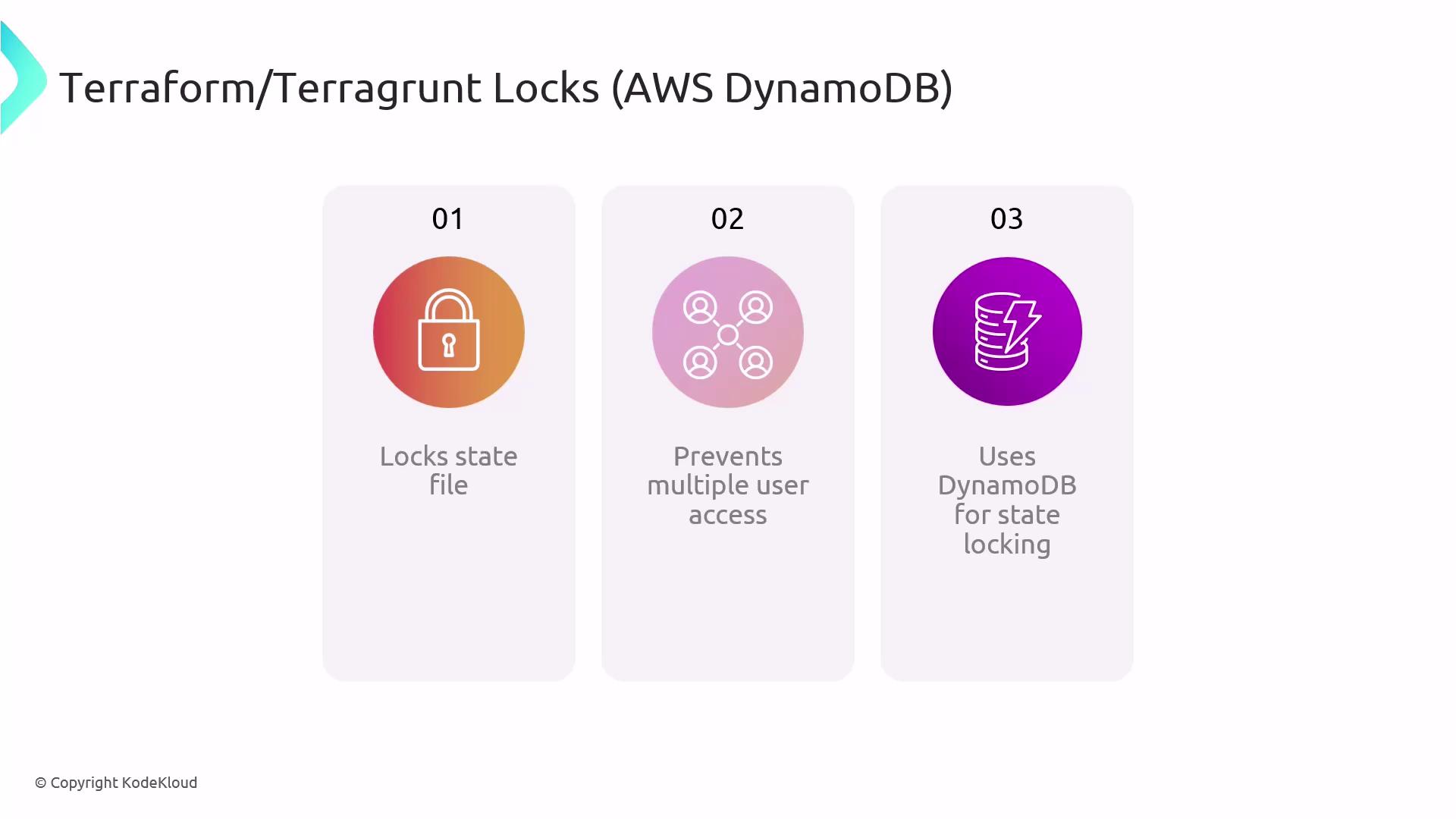
Terraform and Terragrunt acquire a lock before performing any write operations on the state file. In AWS-based pipelines, DynamoDB acts as the lock manager. This setup guarantees:
* Exclusive write access to the state
* Automatic creation of the lock table (when using Terragrunt’s `remote_state`)
* Reliable, distributed coordination across teams and CI/CD environments
## Configuring `remote_state` in Terragrunt
To enable DynamoDB locking, define a `remote_state` block in your `terragrunt.hcl`. Terragrunt will create the DynamoDB table if it doesn’t already exist.
```hcl theme={null}
remote_state {
backend = "s3"
config = {
bucket = "my-terraform-state-bucket"
key = "envs/prod/terraform.tfstate"
region = "us-east-1"
encrypt = true
dynamodb_table = "my-terraform-lock-table"
}
}
```
Terragrunt automatically provisions the DynamoDB table specified by `dynamodb_table`. You only need AWS IAM permissions for S3 and DynamoDB table creation.
| Backend Option | Description | Example Value |
| --------------- | ------------------------------------------------ | ------------------------------- |
| bucket | S3 bucket name for state storage | `"my-terraform-state-bucket"` |
| key | Path within bucket for the `.tfstate` file | `"envs/prod/terraform.tfstate"` |
| region | AWS region for both S3 and DynamoDB operations | `"us-east-1"` |
| encrypt | Enable server-side encryption (SSE) for the file | `true` |
| dynamodb\_table | DynamoDB table name for state locking | `"my-terraform-lock-table"` |
## Handling Stuck Locks
If a Terraform or Terragrunt process crashes mid-run, the DynamoDB lock may remain, blocking subsequent operations. Use the force-unlock command to clear a stuck lock.
```bash theme={null}
# Retrieve the LOCK ID from the error output, then run:
terragrunt force-unlock LOCK_ID --terragrunt-non-interactive
```
Forcing an unlock can lead to concurrent modifications if another process is still running. Always verify no other operations are active before using `force-unlock`.
## Benefits of DynamoDB State Locking
| Benefit | Description |
| --------------------------- | ----------------------------------------------------------------------------- |
| Single-Writer Enforcement | Prevents multiple users or CI jobs from applying at the same time |
| Automated Table Management | Terragrunt creates and manages the DynamoDB lock table, reducing manual steps |
| Robust CI/CD Integration | Locks persist across distributed pipelines, ensuring consistent state access |
| Safe Recovery from Failures | `force-unlock` provides a backdoor to unblock state operations |
By combining Terraform, Terragrunt, Amazon S3, and DynamoDB locks, teams can focus on building infrastructure rather than wrestling with state conflicts.
## Links and References
* [Terraform Remote State](https://www.terraform.io/language/state/remote)
* [Terragrunt Documentation](https://terragrunt.gruntwork.io/docs/)
* [AWS DynamoDB Developer Guide](https://docs.aws.amazon.com/amazondb/)
* [Managing Locks with S3 and DynamoDB](https://www.terraform.io/docs/cloud/run/lock.html)