> ## Documentation Index
> Fetch the complete documentation index at: https://notes.kodekloud.com/llms.txt
> Use this file to discover all available pages before exploring further.
# Terragrunt Attribute Overview
> This guide explores key Terragrunt configuration attributes for advanced control over Infrastructure as Code workflows.
In this guide, we’ll dive into key Terragrunt configuration attributes that unlock advanced control over your Infrastructure as Code workflows. You’ll learn how to parameterize Terraform modules, optimize caching, enforce security safeguards, and handle transient errors—empowering you to build resilient, maintainable deployments.
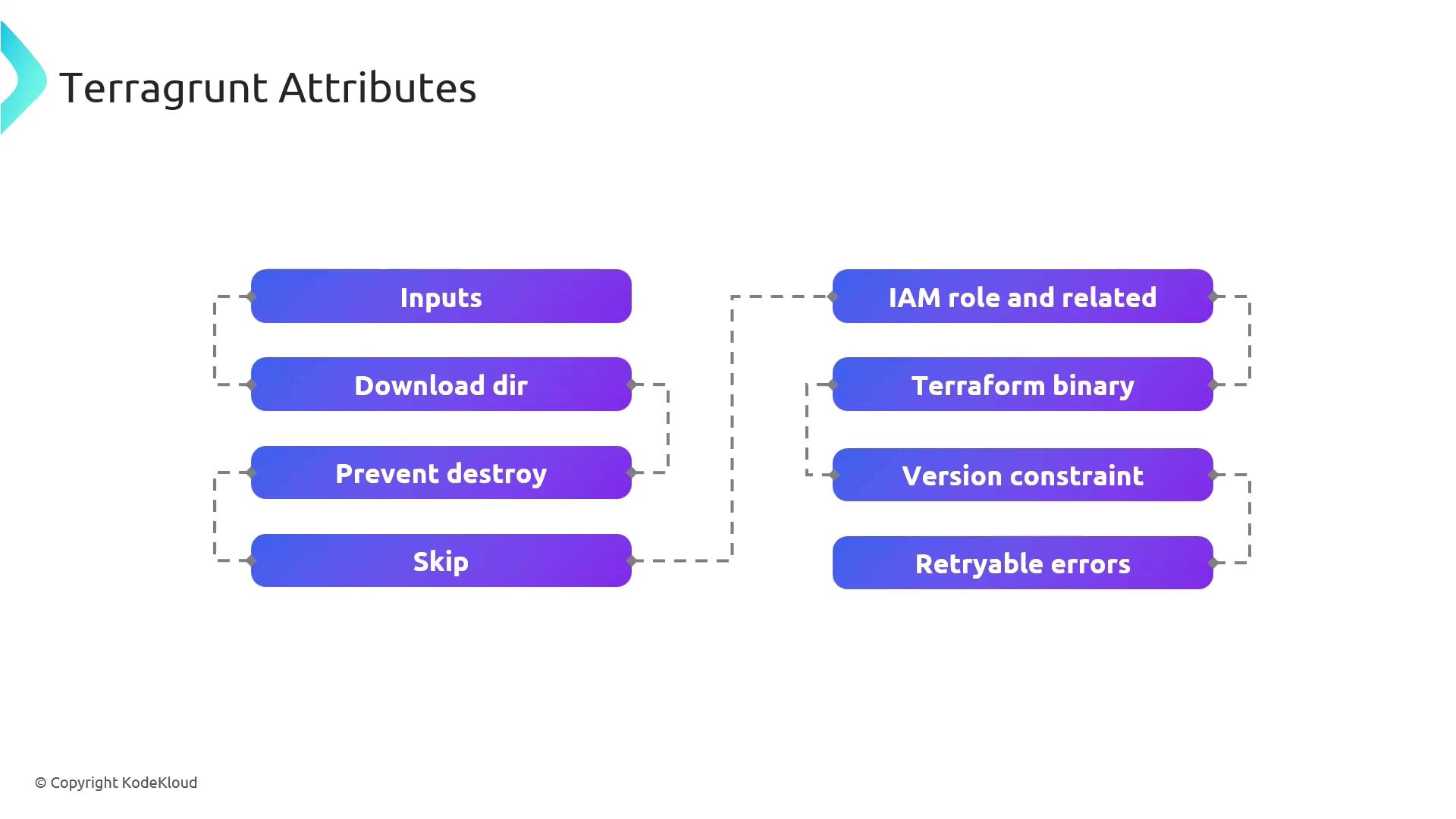
## Attribute Summary
| Attribute | Purpose |
| ------------------- | -------------------------------------------------------------------------------- |
| inputs | Pass variables into Terraform modules for dynamic parameterization. |
| download\_dir | Define a local cache directory for remote Terraform modules and providers. |
| prevent\_destroy | Protect critical resources from accidental deletion during `apply` or `destroy`. |
| skip | Exclude specific Terragrunt blocks or commands from execution. |
| iam\_role | Configure AWS IAM roles and permissions for Terraform operations. |
| terraform\_binary | Specify a custom Terraform executable or version. |
| version\_constraint | Enforce version rules for both Terraform and Terragrunt binaries. |
| retryable\_errors | List error patterns that Terragrunt retries automatically on failure. |
***
## Detailed Attribute Guide
### inputs
Define a map of input variables to inject into your Terraform modules.
```hcl theme={null}
# terragrunt.hcl
inputs = {
environment = "production"
region = "us-east-1"
}
```
Use precise variable names in `inputs` to match your Terraform module's `variables.tf` definitions.
### download\_dir
Specify where Terragrunt downloads remote modules, providers, and configuration files. This optimizes build speed by caching dependencies locally.
```hcl theme={null}
download_dir = "${get_terragrunt_dir()}/.terragrunt-cache"
```
### prevent\_destroy
Safeguard resources from accidental destruction. When set to `true`, Terragrunt will refuse to run `terraform destroy` on the protected blocks.
```hcl theme={null}
prevent_destroy = true
```
Enabling `prevent_destroy` can block intentional resource teardown. Use with caution.
### skip
Skip execution of selected Terragrunt commands or blocks to streamline CI/CD pipelines.
```hcl theme={null}
skip = ["plan", "apply_all"]
```
### iam\_role
Assign an AWS IAM role for Terraform operations, ensuring secure and auditable access.
```hcl theme={null}
iam_role {
arn = "arn:aws:iam::123456789012:role/TerraformExecution"
}
```
### terraform\_binary
Point Terragrunt to a specific Terraform binary, enabling consistent Terraform versions across your environments.
```hcl theme={null}
terraform_binary = "/usr/local/bin/terraform"
```
### version\_constraint
Lock both Terraform and Terragrunt to specific versions for consistent builds.
```hcl theme={null}
version_constraint = ">= 1.0.0, < 2.0.0"
```
### retryable\_errors
Configure Terragrunt to automatically retry on transient errors.
```hcl theme={null}
retryable_errors = [
"Error acquiring the state lock",
"Provider finished with"
]
```
***
## Links and References
* [Terragrunt Official Documentation](https://terragrunt.gruntwork.io/docs/)
* [Terraform Registry](https://registry.terraform.io/)
* [AWS IAM Best Practices](https://docs.aws.amazon.com/IAM/latest/UserGuide/best-practices.html)