> ## Documentation Index
> Fetch the complete documentation index at: https://notes.kodekloud.com/llms.txt
> Use this file to discover all available pages before exploring further.
# retryable errors Attribute
> This article explains the `retryable_errors` attribute in Terragrunt for automatically retrying Terraform commands on transient errors.
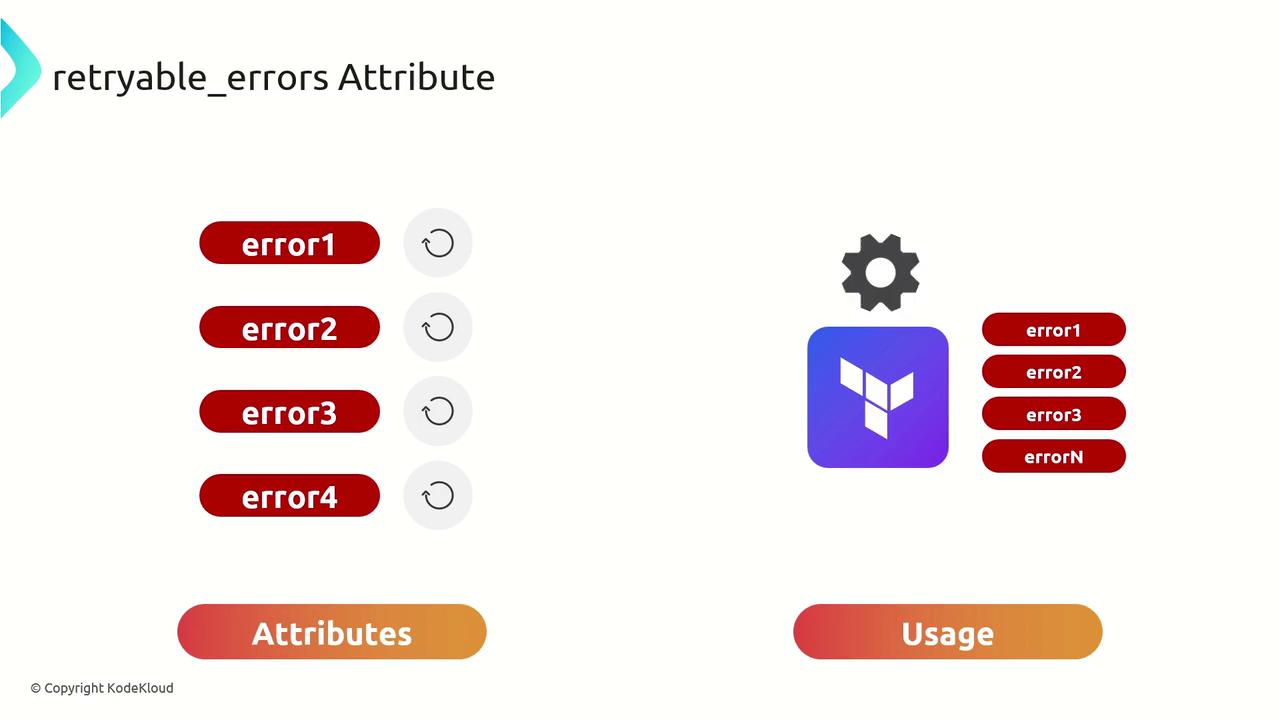
In this lesson, we’ll dive into the `retryable_errors` attribute in Terragrunt. By defining a list of error messages or regular expressions, you can instruct Terragrunt to automatically retry Terraform commands whenever a matching error occurs. This feature is particularly useful for environments prone to transient failures, such as network glitches or API throttling.
## Why Automatic Retries Matter
Automatic retries eliminate the need for manual intervention when fleeting issues arise. Common scenarios include:
* Network timeouts between your CI runner and Terraform remote state
* TLS handshake failures with providers or backends
* API rate limits returning HTTP 429 errors
Terragrunt will keep retrying until either the command succeeds or it hits the maximum retry count.
Use `retryable_errors` sparingly. Only include patterns that truly represent transient failures to avoid masking legitimate configuration errors.
## Common Error Categories
| Error Category | Example Pattern |
| ---------------------- | ----------------------------------------------- |
| Network Timeout | `(?s).*tcp.*timeout.*` |
| TLS Handshake Timeout | `(?s).*TLS handshake timeout.*` |
| API Rate Limit (429) | `(?s).*429 Too Many Requests.*` |
| Backend Initialization | `(?s).*Failed to load state.*` |
| Provider Installation | `(?s).*Error installing provider.*connection.*` |
## Sample Configuration
Below is a `terragrunt.hcl` snippet demonstrating how to configure `retryable_errors`. Customize the regular expressions to match the specific error messages you encounter.
```hcl theme={null}
include {
path = find_in_parent_folders()
expose = true
}
inputs = {
name = "KodeKloud-VPC"
cidr = "10.100.0.0.0/16"
}
retryable_errors = [
"(?s).*Failed to load state.*tcp.*timeout.*",
"(?s).*Failed to load backend.*TLS handshake timeout.*",
"(?s).*Creating metric alarm failed.*request to update this alarm is in progress.*",
"(?s).*Error installing provider.*TLS handshake timeout.*",
"(?s).*Error configuring the backend.*TLS handshake timeout.*",
"(?s).*Error installing provider.*tcp.*timeout.*",
"(?s).*Error installing provider.*tcp.*connection reset by peer.*",
"NoSuchBucket: The specified bucket does not exist",
"(?s).*Error creating SSM parameter: TooManyUpdates.*",
"(?s).*app\\.terraform\\.io:.* 429 Too Many Requests.*",
"(?s).*ssh_exchange_identification:.*Connection closed by remote host.*",
"(?s).*Client\\.*Timeout exceeded while awaiting headers.*",
"(?s).*Could not download module.*The requested URL returned error: 429.*"
]
```
Adjust each regex to match the exact error text your builds produce. Test patterns locally with tools like `grep -P` or [regex101](https://regex101.com/) before adding them to your configuration.
***
With `retryable_errors` in place, you can run Terragrunt commands with increased confidence that temporary issues won’t derail your CI/CD workflows. Happy provisioning!
## Links and References
* [Terragrunt Documentation: retryable\_errors](https://terragrunt.gruntwork.io/docs/reference/config-blocks/retryable_errors/)
* [Terraform Regular Expressions](https://www.terraform.io/docs/language/expressions/regex.html)