> ## Documentation Index
> Fetch the complete documentation index at: https://notes.kodekloud.com/llms.txt
> Use this file to discover all available pages before exploring further.
# dependencies Block
> The dependencies block in Terragrunt ensures modules are applied in a specific order by listing prerequisite module paths.
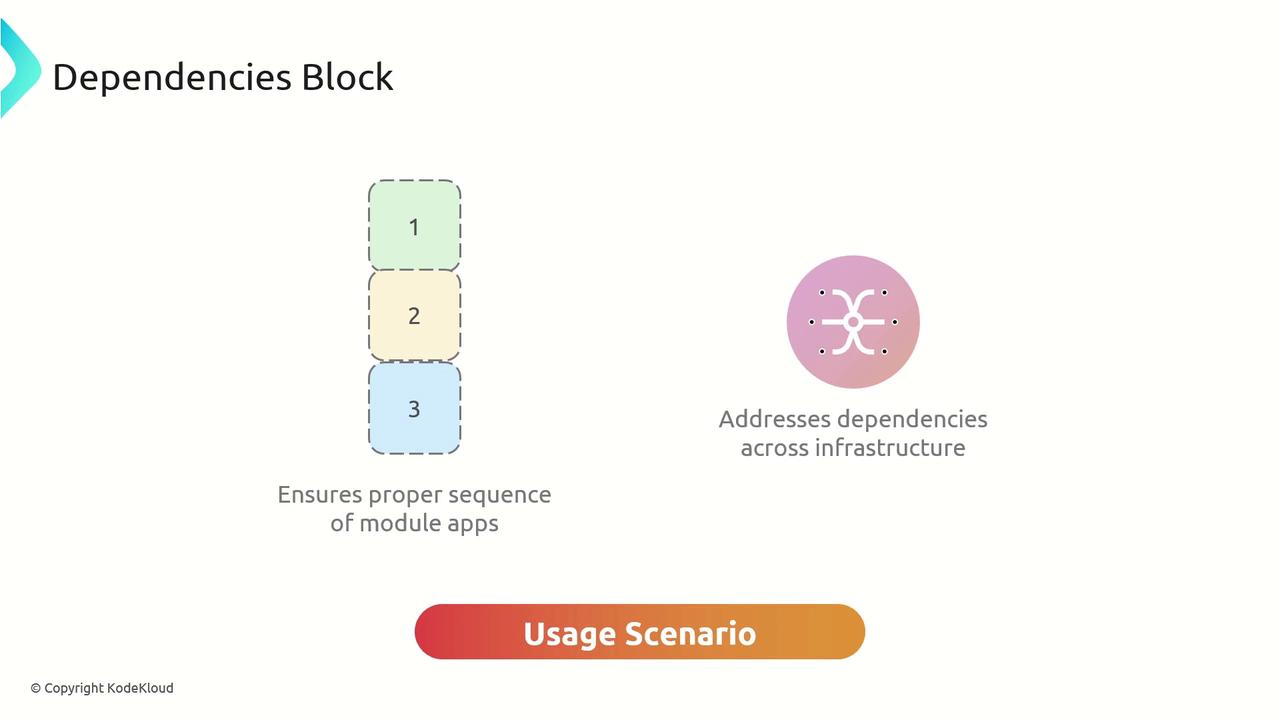
The `dependencies` block in Terragrunt ensures that modules are applied in a specific order when running commands like `terragrunt run-all`. By listing paths to prerequisite modules, you guarantee that upstream infrastructure is provisioned before downstream modules execute.
## Key Attribute
| Attribute | Type | Description |
| --------- | ------------ | ------------------------------------------------------------------------------- |
| paths | list(string) | A list of relative paths to modules that must finish before the current module. |
The `dependencies` block only enforces execution order. It does **not** retrieve outputs from those modules. To reference outputs, use the `dependency` block with `config_path` and `outputs`.
## Usage Scenario
Imagine you have defined VPC and EC2 modules, and you want to add an S3 bucket that should only be provisioned after the EC2 instance. Even though the S3 bucket doesn’t consume any EC2 outputs, you can enforce this order:
```hcl theme={null}
terraform {
source = "tfr://terraform-aws-modules/s3-bucket/aws//?version=4.1.2"
}
include "root" {
path = find_in_parent_folders()
expose = true
}
include "common" {
path = find_in_parent_folders("common.hcl")
expose = true
}
dependencies {
paths = ["../ec2"]
}
inputs = {
bucket = include.common.locals.project
}
```
## Applying with `terragrunt run-all`
From the root configuration directory, run:
```bash theme={null}
terragrunt run-all apply
```
This command applies the EC2 module under `../ec2` first, then provisions the S3 bucket, preserving the correct module sequence and preventing race conditions.
## Links and References
* [Terragrunt Documentation](https://terragrunt.gruntwork.io/docs/)
* [Terragrunt CLI: run-all](https://terragrunt.gruntwork.io/docs/reference/cli-options/#run-all)