> ## Documentation Index
> Fetch the complete documentation index at: https://notes.kodekloud.com/llms.txt
> Use this file to discover all available pages before exploring further.
# locals Block
> Learn to use the locals block in Terragrunt for defining reusable variables and expressions to simplify configuration and improve maintainability.
In this lesson, you’ll learn how to leverage the `locals` block in Terragrunt to define reusable variables and expressions directly within your configuration. By centralizing complex values, you can simplify your HCL, reduce duplication, and improve maintainability.
## Benefits of the locals Block
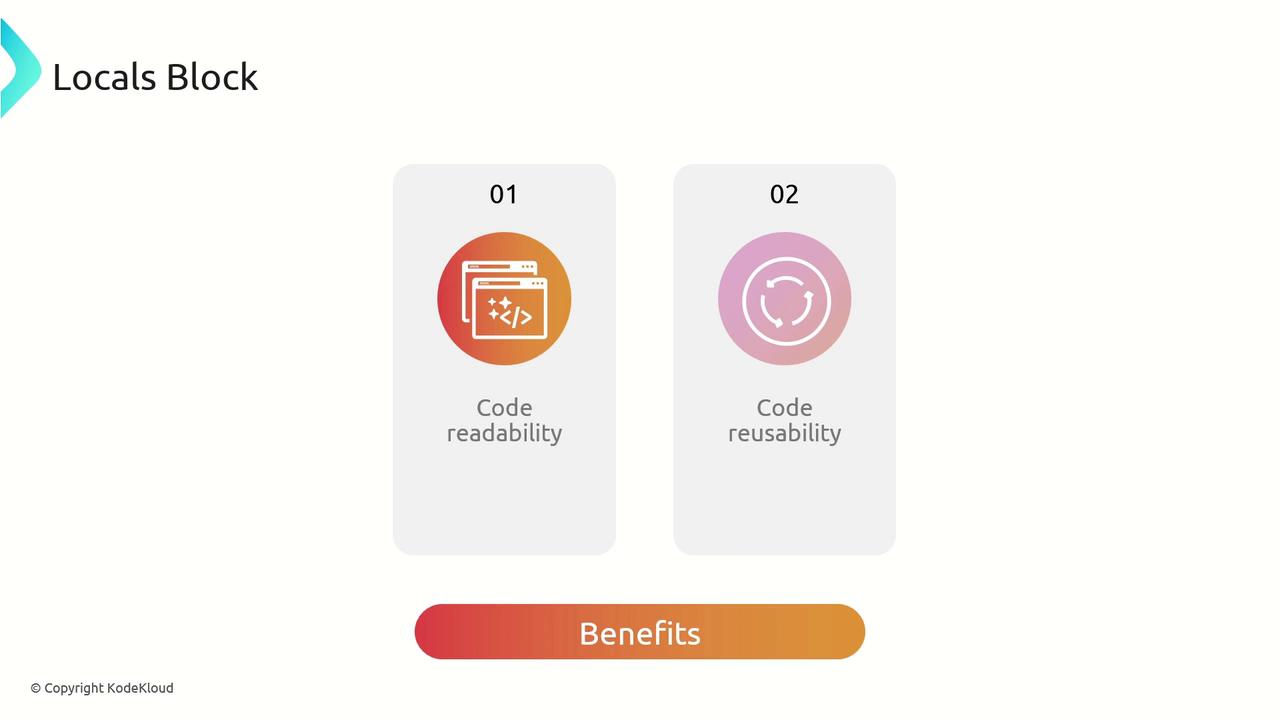
Encapsulating expressions or static values into named local variables offers clear advantages:
| Benefit | Description |
| ---------------- | ------------------------------------------------------------------------ |
| Code readability | Improves comprehension by giving meaningful names to expressions |
| Code reusability | Follows DRY (Don’t Repeat Yourself) by reusing values in multiple places |
## Considerations
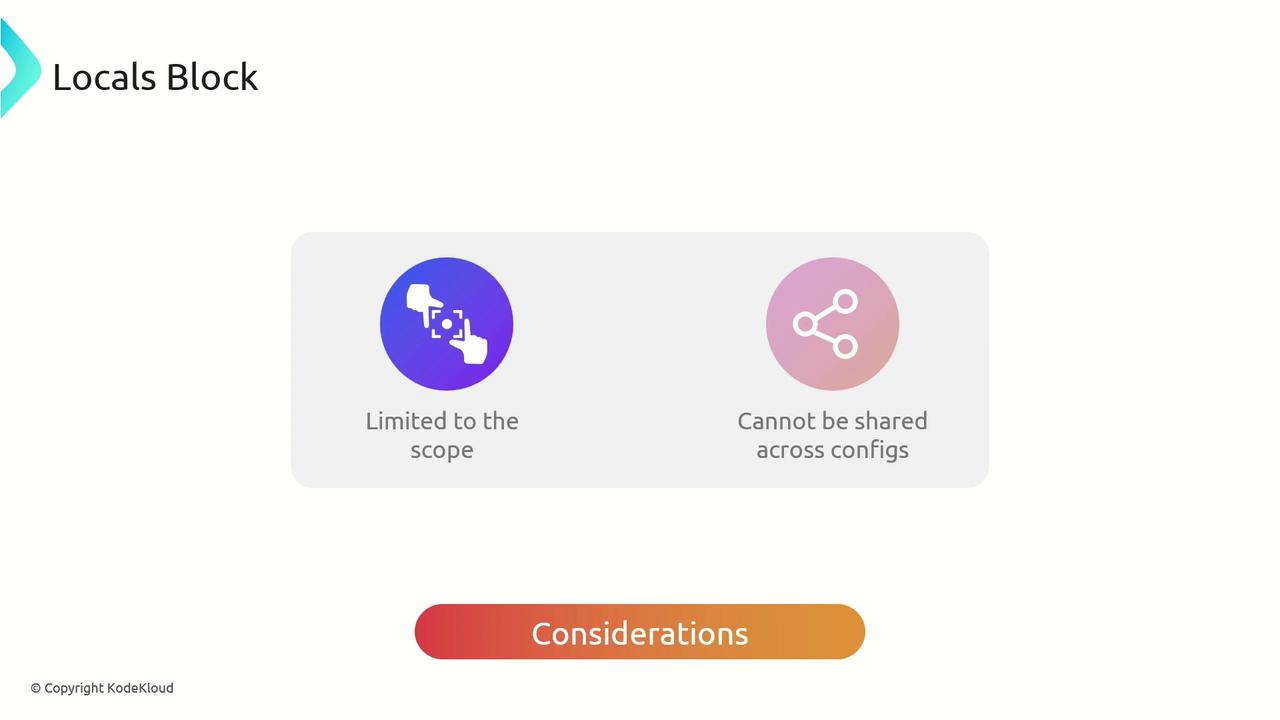
Local variables are strictly confined to the configuration where they’re declared. They won’t be shared across sibling or parent Terragrunt files.
`locals` in Terragrunt are not global. You cannot reference a local variable defined in one directory from another unless explicitly passed through inputs or shared via a common config.
## Best Practices
* Group related expressions under a single `locals` block to keep your configuration tidy.
* Name variables clearly to convey their purpose (e.g., `project_name`, `environment_cidr`).
* Avoid overusing locals for trivial values; reserve them for expressions or values reused multiple times.
* Document complex locals with inline comments for future maintainers.
## Example Usage
### 1. Defining a local variable
```hcl theme={null}
locals {
project = "KodeKloud"
}
```
### 2. Referencing locals from a shared config (`common.hcl`)
```hcl theme={null}
terraform {
source = "tfr://terraform-aws-modules/vpc/aws//?version=5.8.1"
}
include "root" {
path = find_in_parent_folders()
expose = true
}
include "common" {
path = find_in_parent_folders("common.hcl")
expose = true
}
inputs = {
name = include.common.locals.project
}
```
### 3. Adding file-specific locals
You can define additional `locals` in any Terragrunt file for values unique to that directory.
```hcl theme={null}
locals {
cidr = "10.100.0.0/16"
}
inputs = {
name = include.common.locals.project
vpc_cidr = local.cidr
}
```
This `cidr` variable is available only within the current VPC configuration, ensuring isolation from other modules.
## Links and References
* [Terragrunt Documentation](https://terragrunt.gruntwork.io/docs/)
* [Terraform Registry](https://registry.terraform.io/)