> ## Documentation Index
> Fetch the complete documentation index at: https://notes.kodekloud.com/llms.txt
> Use this file to discover all available pages before exploring further.
# remote state Block
> Terragrunt’s remote_state block centralizes Terraform state storage by configuring remote backends, ensuring consistency, locking, and encryption across environments and teams.
Terragrunt’s `remote_state` block centralizes Terraform state storage by configuring remote backends such as AWS S3, Azure Blob Storage, or Google Cloud Storage. This ensures consistency, locking, and encryption across multiple environments and teams.
By leveraging Terragrunt’s hierarchical configuration, you can inherit and override `remote_state` settings at various directory levels, simplifying the management of complex infrastructure setups.
## remote\_state Block Attributes
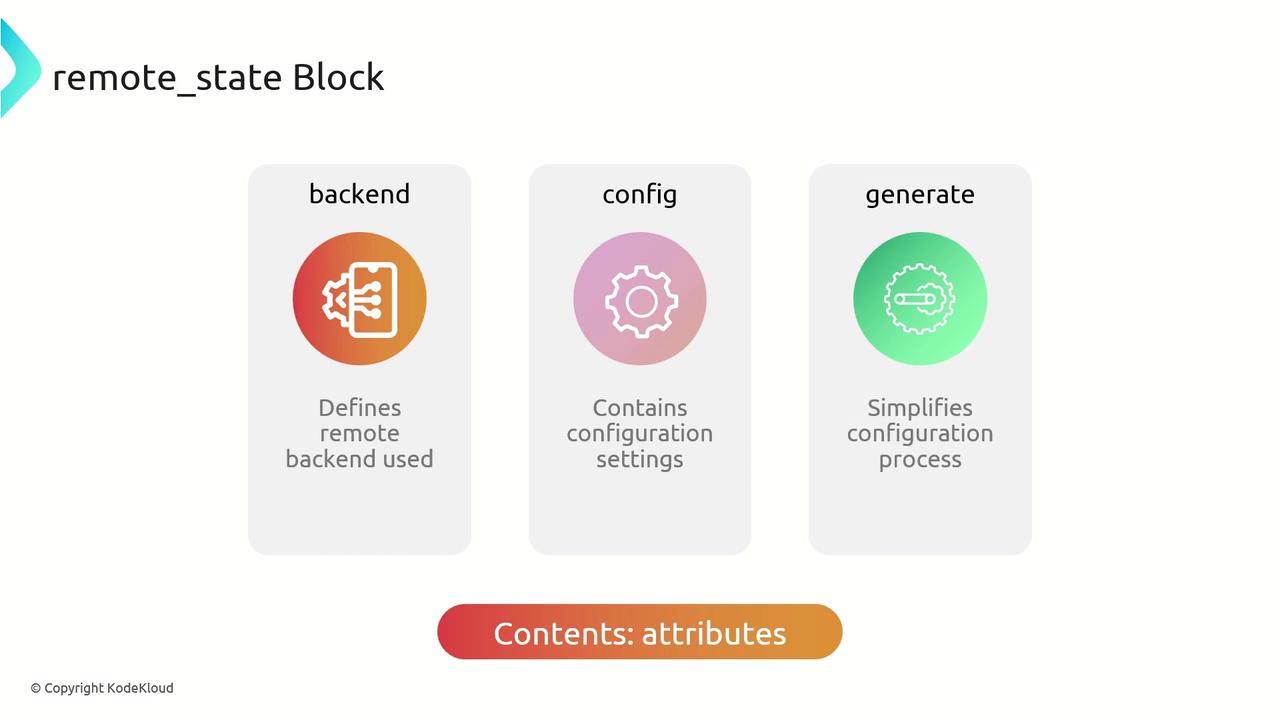
| Attribute | Description |
| --------- | ---------------------------------------------------------------------------------------------------- |
| backend | Type of Terraform remote backend (e.g., `s3`, `azurerm`). |
| config | Map of backend-specific settings: bucket names, storage accounts, encryption, etc. |
| generate | *Optional.* Auto-generates a Terraform backend file (e.g., `backend.tf`) following your conventions. |
The `generate` block helps maintain a standard backend configuration across modules without manually creating `backend.tf` files.
## Benefits of Using remote\_state
| Benefit | Description |
| ------------------------------- | -------------------------------------------------------------------------------------- |
| Centralized State | Stores all Terraform state in one place for easier collaboration and versioning. |
| Consistent Locking & Encryption | Utilizes backend features (e.g., DynamoDB locks for S3) to prevent concurrent changes. |
| Environment Isolation | Dynamic keys (e.g., `path_relative_to_include()`) separate state per module or layer. |
## Security Considerations
* Enforce strict IAM policies to control who can read or modify state files.
* Enable server-side and transit encryption for sensitive data.
* Use locking mechanisms (e.g., [DynamoDB](https://docs.aws.amazon.com/amazondynamodb/) for S3) to avoid race conditions.
## Best Practices
* Apply a `remote_state` block at the root of each environment for shared modules.
* Leverage `generate` to auto-create backend configuration and reduce manual errors.
* Use dynamic paths like `path_relative_to_include()` to isolate state per module.
Using `generate.if_exists = "overwrite_terragrunt"` will replace any existing backend file. Ensure you don’t lose custom modifications.
## Example Configuration
The following example shows a complete `remote_state` block for an AWS S3 backend, including encryption, DynamoDB locking, and automatic backend file generation:
```hcl theme={null}
remote_state {
backend = "s3"
config = {
encrypt = true
bucket = "kodekloud-terragrunt-remote-state"
key = "${path_relative_to_include()}/terraform.tfstate"
region = "eu-west-1"
dynamodb_table = "terraform-locks"
}
generate = {
path = "backend.tf"
if_exists = "overwrite_terragrunt"
}
}
```
Breakdown of settings:
* `backend = "s3"`\
Selects the AWS S3 backend for remote state storage.
* `config.encrypt = true`\
Enables server-side encryption on the S3 bucket.
* `config.bucket`\
Specifies the S3 bucket name used for state files.
* `config.key`\
Uses `path_relative_to_include()` to generate a unique path per module.
* `config.region`\
Sets the AWS region (e.g., `eu-west-1`).
* `config.dynamodb_table`\
Defines a DynamoDB table for state locking and consistency.
* `generate.path`\
Determines where to generate the Terraform backend file (e.g., `backend.tf`).
* `generate.if_exists`\
Controls behavior if the file already exists; `overwrite_terragrunt` replaces it.
By following this pattern, you achieve a secure, consistent, and maintainable remote state setup with Terragrunt.
## Links and References
* [Terraform Remote Backend Configuration](https://www.terraform.io/language/settings/backends/configuration)
* [Terragrunt Documentation: remote\_state](https://terragrunt.gruntwork.io/docs/features/keep-your-terraform-code-dry/#remote-state)
* [AWS S3 Backend Guide](https://registry.terraform.io/providers/hashicorp/aws/latest/docs/resources/s3_bucket)