> ## Documentation Index
> Fetch the complete documentation index at: https://notes.kodekloud.com/llms.txt
> Use this file to discover all available pages before exploring further.
# terragrunt destroy
> The article explains the `terragrunt destroy` command for safely deprovisioning Terraform-managed infrastructure and maintaining consistent environments.
The `terragrunt destroy` command is your go-to solution for safely deprovisioning Terraform-managed infrastructure. By invoking this command, you can prevent unnecessary cloud costs, enforce clean-ups, and maintain consistent environments across your configurations.
## Purpose
Use `terragrunt destroy` when you need to remove resources provisioned by Terraform. It wraps Terraform’s native `terraform destroy`, extending it with Terragrunt’s configuration hierarchy and remote state management.
## Workflow
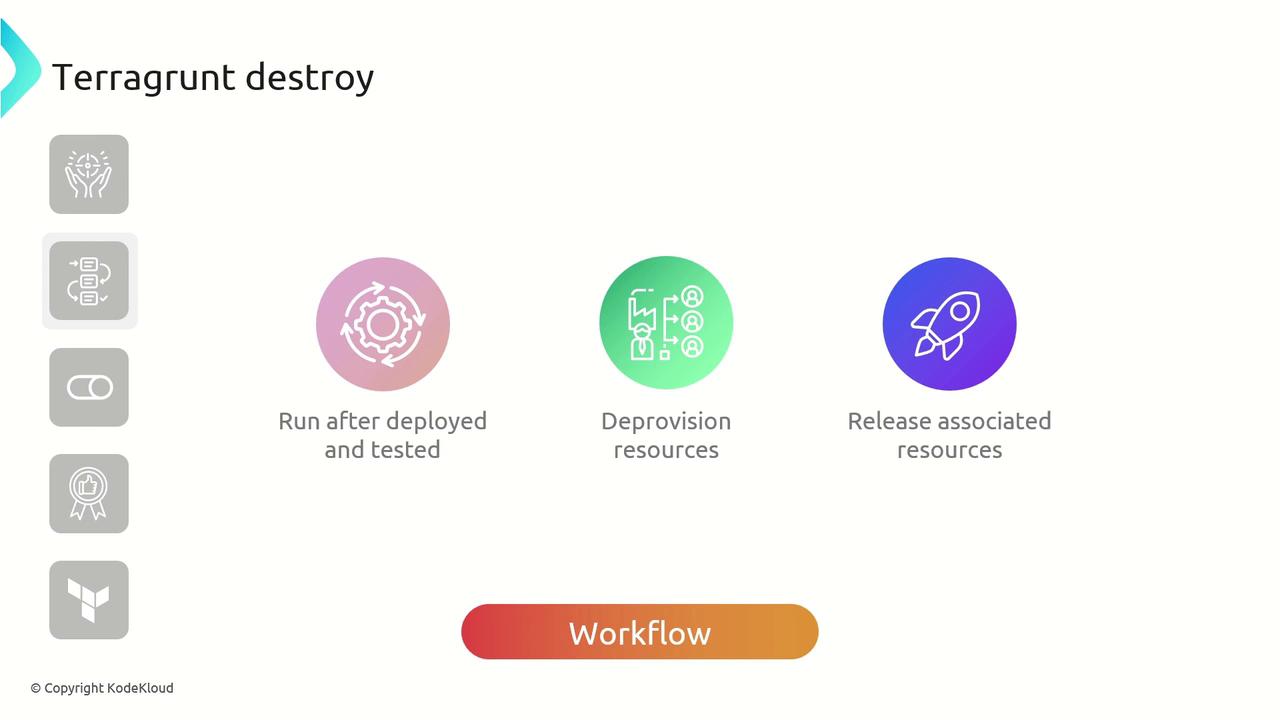
A typical `terragrunt destroy` workflow involves:
1. Deploying and validating infrastructure
2. Executing the destroy command
3. Deprovisioning resources
4. Cleaning up state files and remote backends
## Under the Hood
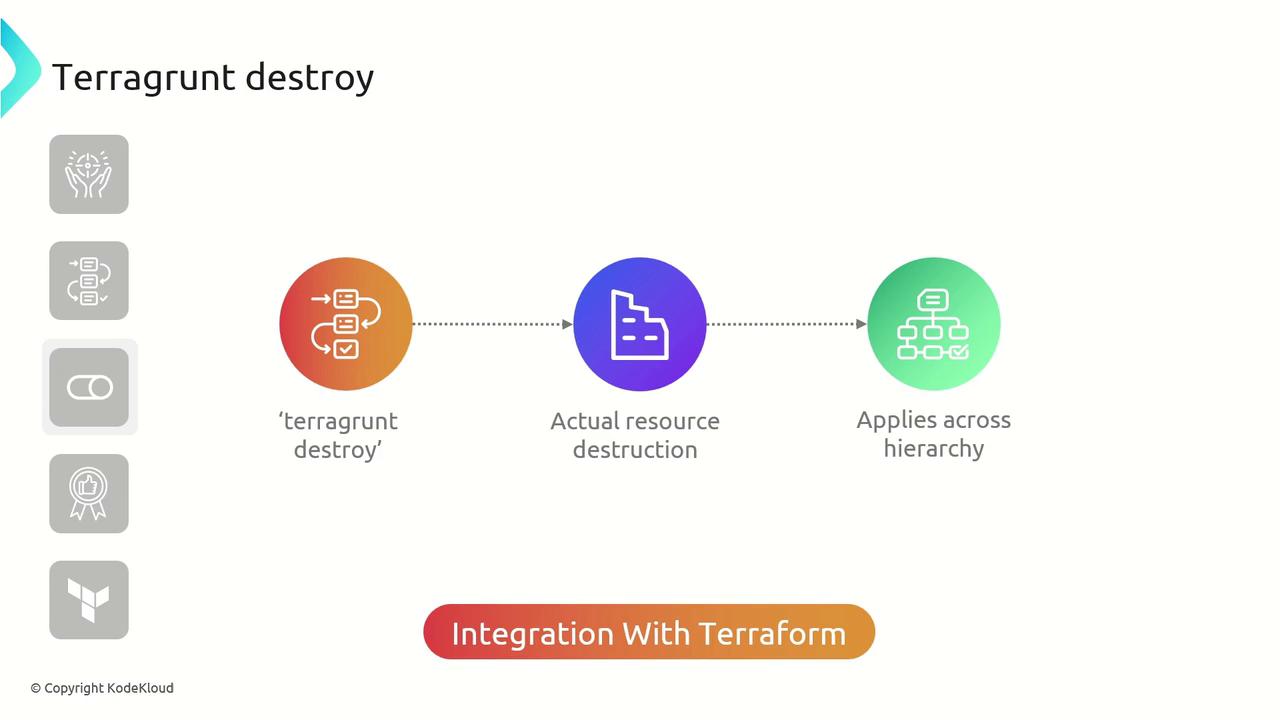
When executed, Terragrunt traverses your configuration hierarchy, initializes each module, and delegates destruction to Terraform. This ensures consistent cleanup across all modules, environments, and remote states.
## Confirmation Prompt
Before any infrastructure is torn down, Terragrunt prompts you to confirm the destruction plan.
Always review the plan output before typing `yes`. Running `terragrunt destroy` is irreversible and may lead to data loss.
## Parallel Execution
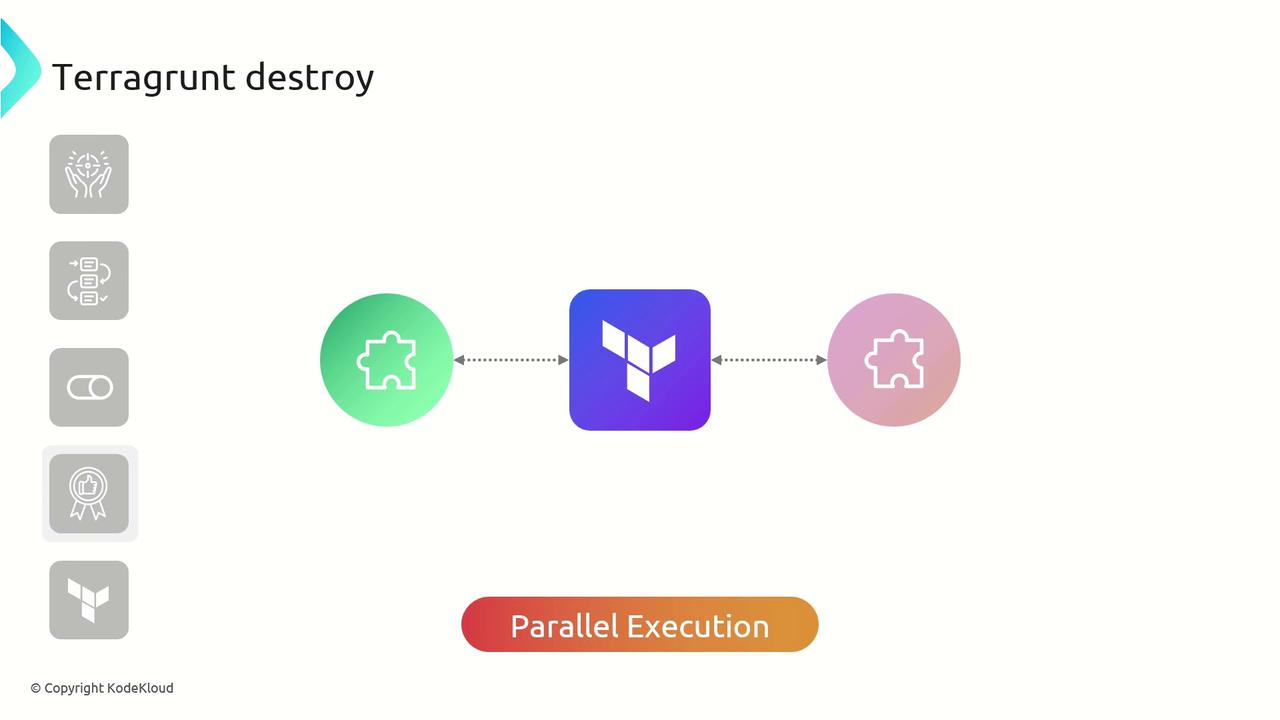
Terragrunt can execute destroy operations in parallel across modules, drastically reducing total cleanup time for large, modular repositories.
## Best Practices
| Environment | Recommendation |
| ---------------------- | ----------------------------------------------------- |
| Non-production | Schedule regular `terragrunt destroy` to reduce cost. |
| Development & Staging | Automate cleanup in CI/CD pipelines after testing. |
| Production & Always-on | Avoid destructive commands; use targeted destroys. |
* Always run `terragrunt plan` before `terragrunt destroy`.
* Lock remote state backends to prevent concurrent modifications.
* Use `--terragrunt-non-interactive` in automated workflows.
## Example: Destroying an AWS VPC
Below is a sample Terragrunt configuration that references an AWS VPC module. We’ll destroy the VPC and its associated resources:
```hcl theme={null}
terraform {
source = "tfr://terraform-aws-modules/vpc/aws/?version=5.8.1"
}
inputs = {
name = "KodeKloud-VPC"
vpc_cidr_block = "10.0.0.0/16"
vpc_enable_dns_hostnames = true
vpc_enable_dns_support = true
vpc_instance_tenancy = "default"
vpc_flow_log_destination_type = "cloud-watch-logs"
# Identifiers for existing resources to be destroyed
vpc_id = "vpc-03218326bbd74f45c"
vpc_arn = "arn:aws:ec2:us-east-1:654654587809:vpc/vpc-03218326bbd74f45c"
vpc_main_route_table_id = "rtb-0f620361b604057a9"
vpc_owner_id = "654654587809"
# Empty lists ensure Terraform will remove these associations
private_route_table_ids = []
public_subnets = []
private_subnets_cidr_blocks = tolist([])
public_subnets_cidr_blocks = tolist([])
}
```
Run the destroy command in your VPC module directory:
```bash theme={null}
cd path/to/vpc
terragrunt destroy
```
Inspect the plan to confirm the intended resources are queued for removal:
```bash theme={null}
Plan: 0 to add, 0 to change, 4 to destroy.
Changes to Outputs:
- azs = "null" -> null
- default_route_table_id = "acl-00cf3b95846d6be5" -> null
- cgw_arns = [] -> null
- cgw_ids = [] -> null
# (additional output removals)
```
Type `yes` when prompted to proceed. Terragrunt will then deprovision the VPC and all related resources.
## Links and References
* [Terragrunt Documentation](https://terragrunt.gruntwork.io/)
* [Terraform destroy Command](https://www.terraform.io/cli/commands/destroy)
* [Terraform State Locking](https://www.terraform.io/language/state/locking)