> ## Documentation Index
> Fetch the complete documentation index at: https://notes.kodekloud.com/llms.txt
> Use this file to discover all available pages before exploring further.
# terragrunt hclfmt
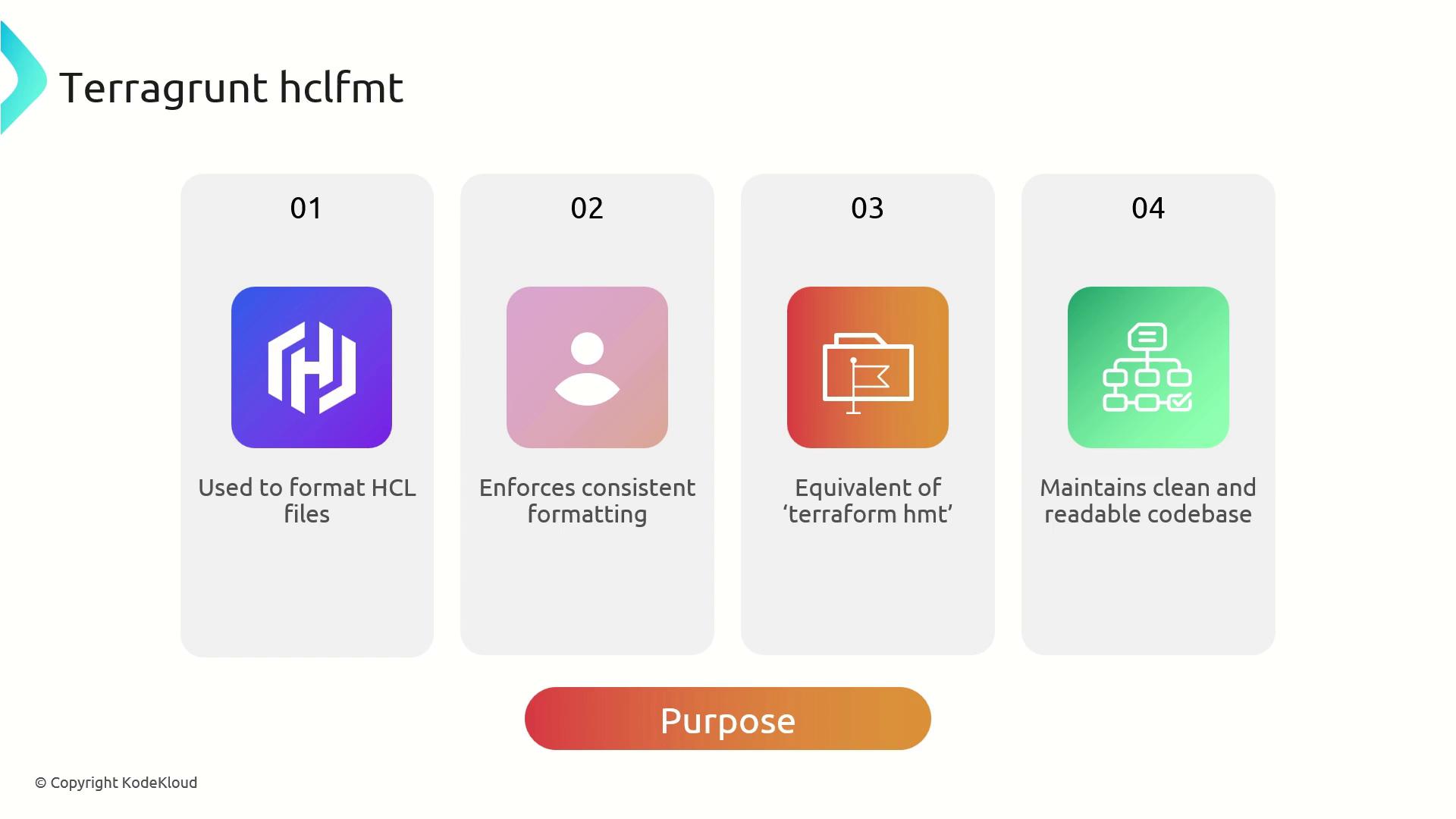
> Terragrunt HCL Format enforces consistent style for HCL files, helping teams maintain clean code and minimize version-control noise.
Terragrunt HCL Format (`hclfmt`) enforces a consistent style for Terragrunt’s HashiCorp Configuration Language (HCL) files. Built on top of `terraform fmt`, it applies Terraform’s formatting conventions while understanding Terragrunt’s hierarchical configuration structure. Using `terragrunt hclfmt` helps teams maintain clean, readable code and minimize version-control noise.
## Integration and Workflow
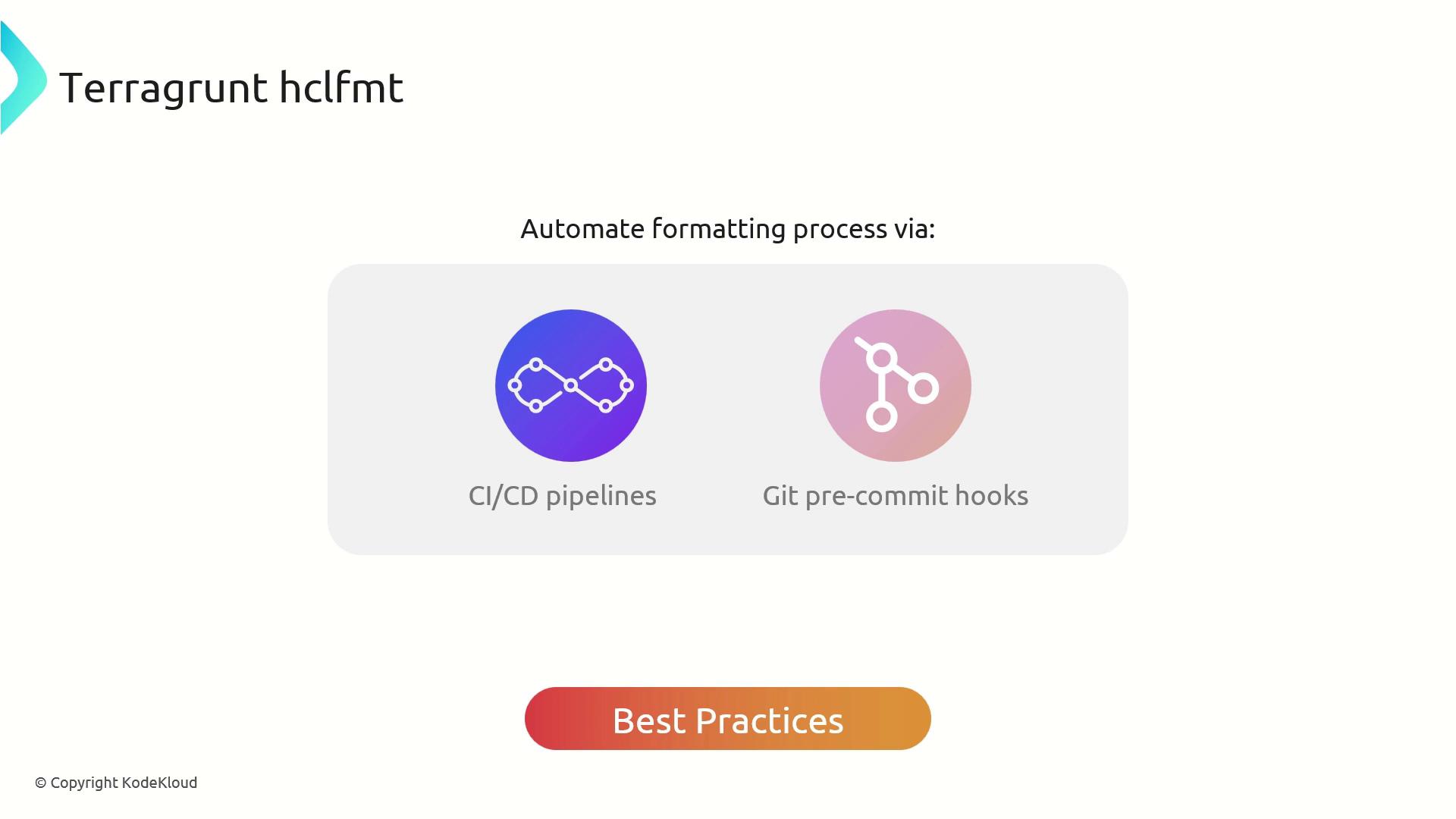
Integrate `terragrunt hclfmt` into your development lifecycle to automate formatting:
* Embed in Git pre-commit hooks to catch style issues before code review.
* Run in CI/CD pipelines to enforce formatting across all branches.
* Leverage the underlying `terraform fmt` compatibility for seamless adoption.
**Best Practices:**
* Add `terragrunt hclfmt` to your `.pre-commit-config.yaml` so developers never miss a formatting step.
* Include formatting checks in your pipeline as a gating job.
* Keep your Terragrunt modules consistent by running `hclfmt` after merging feature branches.
## Core Benefits
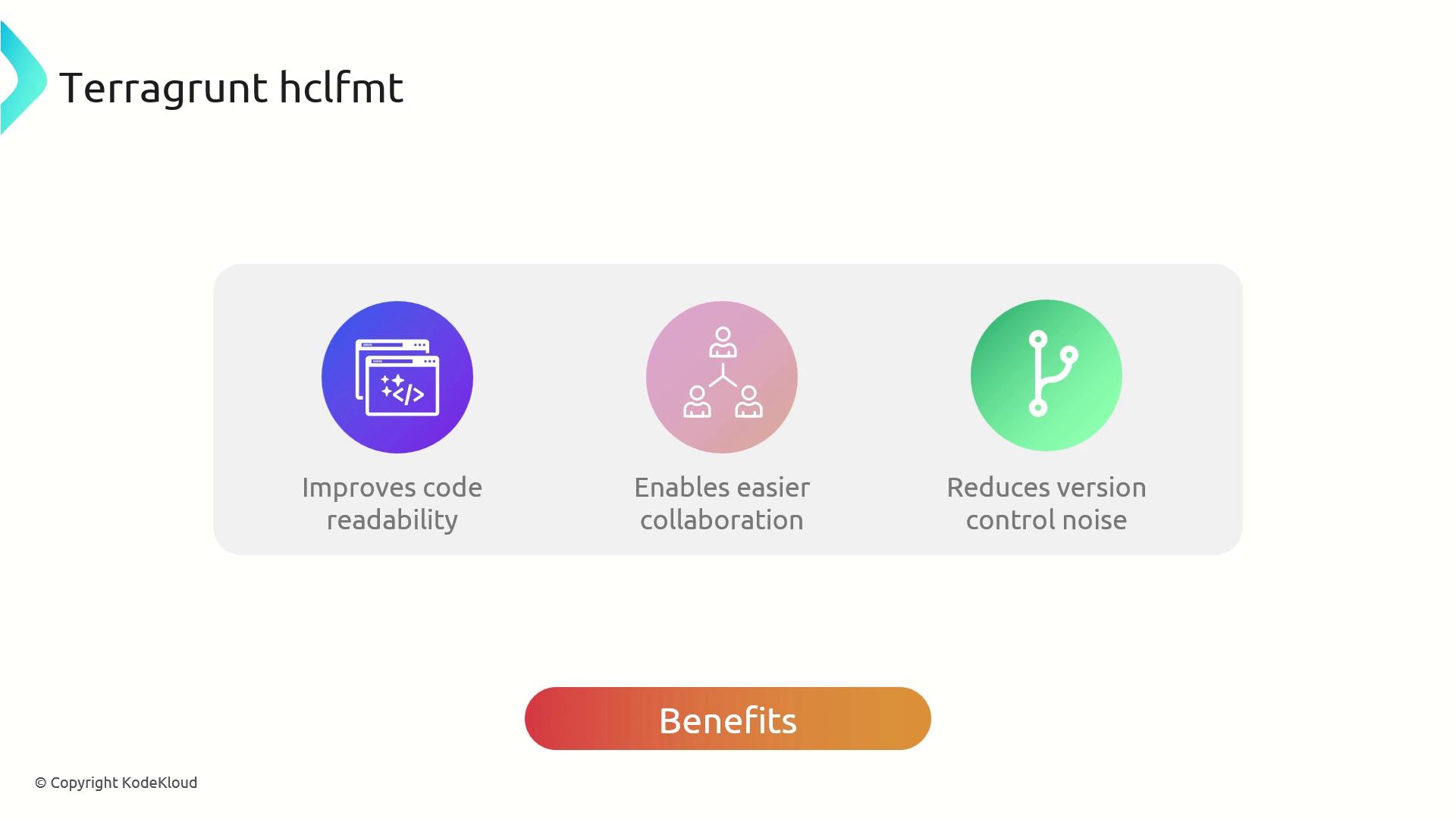
Using `terragrunt hclfmt` delivers:
| Benefit | Description |
| --------------------- | ----------------------------------------------------- |
| Consistent Formatting | Uniform HCL style for Terragrunt and Terraform files. |
| Easier Collaboration | Reduces discussions over indentation and layout. |
| Cleaner Diffs | Removes non-functional changes from version control. |
## Example Usage
Here’s how to format a simple `terragrunt.hcl` that defines a VPC module with inputs for `name` and `cidr`:
Unformatted `terragrunt.hcl`:
```hcl theme={null}
terraform {
source = "tfr://terraform-aws-modules/vpc/aws//?version=5.8.1"
}
inputs = {
name = "Kodekloud-VPC-2"
cidr = "10.0.0.0/16"
}
```
Run the formatter:
```bash theme={null}
cd ~/workspace
terragrunt hclfmt
```
Terminal output:
```bash theme={null}
INFO[0000] /config/workspace/terragrunt.hcl was updated
```
After formatting, the file adheres to style guidelines:
```hcl theme={null}
terraform {
source = "tfr://terraform-aws-modules/vpc/aws//?version=5.8.1"
}
inputs = {
name = "Kodekloud-VPC-2"
cidr = "10.0.0.0/16"
}
```
This workflow ensures that every Terragrunt HCL file in your repository remains consistent, reducing merge conflicts and speeding up code reviews.
Integrating `terragrunt hclfmt` early in your CI/CD process saves time and enforces standards across teams.
Always run `terragrunt hclfmt` before committing changes. Unformatted HCL may cause pipeline failures or inconsistent diffs.
## Links and References
* [Terraform fmt CLI](https://developer.hashicorp.com/terraform/cli/commands/fmt)
* [Terragrunt Documentation](https://terragrunt.gruntwork.io/)
* [pre-commit Hooks](https://pre-commit.com)
* [Terraform AWS Modules](https://registry.terraform.io/modules/terraform-aws-modules/vpc/aws)