> ## Documentation Index
> Fetch the complete documentation index at: https://notes.kodekloud.com/llms.txt
> Use this file to discover all available pages before exploring further.
# terragrunt plan
> Generates and reviews execution plans for Terraform infrastructure changes, enhancing visibility and efficiency across configurations.
`terragrunt plan` produces a detailed execution plan that shows exactly which resources Terraform will create, update, or destroy. Reviewing this plan before applying changes helps you:
* Validate the intended modifications
* Catch configuration errors early
* Ensure alignment with stakeholder requirements
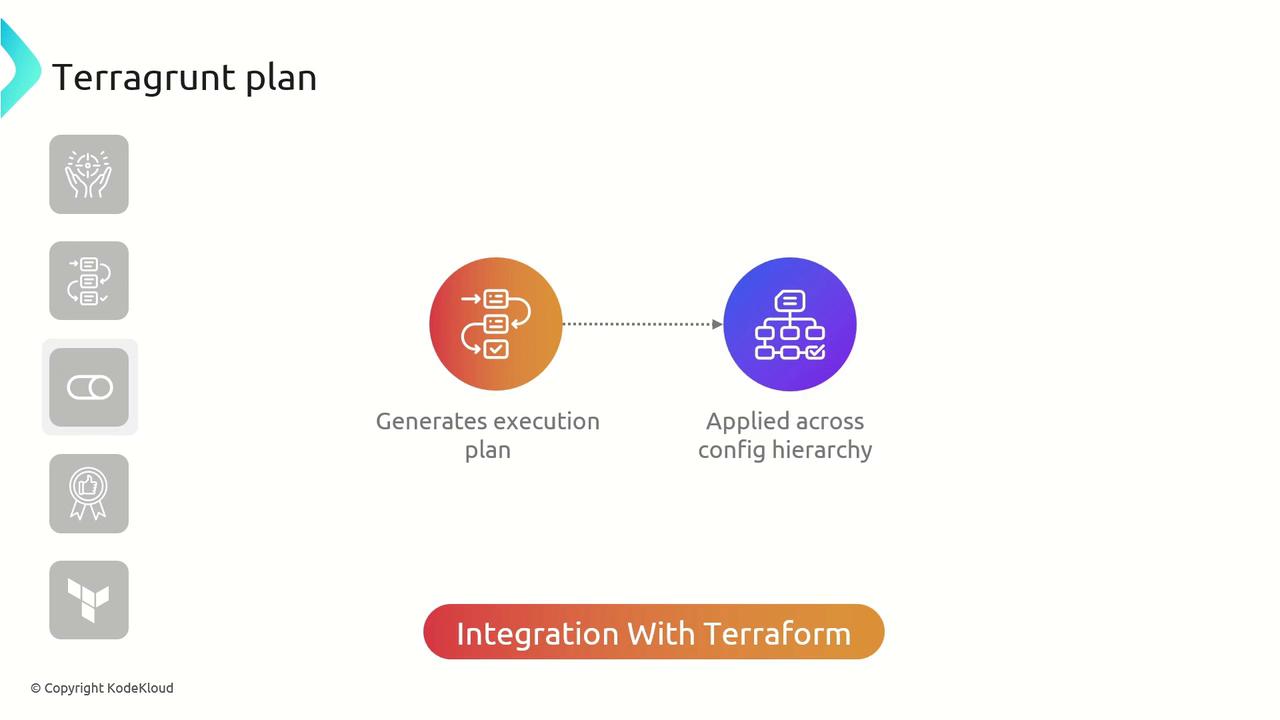
Terragrunt enhances Terraform’s native `plan` command by recursively applying it across your entire configuration hierarchy. This provides a unified, end-to-end view of changes across all modules.
Terragrunt delegates to [`terraform plan`](https://www.terraform.io/cli/plan) under the hood, orchestrating plans across multiple modules and directories.
## Key Features of Terragrunt Plan
| Feature | Description | Benefit |
| --------------------- | ------------------------------------------------------- | ----------------------------------------------- |
| Hierarchical Planning | Executes `terraform plan` across all Terragrunt modules | Consistent visibility across environments |
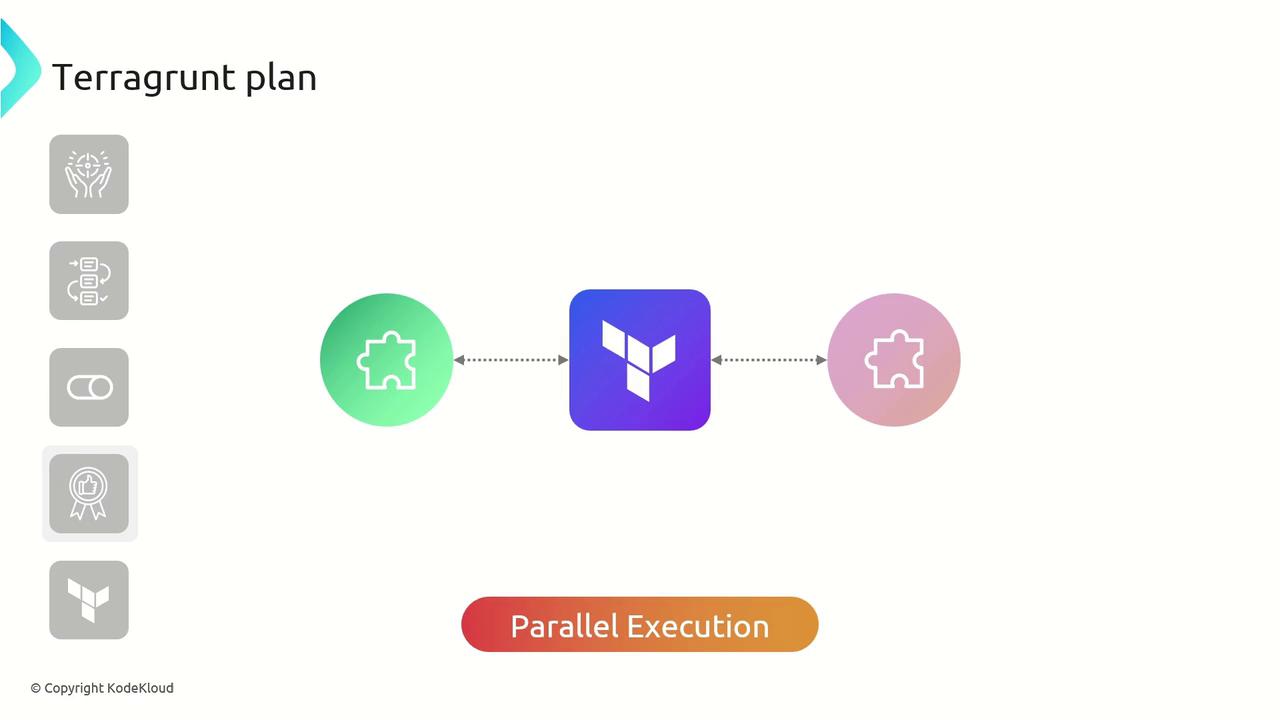
| Parallel Execution | Plans multiple modules concurrently | Significant reduction in planning time |
| Execution Summaries | Aggregates and summarizes results from each module | Quick, consolidated view of all pending changes |
### Parallel Planning Across Modules
In a modular project structure, `terragrunt plan` can run in parallel, speeding up the planning phase by generating multiple execution plans simultaneously.
## Best Practices for `terragrunt plan`
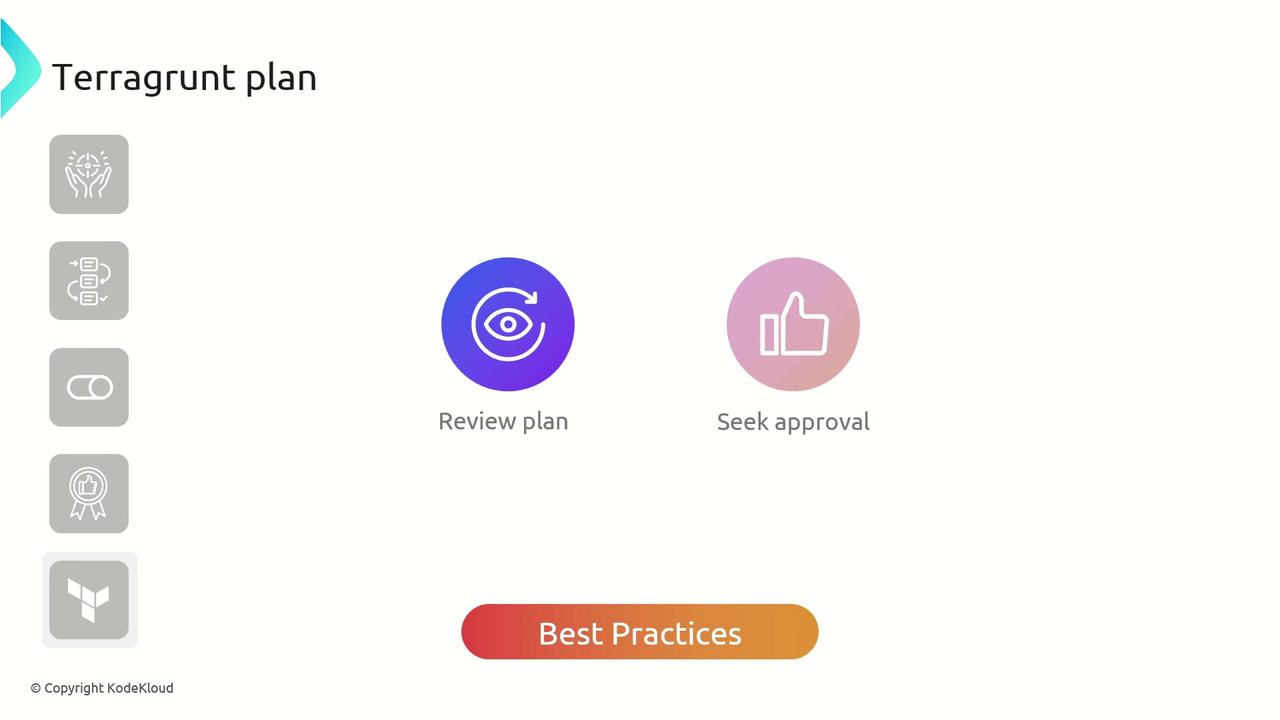
* Always **review** the complete execution plan before applying changes.
* **Seek approval** from relevant stakeholders to prevent unintended infrastructure modifications.
* Use version control to track and audit plan outputs.
Never run `terragrunt apply` without first validating the execution plan. Unreviewed plans can lead to unexpected downtime or resource drift.
## Example: Planning an AWS VPC Module
Below is a sample Terragrunt configuration that references the official Terraform AWS VPC module. Adjust the `name` input to fit your naming conventions:
```hcl theme={null}
terraform {
source = "tfr://terraform-aws-modules/vpc/aws//?version=5.8.1"
}
inputs = {
name = "KodeKloud-VPC"
}
```
To generate the plan, simply run:
```bash theme={null}
$ terragrunt plan
```
After Terragrunt prepares the consolidated configuration, you’ll see an execution plan similar to this:
```hcl theme={null}
# aws_vpc.this[0] will be created
resource "aws_vpc" "this" {
+ arn = (known after apply)
+ cidr_block = "10.0.0.0/16"
+ default_network_acl_id = (known after apply)
+ default_route_table_id = (known after apply)
+ default_security_group_id = (known after apply)
+ dhcp_options_id = (known after apply)
+ enable_dns_hostnames = true
+ enable_dns_support = true
+ enable_network_address_usage_metrics = (known after apply)
+ id = (known after apply)
+ instance_tenancy = "default"
+ owner_id = (known after apply)
+ tags = {
+ "Name" = "KodeKloud-VPC"
}
+ tags_all = {
+ "Name" = "KodeKloud-VPC"
}
}
Plan: 4 to add, 0 to change, 0 to destroy.
Changes to Outputs:
+ azs = []
+ cgw_arns = []
+ cgw_ids = []
+ database_nat_gateway_route_ids = []
+ database_route_table_association_ids = []
+ database_route_table_ids = []
+ database_subnet_arns = []
+ database_subnets_cidr_blocks = []
```
Always inspect the plan output to confirm that resource additions and deletions match your expectations before proceeding to `terragrunt apply`.
## Links and References
* [Terragrunt Documentation](https://terragrunt.gruntwork.io/docs/)
* [Terraform CLI: plan](https://www.terraform.io/cli/plan)
* [Terraform AWS VPC Module](https://registry.terraform.io/modules/terraform-aws-modules/vpc/aws)